How to Replace BMW CAS3 N20 ECU with CGDI Prog BMW
How to: change replace the BMW CAS3 N20 Engine Computer using CGDI Prog BMW key programmer.
When is required:
A secondhand/used N20 ecu was to used to replace the original N20 engine computer.
Procedure:
Read engine ECU data with CG100 Prog
Note: Only CG-100 full-featured can do this.
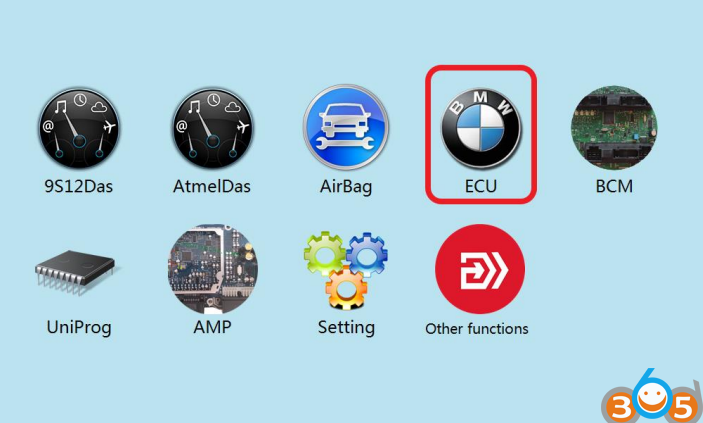
Click to enter “ECU”
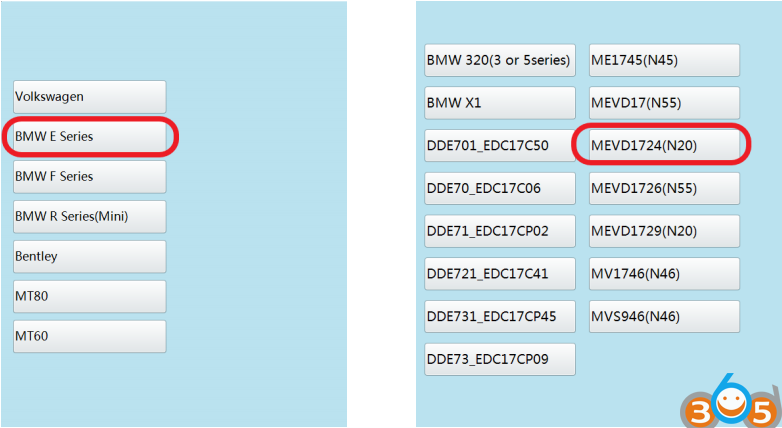
Click on the engine model option to enter the current vehicle
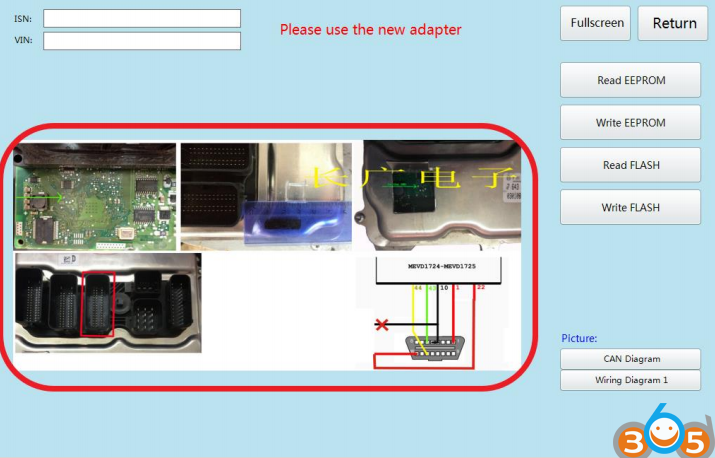
According to the software physical wiring diagram wiring
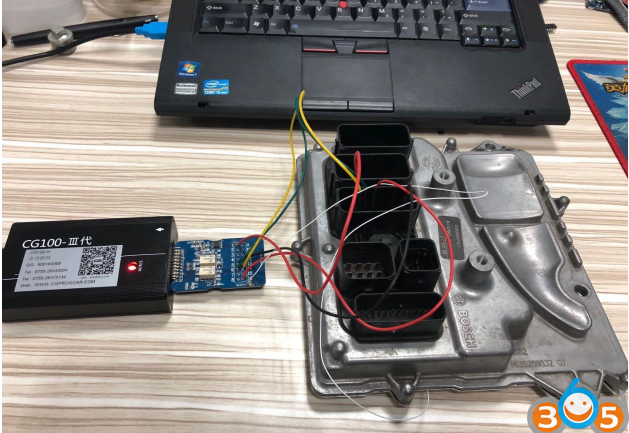
Engine module wiring
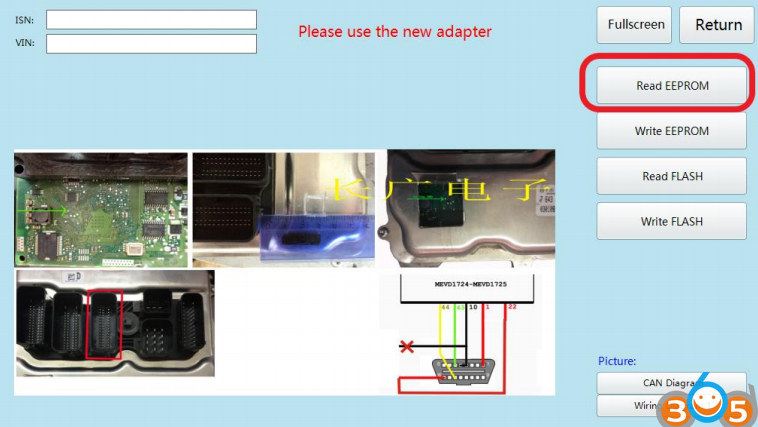
Click ‘Read EEPROM’
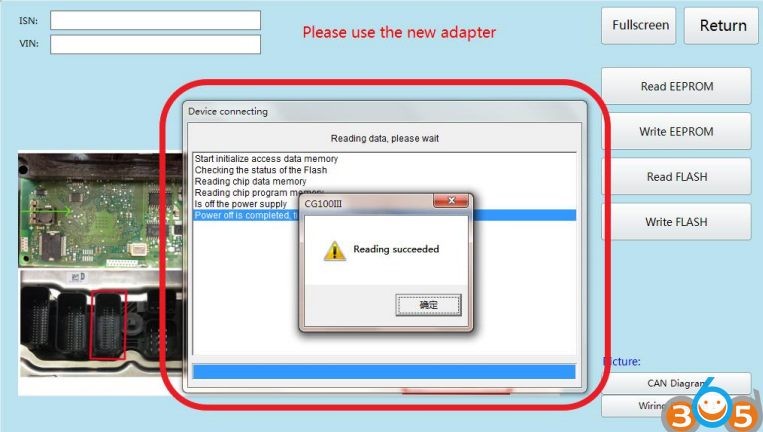
Read successfully and save the data
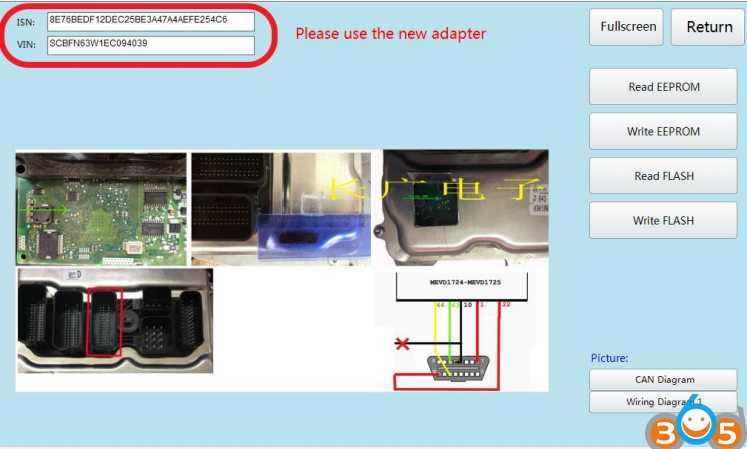
Show ISN and VIN
Connect CGDI BMW with vehicle via OBD socket through main cable
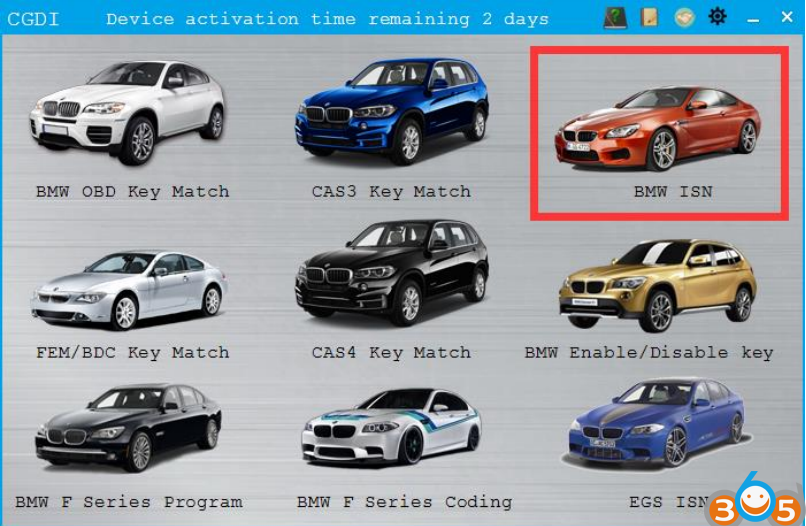
Select BMW ISN
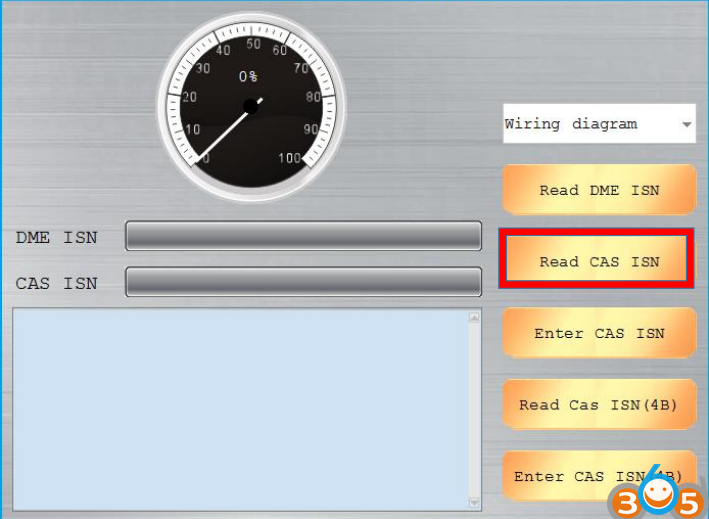
Click “Read CAS ISN”
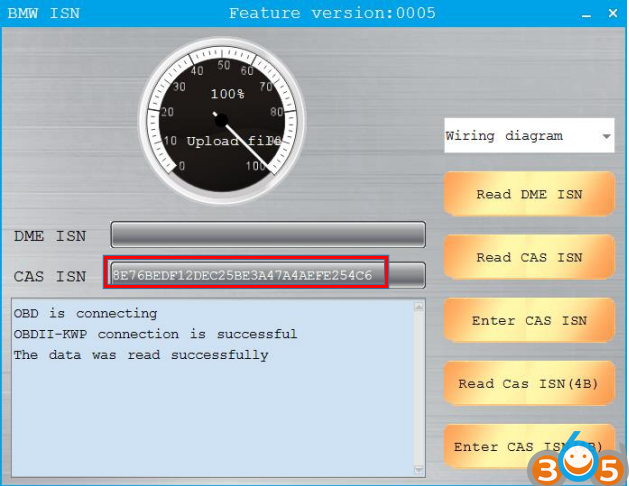
CAS ISN read successfully
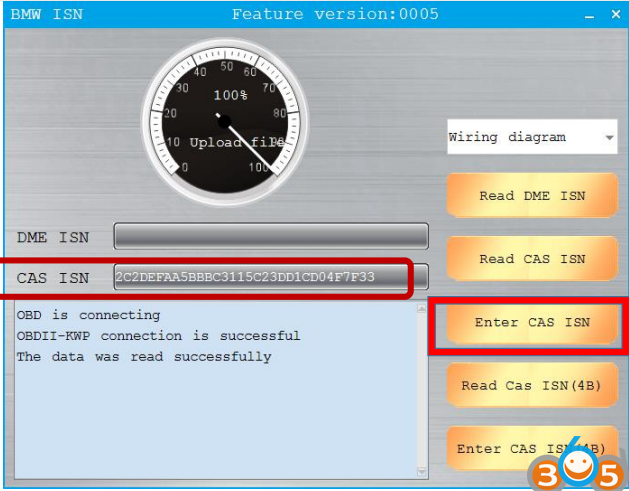
Input ISN which read through CG100
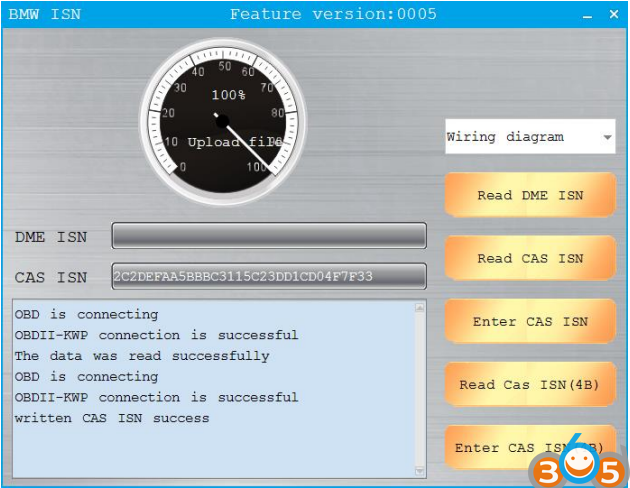
Write successfully, replace engine computer was completed.