OBDSTAR X300 DP Program Toyota 2016 All 88/A8 Smart Keys Lost by OBD
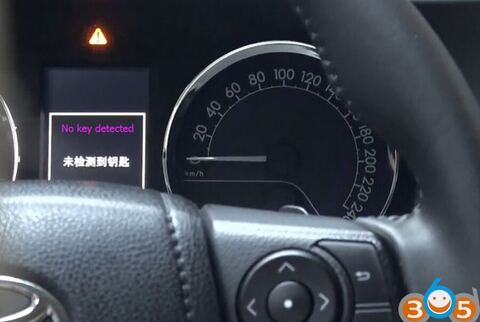
How to: program Toyota year 2016 smart key 88/A8 chip when all keys lost using OBDSTAR X300 DP/Key Master DP full and P001 programmer (with smart key emulators).
OBDSTAR X300 DP PLUS (X300 PAD2) full version will perform the feature as well. It is no need to buy P001 programmer and does not to connect with VCI box. Check similar procedure: LINK
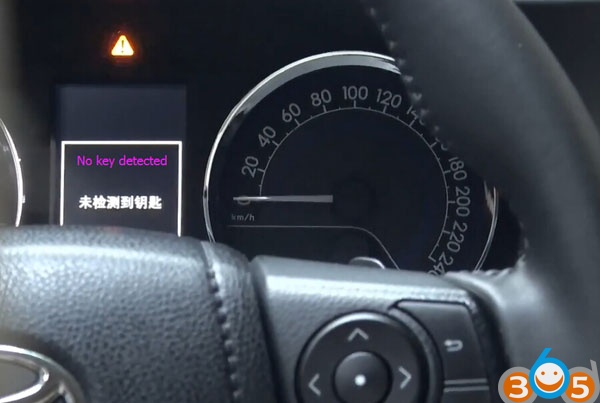
All keys have lost. No key identified.
Step 1: Backup EEPROM
Connect OBDSTAR X300 DP with VCI and vehicle via OBD
Select Immobilizer->Toyota->Toyota/Scion/Lexus V32.02->Smart key system->Type 5 All smart keys lost->Read EEPROM
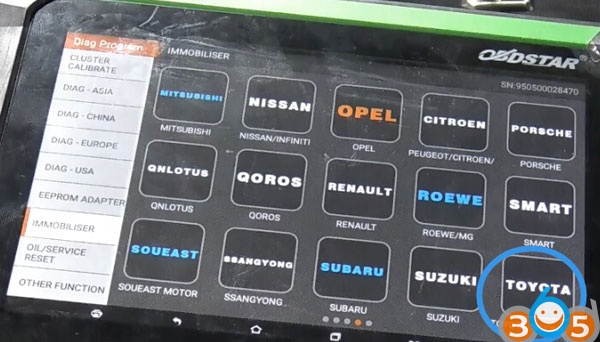
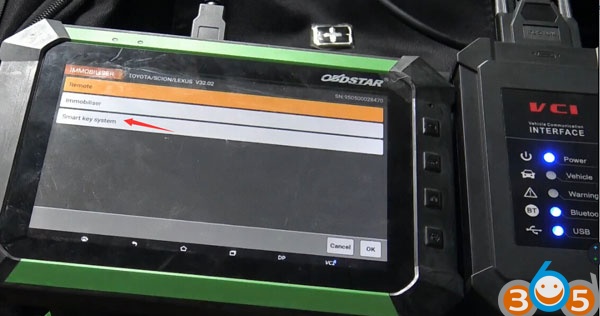
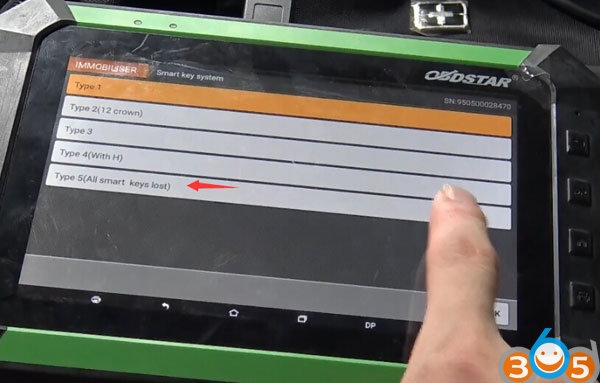
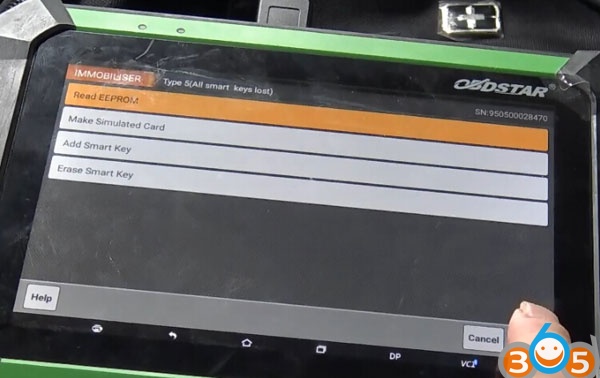
This function can read and backup vehicle eeprom data.
After backup eeprom data. the simulated card is generated with the data.
Using simulated card attach start button to turn on instrument and the simulated key can be used as original car key to add smart key.
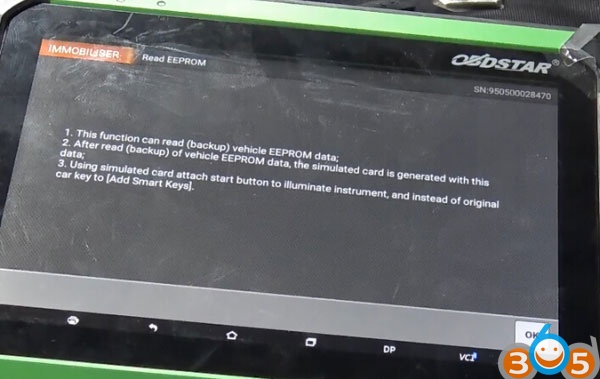
Save eeprom data
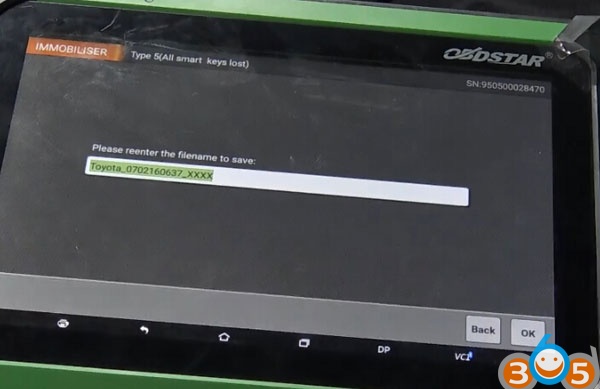
EEPROM data backup succeed. Execute the Make Simulated Card function.
Step 2: Program Smart Card
Select Make Simulated Card function
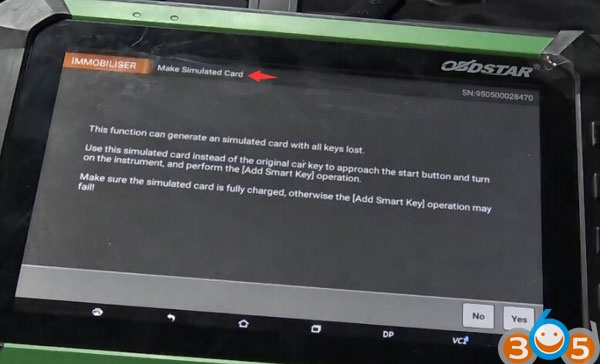
This function can generate an simulated card when all keys lost.
Use the simulated card instead of original car key to approach the start button and turn on the
instrument and add smart key.
Make sure the simulated card is fully charged, otherwise the Add Smart Key procedure may fail
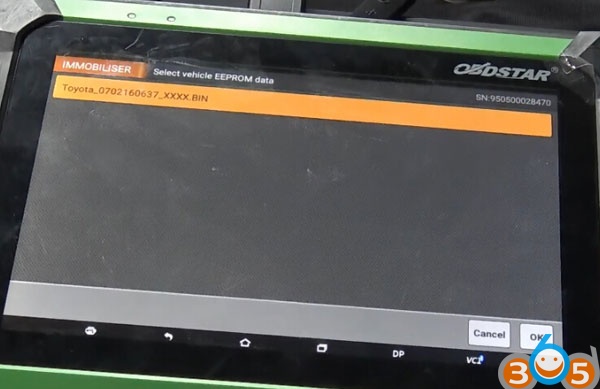
Select EEPROM data to generate simulated key
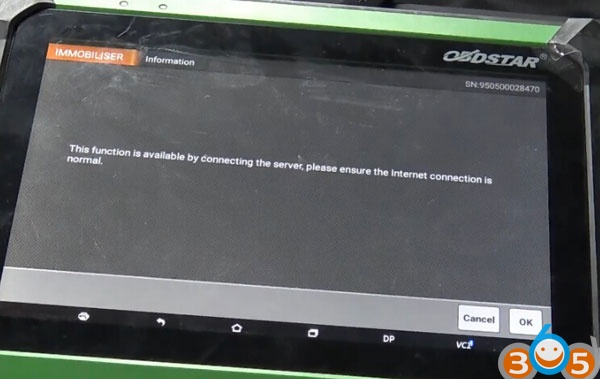
This function is available by connecting the server, please ensure the internet connection is normal.
Connect OBDSTAR P001 programmer with X300 DP VCI interface
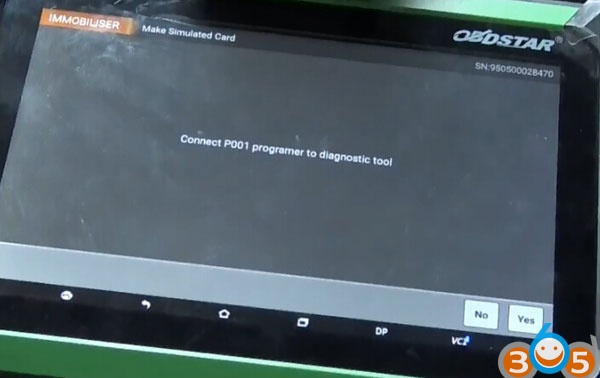
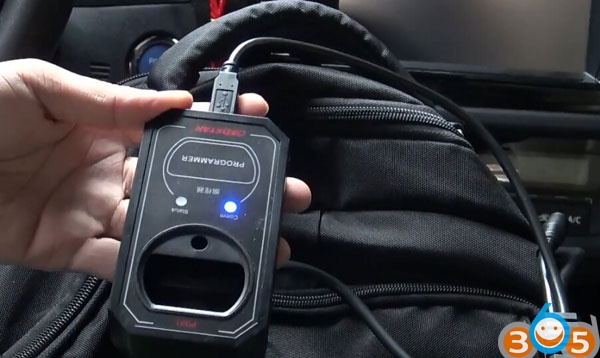
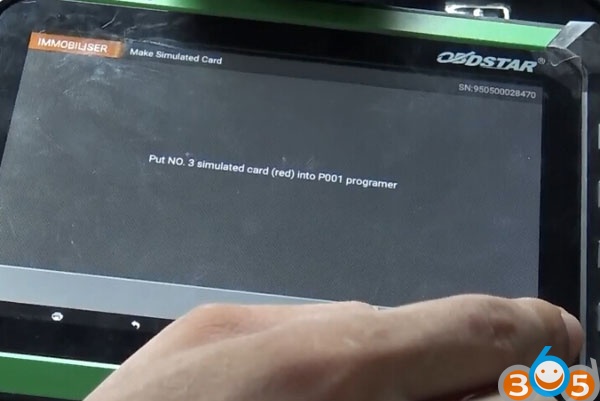
Put No.3 simulated card (red) into P001 programmer
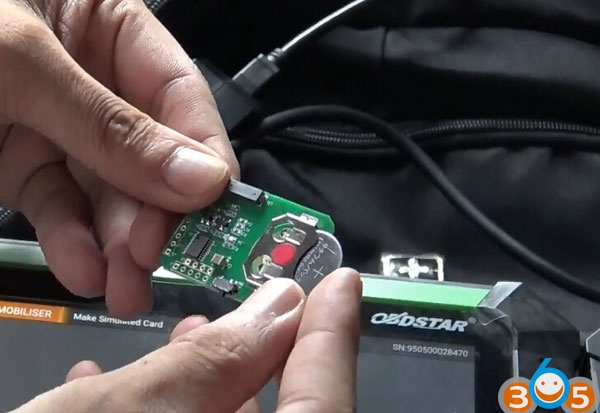
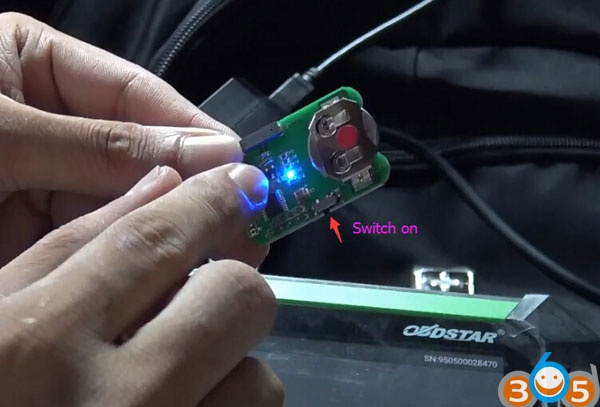
Insert battery and switch on smart key emulator
Note:
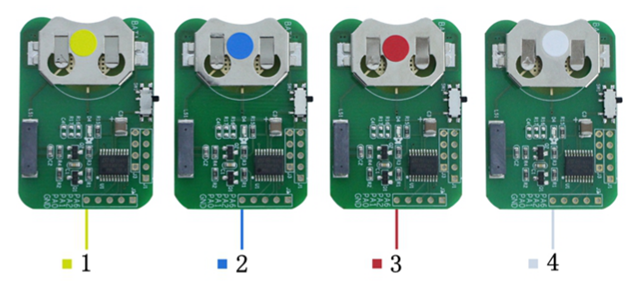
Simulated key 1 applies to the vehicle with 94/D4 type of smart key;
Simulated key 2 applies to the vehicle with 98 type of smart key;
Simulated key 3 applies to the vehicle with 88/A8 type of smart key;
Simulated key 4 applies to the vehicle with A9 type of smart key;
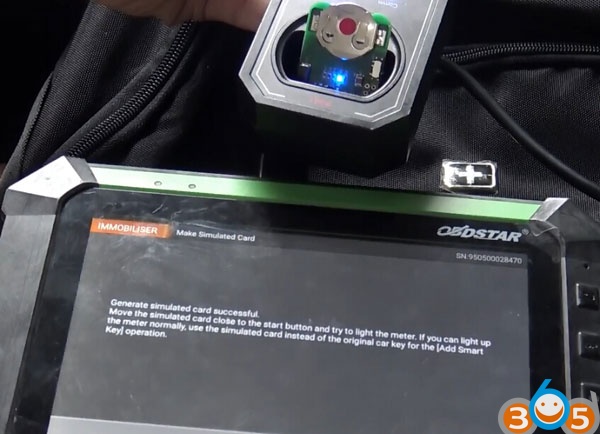
Insert read simulated card into P001 programmer
Generating simulated card
Generate smart card success.
Attach the simulated card close to the Start button and try to turn on instrument.
If you turn on the dash normally, use the simulated card as original key to add smart key.
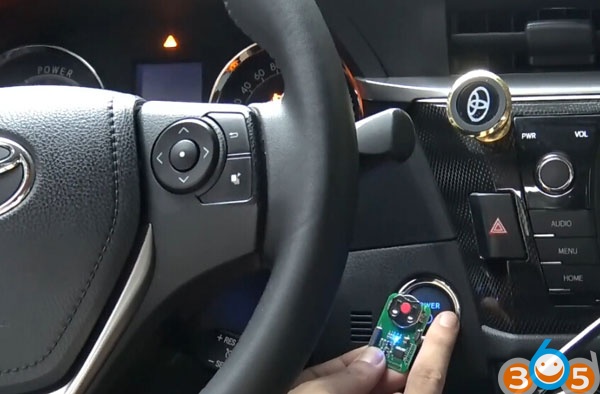
Done.