How to Program BMW F30 FEM Key with Auro OtoSys IM100
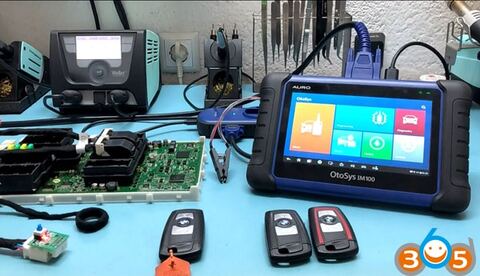
How-to: Add spare keys to BMW FEM/BDC F30 diesel year 2012 using Auro OtoSys IM100/IM600 tablet on the bench.
Note: Both IM100/IM600 has BMW FEM/BDC capability. IM600 is capable of BMW CAS4 and Mercedes-Benz key programming, while IM100 does not. If you are interested in IM600, please contact:
Whatsapp : +86 18259252285
Skype: obdii365.com
E-Mail:[email protected]
Main Steps:
Check key status
Backup EEPROM data
Learn Key
Procedure:
Step 1: Check key status
Disassemble FEM/BDC module
Connect with FEM module, IM100 and UP200 programmer
Select IMMO function->BMW->System selection->FEM/BDC immobilizer
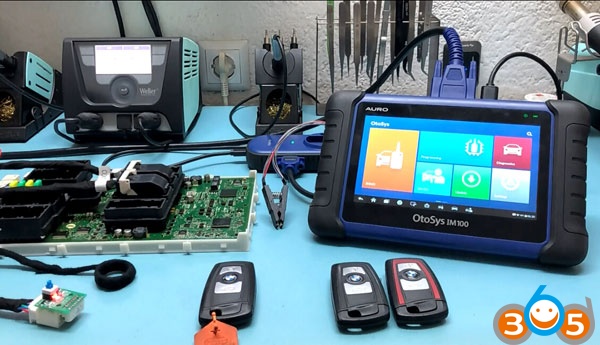

Make sure the engine is off

Check Key Status
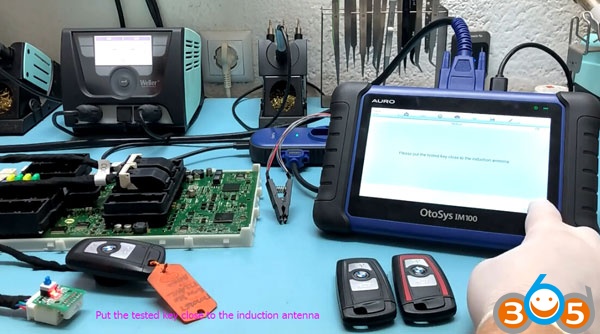
Put the tested key/working key into induction antenna

Put another keys into induction antenna one by one to check key status. New keys are not locked
Step 2: Backup EEPROM
Back to BMW menu, select Smart Mode
Auro IM100 detect current immobilizer system is FEM/BDC
Reading vehicle information and ecu information
Backing up coding files
Going to modify EEPROM data automatically:
1. Please disassemble the EEPROM chip and connect the programmer
2. The FEM module is chip M9S128 and the BDC module is chip M95256
3. If you operate the EEPROM with clamp, you should turn off the +12V power first!
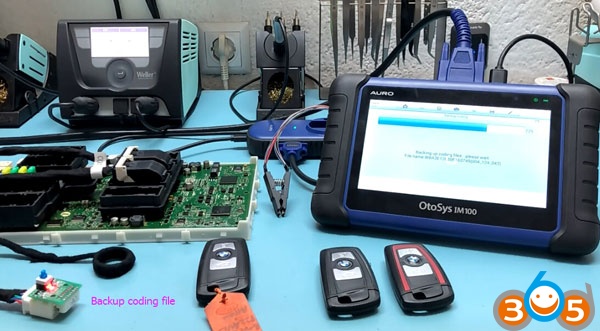
Backup EEPROM data automatiocally
Automatically modified EEPROM data successfully
The backup path is /mint/sdcard/scan/UserData/autobackup/
EEPROM chip operated successfully! Please install the chip back to the ECU module
Step 3: Learn Key

Notice:
The programming is about to start, make sure the supply voltage exceeds 13V and is stable.
1.Please make sure that the vehicle power is ok
2.Please make sute that the OBD diagnostic cable is correctly connected
3. Please make sure that the power icon on the top right corner of the Auro im100 diagnostic tool correctly displays the voltage.
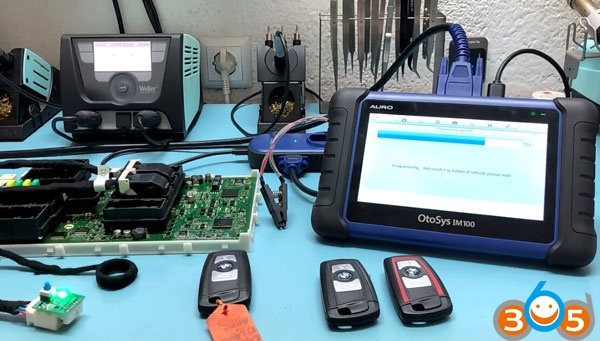
Programming key in procedure

Going to restore EEPROM data automatically:
1. Please disassemble the EEPROM chip and connect the programmer
2. The FEM module is chip M9S128 and the BDC module is chip M95256
3. If you operate the EEPROM with clamp, you should turn off the +12V power first!
Restoring EEPROM data automatically
EEPROM chip operated successfully. Install the chip back to ECU module
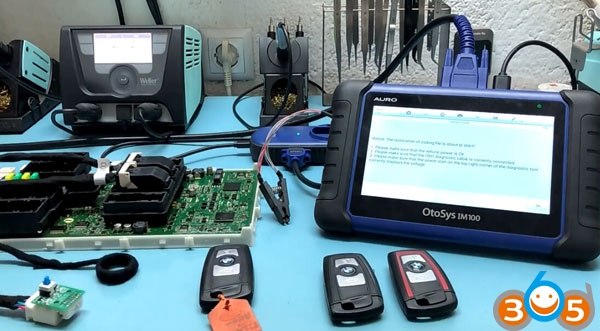
The restoration coding file is about to start
1.Please make sure that the vehicle power is ok
2.Please make sute that the OBD diagnostic cable is correctly connected
3. Please make sure that the power icon on the top right corner of the diagnostic tool
correctly displays the voltage.
Restore coding data files.
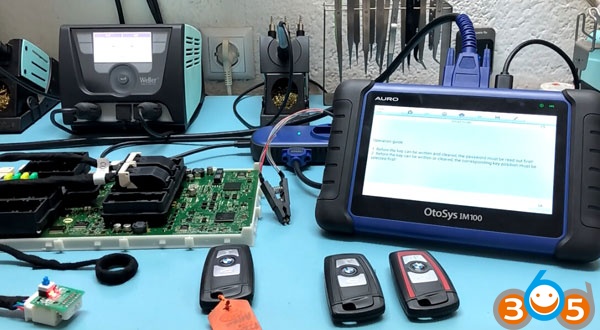
Note:
1.Before the key can be written and cleared, the password must be read out first.
2.Before the key can be written or cleared, the corresponding key position must be selected first.
Do you have a working key? Yes.
Insert working key into emergency start coil, select Read password
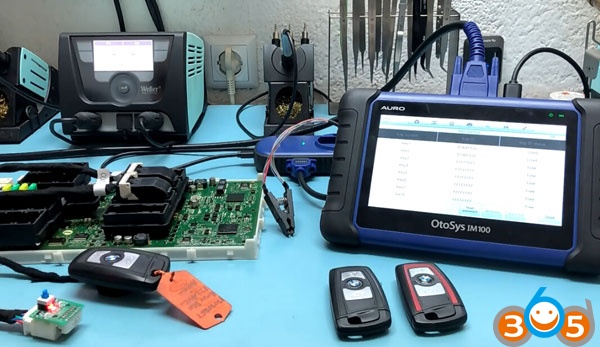
Read password, DME, ISN code success
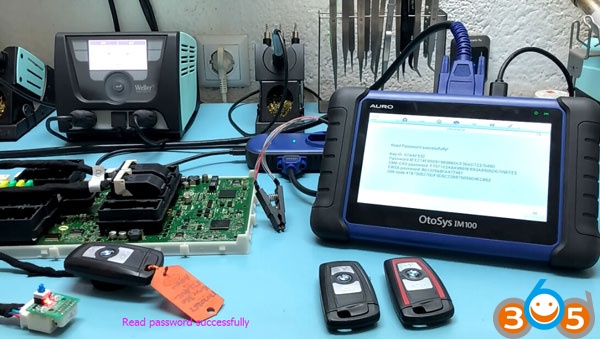
Insert a new key into induction coil, select a key position and press Write Key

Key learning has 4 steps,
The first step of authenticating key information is in progress
The seconds steps if writing data into key is in progress
The third step of resetting ecu is in progress
The fourth step of verifying key information is in progress
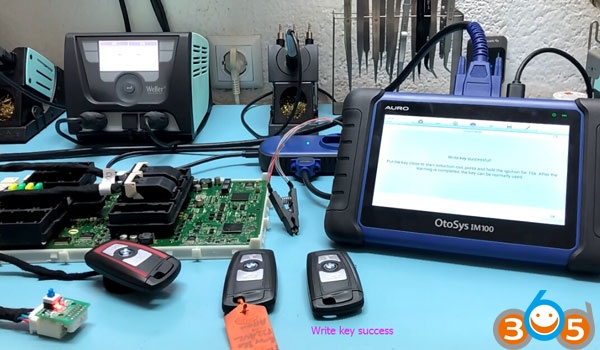
Write key success.
Put the key close to start induction coil, press and hold the ingnition for 10s.
After key learning is completed, the key can be normally used.
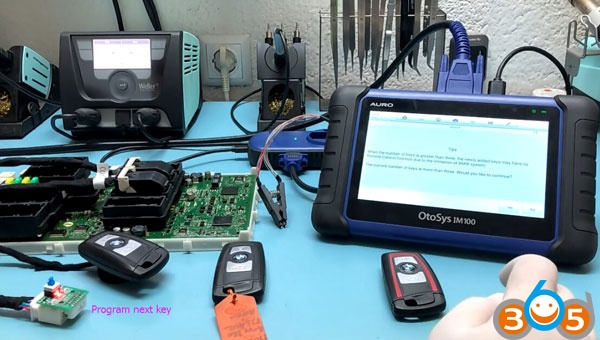
You can program next key with Auro OtoSys IM100
Notice:
When the number of keys is greater than three, the newly added keys may have no remote control function
due to the imitation of BMW system.
How to Add BMW F30 2012 FEM Spare Key with Auro OtoSys IM100/IM600