How to Erase Mercedes W221 EIS and Program New Key with CGDI MB
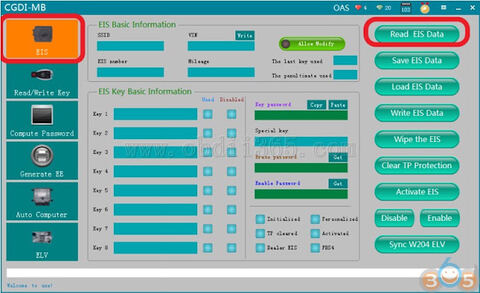
When we try to program a new key into Mercedes, we find that the all key positions are used. We need to erase EIS at this time and then program new key. Here’s the guide to erase W221 EIS and make a new key using CGDI Prog MB key programmer.
Step 1: Calculate Password and Erase EIS
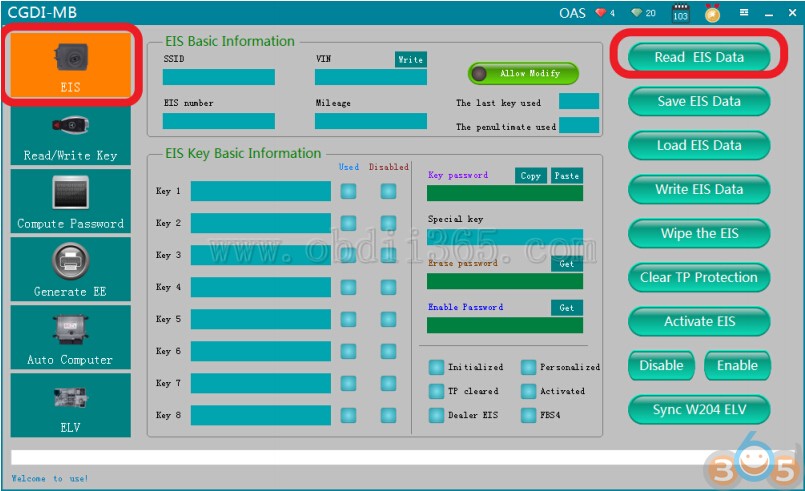
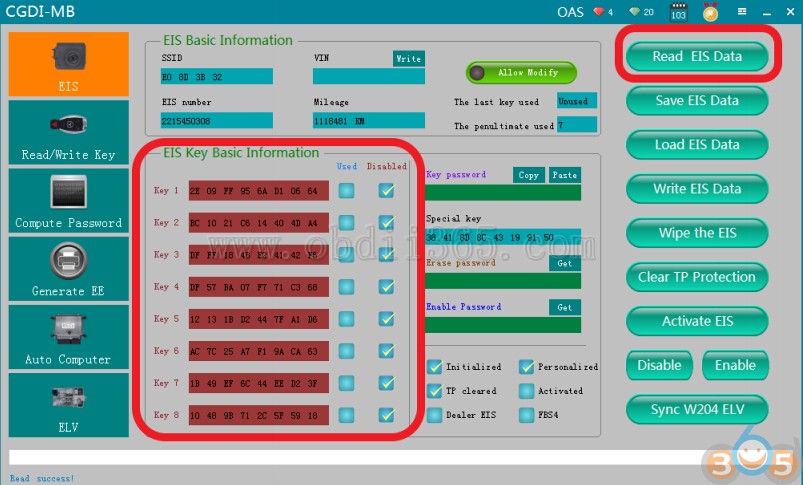
Connect CGDI MB with vehicle, choose“EIS”function,click to read EIS data
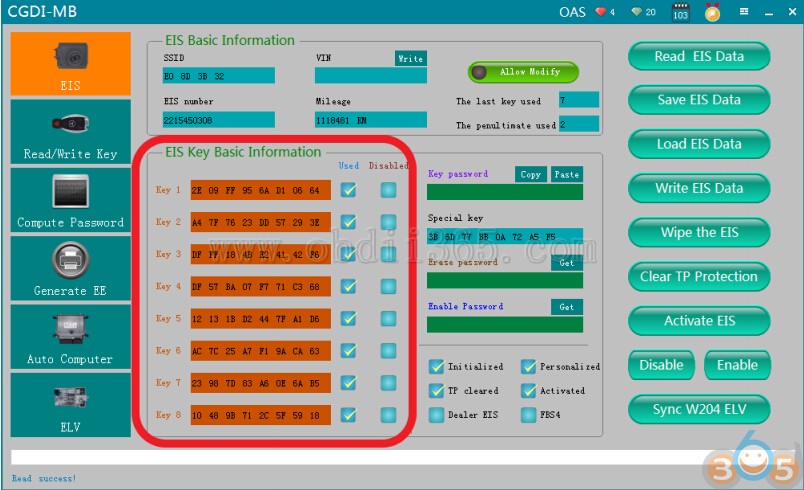
Read successfully,CGDI shows all the key positions are used
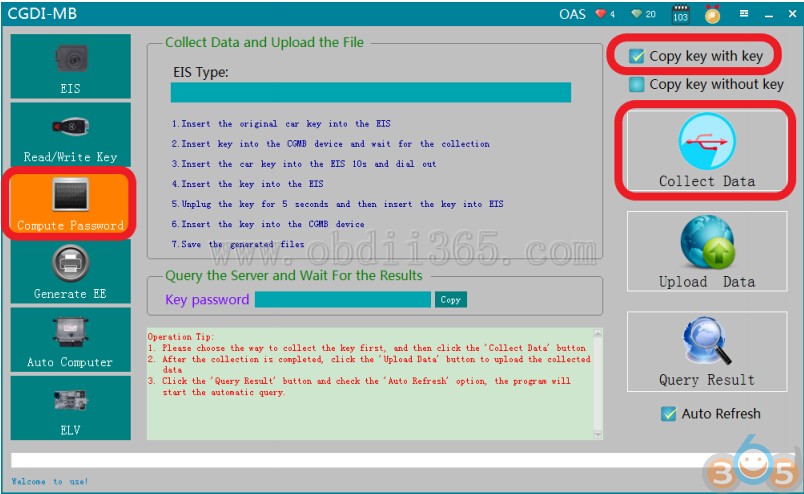
Collect data first,compute password
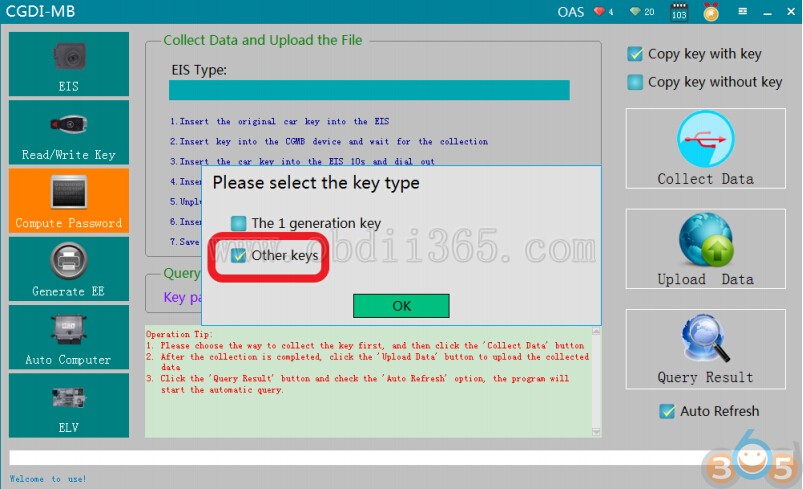
Default“Other key”,click ok

please insert the key into EIS and click OK

Please insert the key into the CGDI MB device and click ok
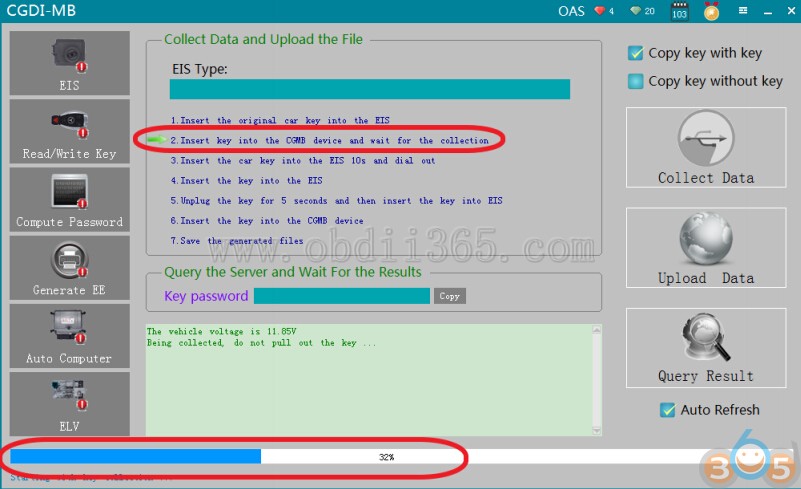
It is collecting with key,please wait …
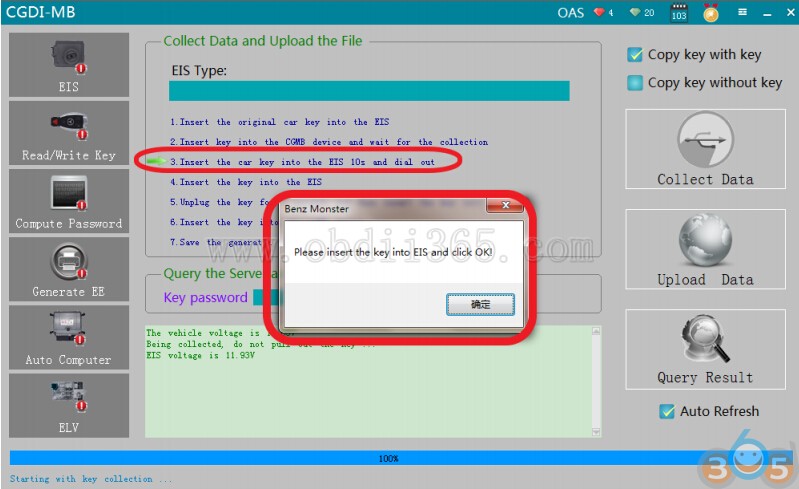
Please insert the key into EIS and click ok
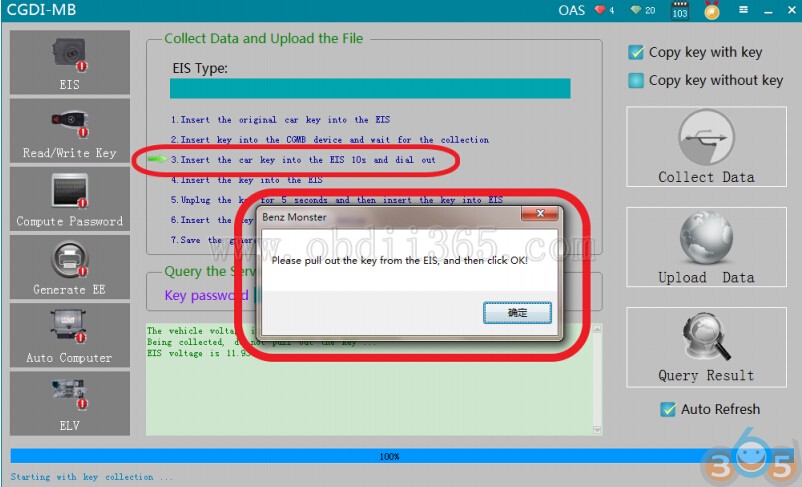
please wait patiently for 10 seconds
please pull out the key from the EIS, and then click ok
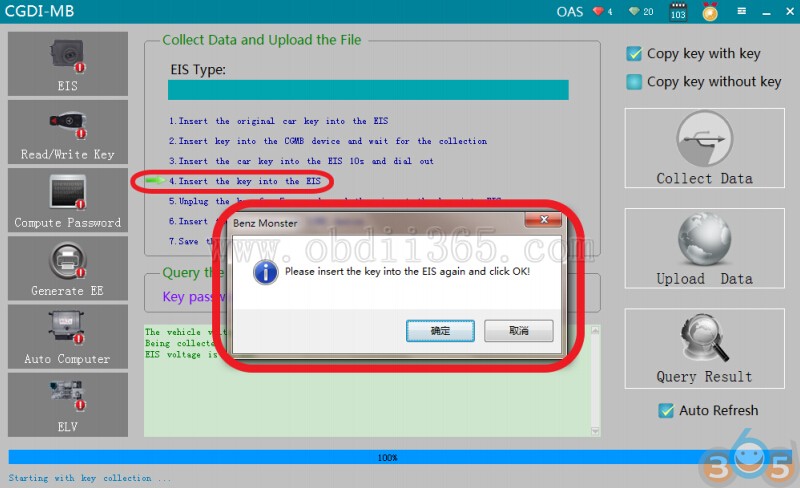
please insert the key into the EIS again and click ok
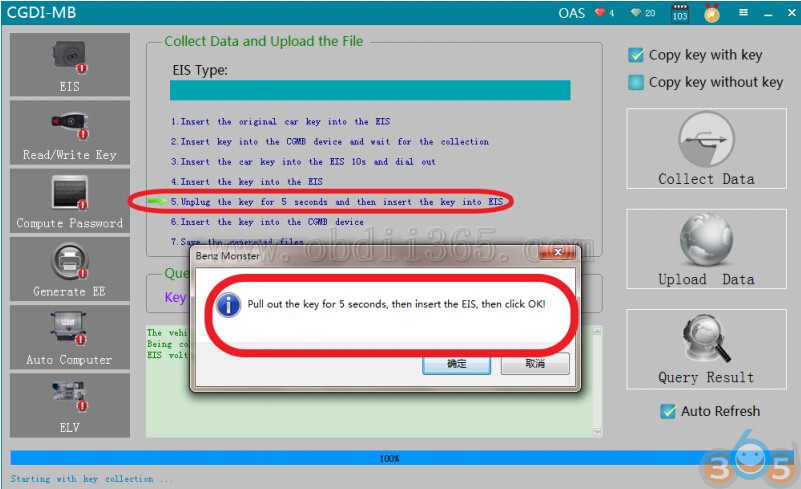
Pull out the key for 5 seconds, then insert into EIS, then click ok
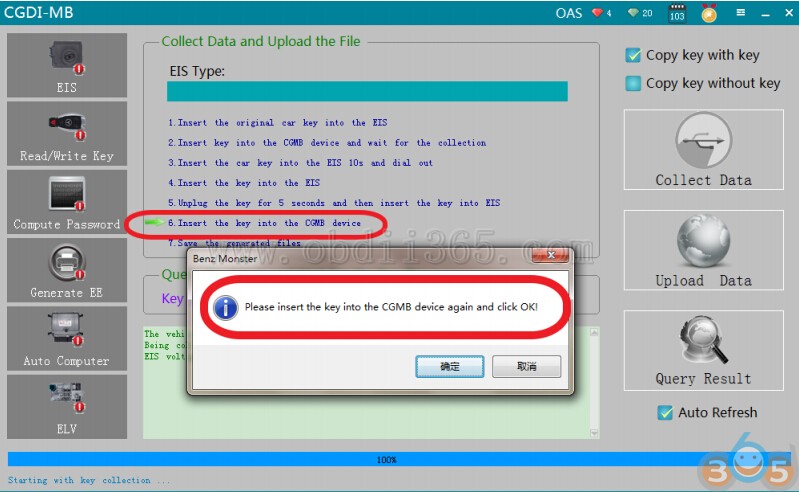
please insert the key into the CGMB device again and click ok

Collection end,save data,default file name

Save the file successfully
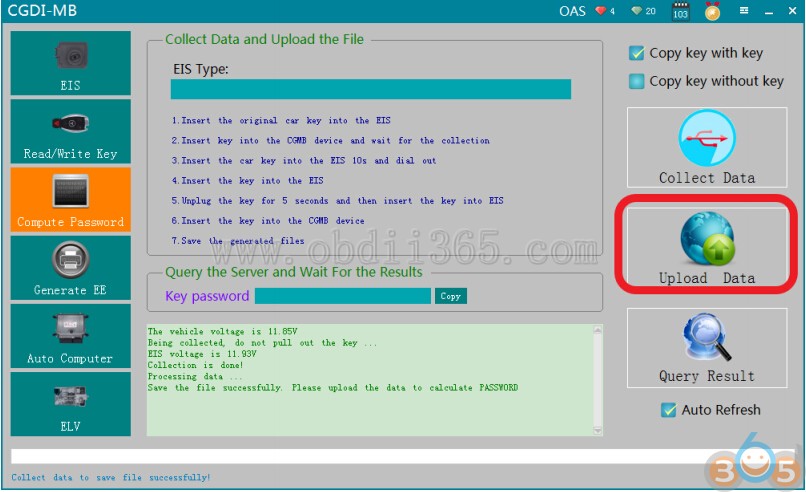
Click“Upload data”

Open the data just saved

Upload data successfully
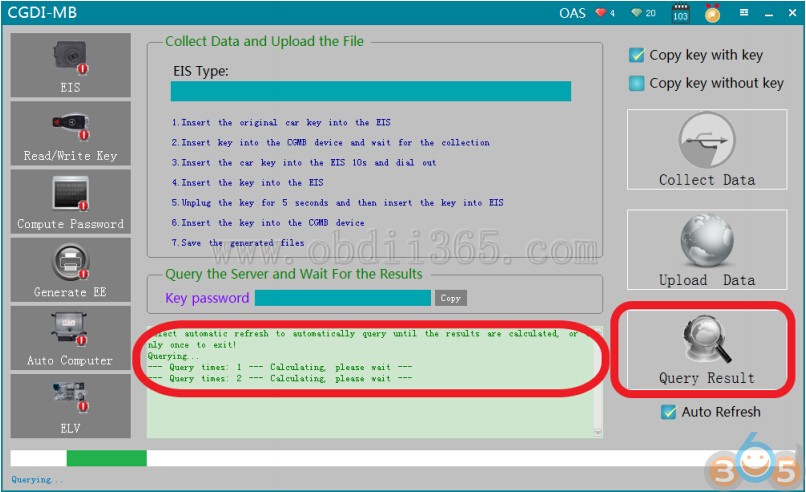
Querying,please wait…
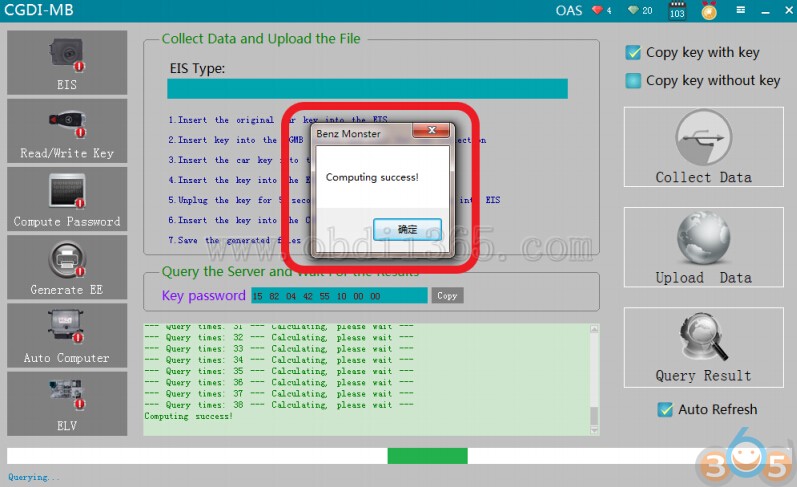
Computing success,click ok
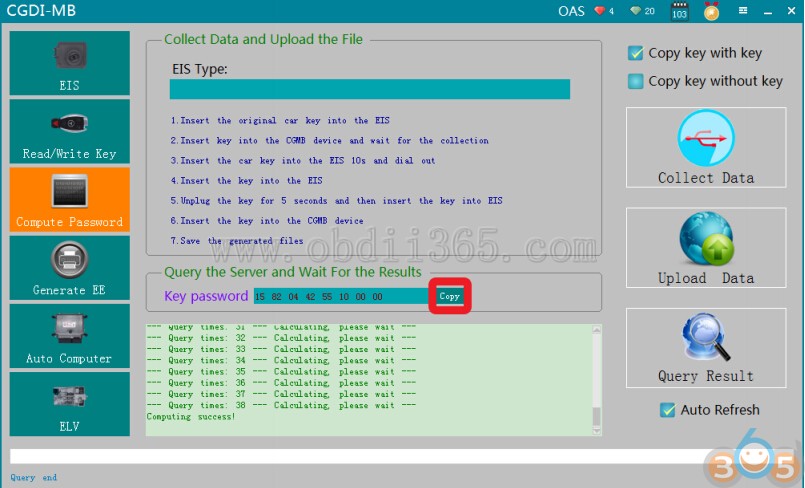
Click ‘Copy’
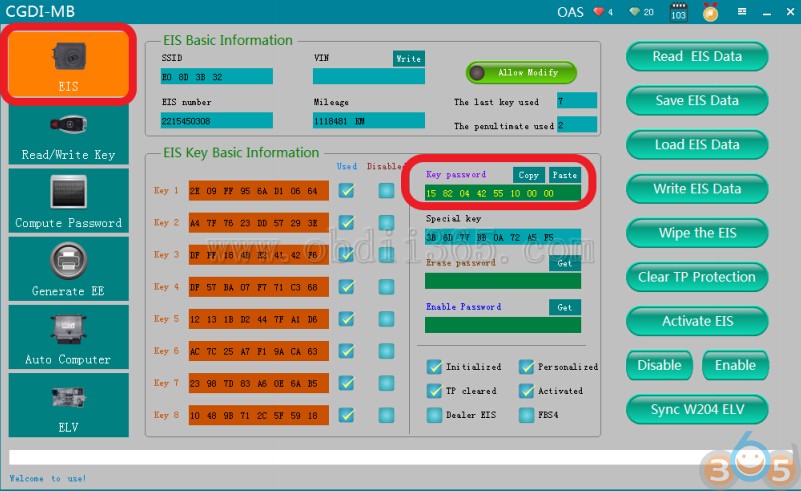
Go to “EIS”,and copy the password
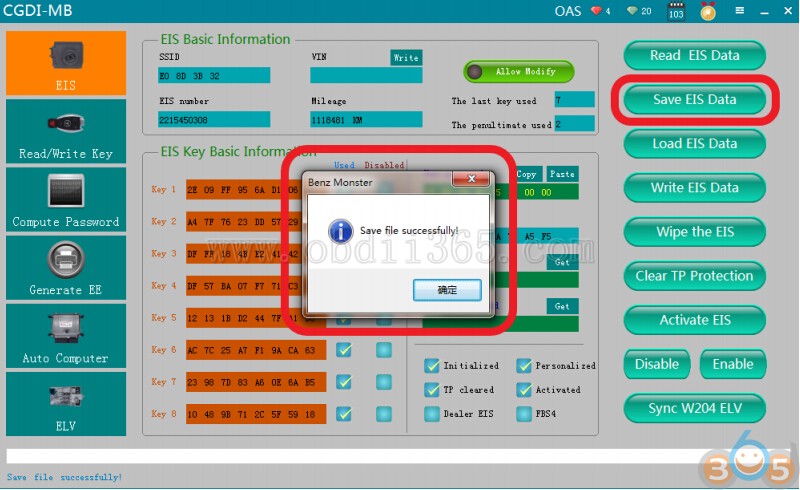
Save the EIS data with password successfully
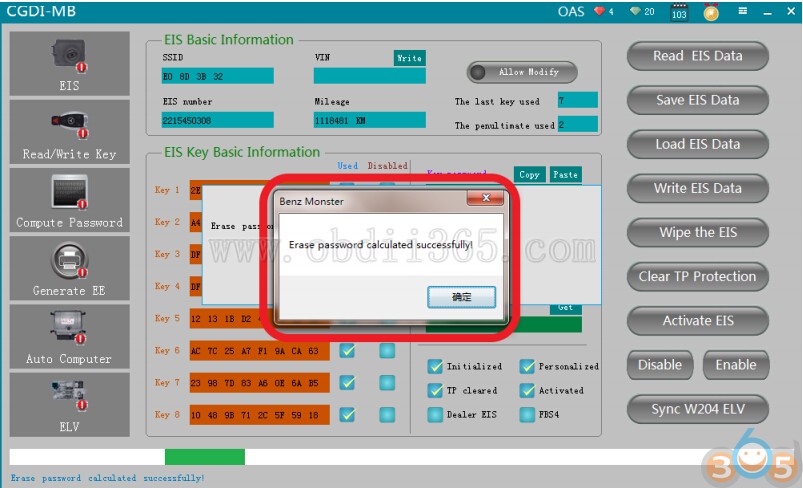
Get erase password,wait a few seconds,show that calculated successfully

Click“Wipe the EIS”
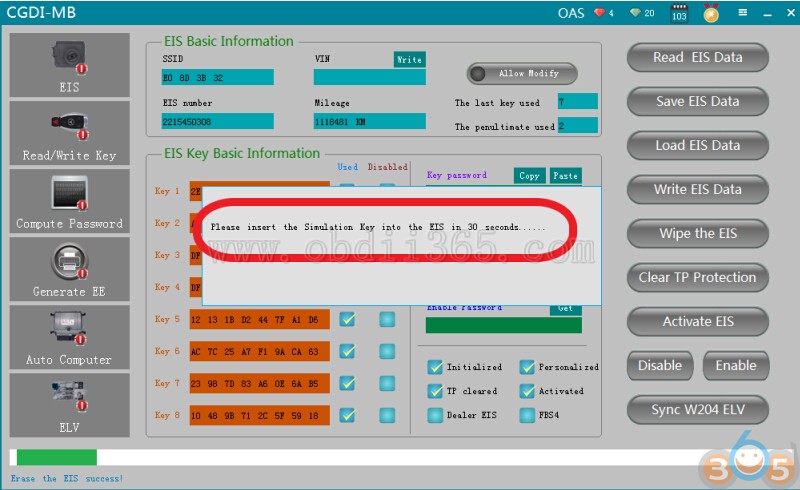
please insert the simulation key into the EIS in 30 seconds……
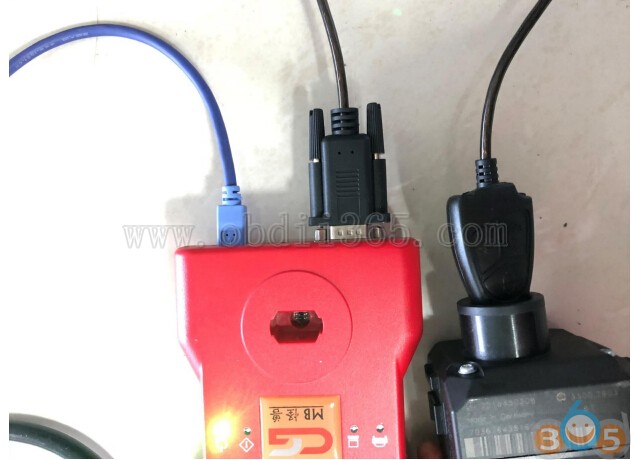
simulation key physical operation diagram
Erase the EIS success,click ok
Read EIS data again,show the related information after erasing
Click ”Load EIS Data”
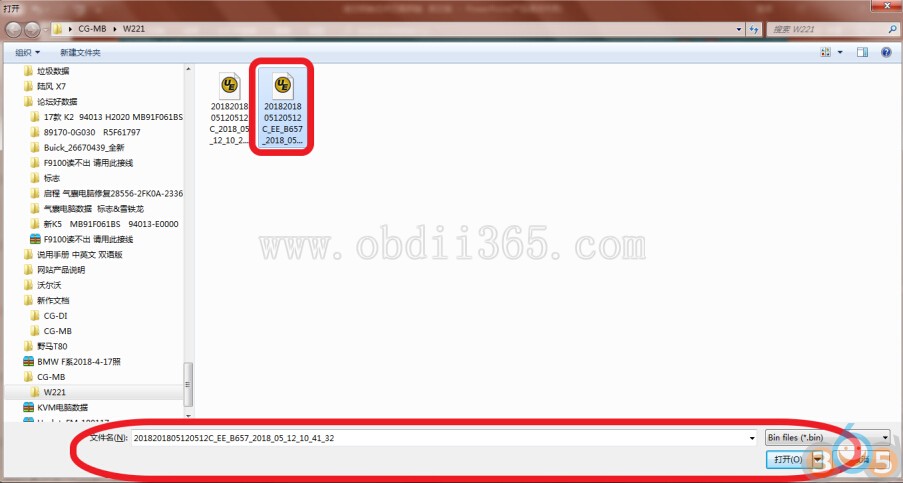
Open the EIS data just saved

Click“ Write EIS Data”
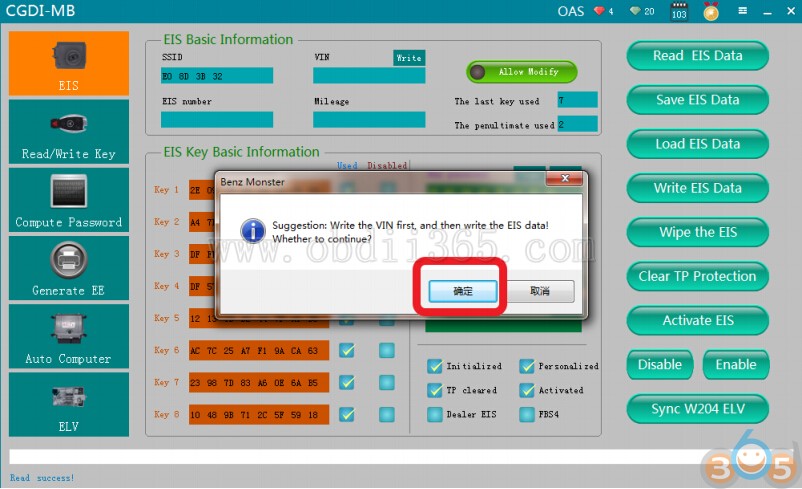
Click ok

please insert the simulation key into the EIS in 30 seconds
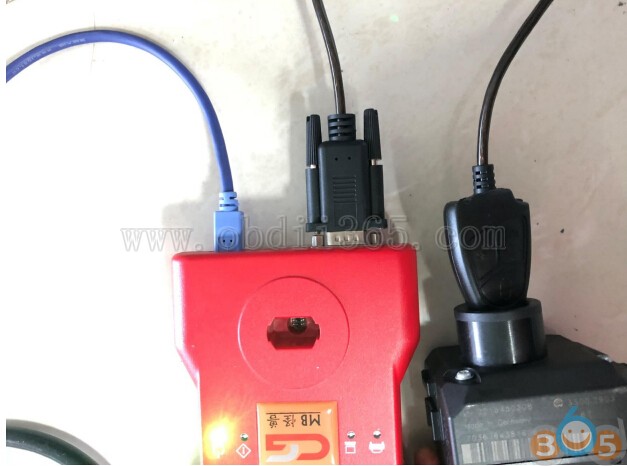
simulation key physical operation diagram
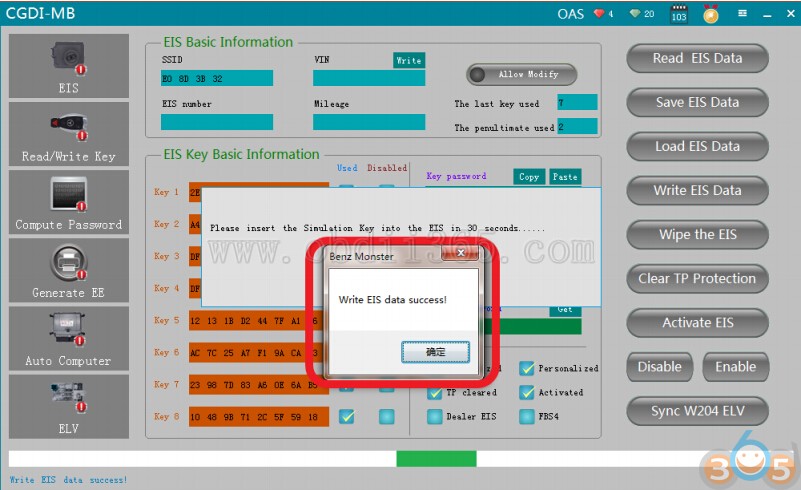
Write EIS data success
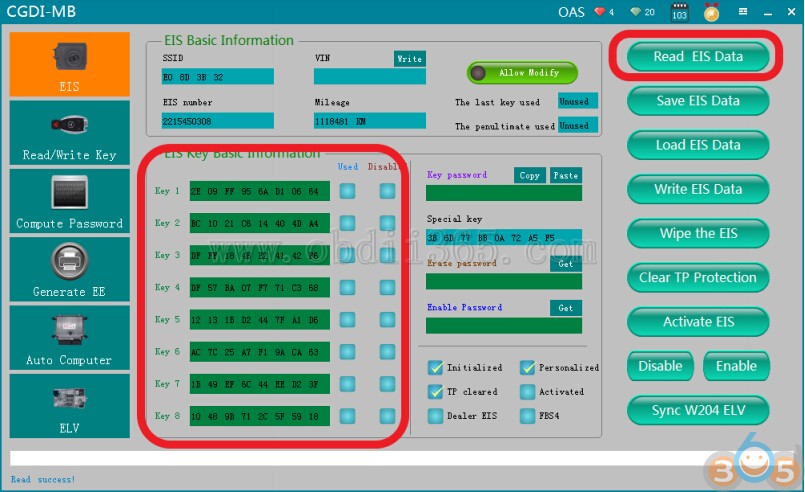
Read EIS data again,showed as above picture
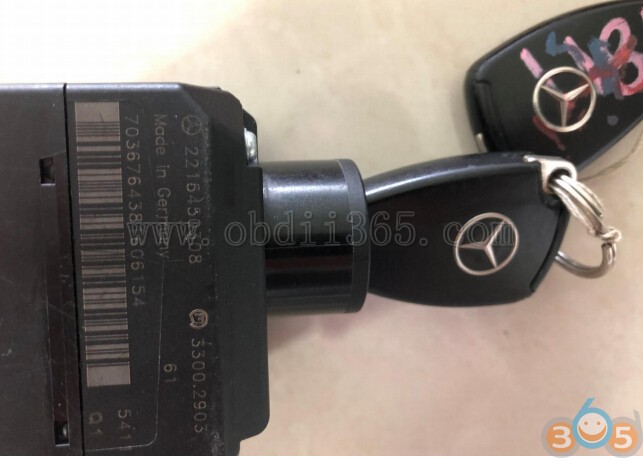
Insert the original car key into the lock to learn and start
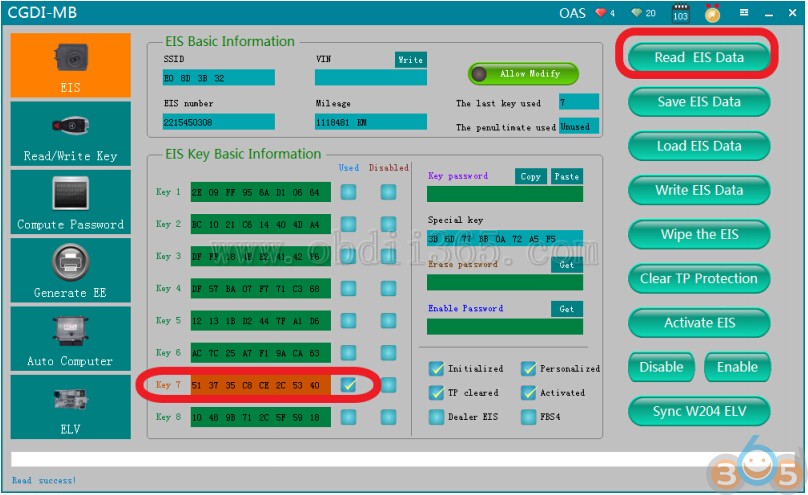
Read EIS data again,left origin key position data only,erase key position data successfully
Step 2: Program New Key
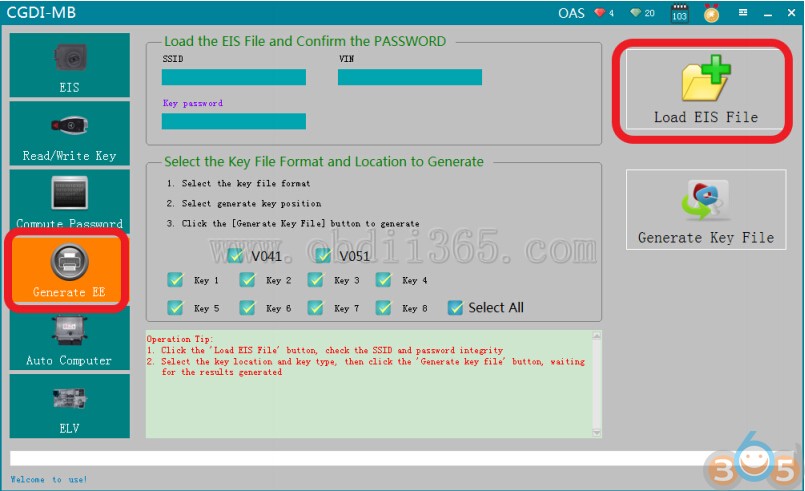
Go to “Generate EE”,load EIS file just saved

Load successfully,please check the information to see whether it is correct
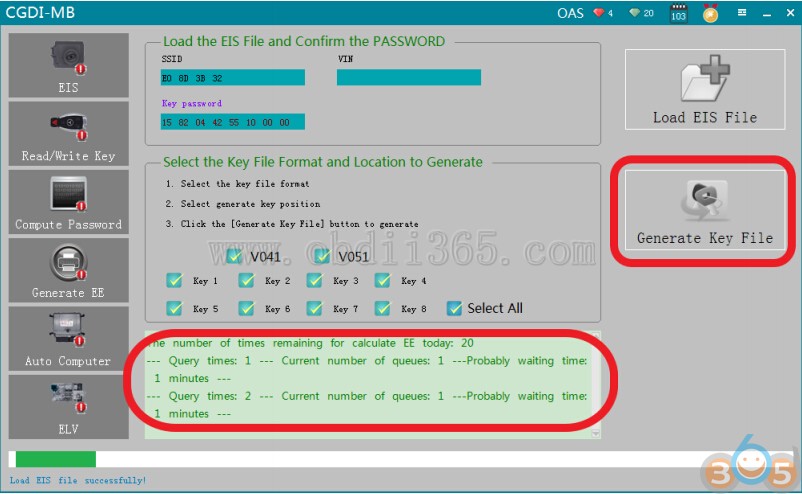
Click“Generate key file”,please wait…
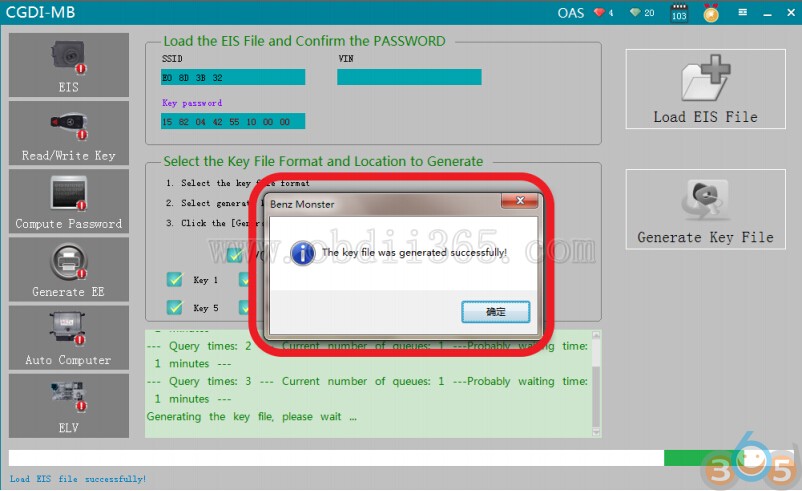
The key file was generated successfully,please save data file
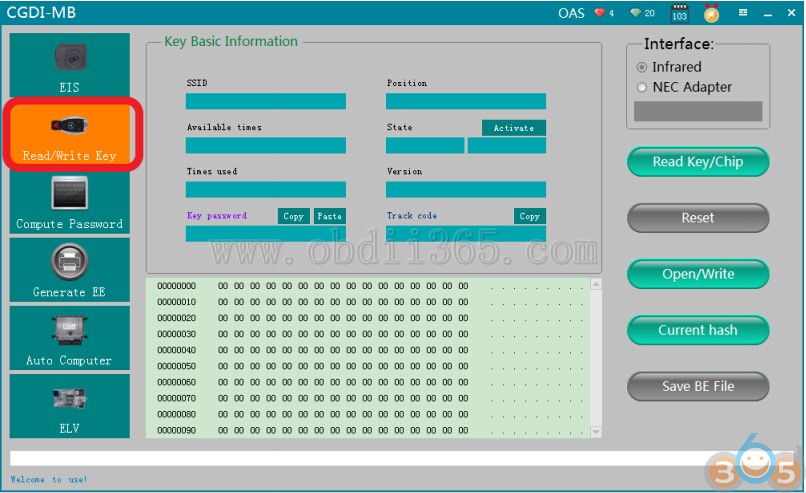
Go to “Read/write key”
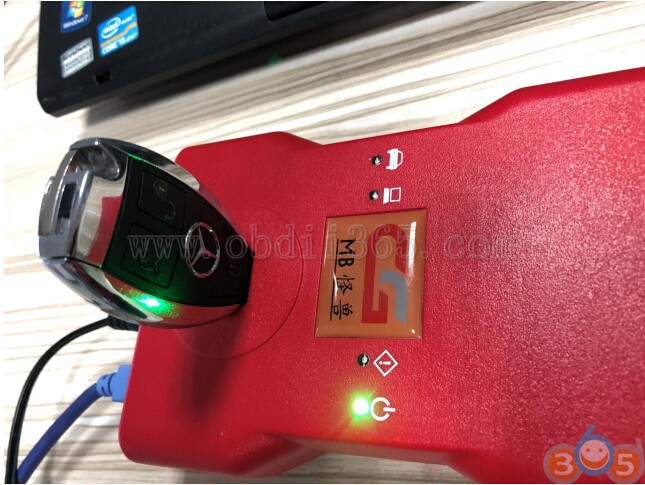
please insert the new key into CGDI Prog device
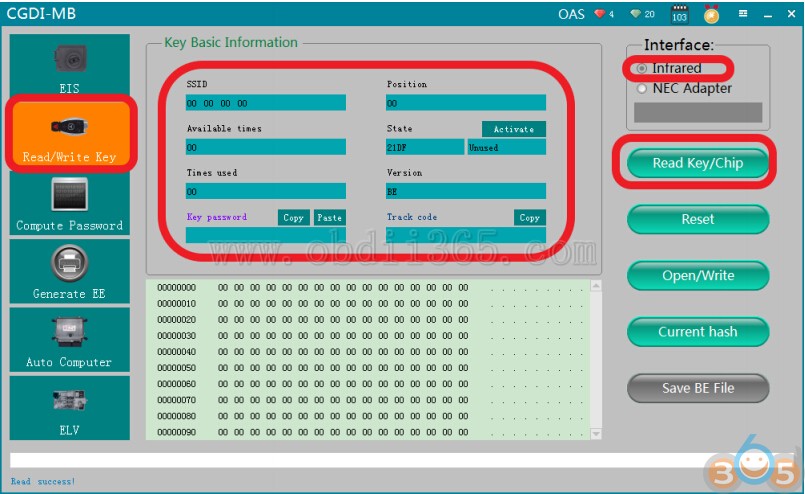
Click ”read key”,show key information

Click ”write”,please read the prompt carefully,click ok

Choose一unused key position data,click and open it

Write success
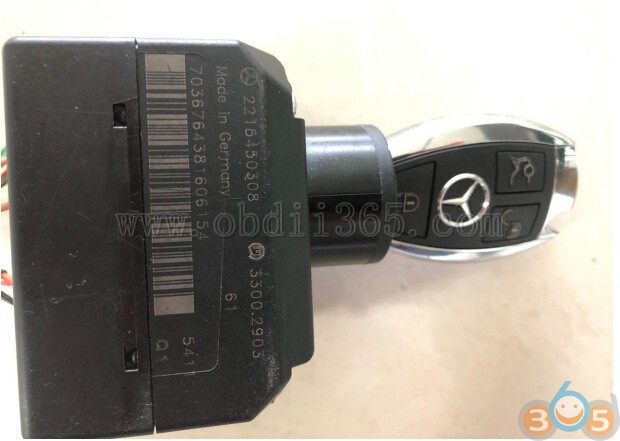
please insert the new key into EIS to learn,start the car after learning
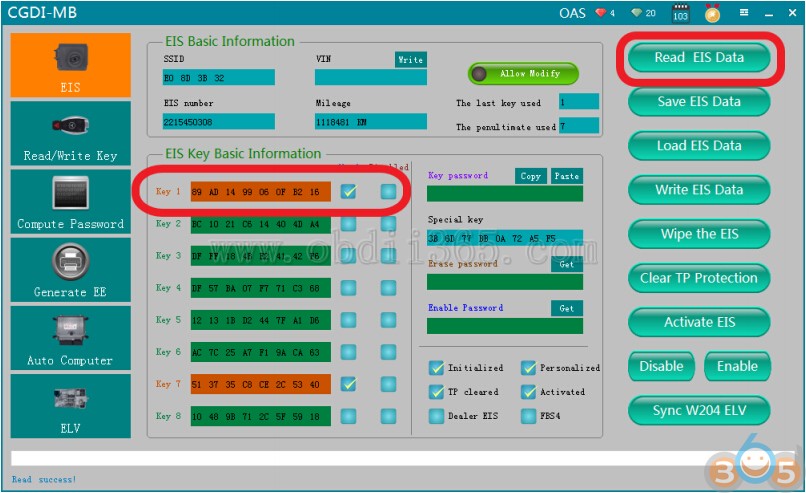
Read EIS data again,show √.
Program new key successfully.
https://cgdi-mb.blogspot.com/2018/08/cgdi-mb-erase-mercedes-w221-eis-and-program-new-key.html