How to Add Land Rover KVM MC9S12XEQ384 Key with Yanhua Mini ACDP
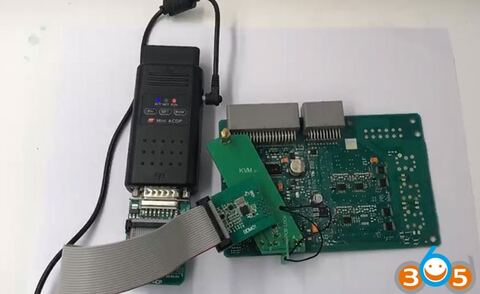
Yanhua Mini ACDP newly adds Jaguar/Land rover KVM module which will program key for JLR KVM module from year 2014 to year 2018. Here’s a demo guide on add key no soldering (all keys lost shares the same procedure.)
Remove KVM from vehicle
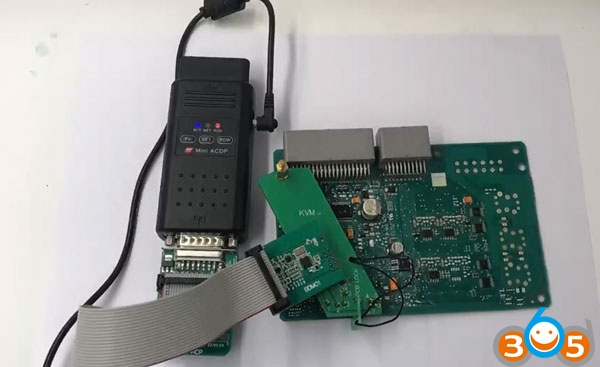
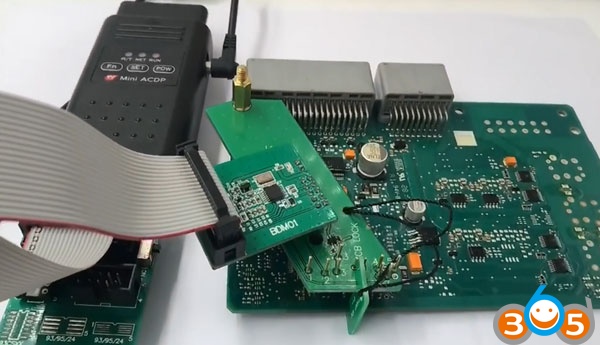
Connect ACDP device, OBP+ICP adapter, BDM adapter to KVM module(no need soldering job)
Connect Yanhua Mini ACDP with mobile phone via WiFi
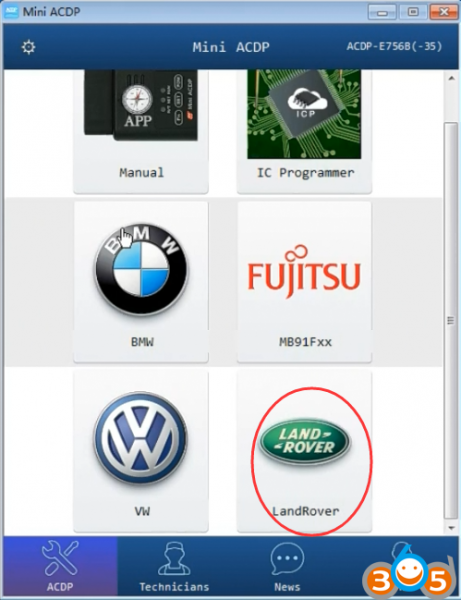
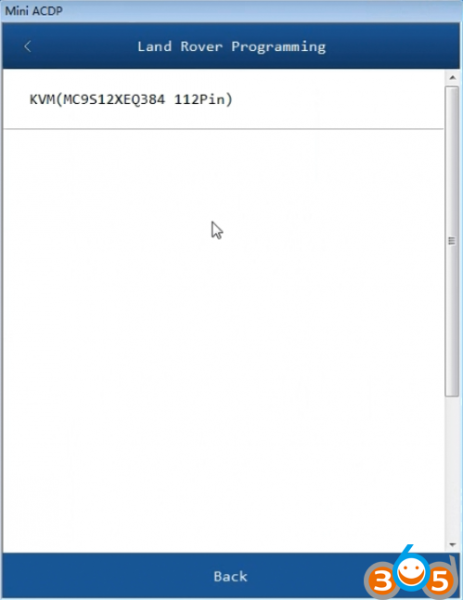
After activate the JLR KVM module authorization, select Land Rover function
Step 1: Read DFlash and PFlash Data
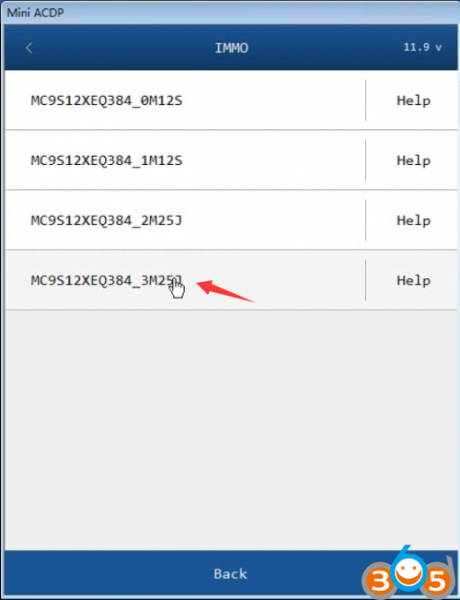
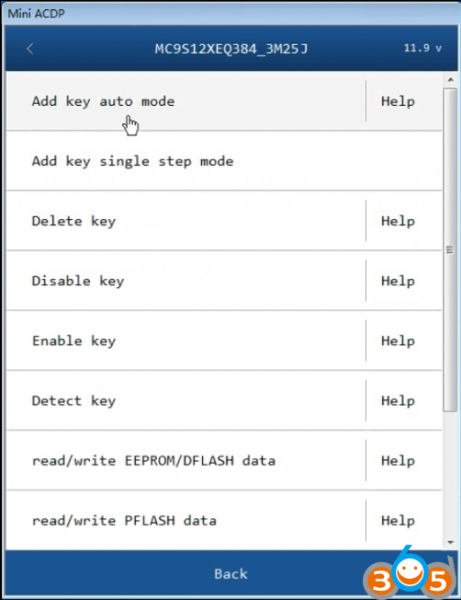
Select KVM (MC9S12XEQ384 112PIN)->IMMO-> MC9S12XEQ384_3M25J->add key auto mode
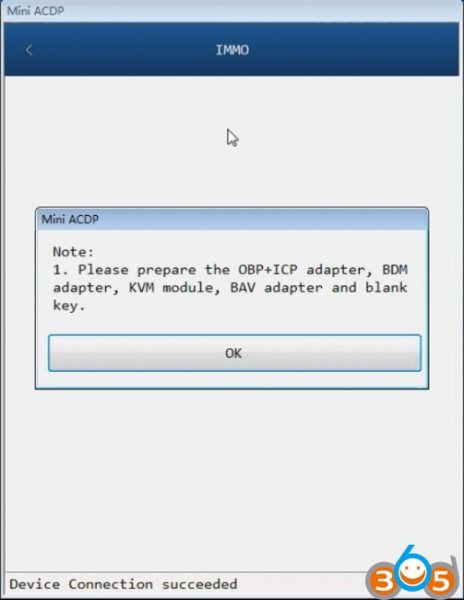
Prepare the OBP+ICP adapter, BDM adapter, KVM module, BAV adapter and blank key.
Make sure the well connection is built among ACDP device, OBP+ICP adapter, BDM adapter and KVM module (see 1 picture above.)
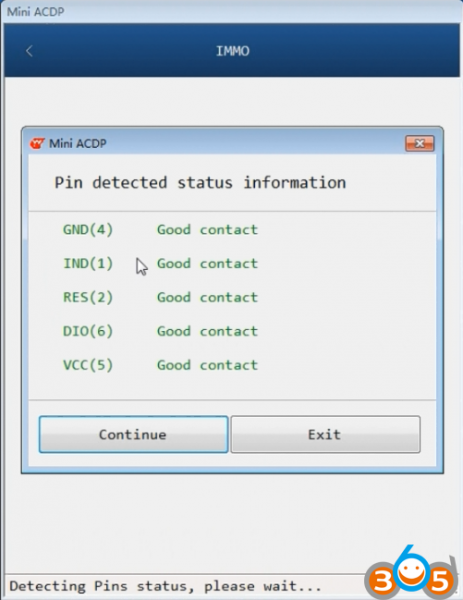
Detecting pin status. If all correct, press Continue
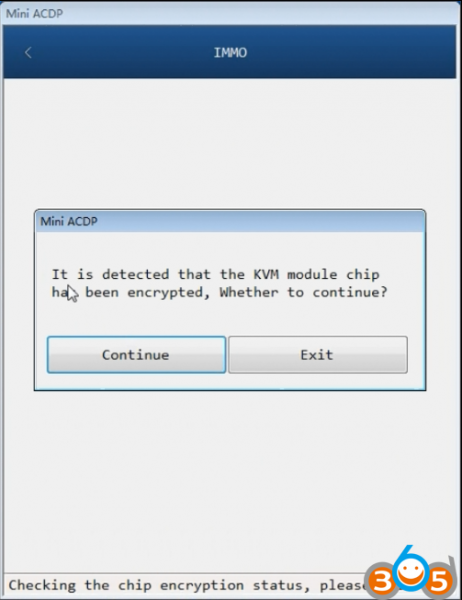
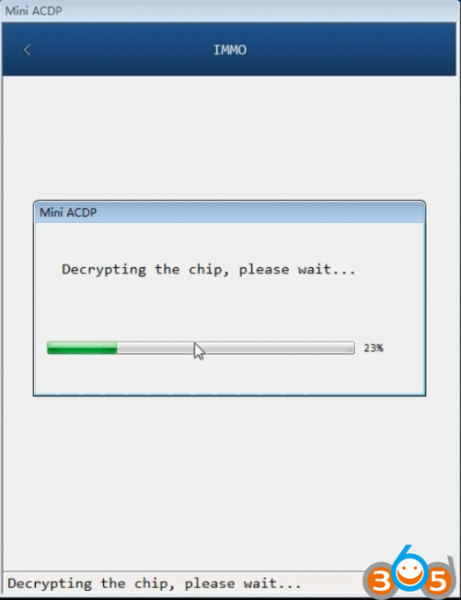
Decrying the KVM module chip 3M25J
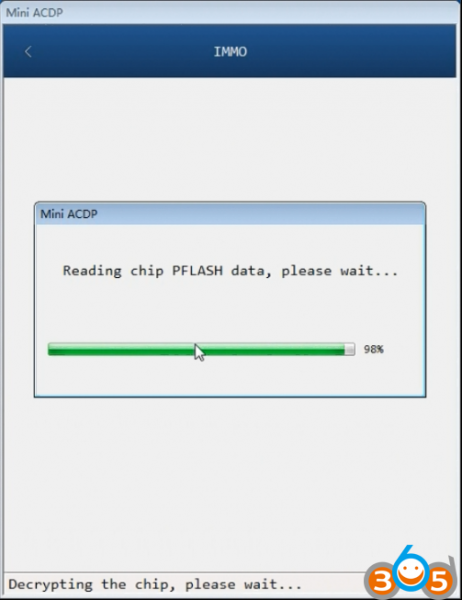
Read chip PFlash data
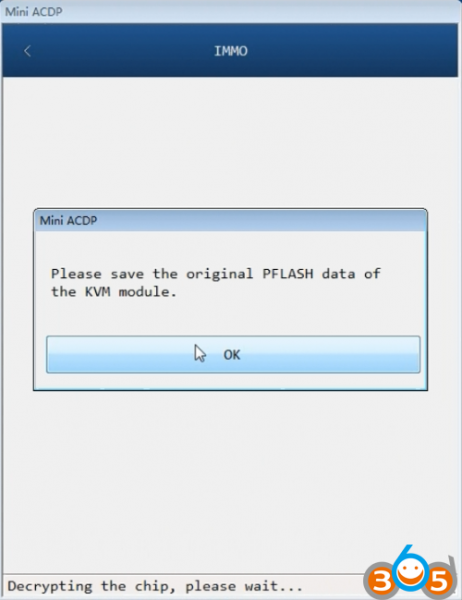
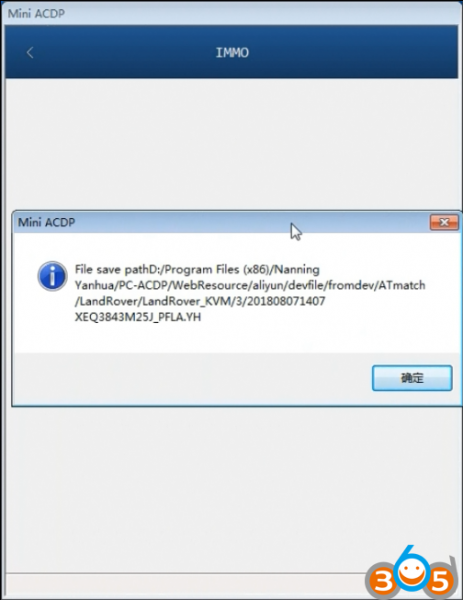
Save original Pflash data
Note: All JLR data will be save to folder
D:/Program Files (x86)/Nanning Yanhua/PC-ACDP/Webresource/aliyun/devfile/formdev/ATmatch/Landrover
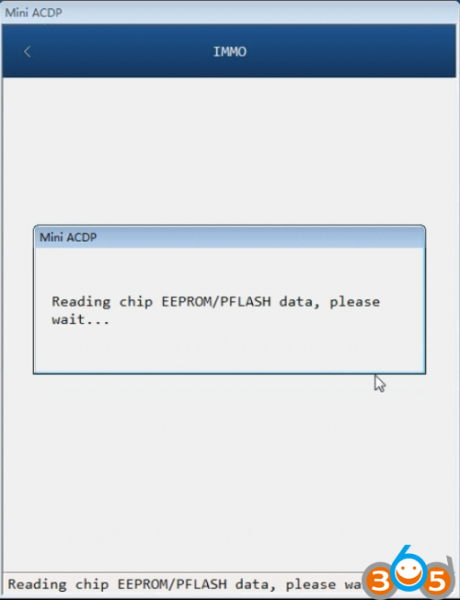
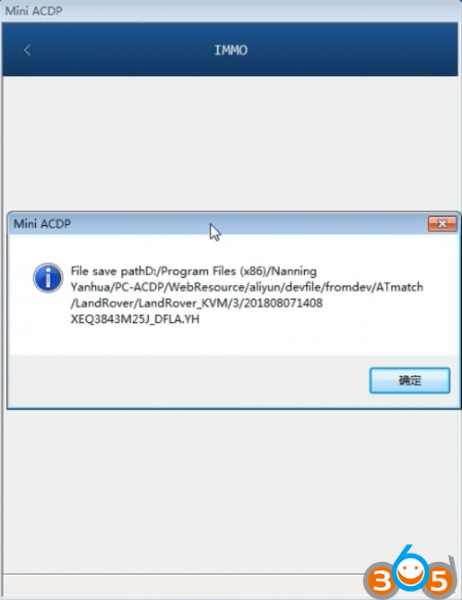
Read KVM chip EEPROM/Pflash data and save it.
Step 2: Program key
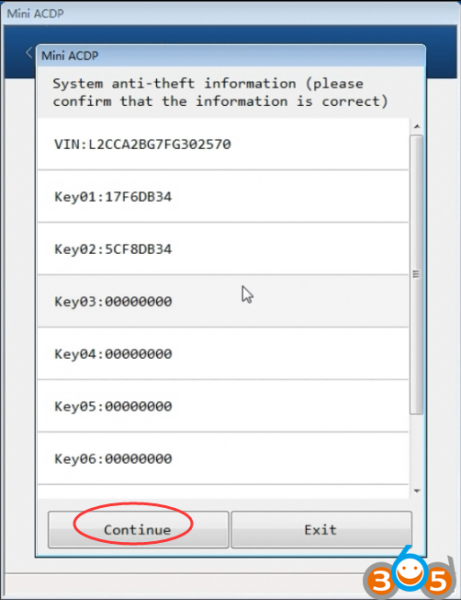
After reading D-flash and P-flash data, Yanhua ACDP will ask to confirm KVM information
Press Continue
Keep the ACDP device in power-on status, connect the OBP+ICP adapter from the ACDP device
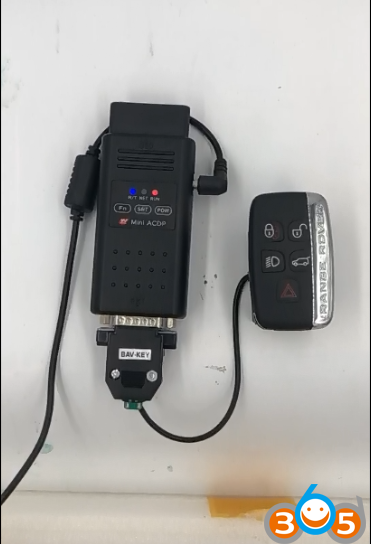
Reading key information
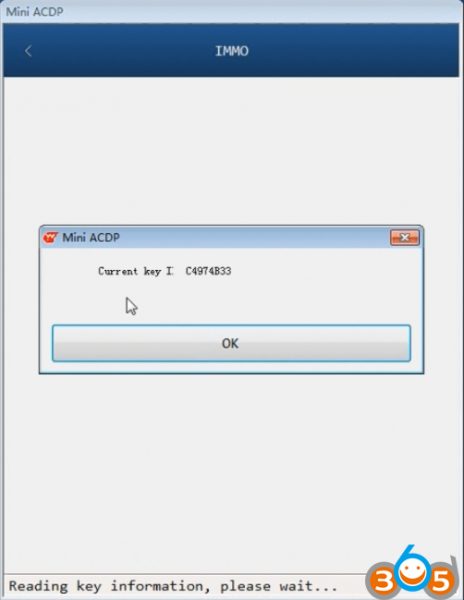
Yanhua ACDP detects current key
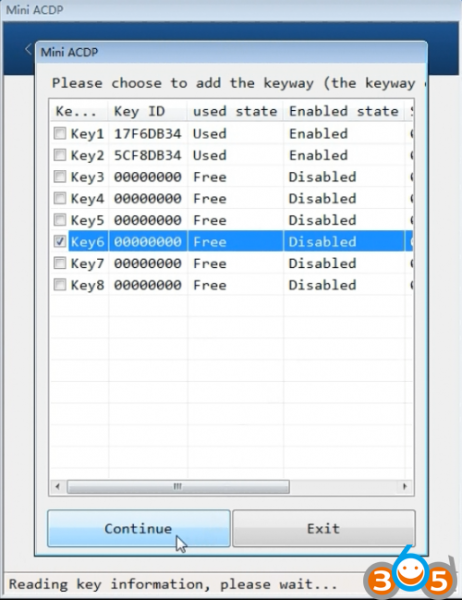
Then select an unused key position to program key
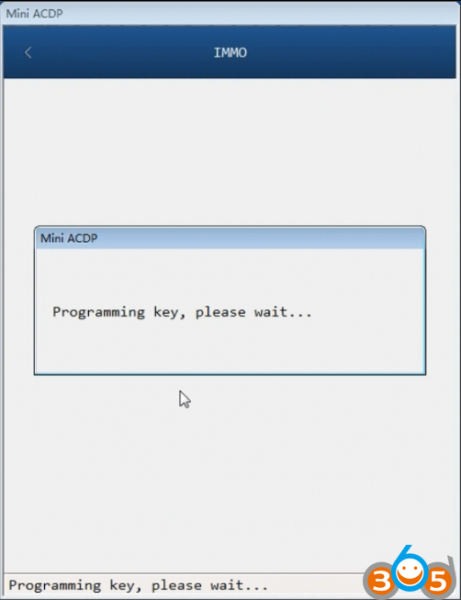
Program key in procedure
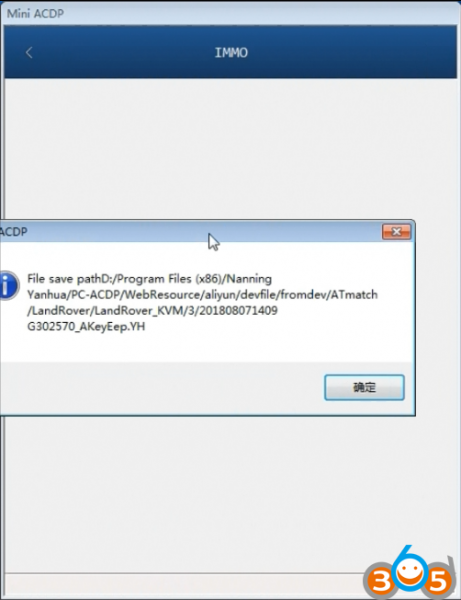
Note: Save the eeprom data after add key success
Keep the ACDP device powered on, disconnect the BAV adapter from the ACDP device.
Decrying chip in progress
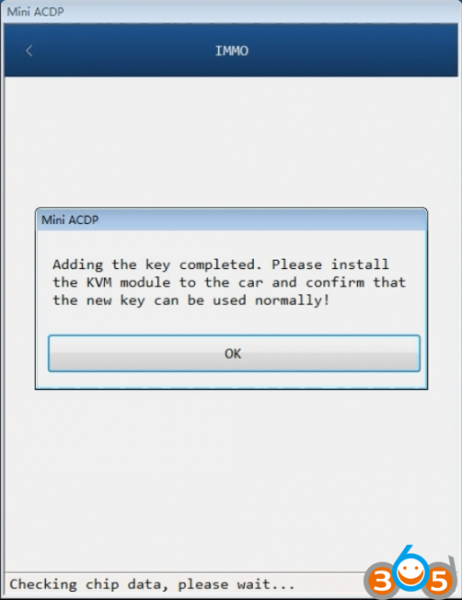
Add key completed
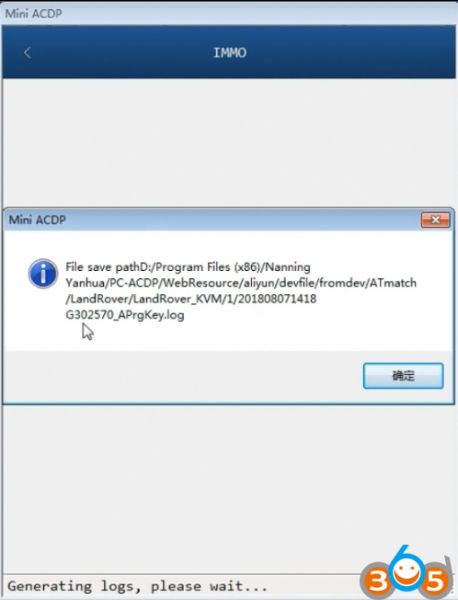
Save log file.
Done.
www.obdii365.com
Yanhua Mini ACDP Land Rover 2014-2018 KVM Add Key & All Keys Lost