Program 2018 Ford Expedition Smart Key with Auro OtoSys IM100 IM600
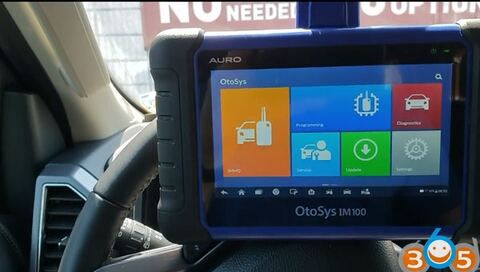
Both Auro OtoSys IM100 and IM600 adds Ford models IMMO key programming up to 2018 in July 2018. Here’s the demo guide to program smart key on a Ford Expedition year 2018. with IM100.
Connect IM100 with vehicle via main cable
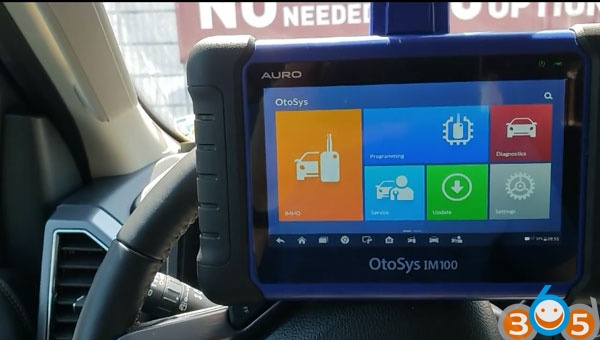
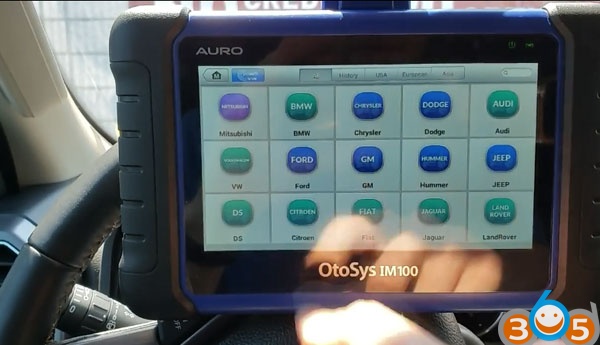
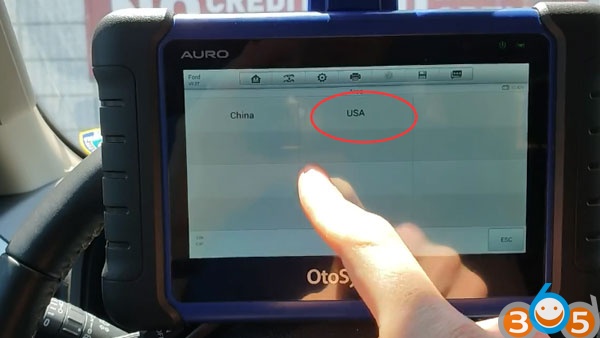
Select IMMO->Ford->Manual Selection->USA region->Expedition-> year 2015-2017->Smart key->Keyless system (CAN)-> Add smart key
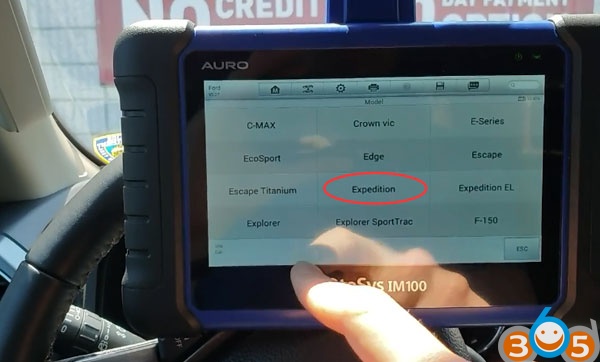
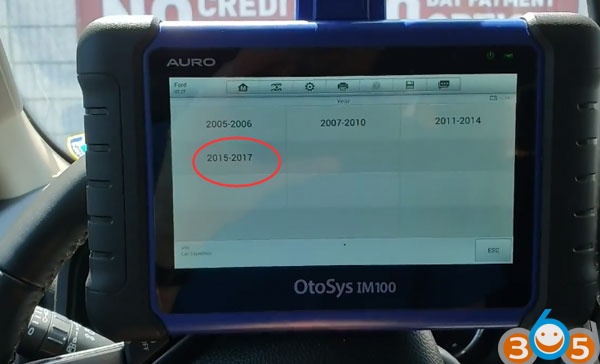
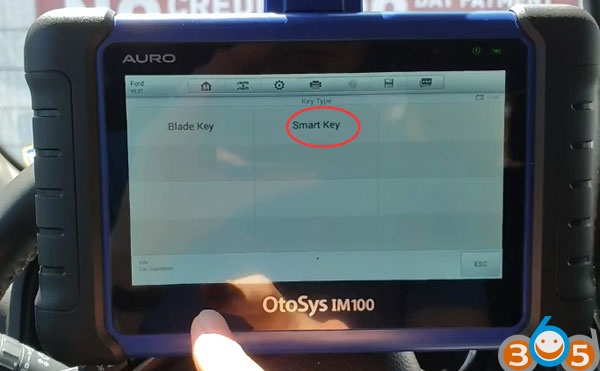
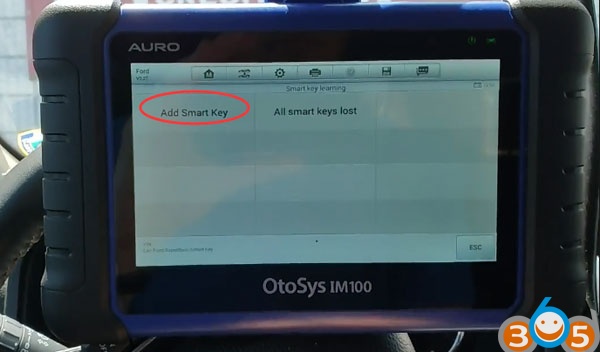
The procedure will no erase existing keys.
Turn the ignition to ON position
The Auro IM100 reported an error “The tester can not communicate with the vehicle ecu”
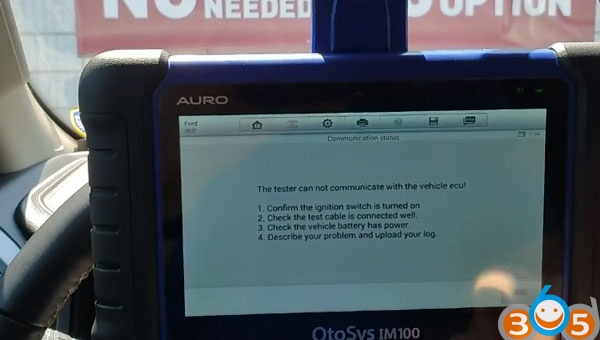
Try to select the model and check connection, all this error. So we try to enter from Explorer.
Select Ford->Explorer->2015-2018->Smart Key->Keyless System (CAN)->Add smart key
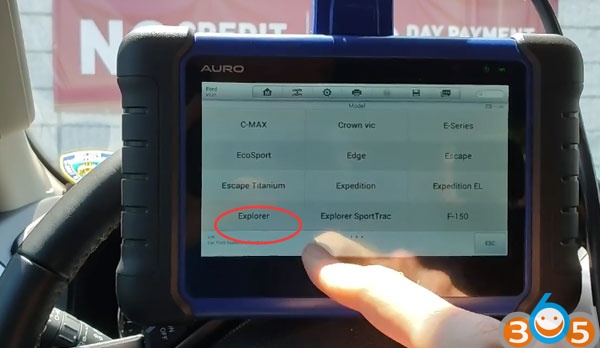
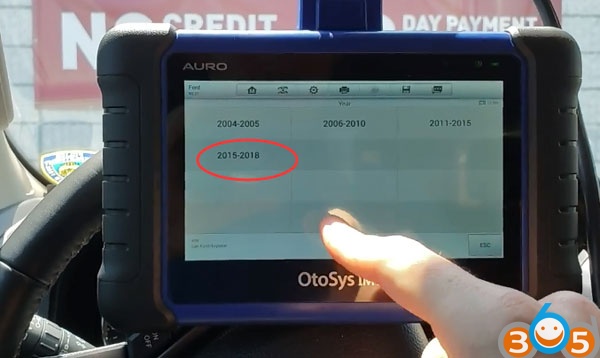
Turn on ignition switch
Establishing vehicle communication
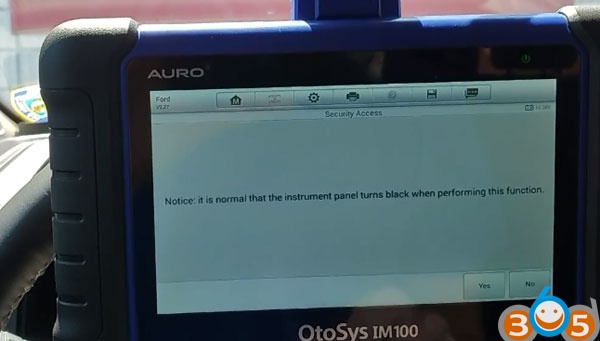
It is normal that the instrument panel turns black when performing this function.
Press Yes to continue
Wait for the security accessing
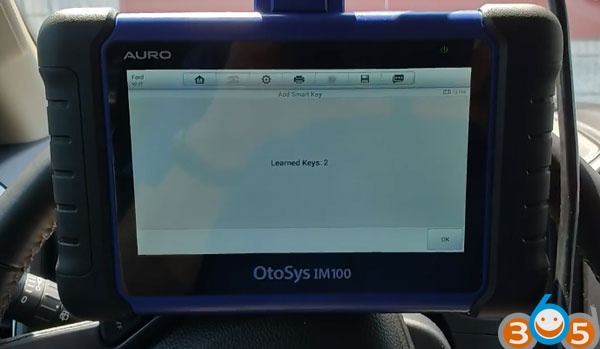
Learn key: 2
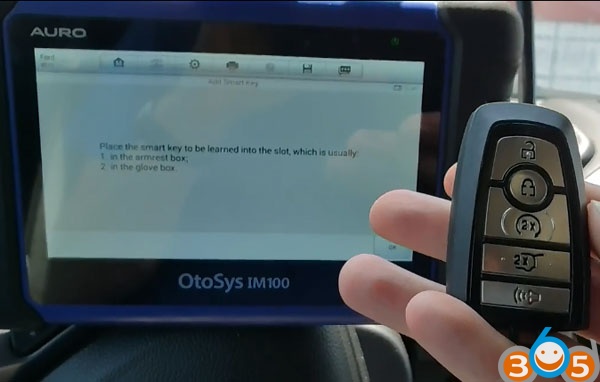
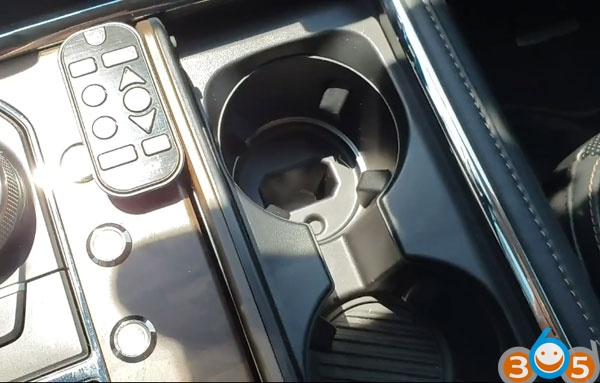
Place the smart key to be learned into the slot, which is usually:
1. in the armrest box;
2. in the glove box
Learning key in progress
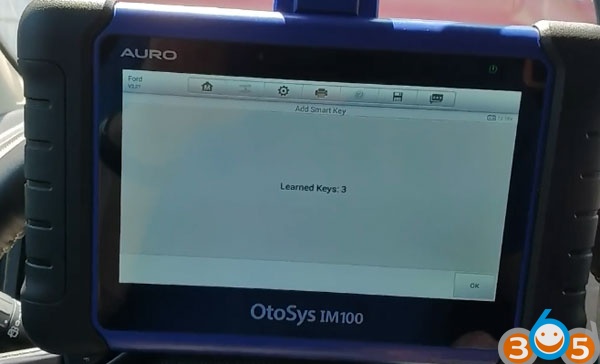
Learn key: 3
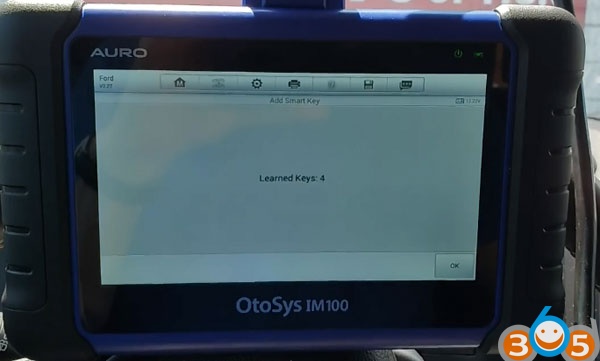
Follow same procedure to learn next key.
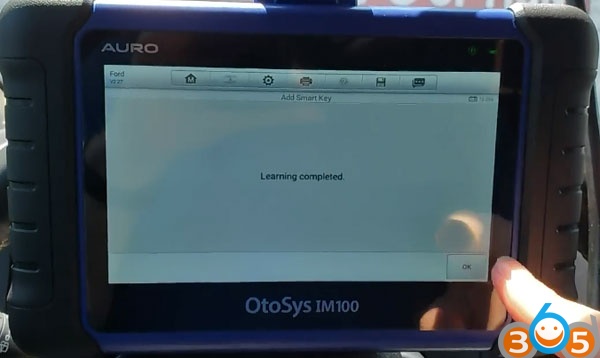
Key learning completed.
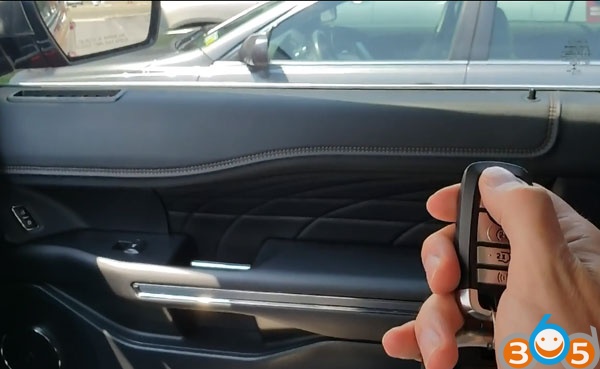
Test the remote control and start vehicle.
Done.
If you need Auro OtoSys IM600, please contact our customer service:
Whatsapp : +86 18259252285
Skype: obdii365.com
E-Mail:[email protected]