Skip to content
Key Programmer

    How to Unlock BMW CAS3 Remote HITAG2 with Auro Otosys IM100
    bmw-key-programmer
    (0)

    Tested successfully: AuroDiag Otosys IM100 and BMW CAS3 remote unlock.


    Done by professionals working for obdii365.com


    The test starts…


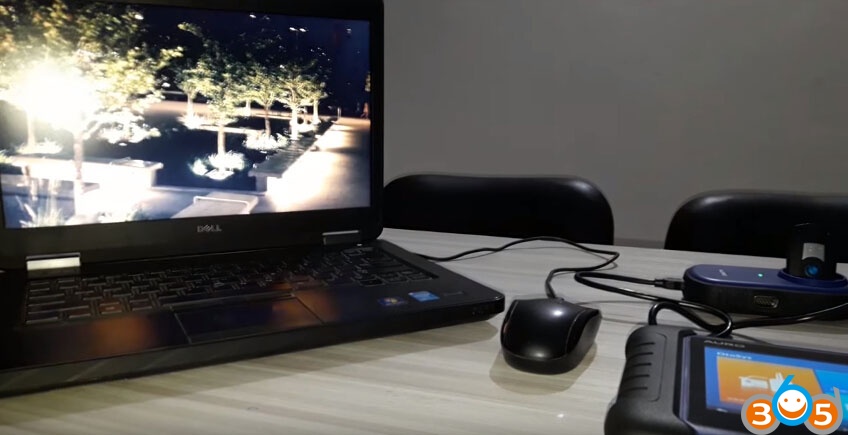
    Step 1: connect IM100 and adapter


    Connect the UP200 to the Otosys IM100 unit

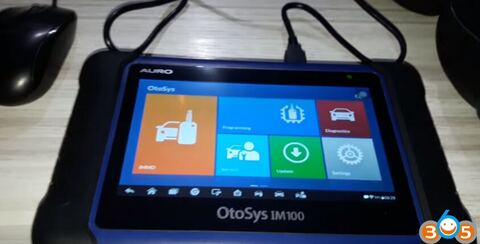
    Run IM100 programming software

    OTOSYS-IM100-unlock-bmw-cas3-remote-1

    OTOSYS-IM100-unlock-bmw-cas3-remote-2

    Have to accept the agreement to continue
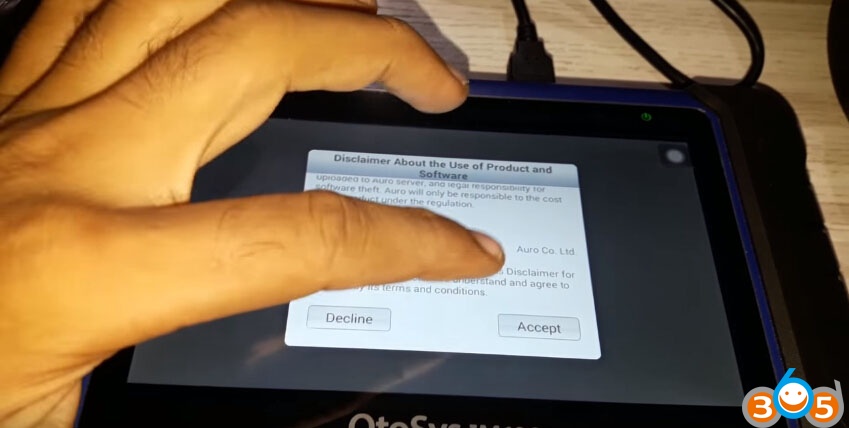
    OTOSYS-IM100-unlock-bmw-cas3-remote-3


    Step 2: read key data


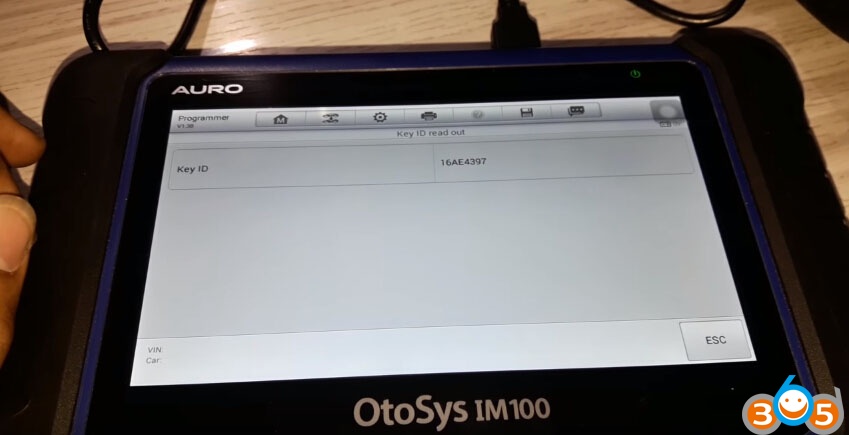
    OtoSys IM100 will read out key ID

    OTOSYS-IM100-unlock-bmw-cas3-remote-4

    Put the remote into the UP200 programmer
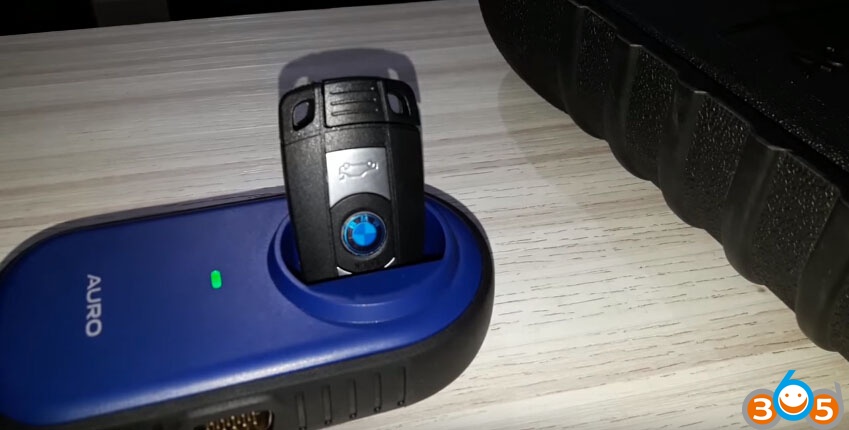
    OTOSYS-IM100-unlock-bmw-cas3-remote-5

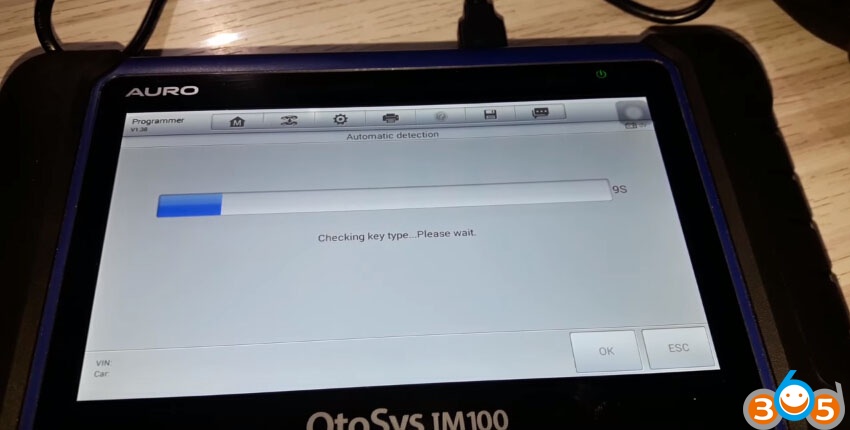
    Automatic detection….checking key type

    OTOSYS-IM100-unlock-bmw-cas3-remote-6

    OTOSYS-IM100-unlock-bmw-cas3-remote-7

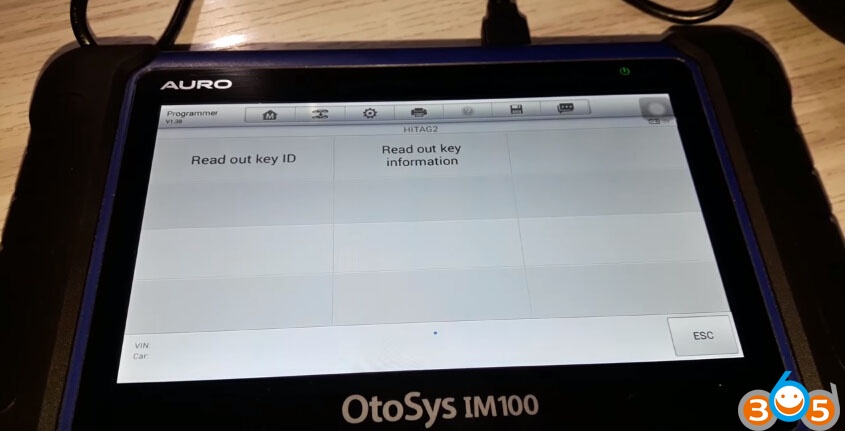
    The key type is HITAG2

    Click on OK to enter the operation interface of the key type
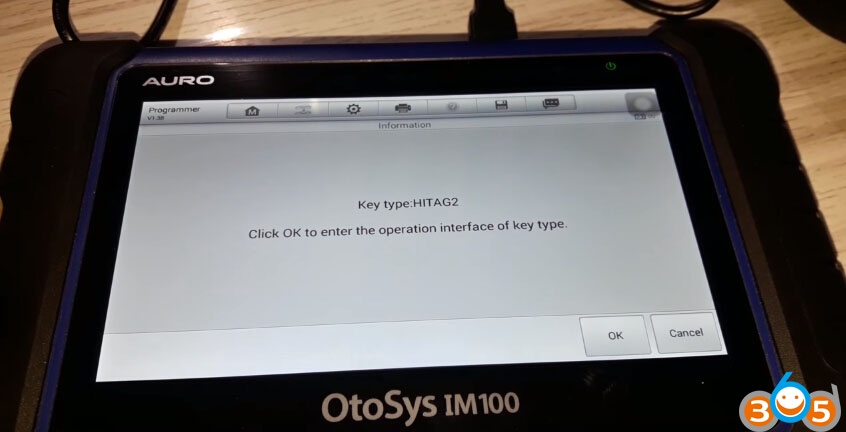
    OTOSYS-IM100-unlock-bmw-cas3-remote-8

    Auro IM100 read out key ID

    OTOSYS-IM100-unlock-bmw-cas3-remote-9

    OTOSYS-IM100-unlock-bmw-cas3-remote-10


    Step 3: unlock the remote


    Back to the IM100 programmer function interface

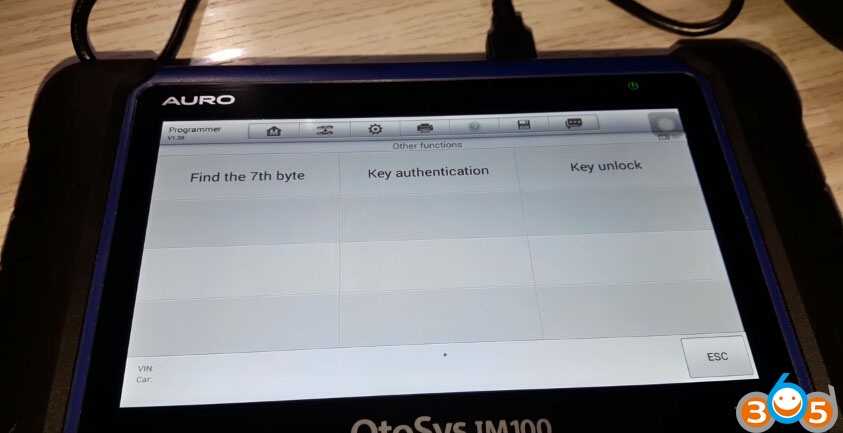
    Go to other functions to unlock the remote

    OTOSYS-IM100-unlock-bmw-cas3-remote-11

    OTOSYS-IM100-unlock-bmw-cas3-remote-12

    IM100 will unlock key HITAG2

    OTOSYS-IM100-unlock-bmw-cas3-remote-13

    This is the password

    OTOSYS-IM100-unlock-bmw-cas3-remote-14

    Unlocking

    OTOSYS-IM100-unlock-bmw-cas3-remote-15

    Unlocked successfully!

    OTOSYS-IM100-unlock-bmw-cas3-remote-16

    Done with Auro Otosys IM100!

    OTOSYS-IM100-unlock-bmw-cas3-remote-17

    Auro Otosys IM100 Unlocked BMW CAS3 Remote HITAG2

    Rate this article (0)