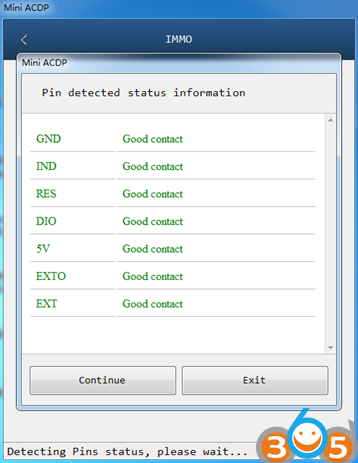
How to Clean JLR KVM Test Points for Yanhua Mini ACDP
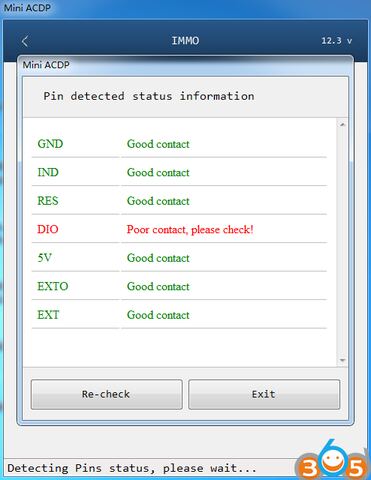
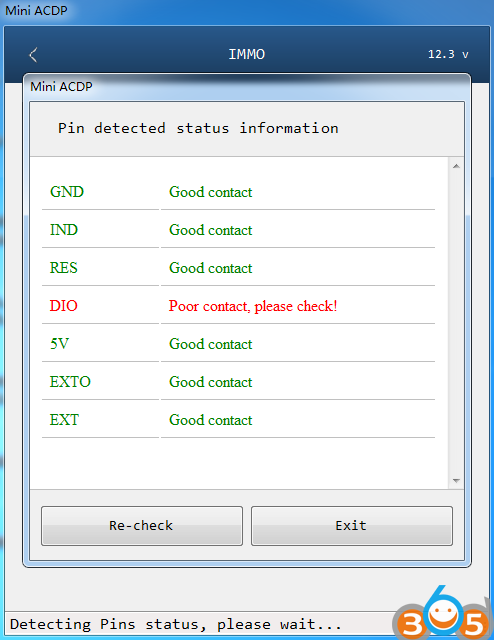
When reading JLR KVM module data with Yanhua Mini ACDP by ICP, the pins detection shows unreliable contact. As shown in the following picture:
Find the location of the bad contacted test points according to the help document in APP.
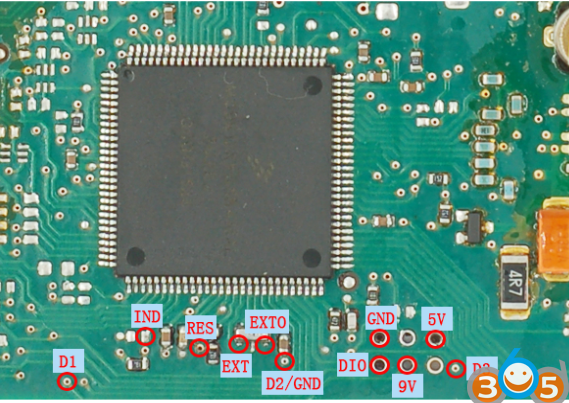
Remove the interface board and use the Conformal coating cleaning probes to clean up the test points.
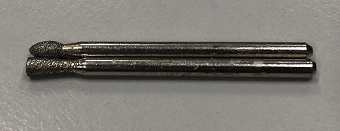
When cleaning the test point, use the Conformal coating cleaning probes to align the test point and rotate 1-2 turns. Do not put force when cleaning test points in order to avoid damaging the test points.
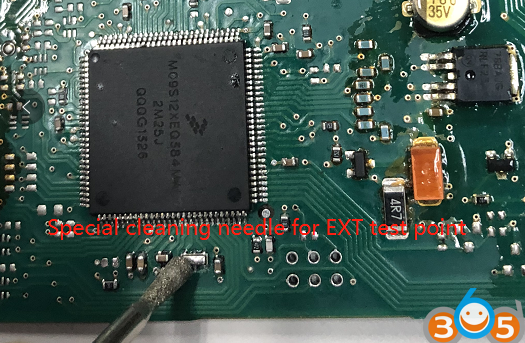
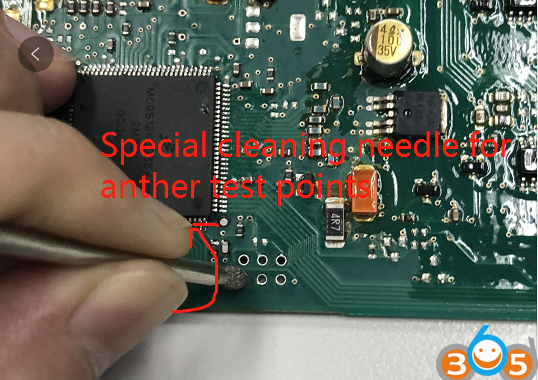
Reconnect the interface board for pin detection and data reading.