How to: CGDI Prog MB tool reset/renew Mercedes-Benz w204 used elv on bench (and you can teach in to other car).
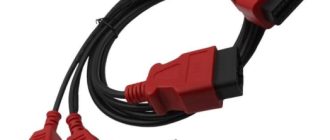
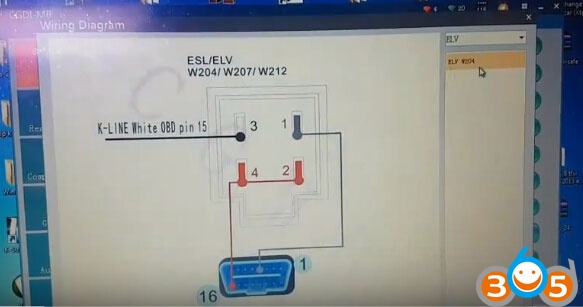
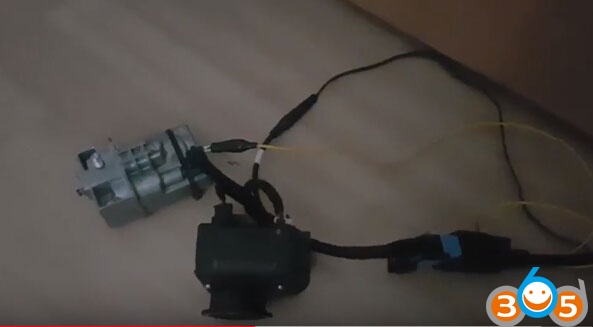
Follow CGDI MB ELV W204 wiring diagram to setup connection
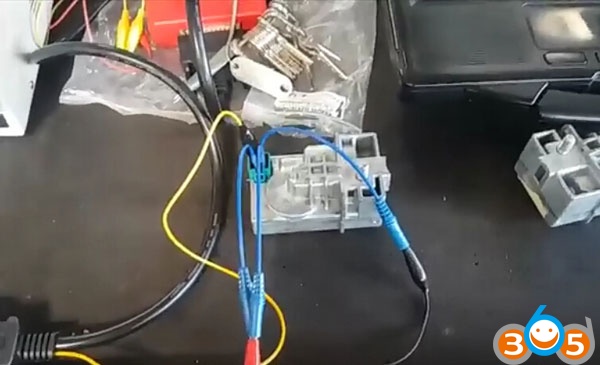
Open CGDI MB software
Select ELV->W204, W207, W212->Read ELV data
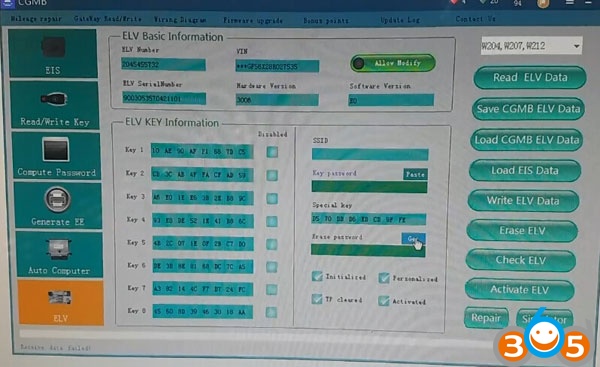
Read data success
Get Erase password
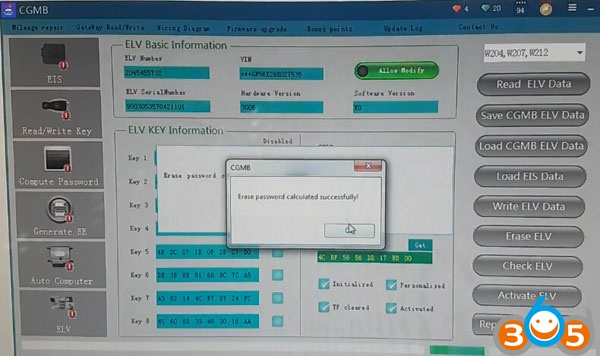
Erase password calculated successfully
Press Erase ELV
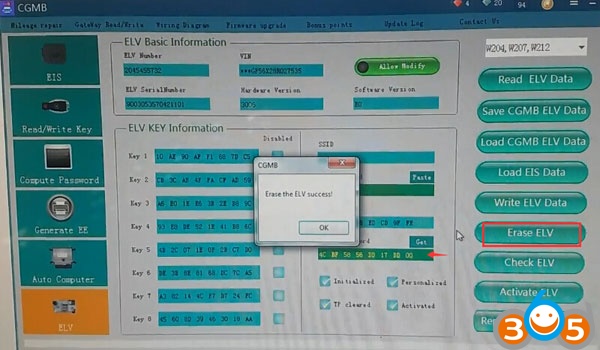
Erase the ELV success
Press Read ELV data again
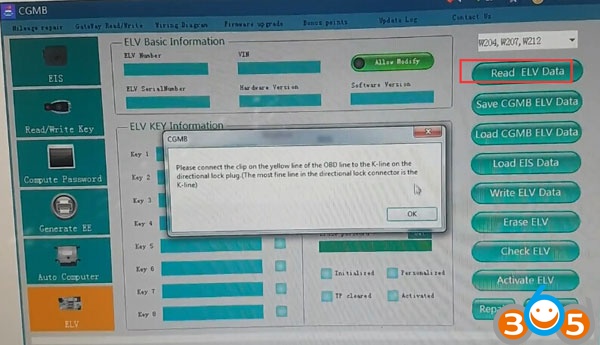
Follow CGDI MB prompt to check your connection is correct
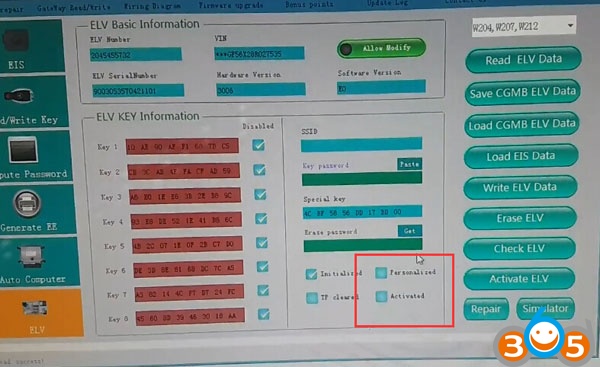
ELV was reset not problem
Select Load EIS data
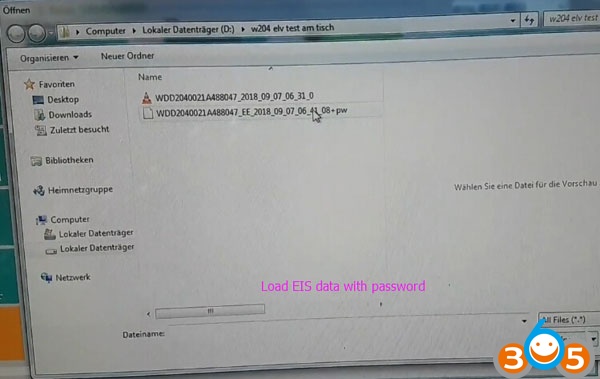
Load EIS data with password
Press Write ELV data
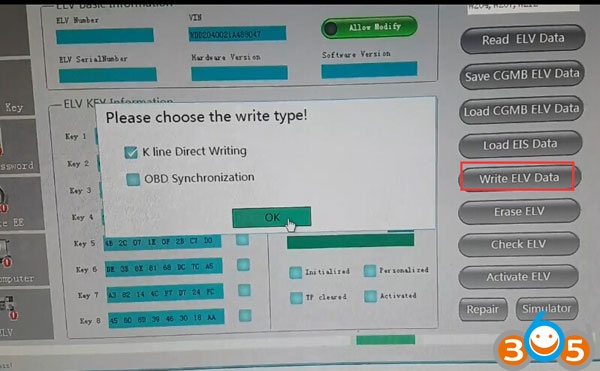
Select write type: K-line direct writing
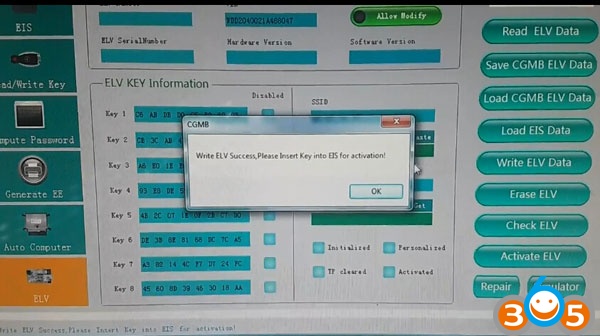
Write ELV success. Insert key into EIS for activation.
Select Activate ELV
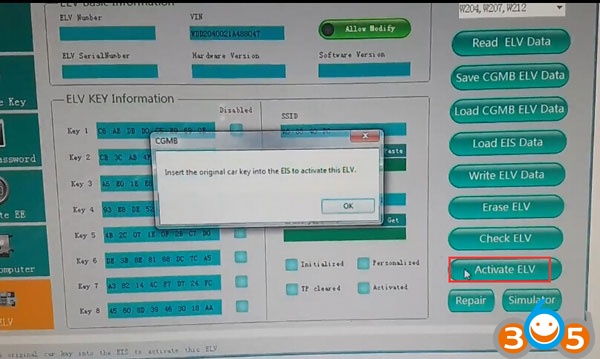
Insert the original car key into EIS to activate this ELV.
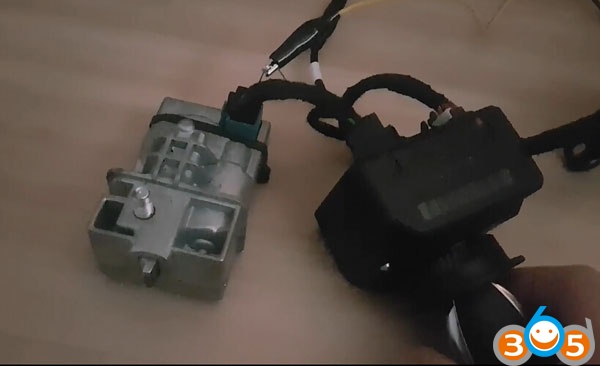
Done.
Related item: CGDI ELV ESL Renew Emulator for Benz W204 W207 W212 Work with CGDI Prog MB
http://www.obdii365.com/producttags/cgdi-prog.html