How to Add Key to Porsche BCM 1N35H with Yanhua Mini ACDP No Soldering
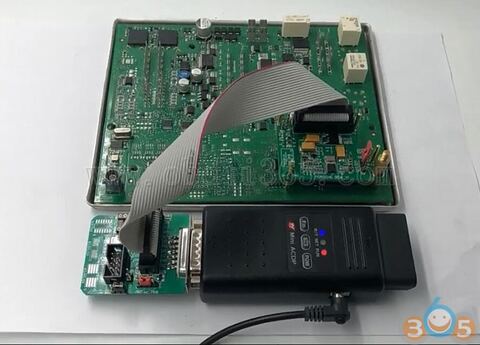
Yanhua Mini ACDP released new Porsche module– supporting newer Porsche year 2010 BCM key programming (add key & all keys lost.) No soldering. No removing components. With data backup and key refresh function, no risk of damaging BCM module.
Here’s the guide on adding a new key to Porsche BCM 1N35H (similar procedure goes to BCM 1L15Y, 5M48H and 2M25J).
Step 1: Make Connection
You should have ACDP Android/iOS mobile App downloaded and Porsche authorization opened before operation.
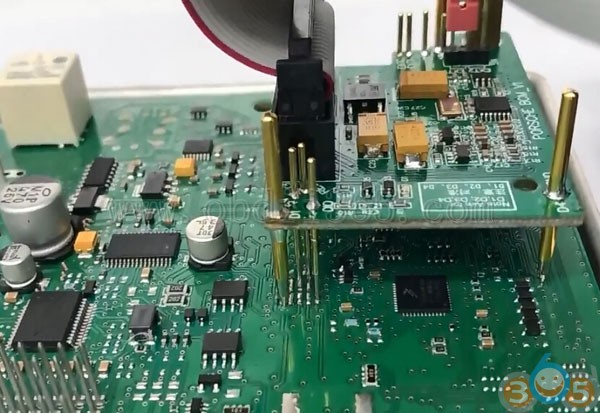
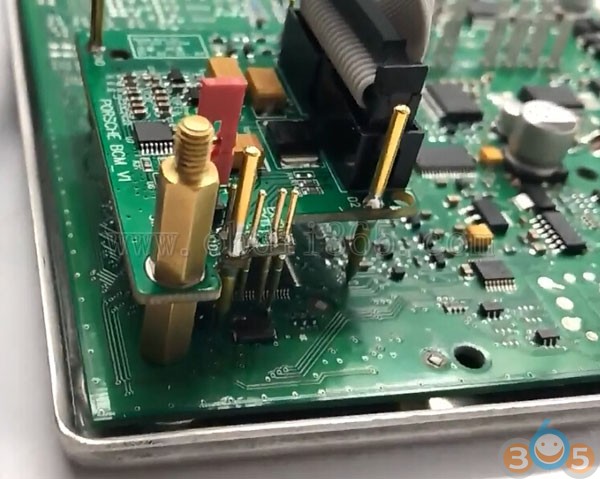
Connect ACDP device, OBP+ICP adapter, BCM interface board and BCM module.
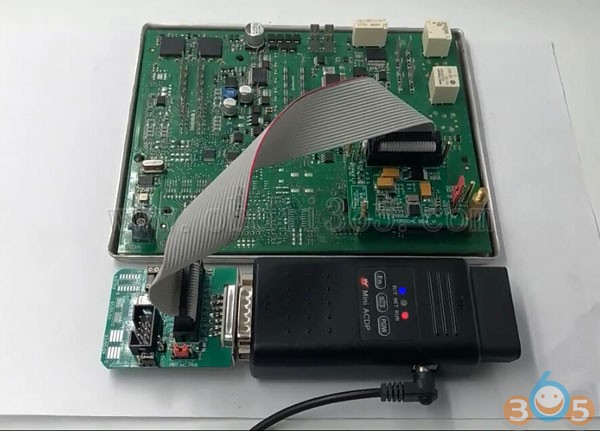
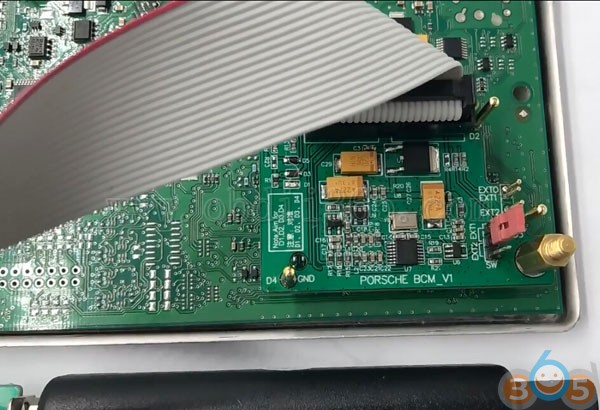
Check the crystal oscillator package of BCM module:
EXT1 short-circuited for ceramic packed crystal oscillator ; EXT2 short-circuited for metal packed crystal oscillator.
EXT1 short-circuited for ceramic packed crystal oscillator ; EXT2 short-circuited for metal packed crystal oscillator.
Step 2: Read PFLASH data
Open ACDP App
Select Porsche function->Add key for new Porsche->ICP IMMO->MC9S12XEP100 (Mask 1N35H)->Add key (auto mode)
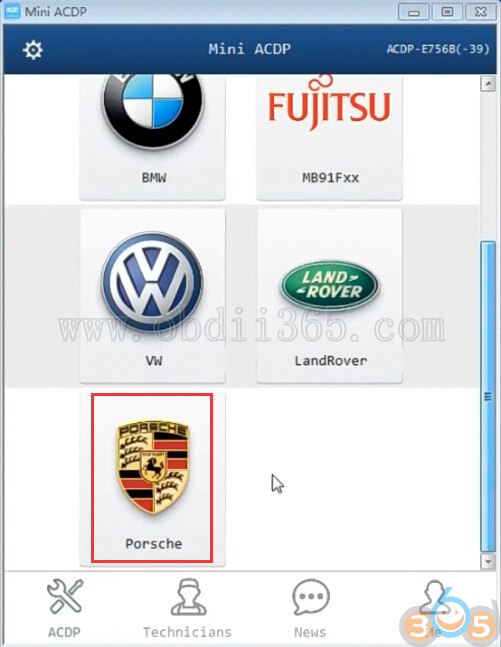
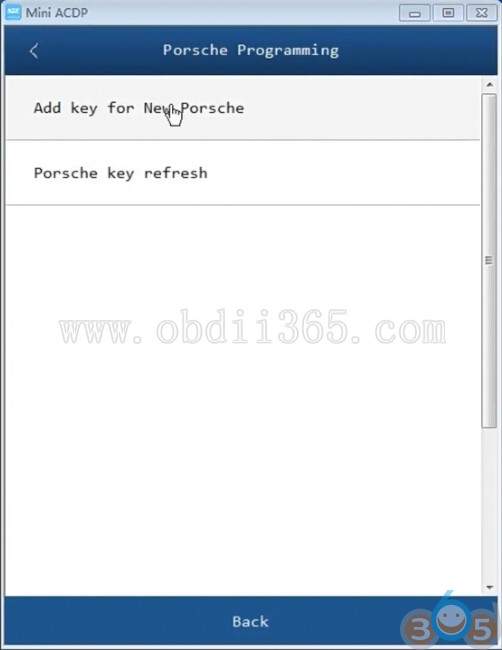
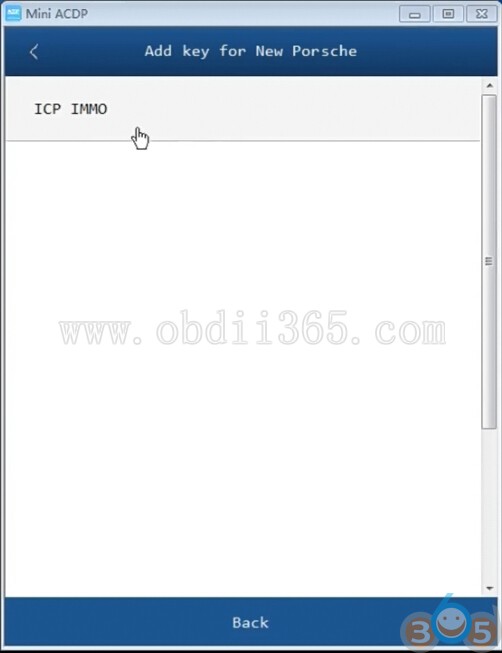
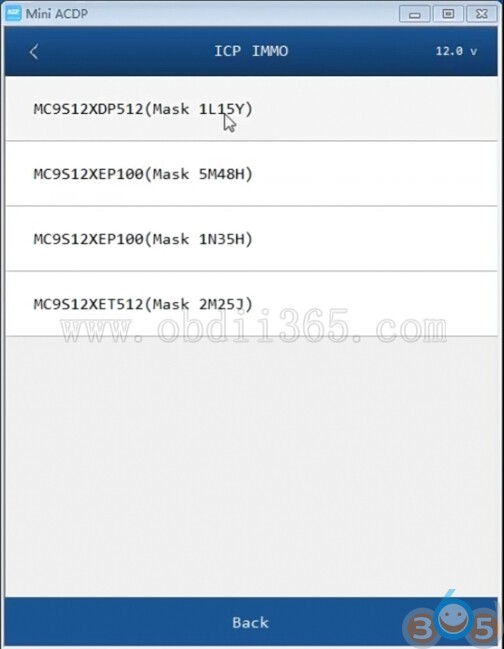
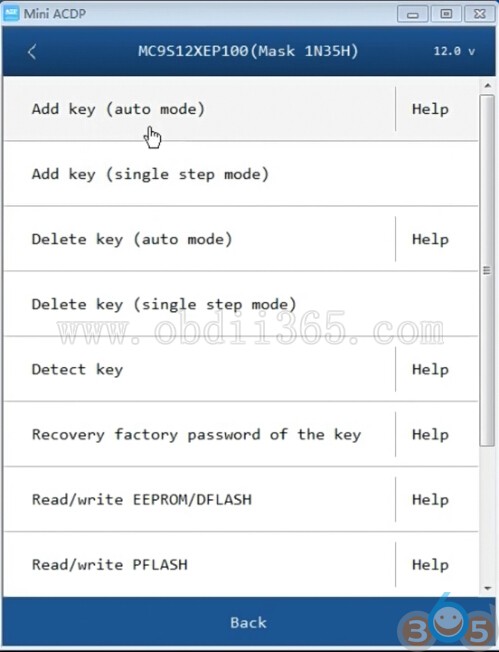
Note: ACDP will program keys for Porsche BCM 1L15Y, 5M48H, 1N35H and 2M25J.
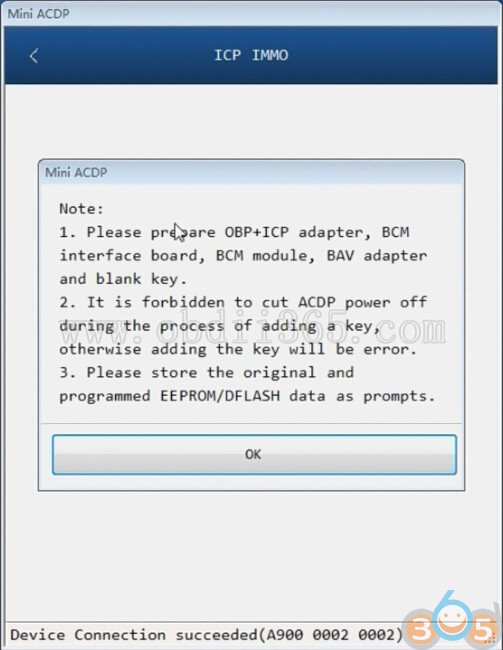
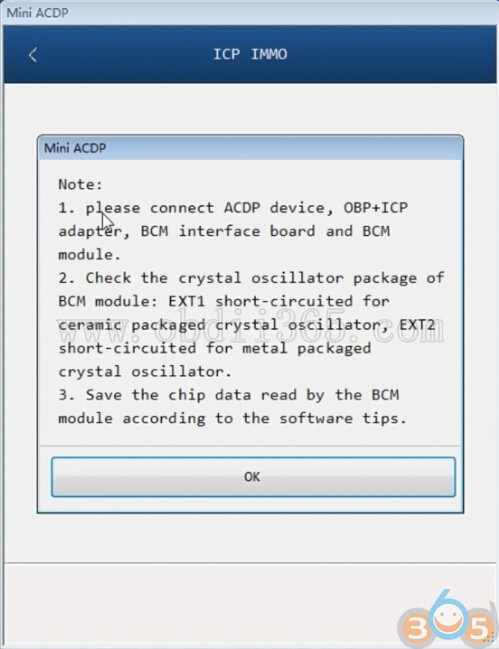
Check PIN detection status to make sure well connection is built

Press Yes if the BCM module chip has been encrypted
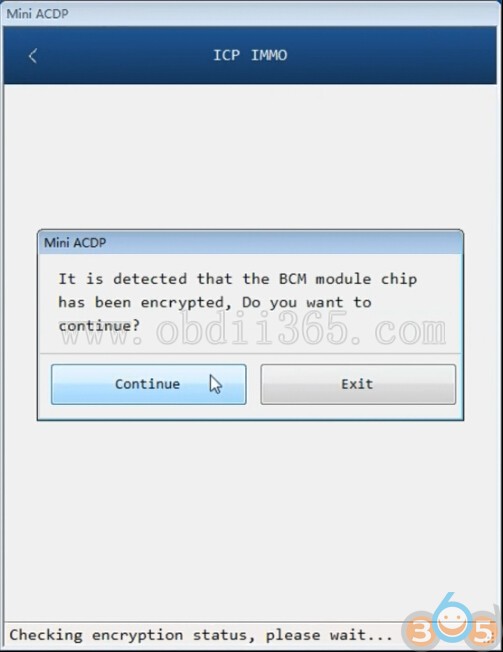
Encrypting chip data
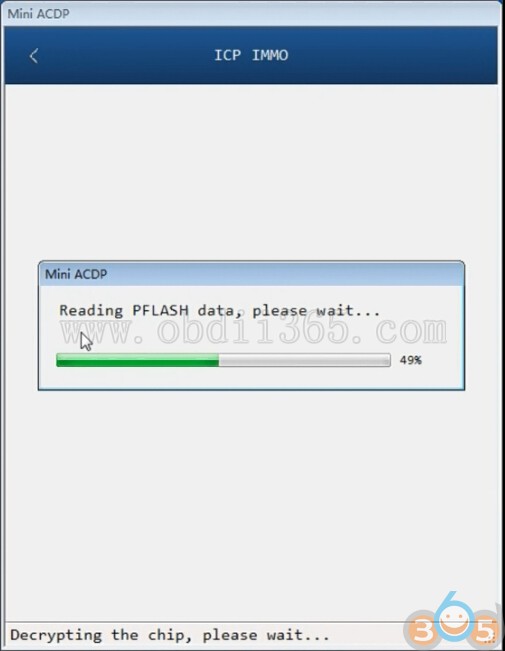
Reading PFLASH data
Save PFlash data
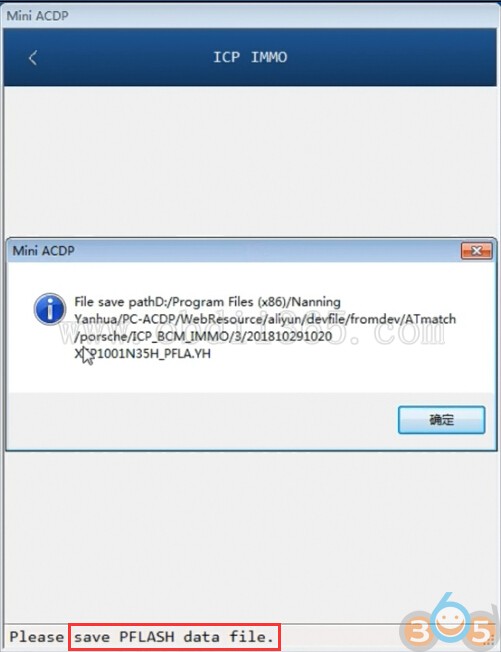
Pflash data was auto saved to D:/Program Files (x86)/Nanning Yanhua/PC-ACDP/WebResource/aliyun/devfile/fromdev/ATmatch/porsche/xxx folder
Step 3: Read EEPROM/DFLASH data
Reading EEPROM/DFLASH data
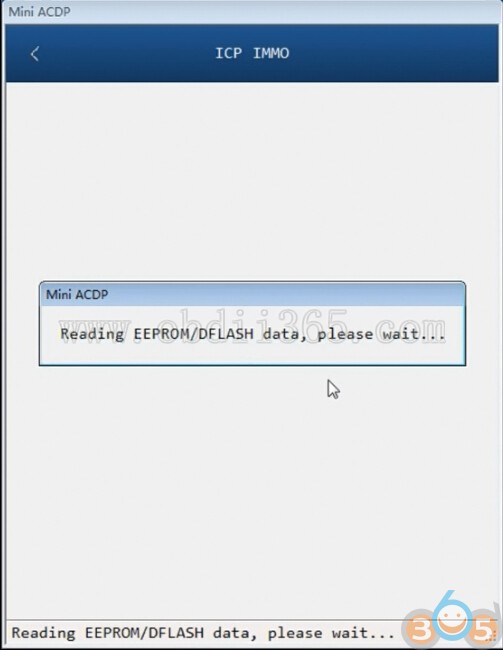
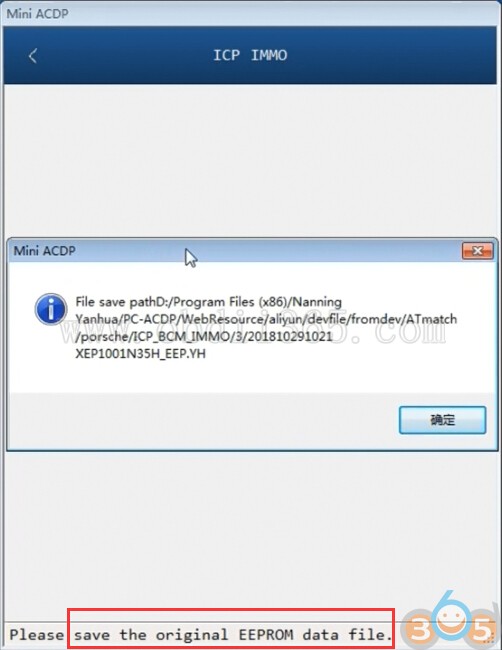
Save original EEPROM dump data
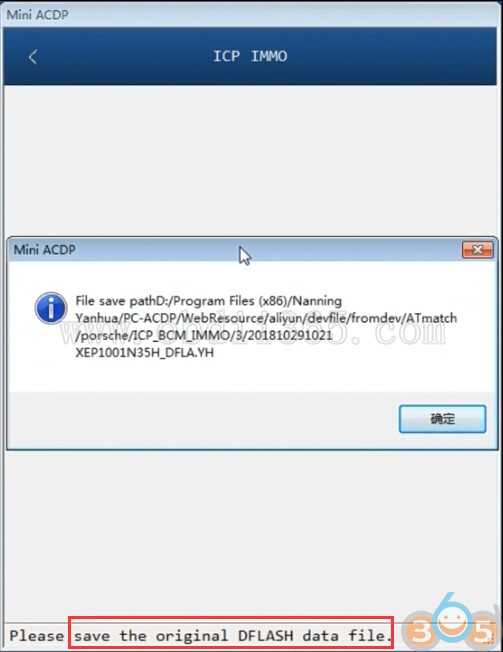
Save DFLASH data
Step 4: Add a New Key
Yanhua ACDP will display IMMO information, VIN, software number and keys info.
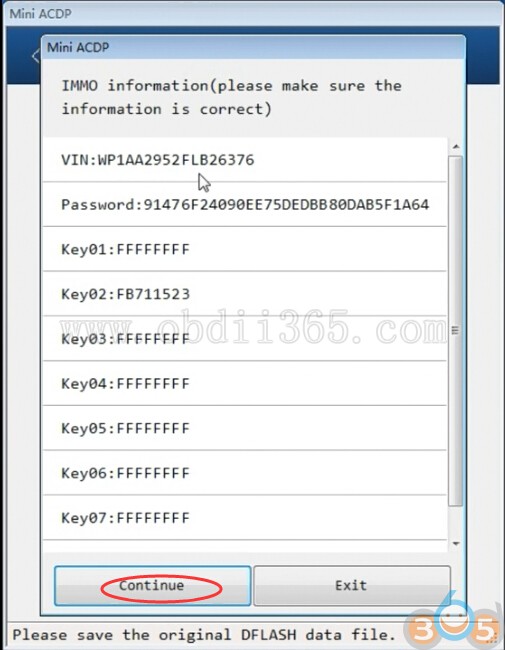
Confirm and press Continue
Keep the ACDP device power on. Disconnect the OBP+ ICP adapter and ACDP device firstly.
(Keep the OBP+ ICP adapter, BCM interface board and BCM module connected)
Connect the ACDP device to the BAV-key adapter and put the key into it
(Keep the OBP+ ICP adapter, BCM interface board and BCM module connected)
Connect the ACDP device to the BAV-key adapter and put the key into it
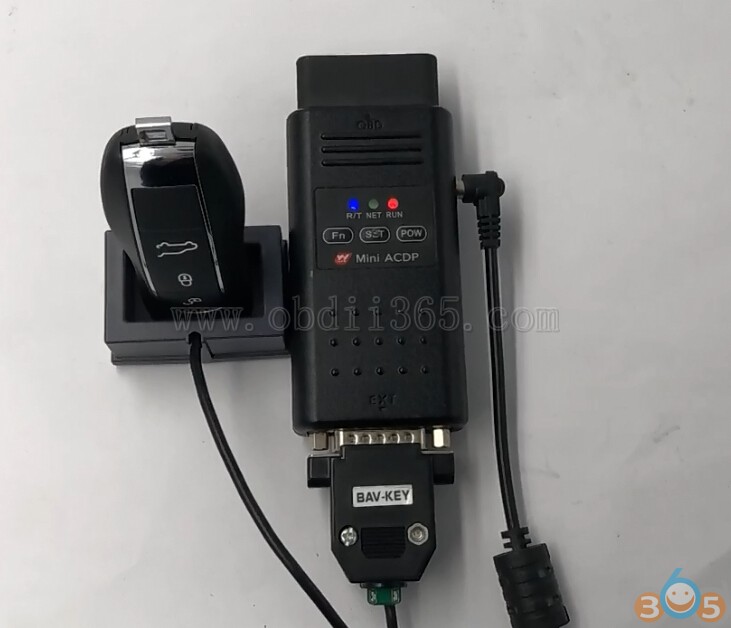
Reading original key information
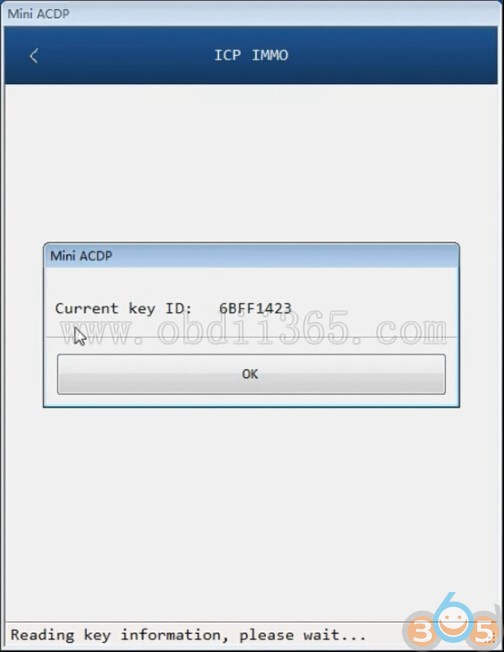
Current key ID
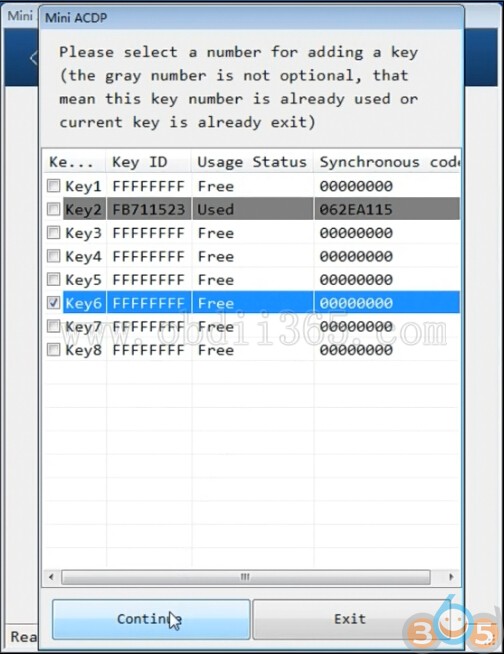
Select a valid key position to add key
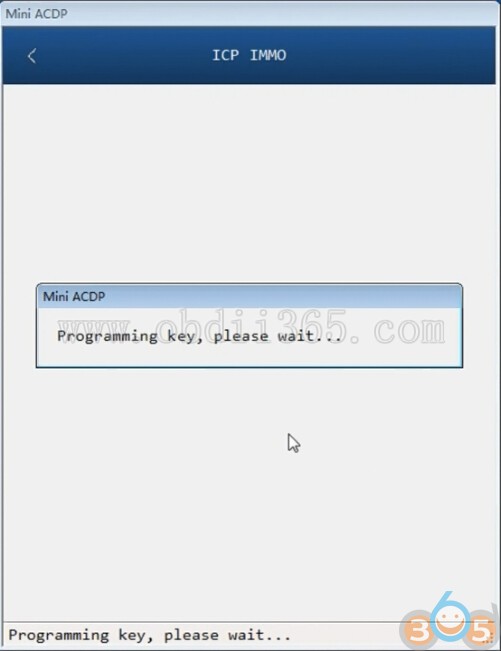
Reading key information and programming key
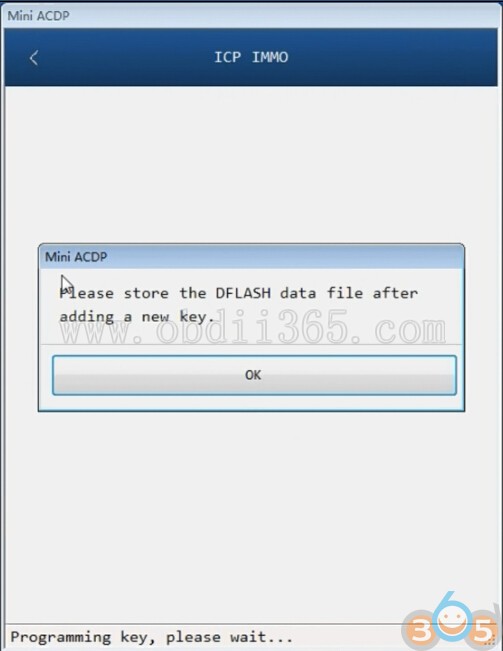
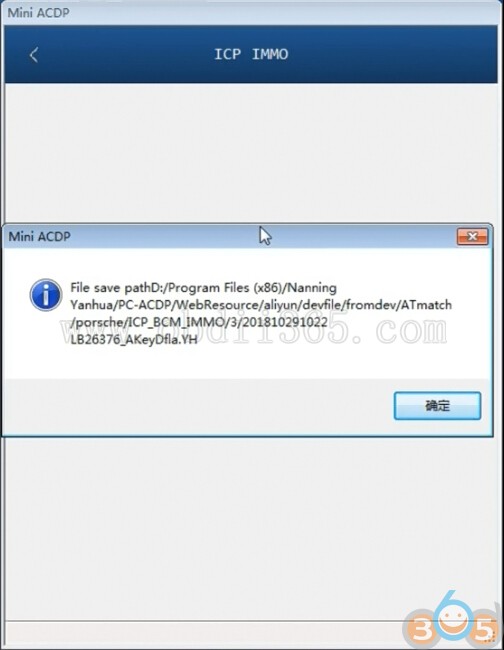
Auto backup the DFLASH data after adding a new key
Connect ACDP device, OBP+ ICP adapter, BCM interface board and BCM module. Check PIN connections again.
Check the IMMO information
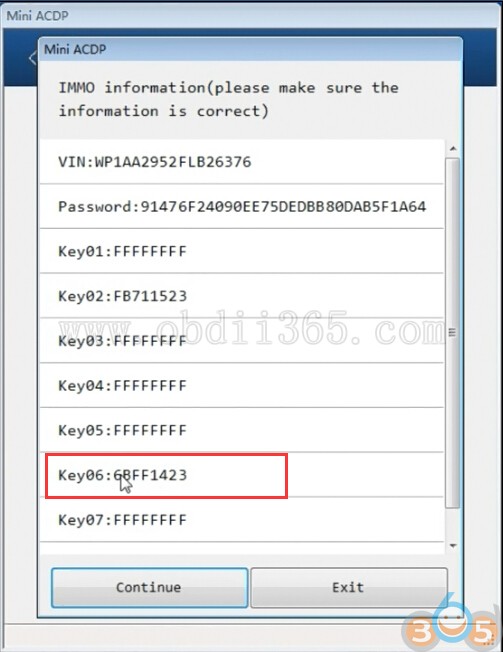
Now you can see the Key06 position has a new key stored
Press continue.
Decpryting the chip
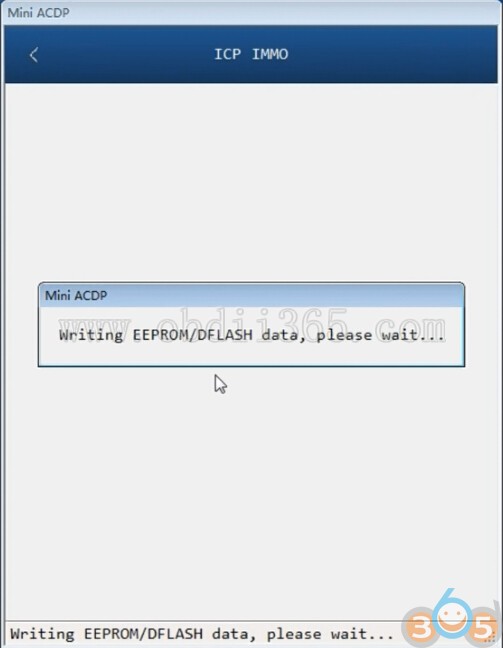
Writing EEPROM/DFLASH data
Verifying chip data
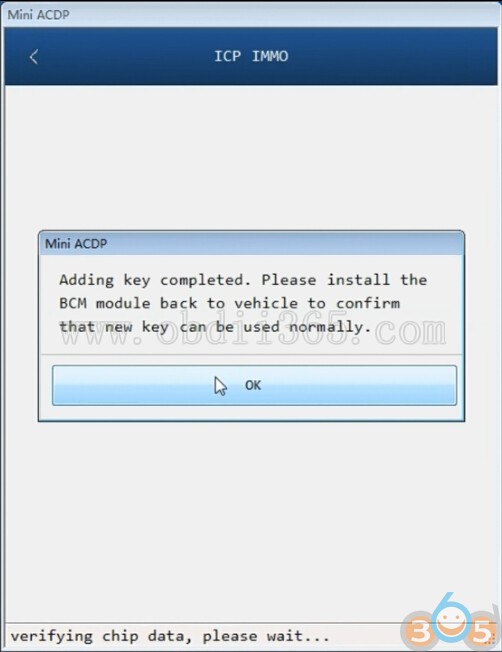
Add key completed.

Yanhua ACDP will auto generate and save logs.
Install the BCM module back to vehicle.
Test the new key.
Yanhua Mini ACDP Adds A New Key to Porsche BCM 1N36H No Soldering