How to Generate Renault Kangoo 2018 Remote Key with Keydiy KD-X2
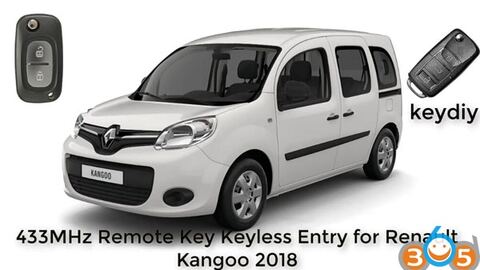
How to copy 433MHz remote key keyless entry for Renault Kangoo 2018 using Keydiy KD-X2 and keydiy remote.
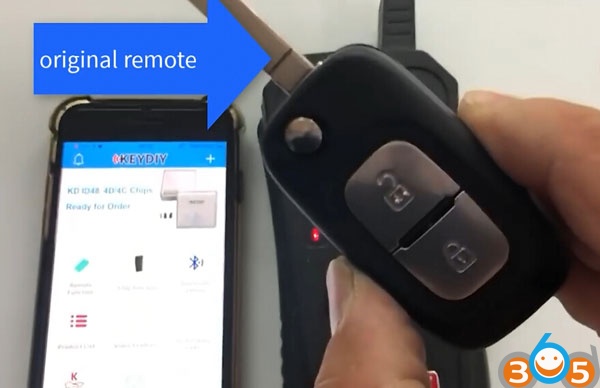
Original remote 2-button 433MHz
Keydiy remote 3-button
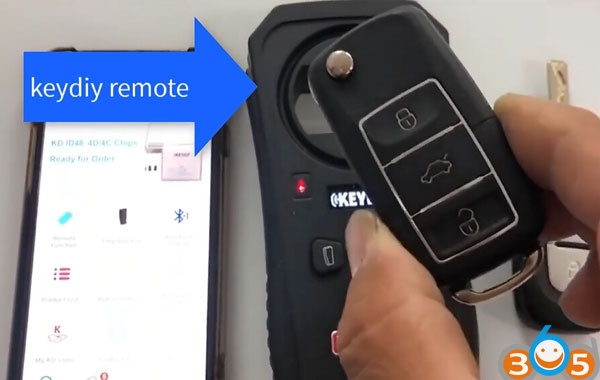
How to copy remote key?
Select Remote Function->Special Copy process
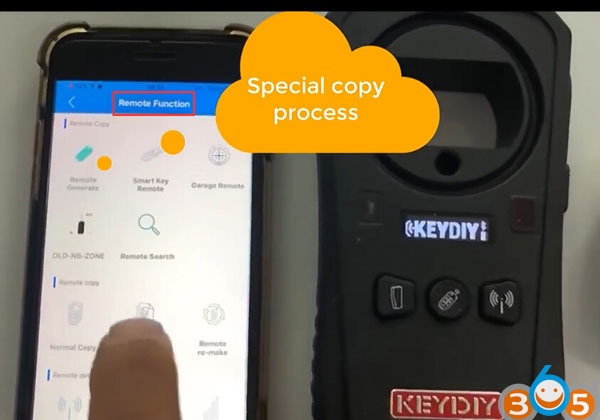
Press the up UNLOCK button of the original remote key
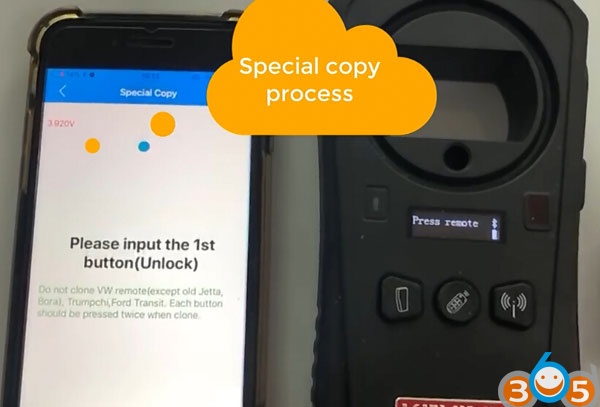
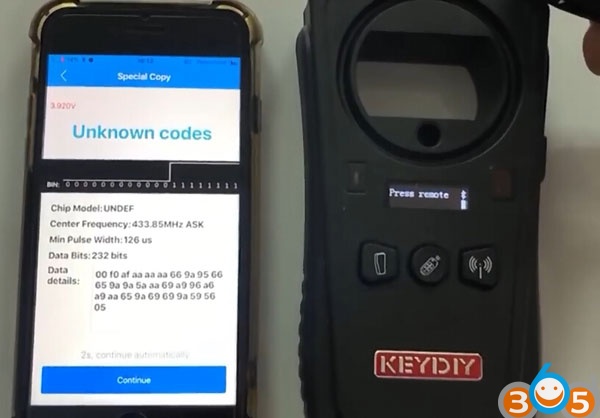
Press the UNLOCK button again
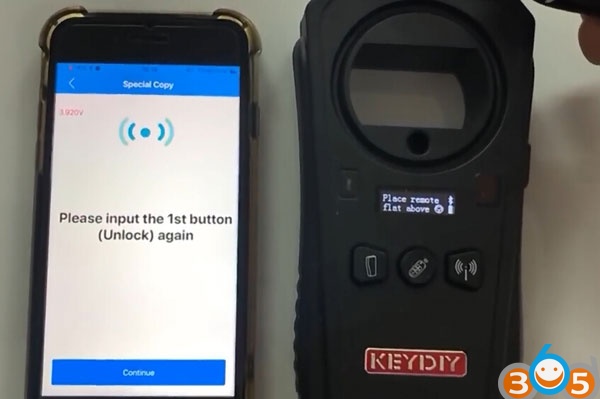
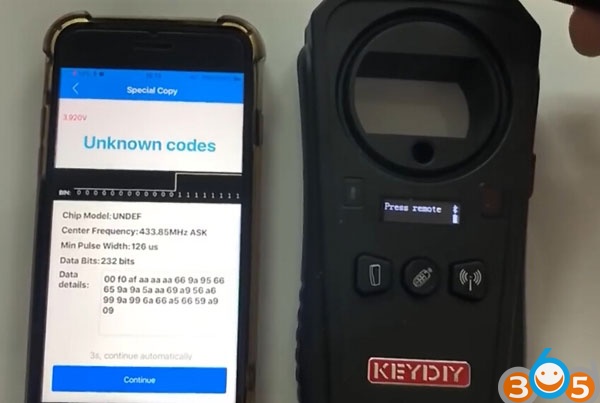
Press the LOCK button of the original remote key
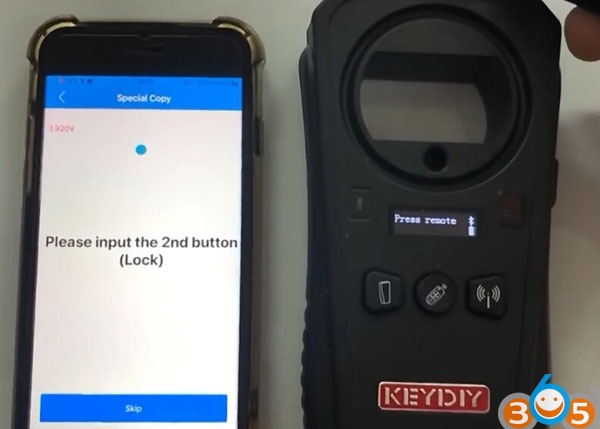
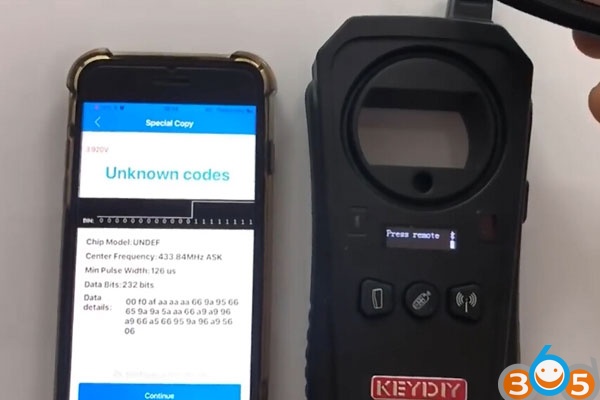
Press the LOCK button again
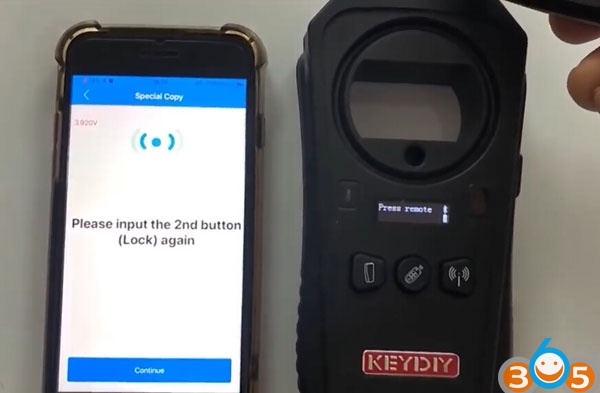
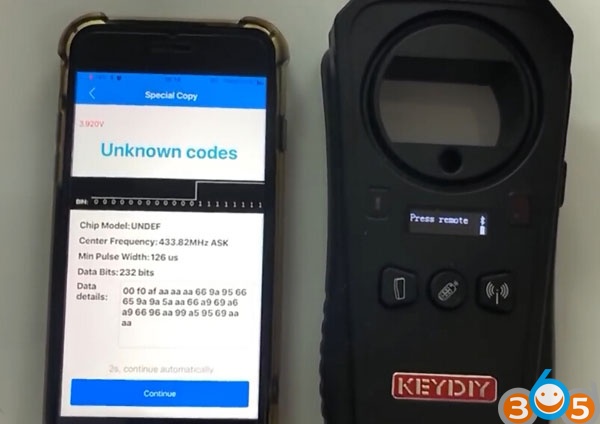
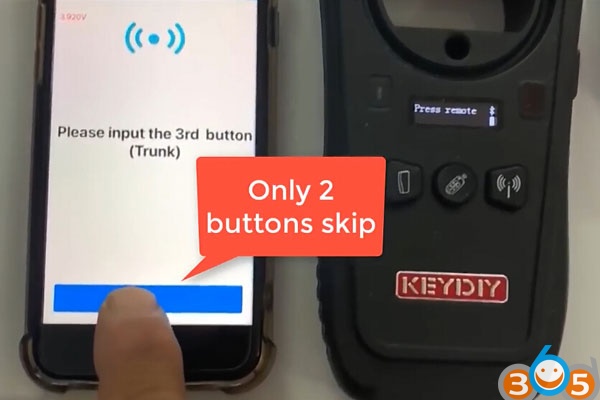
If KD-X2 prompt to press 3rd/4th button, just ignore. Because original remote has only LOCK and UNLOCK buttons.
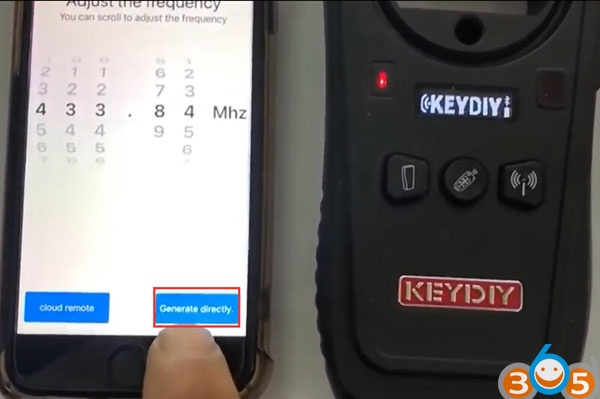
Then come to Adjust frequency interface
You can scroll to adjust the correct frequency, here 433.84MHz
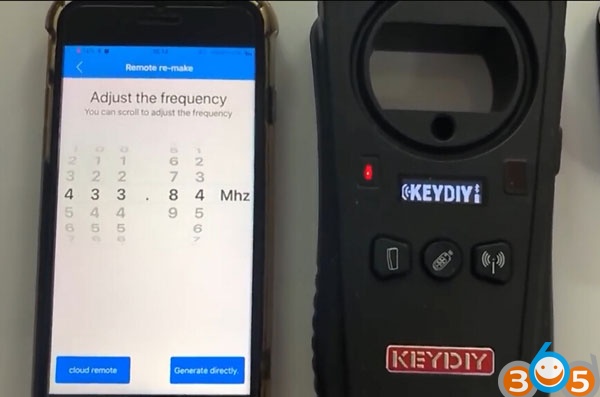
Remove keydiy remote, connect PCB board with keydiy kd-x2
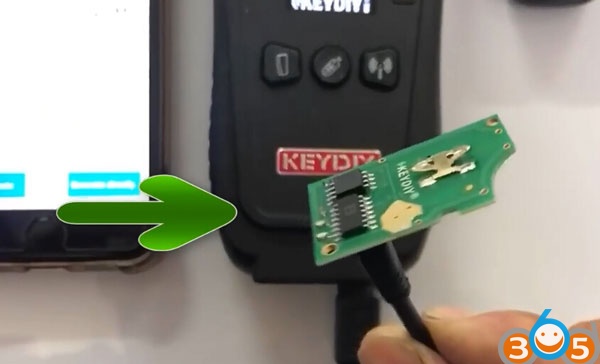
Press Generate Directly ->Wiring generation to write remote
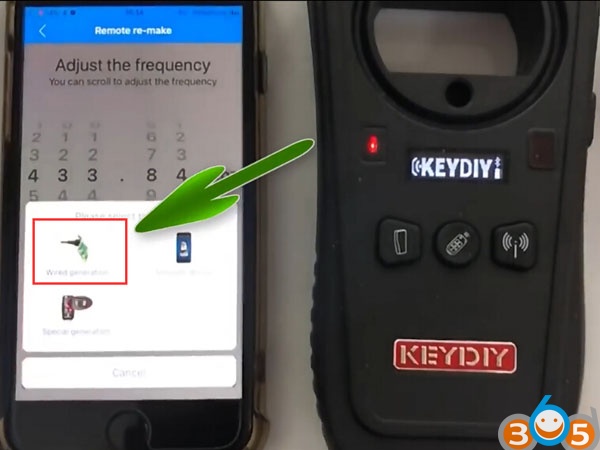
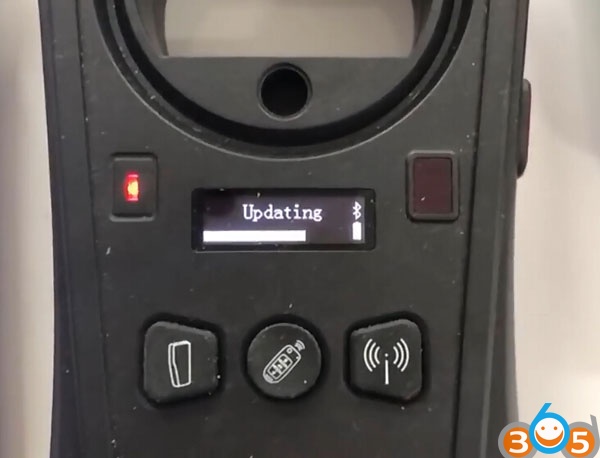
Write remote key data success
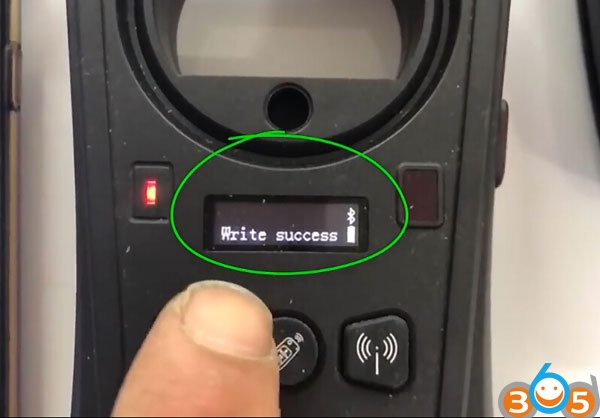
Copy remote key succeeded. But the original remote came out of encoding. No problem. After opening the ignition switch again it returns to work.
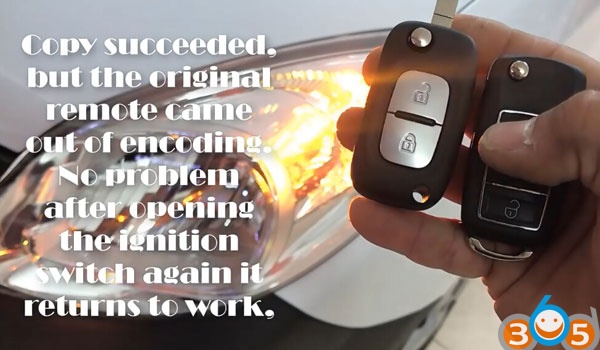
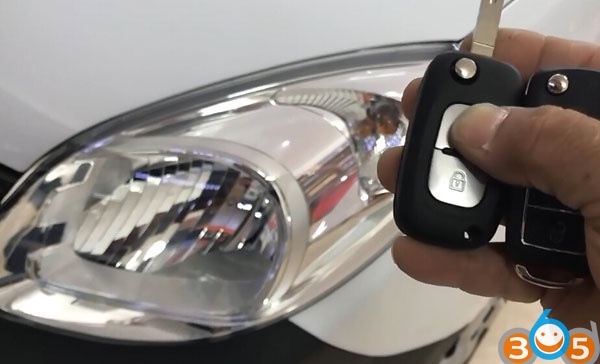
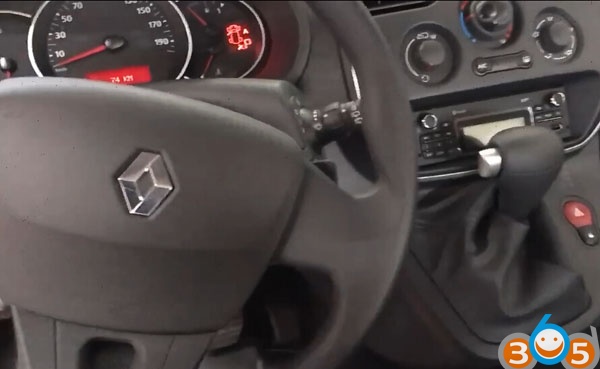
Turn on ignition switch with original key. The key back to work again.
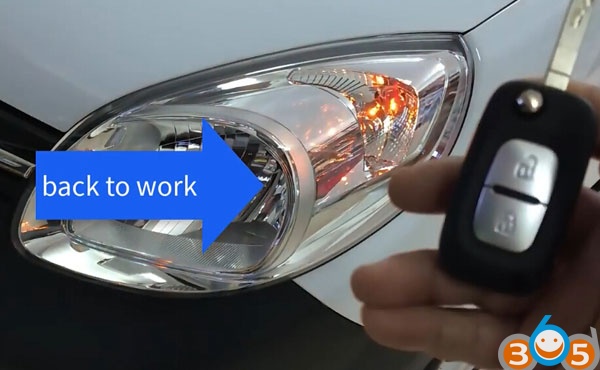
Done.