How to Add Audi R8 Transponder with Auro OtoSys IM100/IM600

How to: Audi R8 add transponder with precode and remote with Auro Otosys IM600 (IM100 do the job too).

Key type: 8P like Audi A3
Procedure:
Step 1: Read IMMO data
Read and save immo data
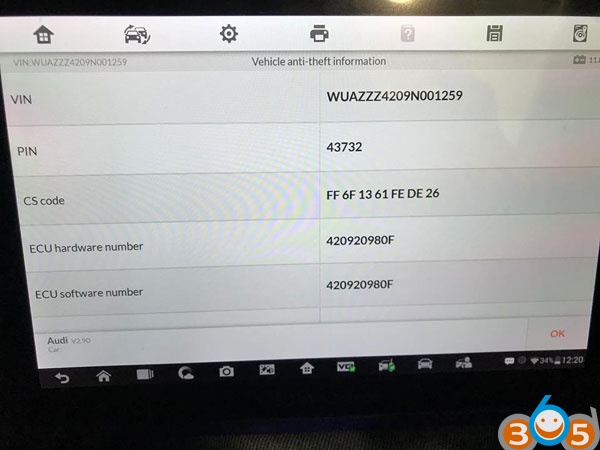
Step 2: Make Dealer Key
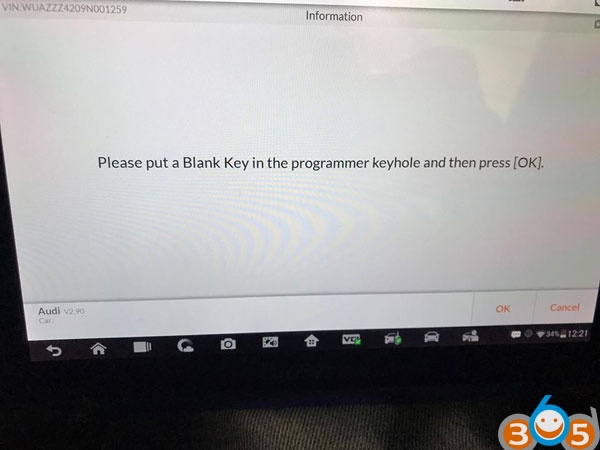
Step 3: Learn Key
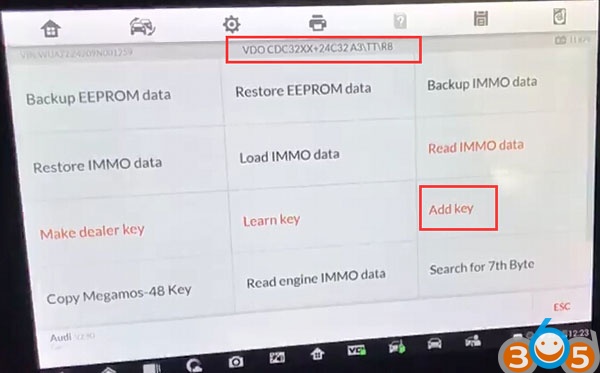
Step 4: Add Key
Enter from VDO CDC32XX+24C32 A3/TT/R8
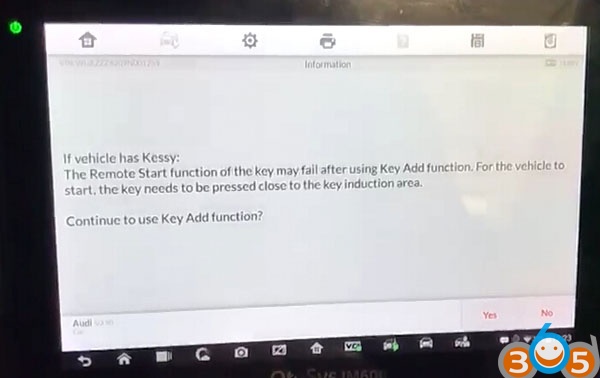
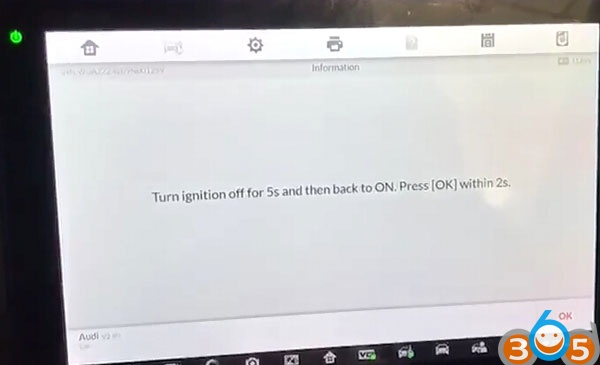
Turn ignition off for 5s and then back to ON. press OK within 2s.
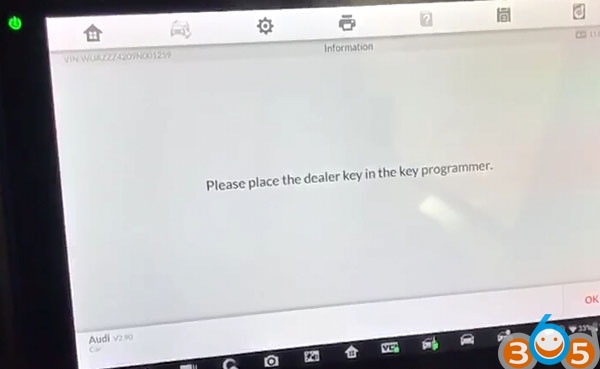
Place the dealer key/chip in the IM600 UP400 or IM100 UP200 key programmer
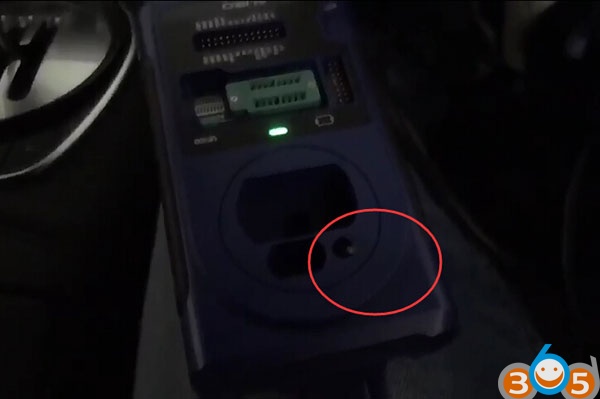
Communicating with the key
During the subseqent communication process, the instument will have a splash screen or a black scree.
This phenomenon is normal.
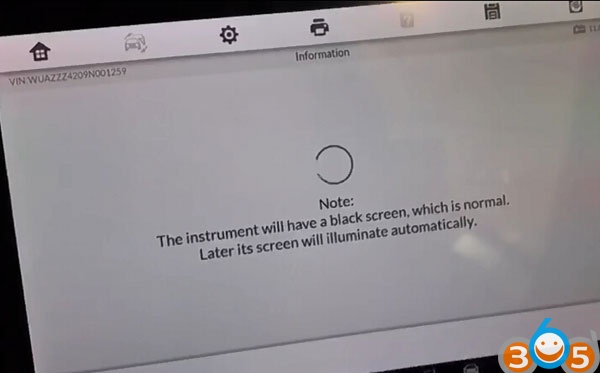
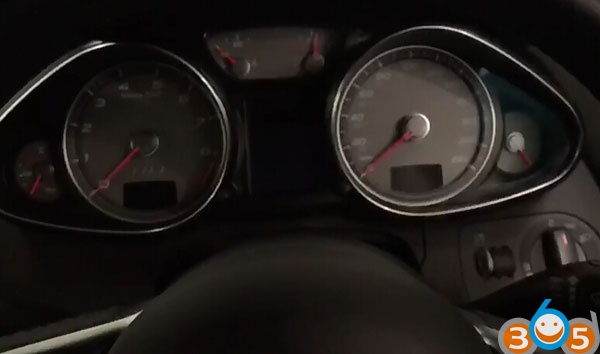
Later it will auto reset instrument
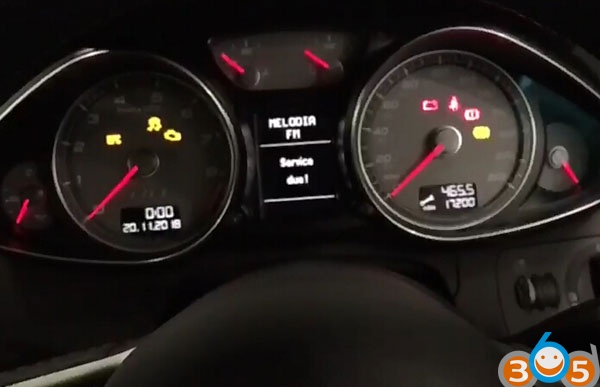
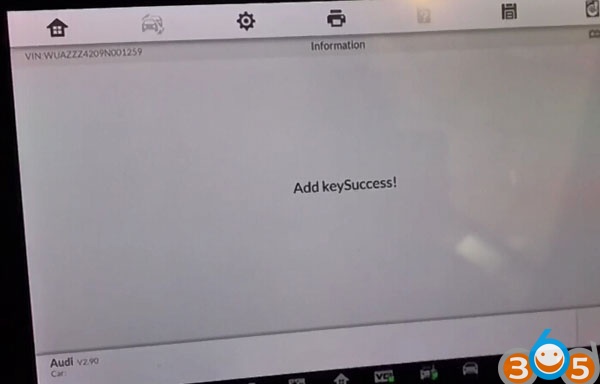
Add key success.
Test the new key.
Done.