VAG SW0709 SW0805 NEC+24C64 VVDI2 Login with RESET PIN.
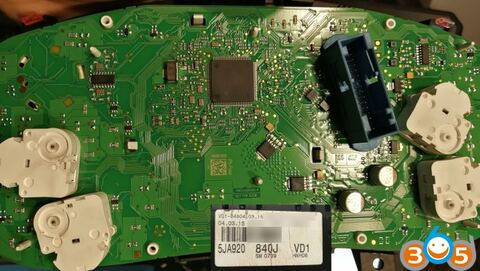
How-to: 5JA920840J SW0709 NEC+24C64 Login with RESET PIN.
Skoda Fabia, after 2015 PQ25 5JA920840J SW0709 , VW Amarok 2H0920871A SW0805
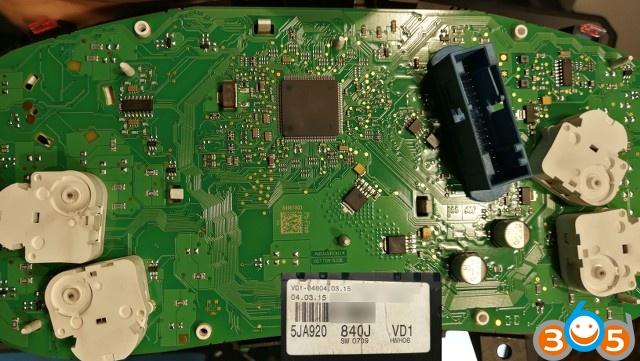
Please know, we always recommend to read & save EPP before you start.
RESET PIN is a GND signal , no need any rezistors or special line
With RESET PIN no need prepare EPP to Service Mode to login cluster if “all key lost”
With RESET PIN no need prepare EPP to Service Mode to login cluster if “all key lost”
1) Switch OFF power (Kl15 & KL30) , with KL15 OFF it will not work
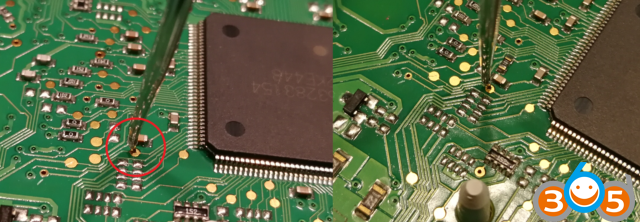
2) Find a RESET PIN near CPU
2) Find a RESET PIN near CPU

3) Switch OFF Power Supply (KL30 & Kl15)
4) Connect GND to RESET PIN and hold
5) Select proper cluster type in VVDI2 VAG
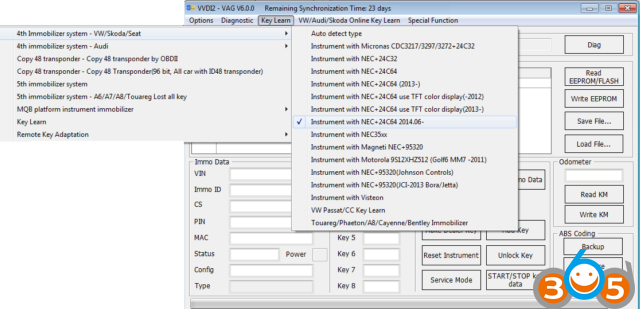
6) Switch ON power supply (KL15 & KL30)
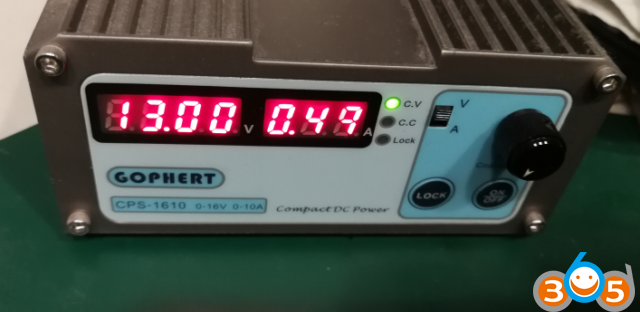
7) Remove RESET PIN (you can remove RESET PIN after few second when you switch ON Power
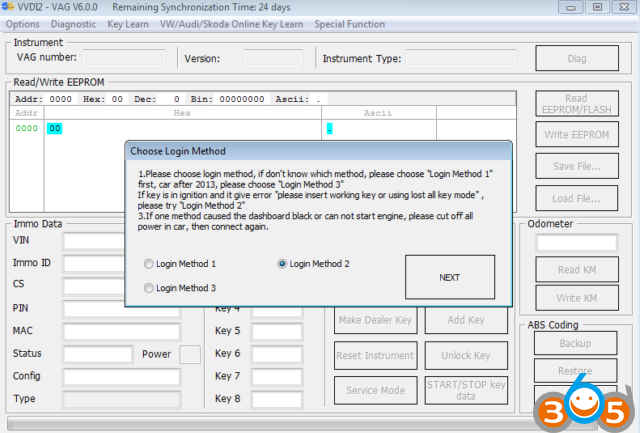
8) Select READ IMMO or EPP and Select LOGIN METHOD 2 (you can also try with other metode if this one faile)
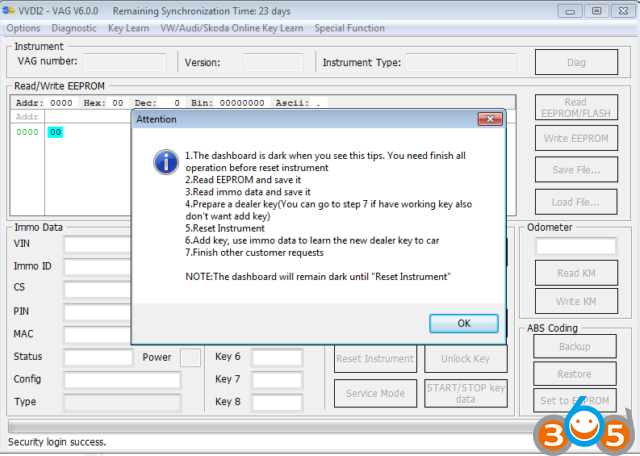
9) VVDI2 can login cluster now
Credit to Xhorse Poland distributor.
http://blog.obdii365.com/2018/12/17/skoda-fabia-vw-amarok-nec24c64-vvdi2-login-with-reset-pin/