How to Solve CGDI BMW "Update FEM/BDC" Error?
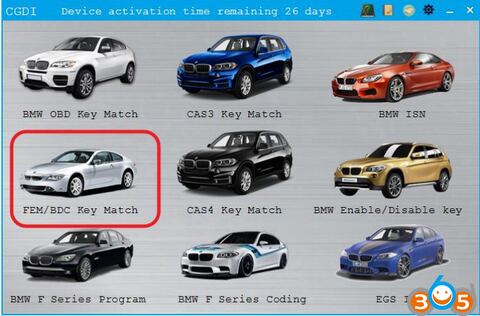
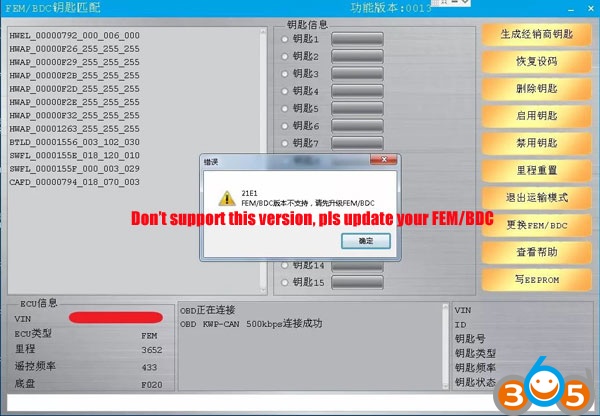
Sometimes you are trying to program keys to FEM/BDC system, CGDI Prog BMW will give you error “This version FEM/BDC is not supported, pls update your FEM/BDC”. This does not mean this ECU is not supported. You can enable it by FEM/BDC programming and coding.
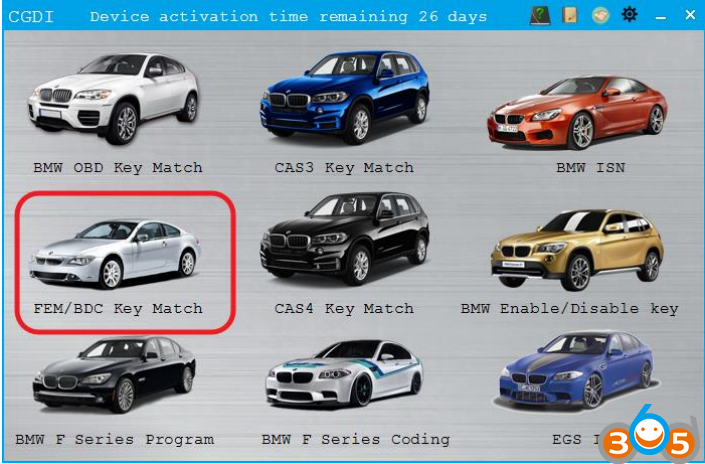
Here’s the proper solution to this problem.
Connect CGDI BMW with vehicle
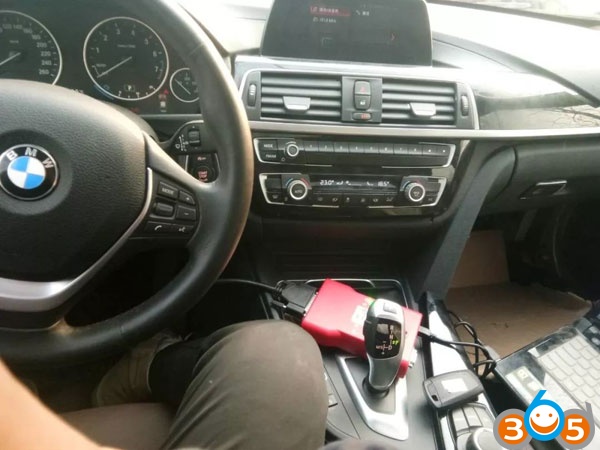
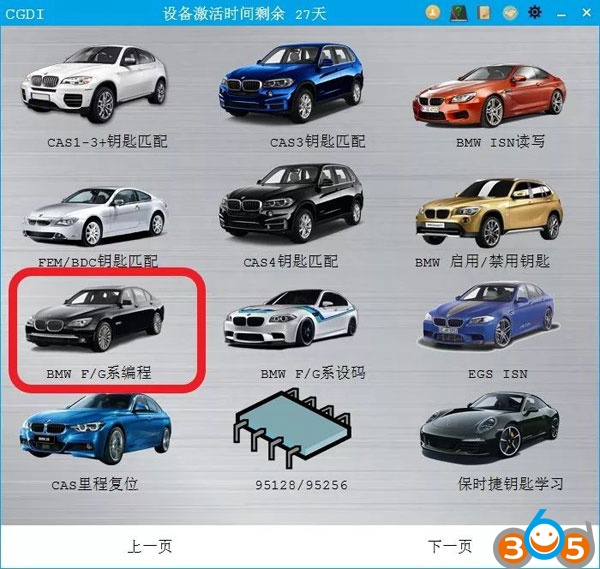
Select BMW F/G Series Programming
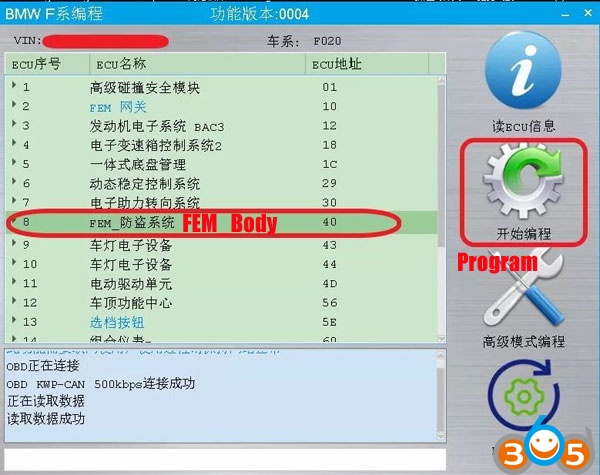
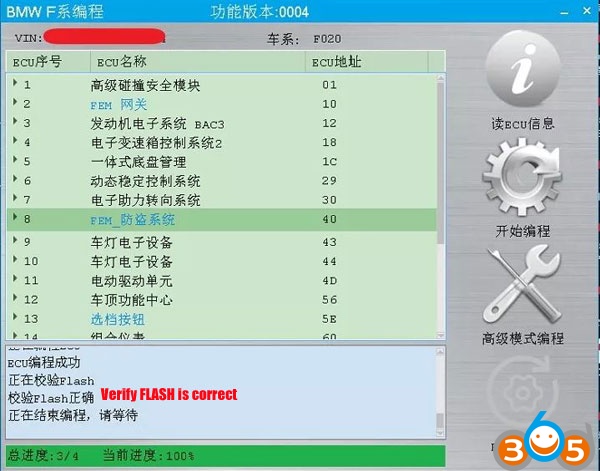
Choose FEM_Body and Program
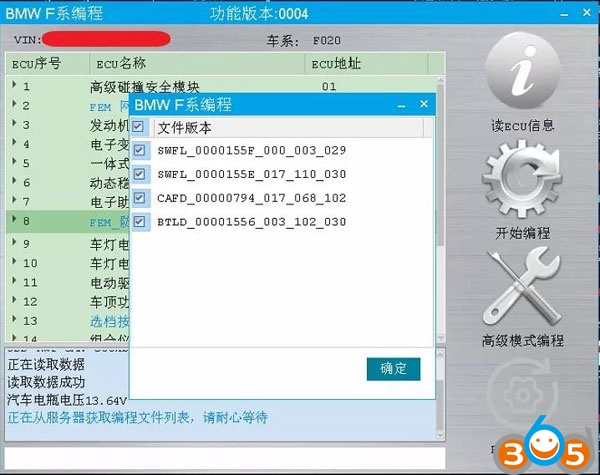
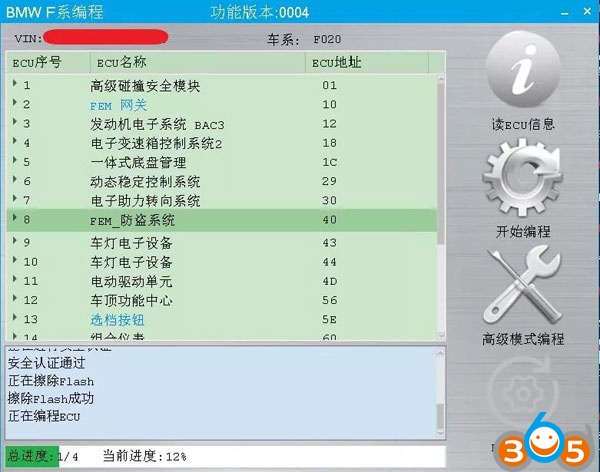
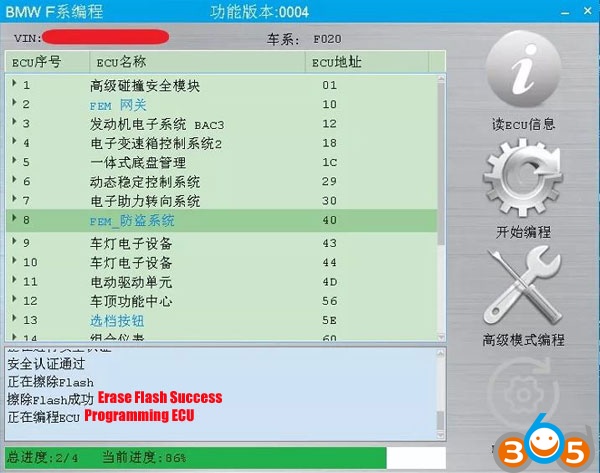
CGDI BMW progam ecu success

Go to BMW F/G series Coding

Select FEM_Body and Backup coding
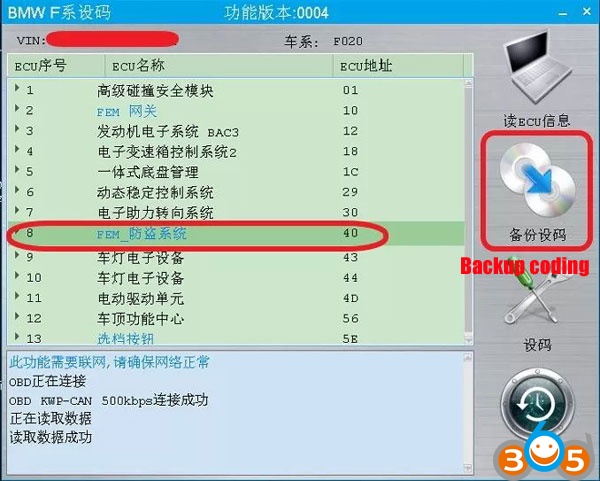
Backup success
Select Coding
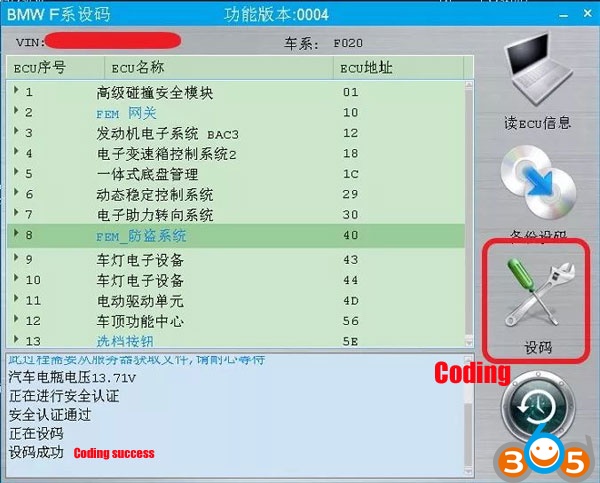
Coding success
(Here’s CGDI BMW F-series programming and coding guide with English menu)
Now go back to FEM/BDC Key Match
This time you can program FEM/BDC with CGDI Prog no issue.
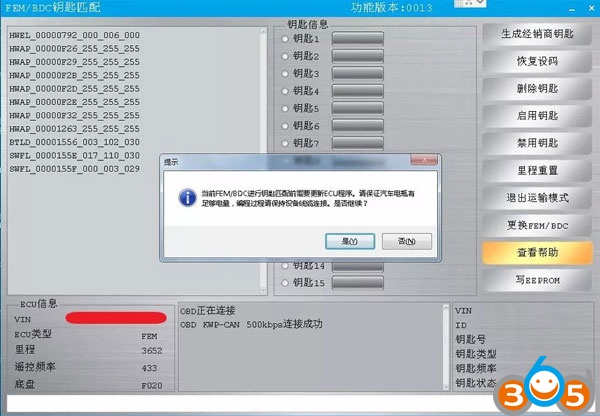
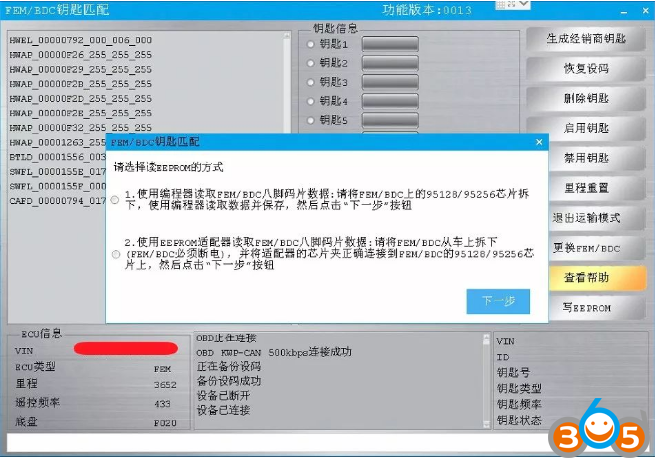
Detail FEM/BDC key programming procedure, please check: