What's the benefit of reading & writing KVM data with Yanhua ACDP?
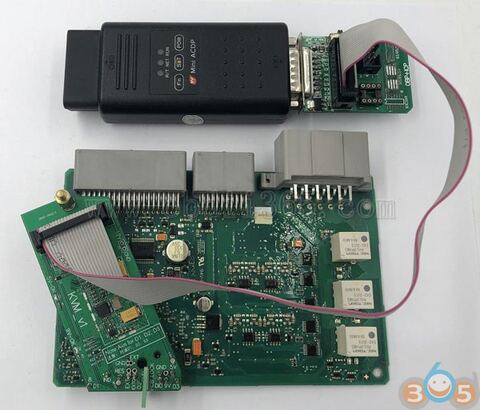
Look here: How to quickly read/write KVM data for Jaguar and Land Rover with security
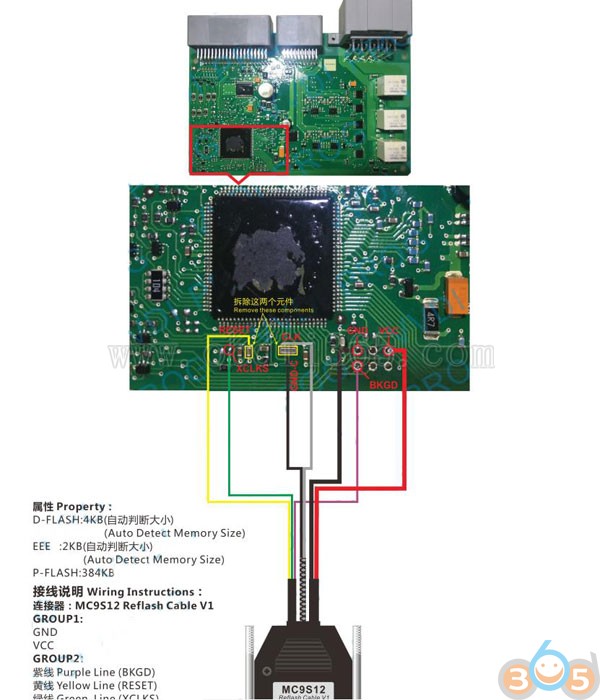
With ACDP mini via ICP: safe & time-saving
- Easy and time-saving:
professional ports instead of traditional desoldering make good success
- Never damage immo
No need disassembling and desoldering
No need disassembling crystal oscillator and capacitor
Never damage immo – almost no risk
- Safe
It is safe and reliable to read and write data, with pin intelligent detection


With other devices: difficult & high risk
Other tools usually use the traditional desoldering method to read and write KVM data from Jaguar and Land Rover.
The crystal oscillator and capacitor need to be removed. And it is very difficult to disassemble the crystal oscillator and it’s easily get damaged. It may destroy the vehicle, and all can be done at a high risk.
That is,
- Time-consuming and difficult:
need desoldering and disassembling)
- High risk:
easy to damage the car when disassembling and lose data because of bad desoldering manually
Conclusion:
Yanhua ACDP mini is better for JLR KVM data read/write. It saves time and helps security. You don’t need take high risk like other tools.
ACDP mini for Jaguar and Land Rover:
KVM adapters for data read/write:
Here is the test with images:
The connection: Yanhua Mini ACDP and adapters (incl. KVM module)


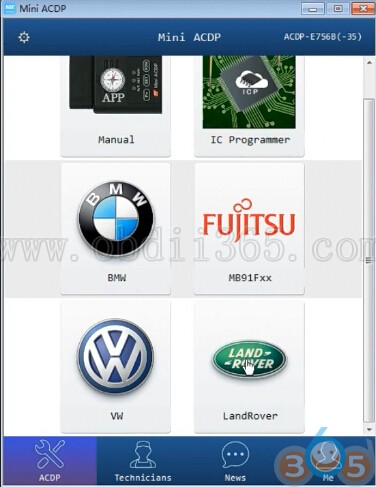
Mini ACDP Land Rover
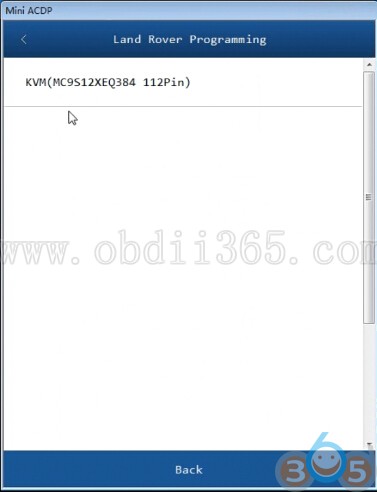
KVM (mc9s12xeq384 112 pin) – IMMO – MC9S12XEQ384_3M25J
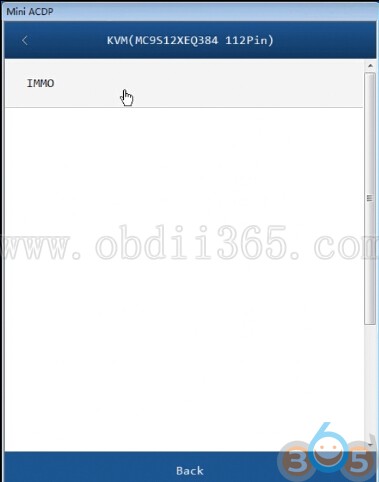

Add key – auto mode
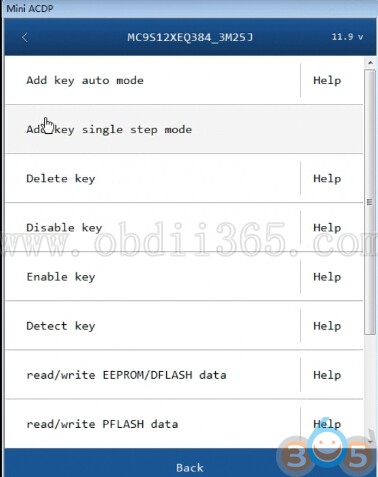
Note: please prepare the OBP+ICP adapter, BDM adapter, KVM module and blank key
Precautions: ensure the well-connected for ACDP device, OBP+ICP adapter, BDM adapter and KVM module
Detecting pins status, please wait…
Pin detected status information
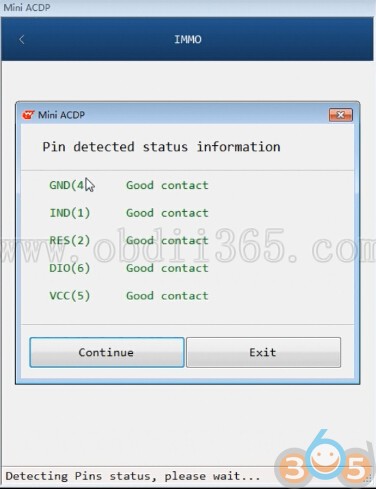
Configuring adapter, please wait…
It is detected that the KVM module chip has been encrypted
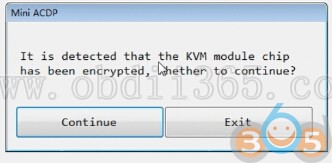
Configuring adapter, please wait…
Decrypting the chip, please wait…
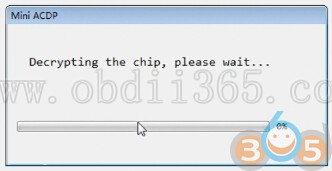
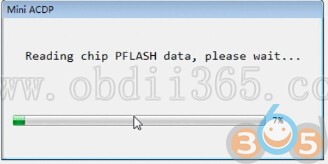
Reading chip FLASH dat, please wait…
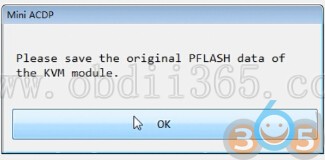
Please save the original PLASH data of KVM module
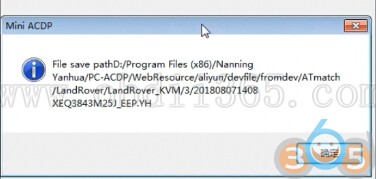
Uploading data…
File save path

Reading chip EEPROM/PLASH data, please wait…
Save the original EEPROM data of KVM module
File save path
Save the original DFLASH data of the KVM module
File save path

System anti-theft information
(please confirm that information is correct)

Note: to maintain the ACDP device power-on state, first disconnect the OBP+ICP adapter from the ACDP device

Read key information, please wait…
Yanhua Mini ACDP reads out Key ID
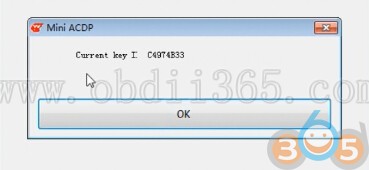
Reading key information again
Choose to add the keyway
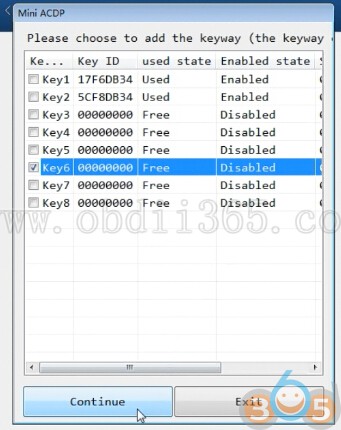
Reading key information
Programming key…
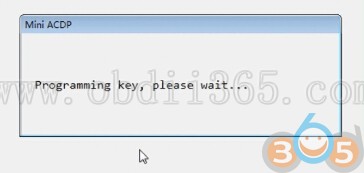
Save the EEPROM data of the KVM module after adding the key
File save path

Save the DFLASH data of the KVM module after adding the key
File save path

Note: Keep the ACDP device powered on
First disconnect the BAV-KEY adapter from the ACDP device
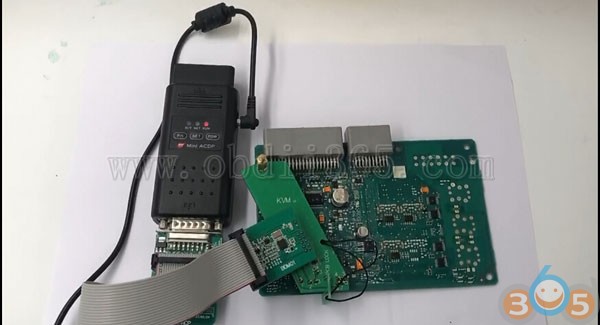
Detecting pins status…
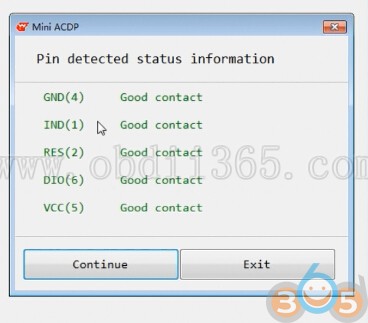
Pin detected status information
Configuring adapter…
It is detected the KVM module chip has been encrypted
System anti-theft information

Configuring adapter…
Decrypting the chip…
Mini ACDP managed to program a new key!
Please install the KVM module to the car and confirm that the new key can be used normally

Done!
http://blog.obdii365.com/2019/01/14/jlr-kvm-data-read-write-acdp-mini-wins-in-security-speed/