Skip to content
Key Programmer

    How to Program Kia Rondo 2017 Remote Key
    universal-car-key-programmer
    (0)

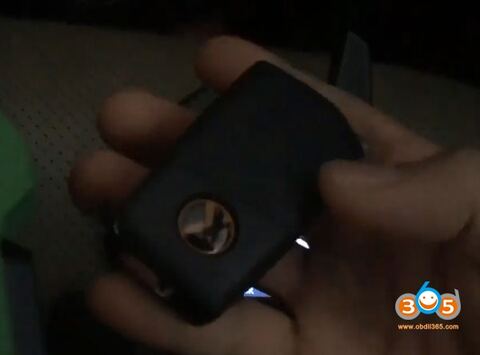
    Demonstration:  showing how to program a Kia Rondo 2017 remote key using Xhorse VVDI Key Tool and OBDSTAR X300 DP Plus tablet.


    Device required:

    Original key

    Xhorse VVDI Key tool

    OBDSTAR X300 DP PLUS

    Xhorse universal remote key 3-button

    vvdi-obdstar-x300-dp-kia-rondo-19

    vvdi-obdstar-x300-dp-kia-rondo-1

    Connect X300 DP Plus host with vehicle via OBD socket

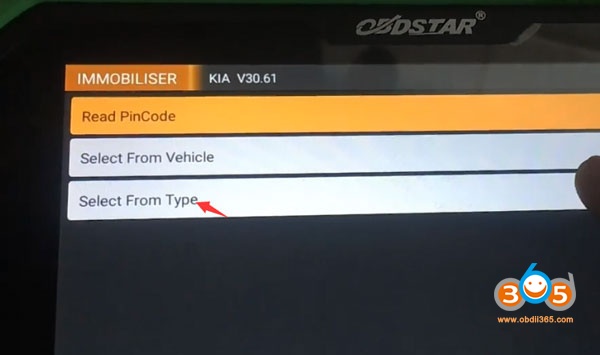
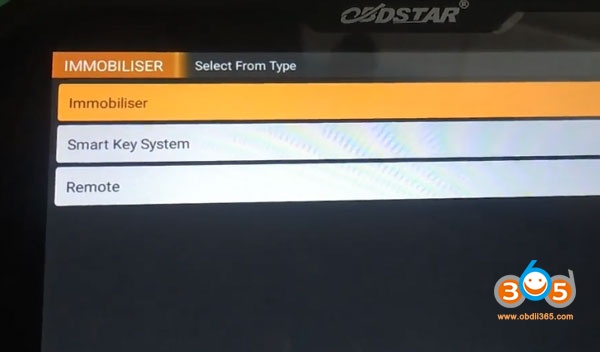
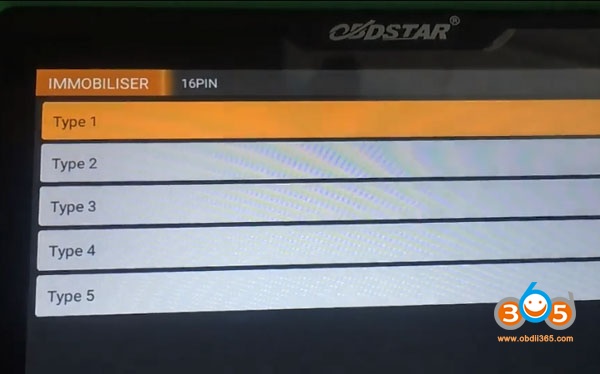
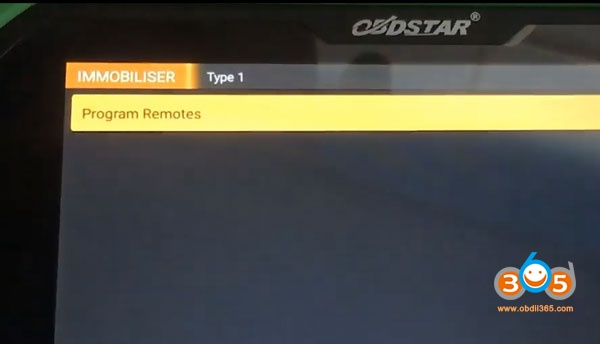
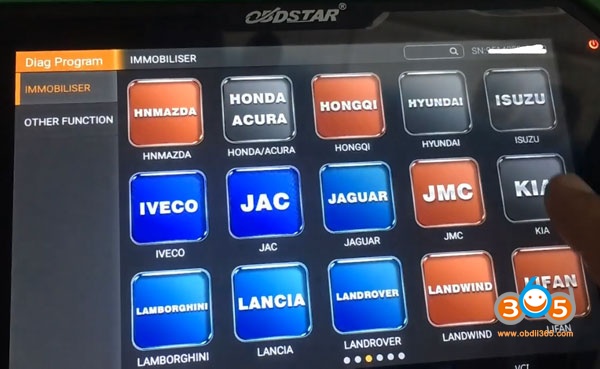
    Select Diag Program->Immobilizer->Kia->Select from type->Remote->16 PIN->Type 1->Program Remotes
    vvdi-obdstar-x300-dp-kia-rondo-2

    vvdi-obdstar-x300-dp-kia-rondo-3

    vvdi-obdstar-x300-dp-kia-rondo-4

    vvdi-obdstar-x300-dp-kia-rondo-6

    vvdi-obdstar-x300-dp-kia-rondo-7

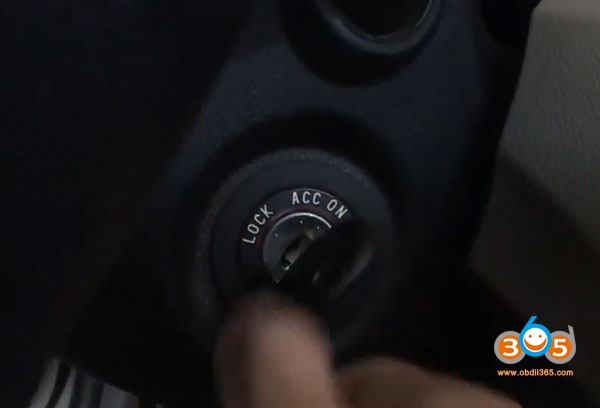
    Turn on ignition switch and then turn off and remove key
    vvdi-obdstar-x300-dp-kia-rondo-8

    If X300 DP asks press LOCK or UNLOCK for more than 1 s.  Go to next step.


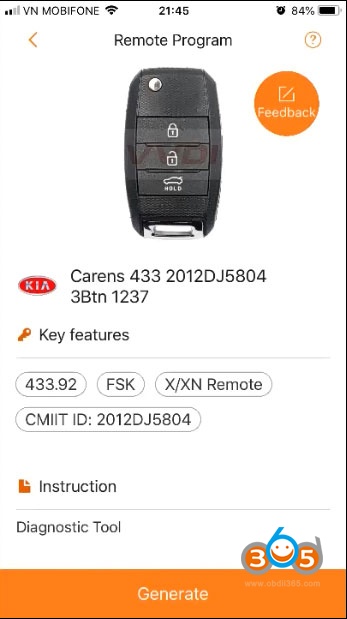
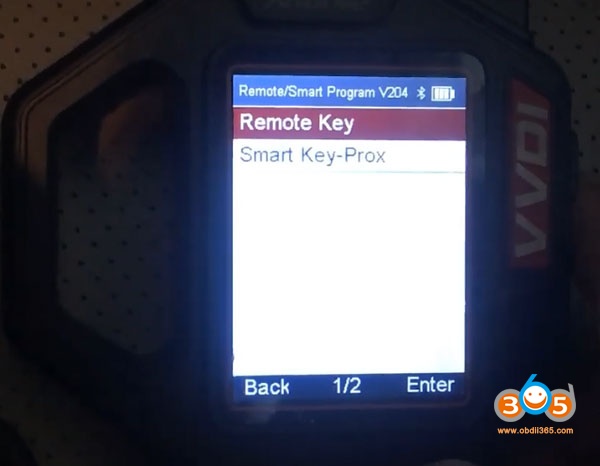
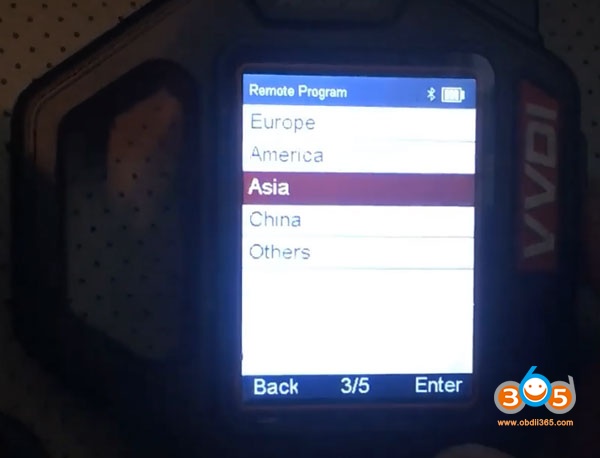
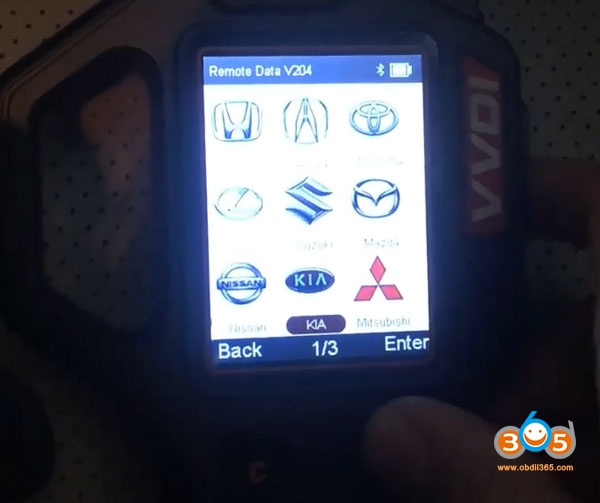
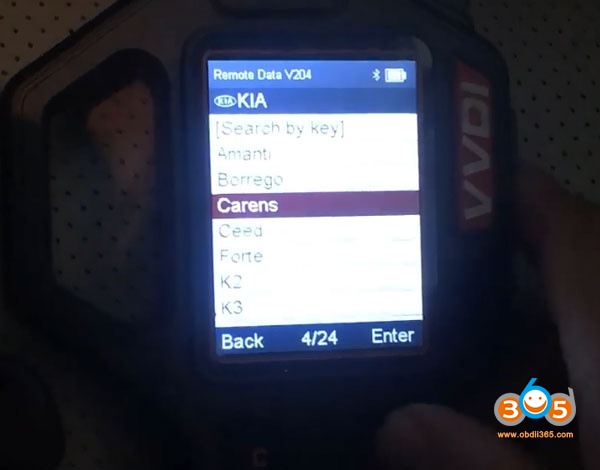
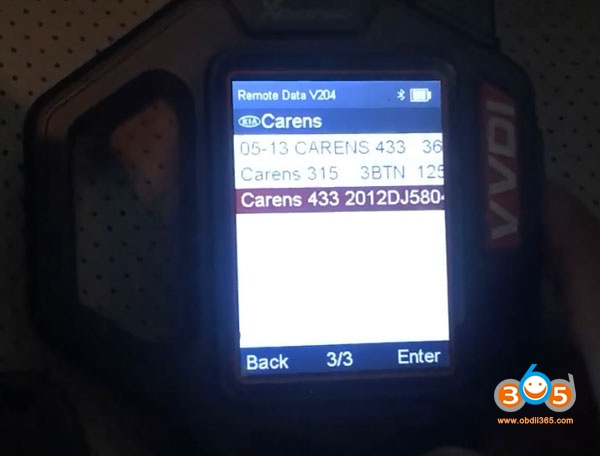
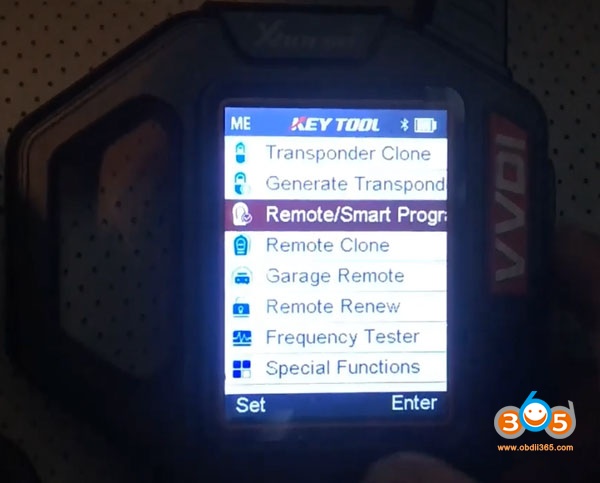
    In VVDI Key Tool, select Remote/Smart Program->Remote key->Asia->Kia->Carens->Carens 433 2012DJ5804
    vvdi-obdstar-x300-dp-kia-rondo-10

    vvdi-obdstar-x300-dp-kia-rondo-11

    vvdi-obdstar-x300-dp-kia-rondo-12

    vvdi-obdstar-x300-dp-kia-rondo-13

    vvdi-obdstar-x300-dp-kia-rondo-14

    vvdi-obdstar-x300-dp-kia-rondo-15

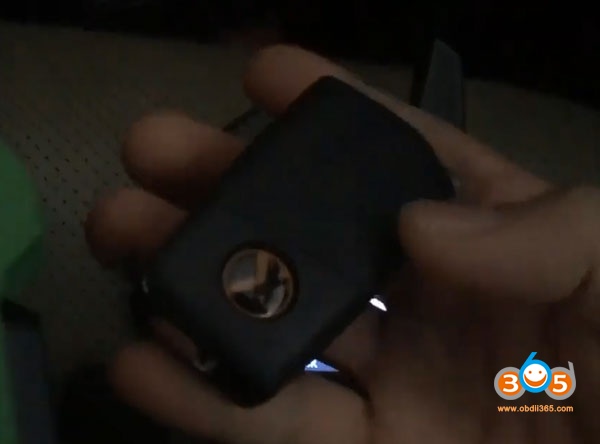
    Insert Xhorse remote key into detection coil
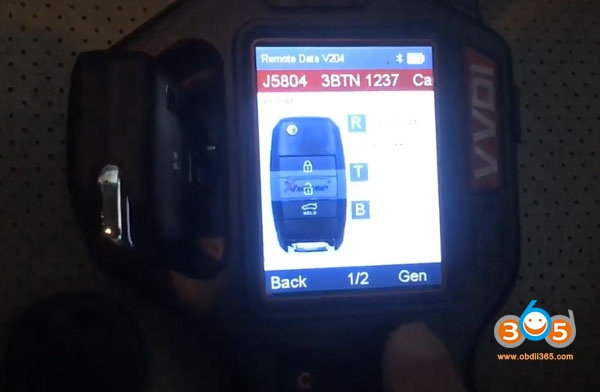
    vvdi-obdstar-x300-dp-kia-rondo-16

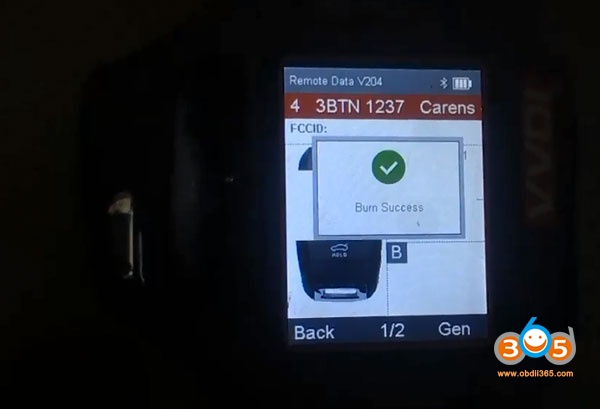
    Write data

    vvdi-obdstar-x300-dp-kia-rondo-17

    vvdi-obdstar-x300-dp-kia-rondo-18

    Write key success.

    Then press LOCK or UNLOCK of the remote key for more than 1 second
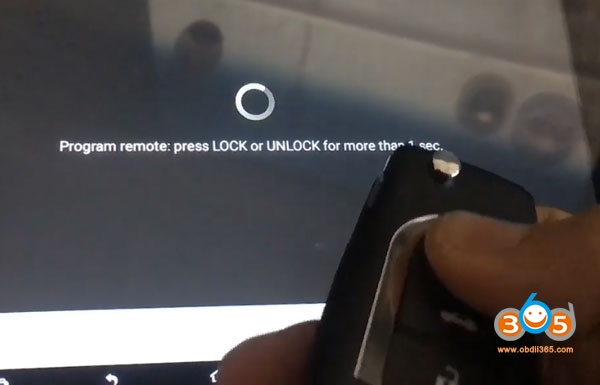
    vvdi-obdstar-x300-dp-kia-rondo-20

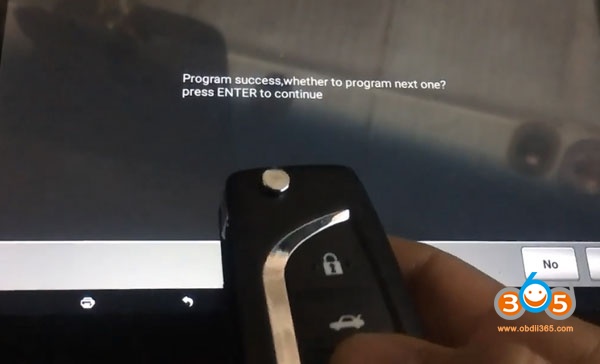
    Program success.

    vvdi-obdstar-x300-dp-kia-rondo-21

    Press LOCK or UNLOCK button again

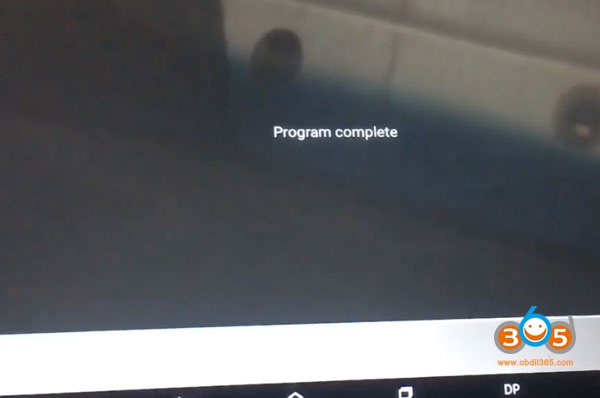
    vvdi-obdstar-x300-dp-kia-rondo-22

    Program completed.

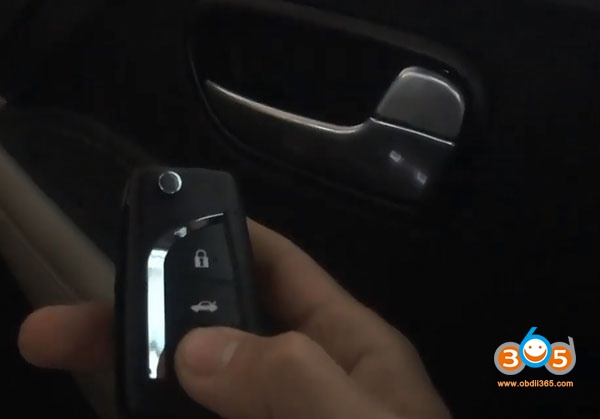
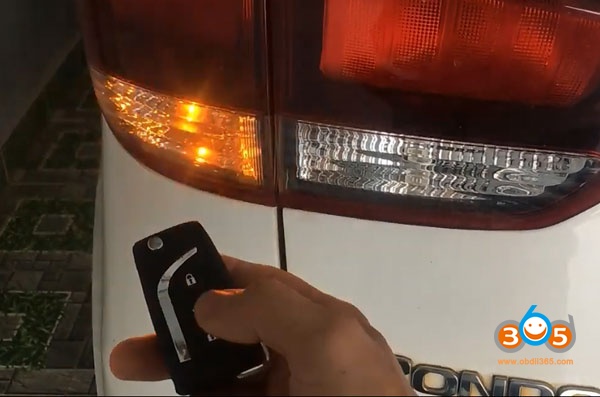
    Test the remote control and start car.
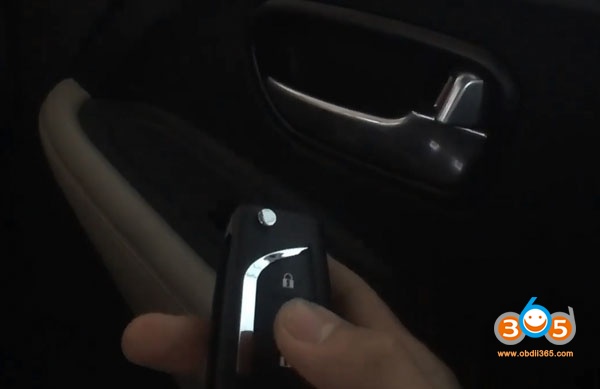
    vvdi-obdstar-x300-dp-kia-rondo-23

    vvdi-obdstar-x300-dp-kia-rondo-24

    vvdi-obdstar-x300-dp-kia-rondo-25

    Done.

    www.obdii365.com

    Rate this article (0)