How to Read Porsche 1N35H BCM and Write Key with CG Pro 9S12?
Report:
A friend was trying to Read BCM porsche 2015 1N35H.
MDP can Read but can not Write
Xhorse VVDI Prog can not crack the MCU
MDP can Read but can not Write
Xhorse VVDI Prog can not crack the MCU
Finnaly he decided to test the CG Pro 9s12 programmer and here is the result.
Step 1: Backup PFLASH
Connect CG Pro with BCM follow the wiring diagram
First need to read PFLASH and back it up
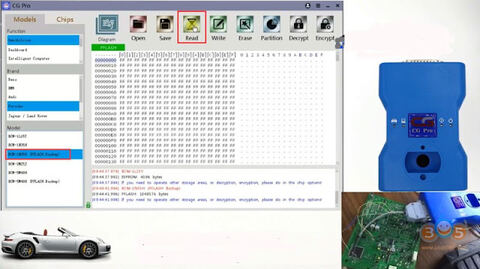
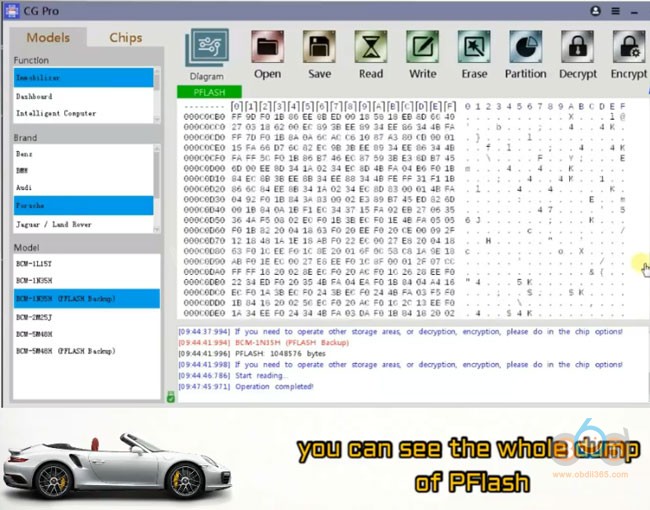
In CGPro software, select Immobilizer->Porshce ->BCM-1N35H (PFLASH Backup), press READ
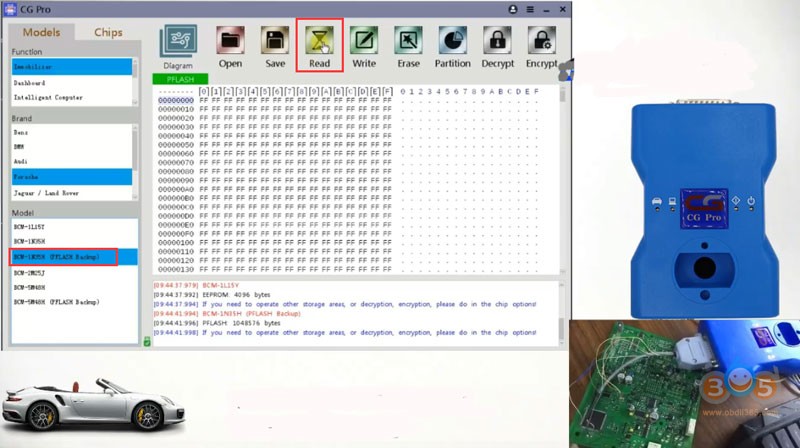
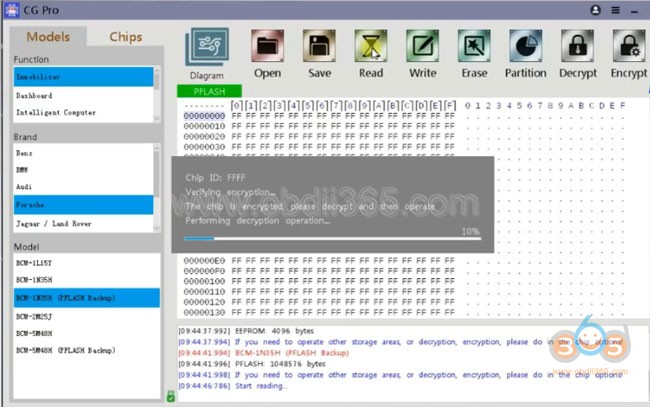
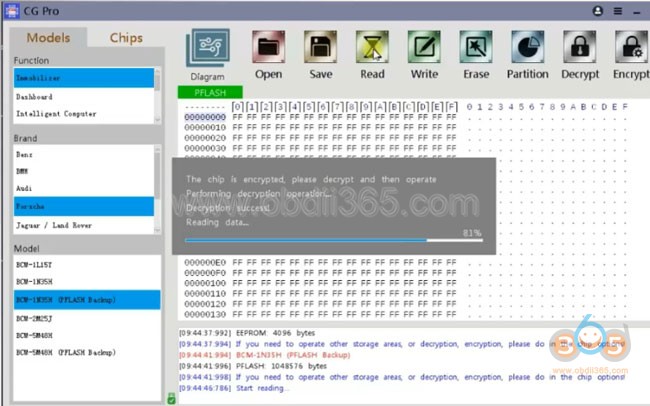
Read PFLASH success, save data
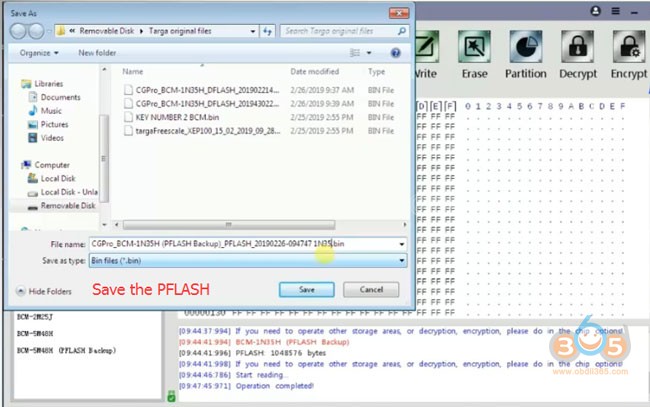
You can see the whole dump of PFLASH
Step 2: Read DFLASH
Now we will read the DFLASH where other devices failed
Select Porsche->BCM-1N35H, check wiring diagram and connect
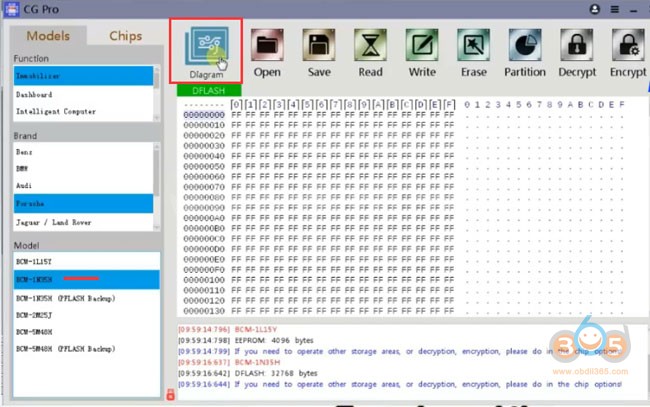
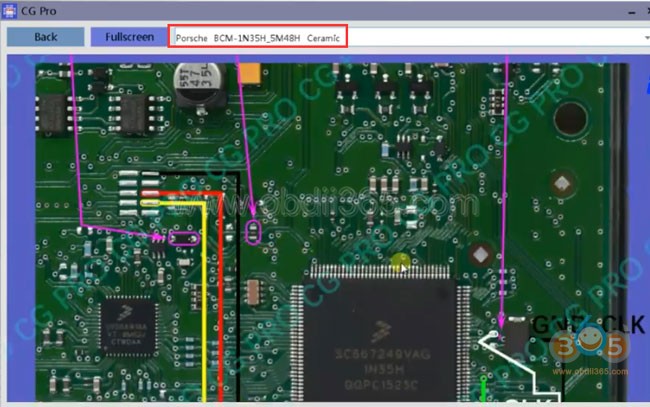
press READ
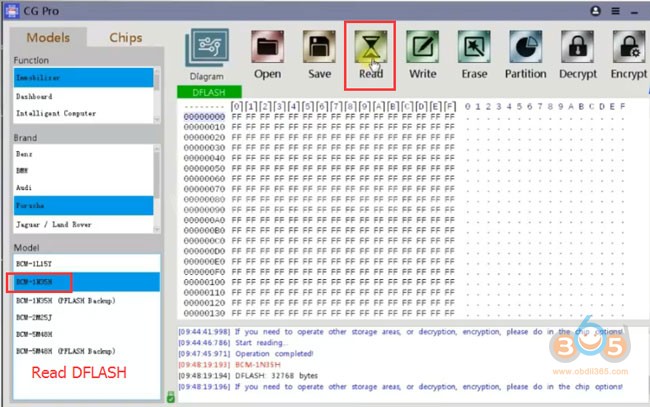
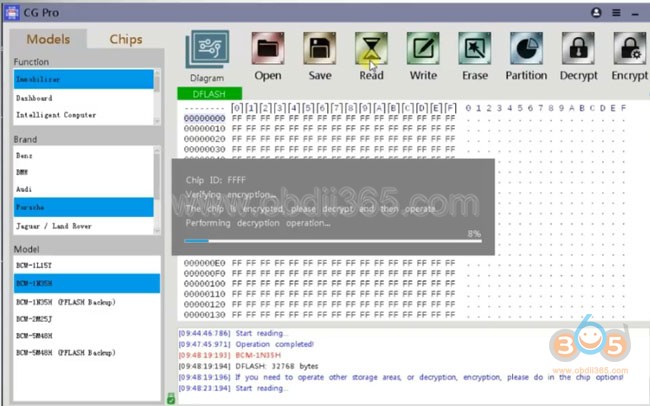
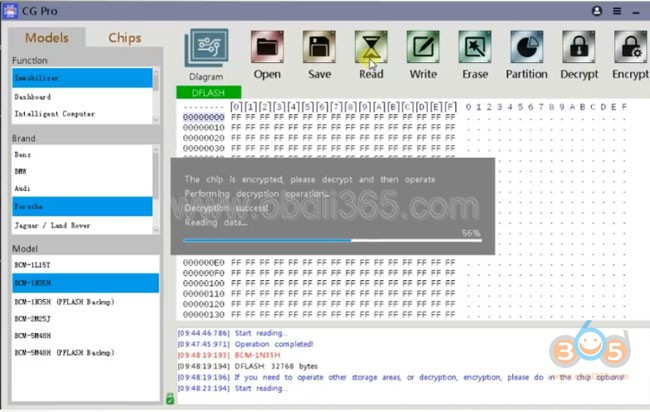
Read DFLASH success, save data for key adding
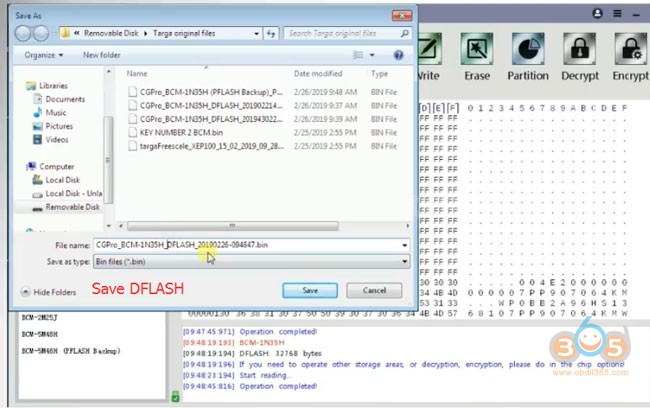
Step 3: Write DFLASH
Now we try to write on 1N35H where other devices failed either
Open DFLASH just saved
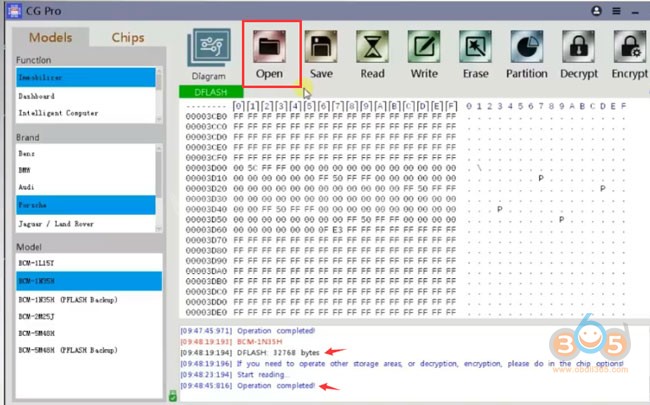
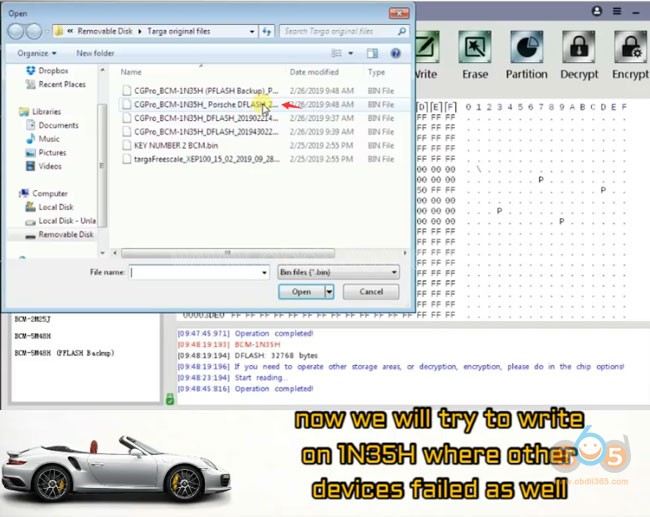
Press WRITE
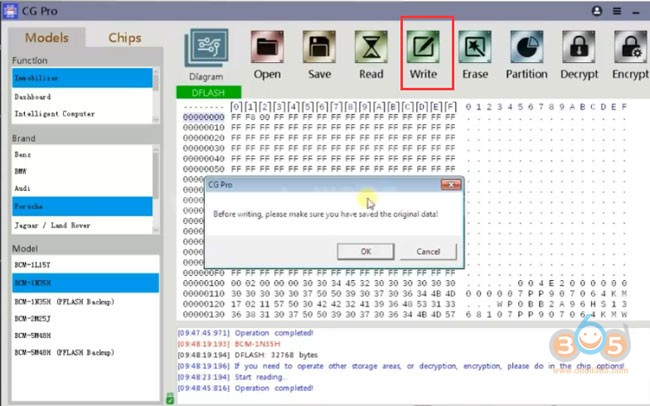
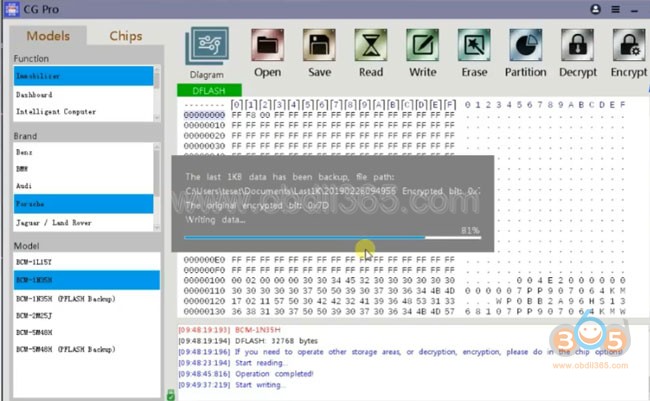
Writing data completed
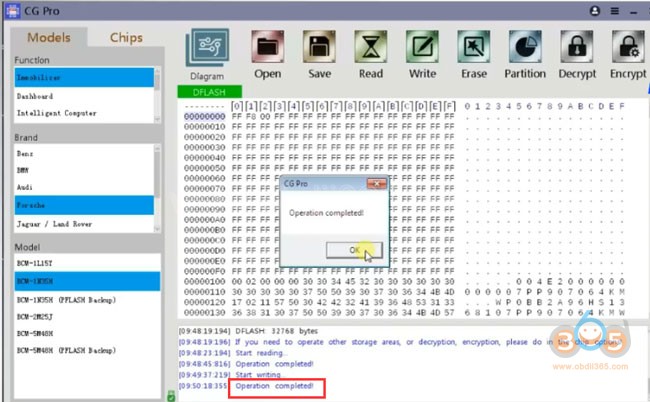
Step 4: Test if other devices can decryt this MCU
For example with Xhorse VVDI Prog
In VVDIProg software, read DFLASH
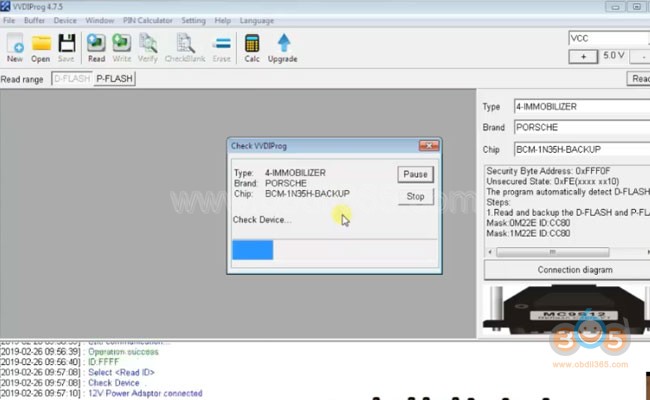
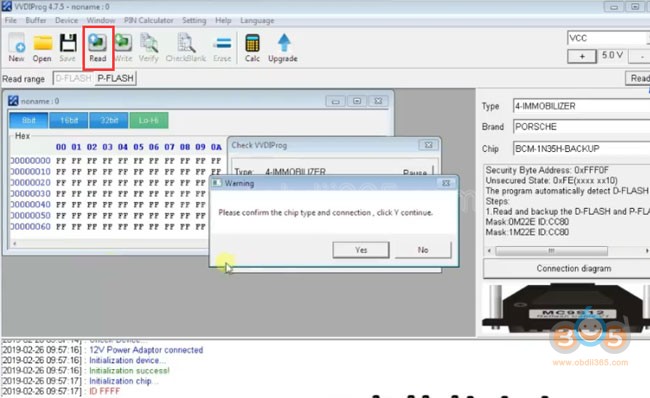
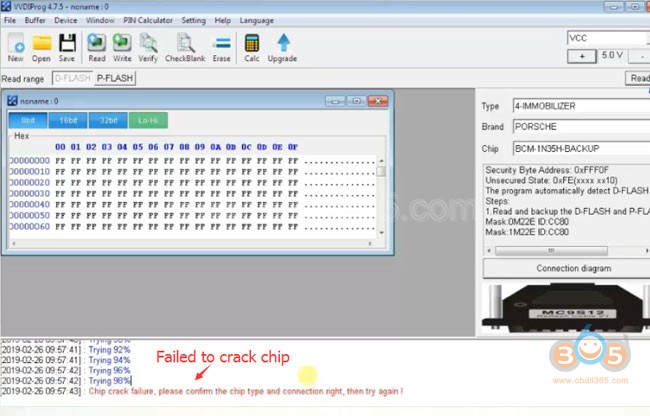
Chip crack failure. VVDI cannot decryt this MCU.
Step 5: Read DFLASH & PFLASH again
Back again to CG pro
Read DFLASH again and make a key
Read PFLASH again to double check if our attempt with vvdi damaged anything
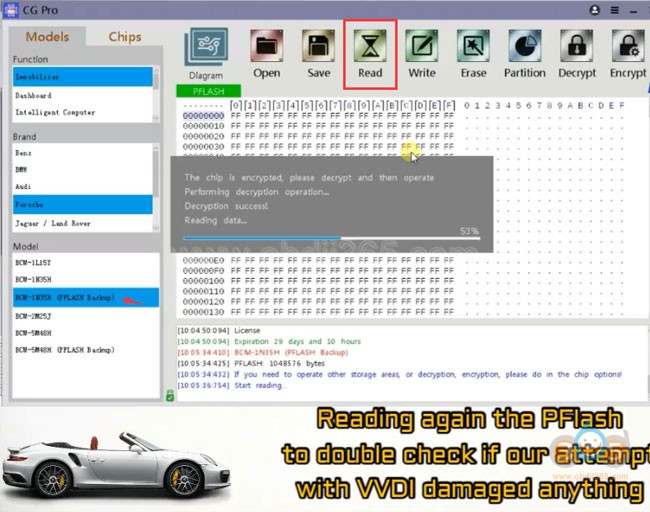
Data is fine, not damaged.
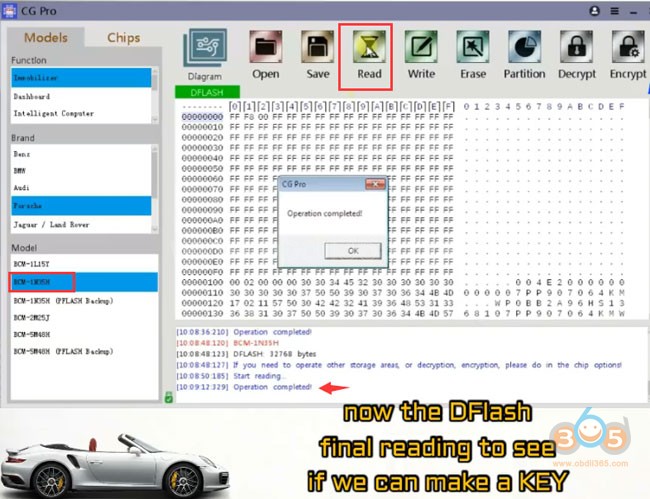
Now the DFLASH final reading to see if we can make a key.
This time save DFLASH data, i.e key test.bin
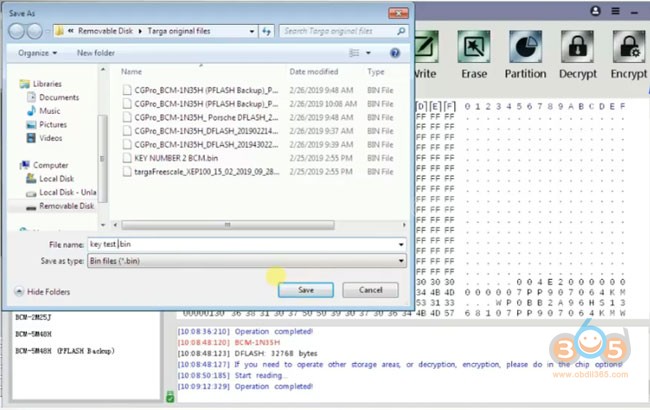
Step 6: Write key
Go to CGPro Key making->Porsche->BCM-1N35H, open Key Function
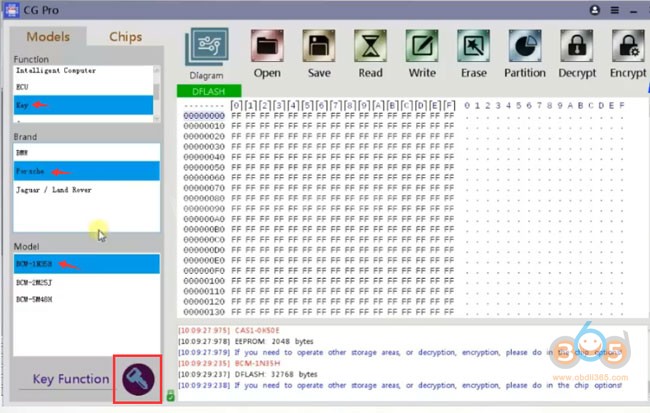
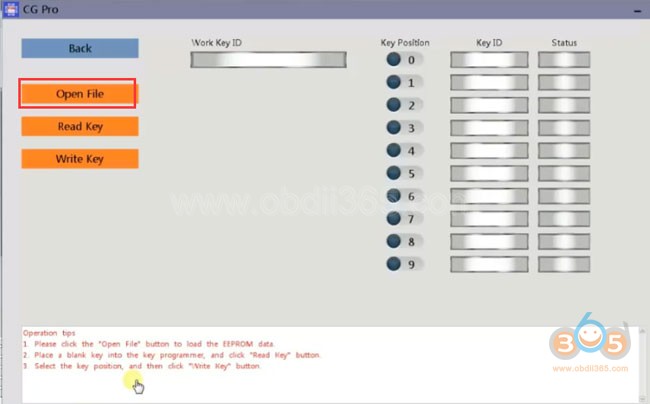
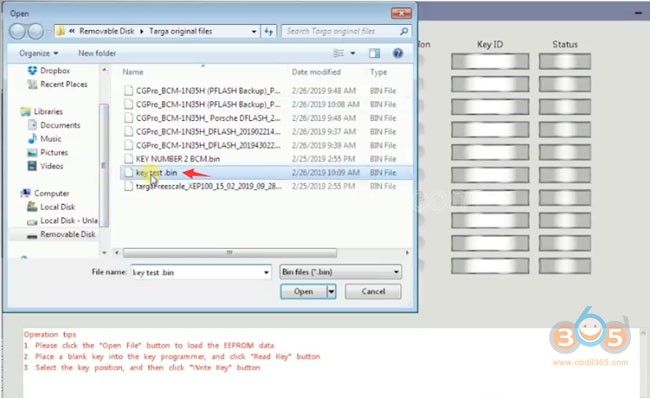
Open DFlash finally saved
You can see the keys and program new key
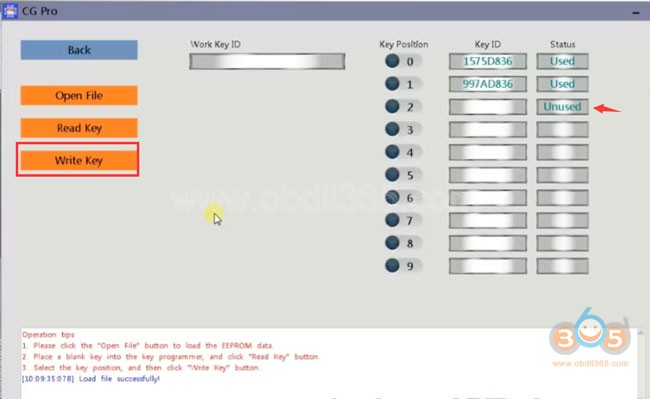
Select Write key and follow CG-Pro prompts until succeed. The last steps are easy.