How to Read, Reset and Write NEC Chip with CGDI MB?
Here’s the guide to read, reset and Write NEC with CGDI Prog MB Mercedes Benz key programmer.
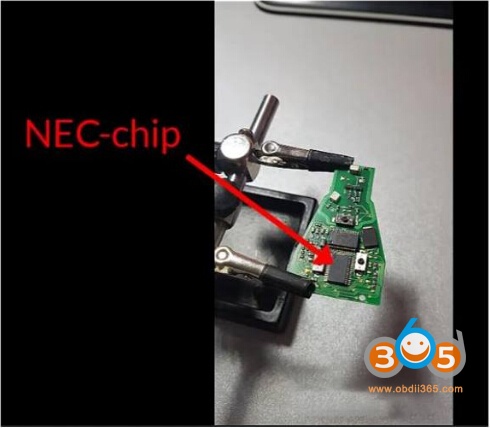
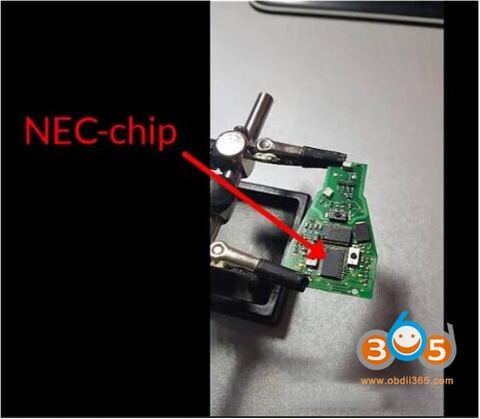
Dismantle key and desolder NEC chip
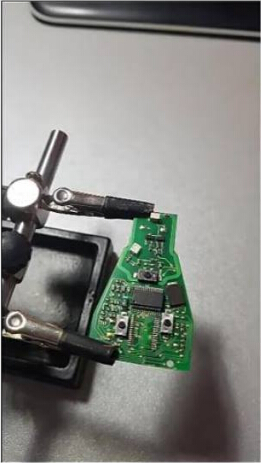
Clean PCB and NEC chip before soldering on CGDI NEC adapter
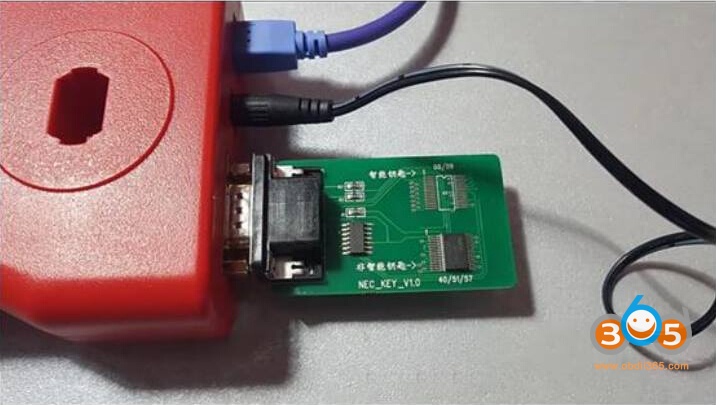
Identify NEC chip and solder onto NEC-board
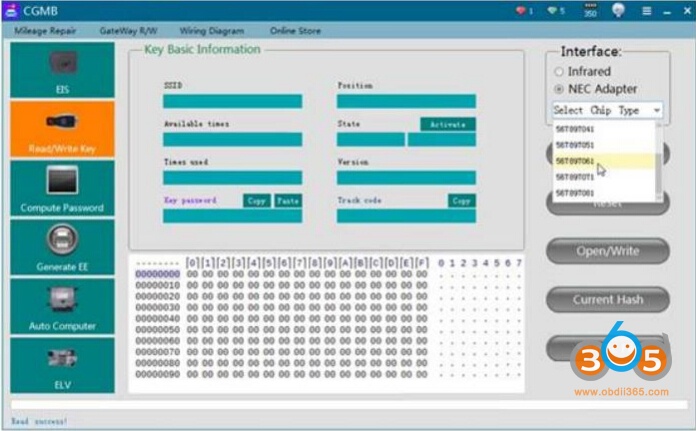
Select NEC adapter and corresponding chip type
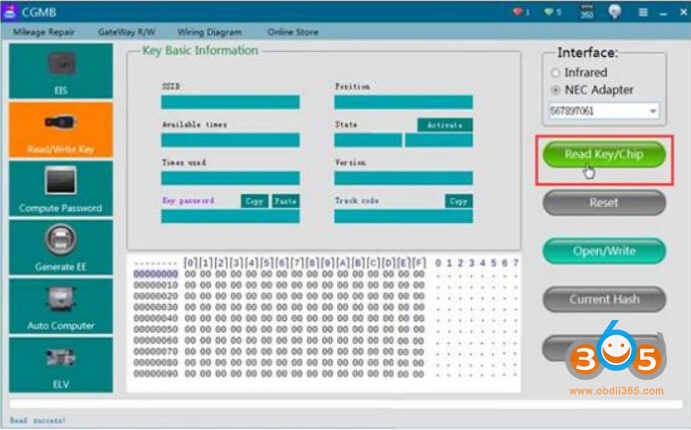
Read Key/Chip
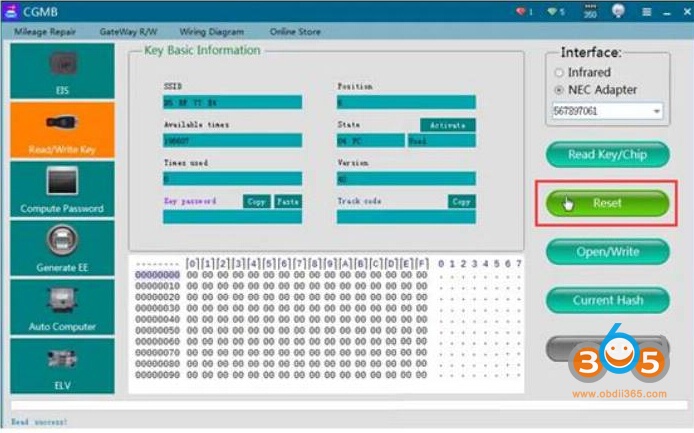
Reset NEC chip
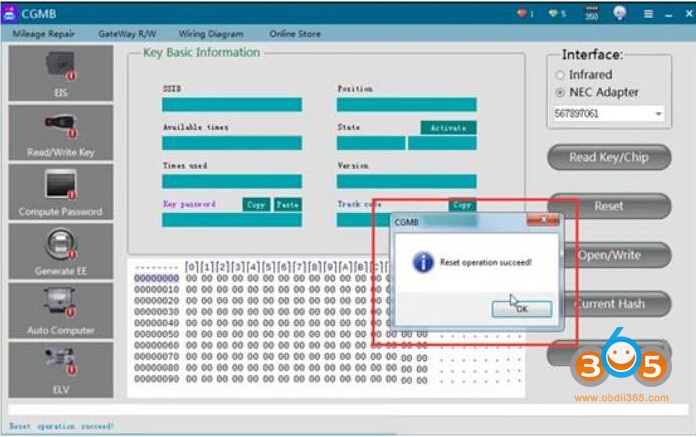
Reset success
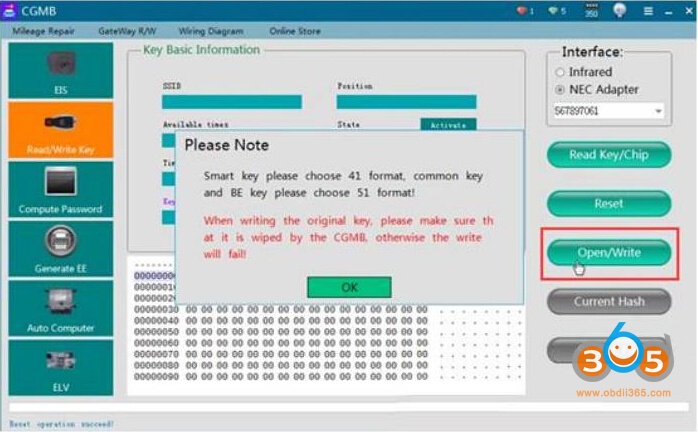
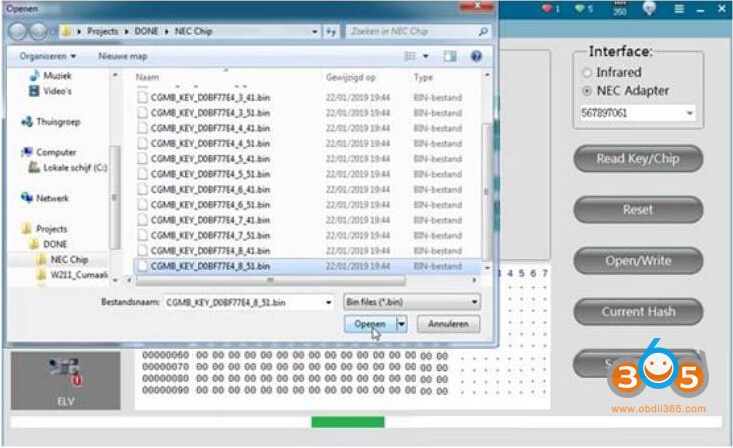
If you have saved key files, click Open/Write, select a key file
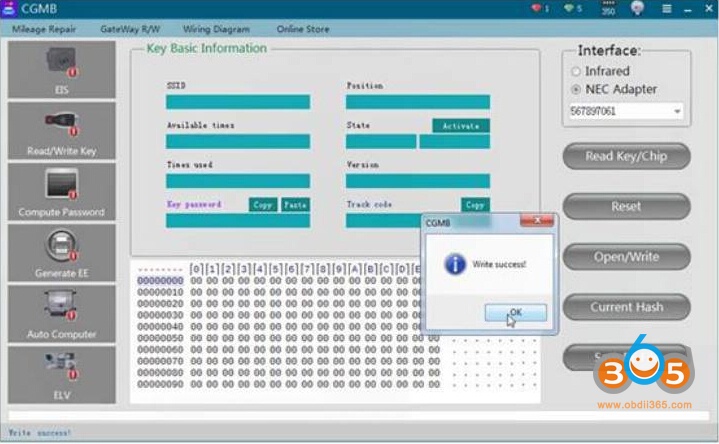
Write success
Back to click on Read Key/Chip to confirm NEC chip status
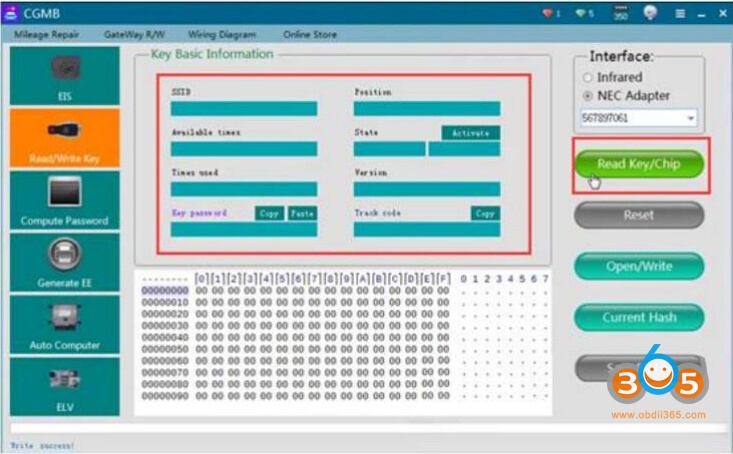
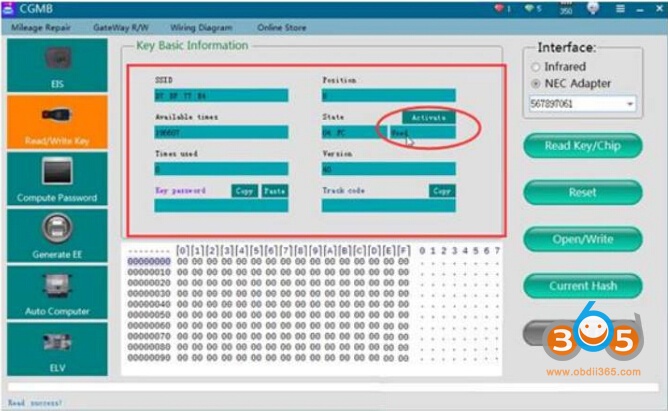
CGDI MB write NEC chip success.
Note: If you need to repair Mercedes W204 207 212 ESL/ELV when NEC broken with CGDI MB, you need a Benz W204 ESL/ELV NEC chip for adaptation no need renew EIS.
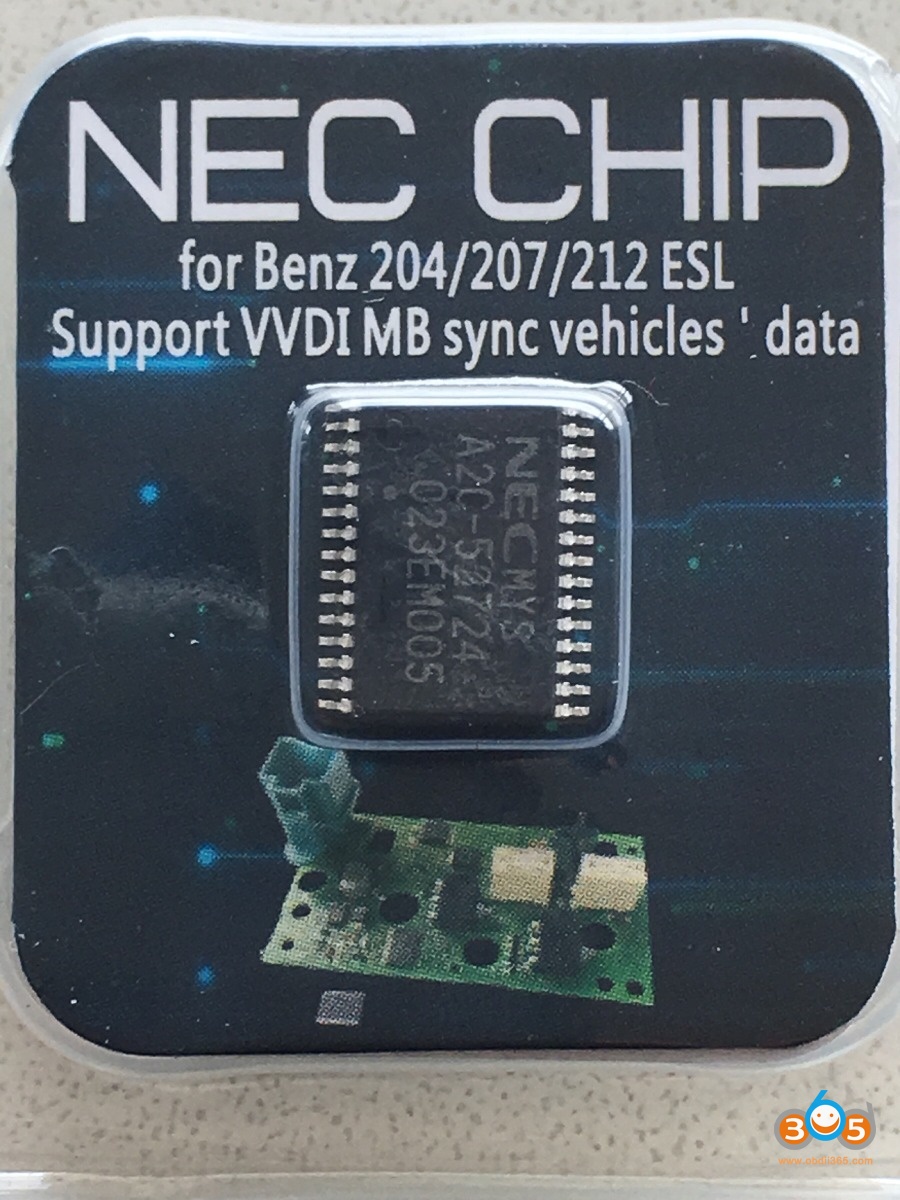
Step 1 : replace with our new nec chip
Step 2: assemble back ESL
Step 3: read EIS data and save
Step 4: renew ESL and the erase password is all 1
Step 5: load eis data and password,tick auto clear tp and personalise and press write And job is done !
No need for EIS renew!!!
No need to wait hours for disabled NEC chip to renew !!!
Adaptation done within a minute!!!