How to Update CGDI Prog MB Key Programmer Software and Firmware?
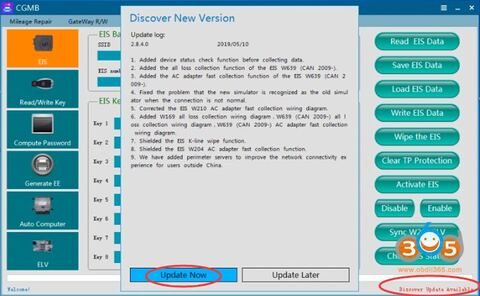
Both CGDI Prog MB software and firmware can be updated online for free. The newest version is always available to download free on official website http://www.cgprogcar.com
How to Update CGDI MB software & firmware?
When a new version software is released, the software will prompt “discover update available” and update feature.
Current version 2.8.4.0 (2019/05/10)
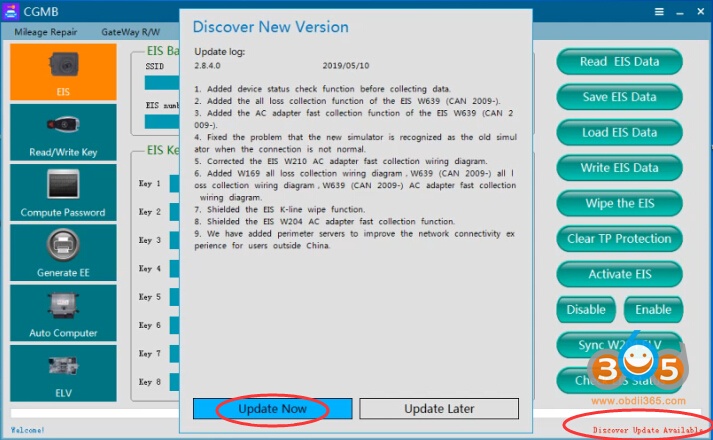
Press Update Now and wait till the process completed.
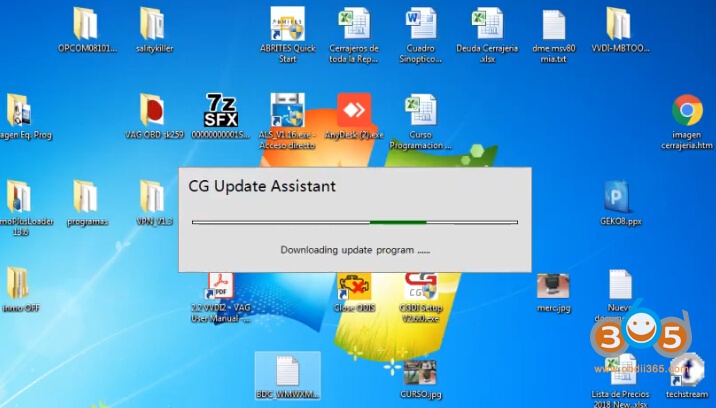
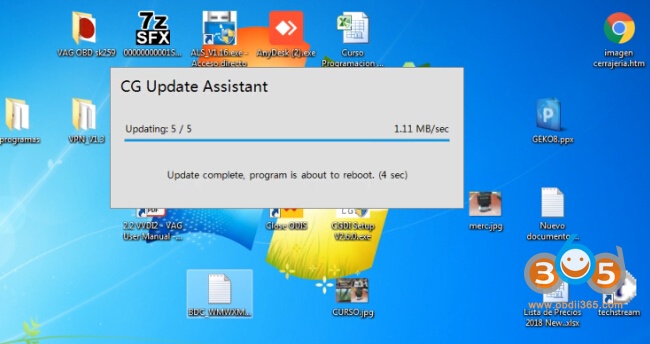
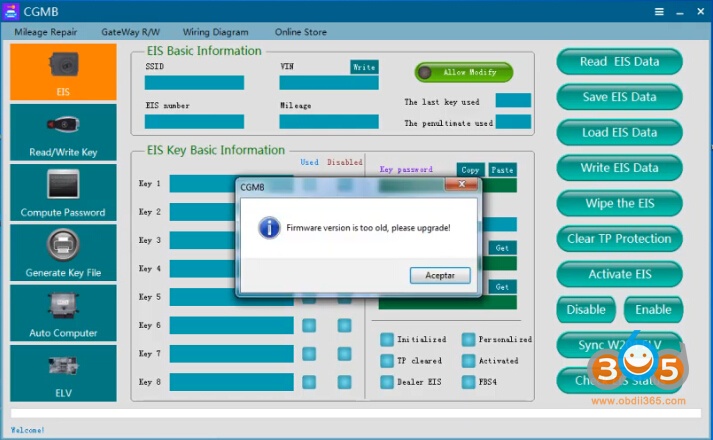
If the device firmware is too old, CGDI software will require to run firmware update
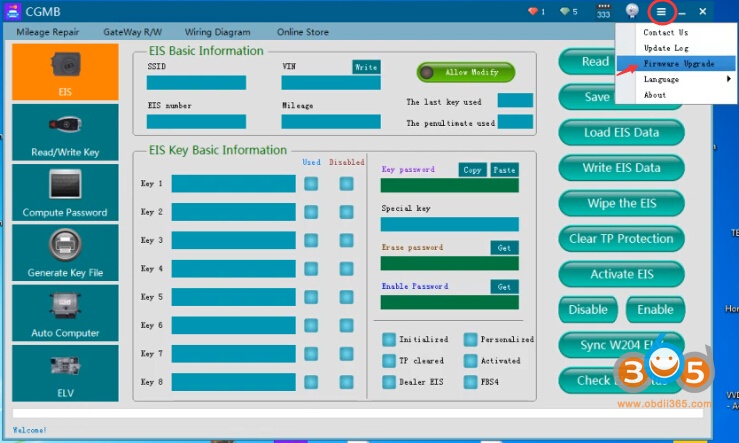
Click setting icon->Firmware Upgrade
Update firmware in process
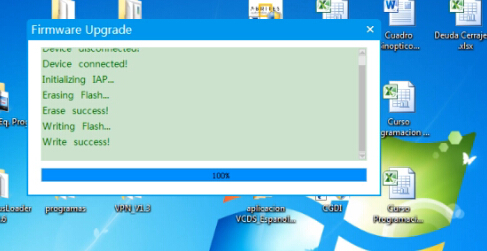
Firmware update completed.
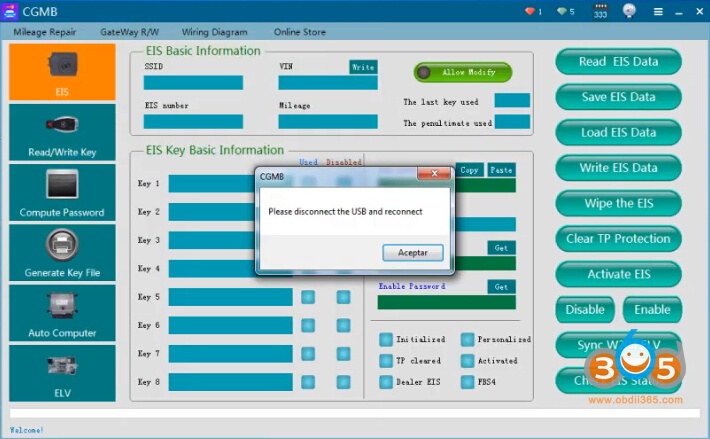
Disconnect the USB and reconnect again.
Done.