How to Program Benz Sprinter W209 key with Autel IM608 via OBD
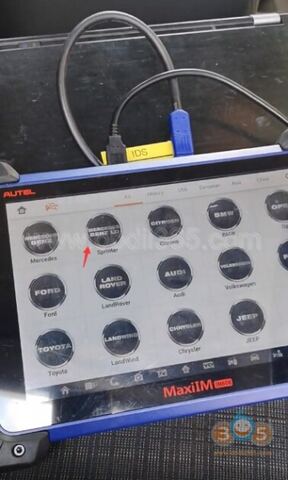
Test report: Autel MaxiIM IM608 added key to a Mercedes Sprinter W209 2006- via OBD successfully. No EIS removal. Procedure:
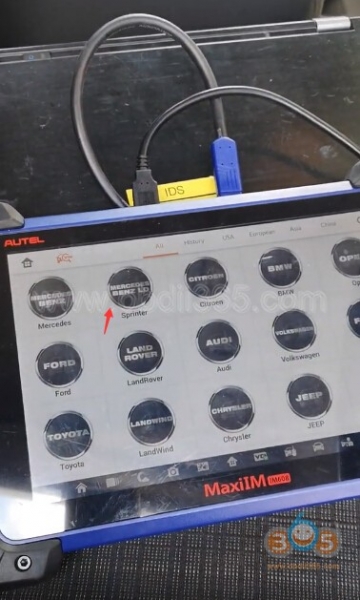
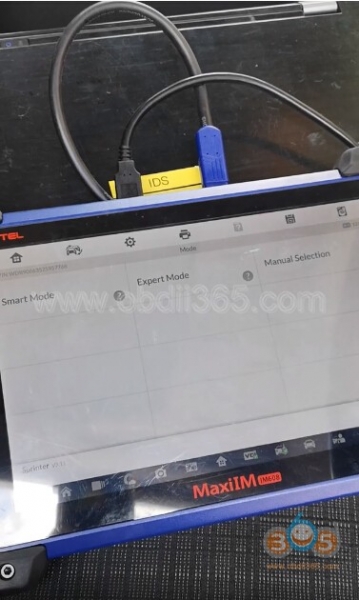
Select Immobilizer-Sprinter-Smart Mode Reading vehicle information
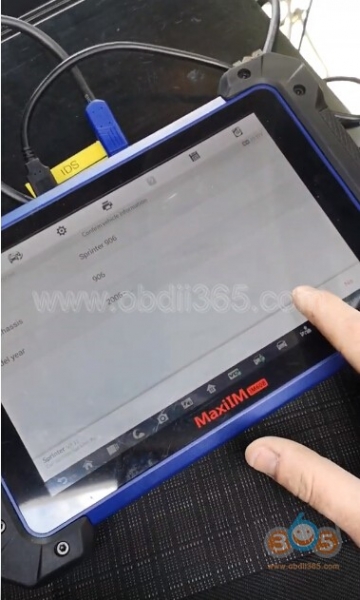
It is a Mercedes Sprinter 906 2006-
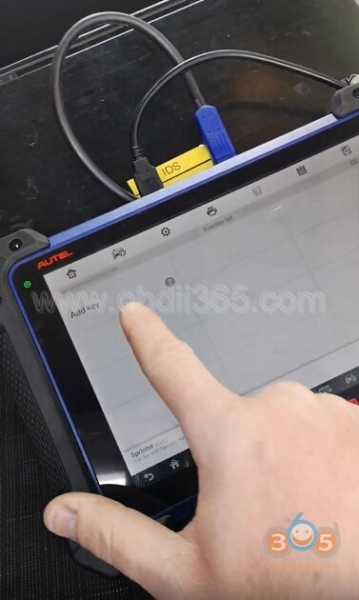
Select Add key
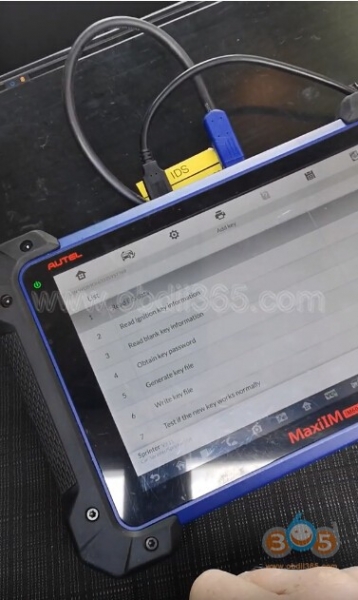
Follow 7 steps to complete key programming
1. Read EIS data
2. Read ignition key information
3. Read blank key information
4. Calculate key password
5. Generate key file
6. Write key file
7. Test if the new key works normally. Let’s get into the details: Detecting frequency. Put the ignition key close to the programmer remote reception position and press any button of the key
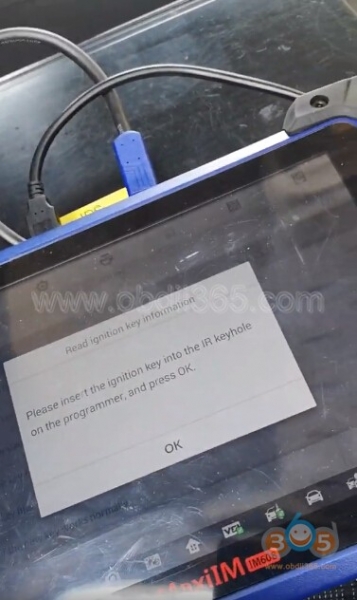
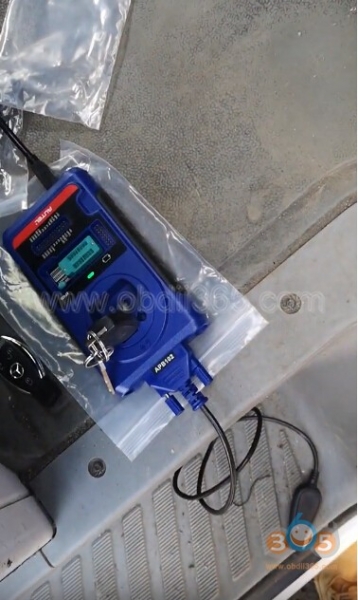
Insert the ignition key into IR keyhole on the XP400 programmer and press OK
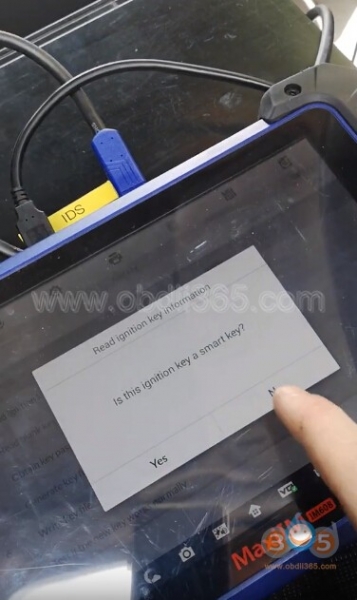
Check if the ignition key is a smart key. Here press NO
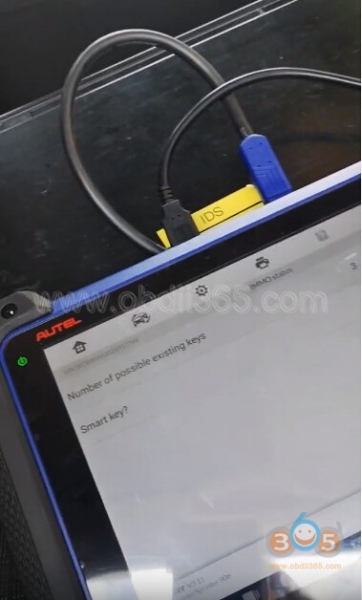
Autel IM608 displayed number of possible existing keys: 3 and No smart key, press OK to continue
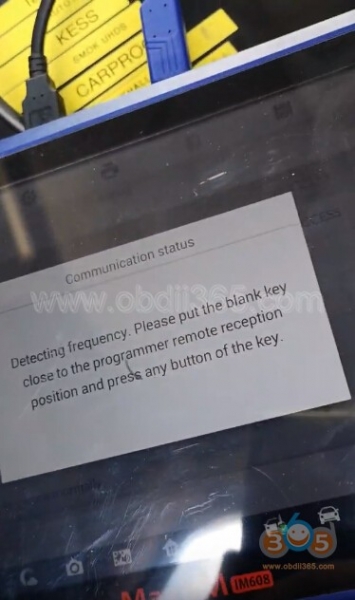
Detecting frequency. Put the blank key close to the XP400 programmer remote reception position and press any button of the key
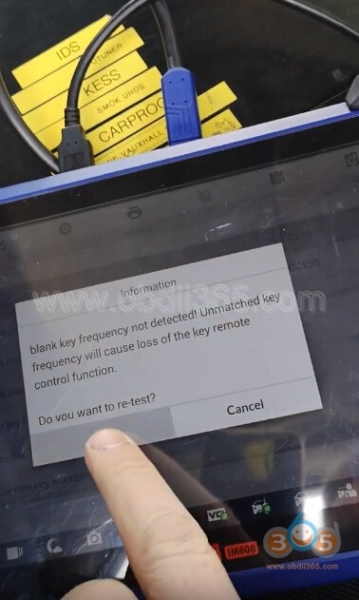
If cannot detect blank frequency, press Yes to re-test
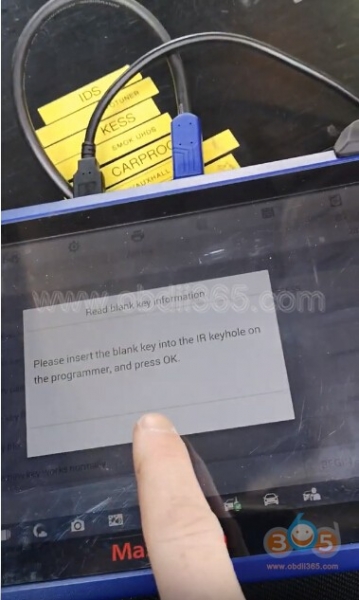
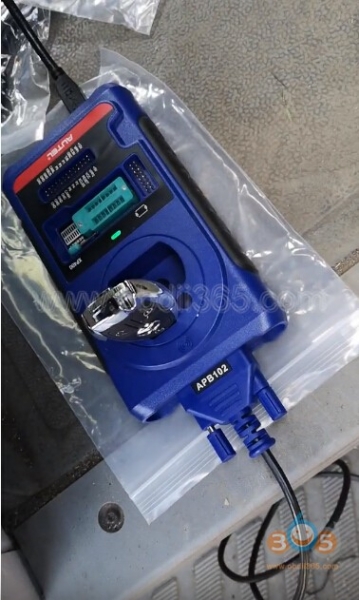
Insert the blank key into IR keyhole on the XP400 programmer and press OK
Communicating with the key
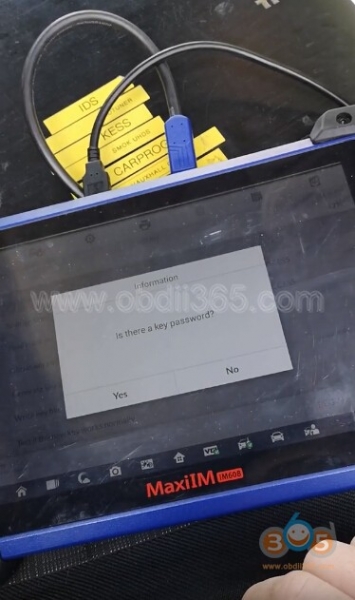
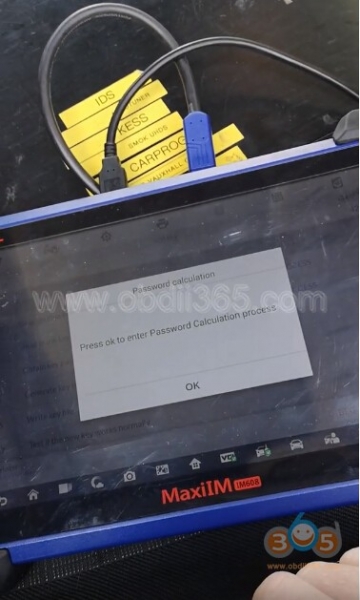
IM608 ask do you have a key password, if no press OK to enter Password Calculation process Follow steps below to calculate key password
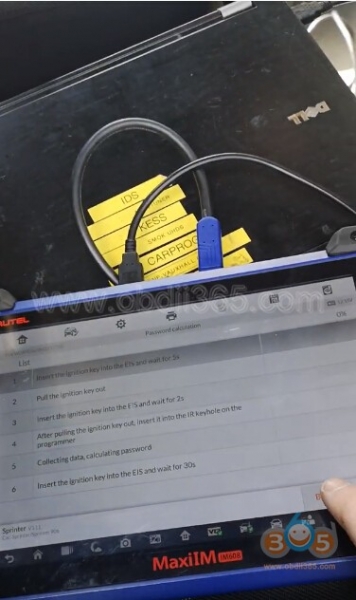
1. Insert the ignition key into the EIS and wait for 5s
2. Remove the ignition key
3. Insert the key into the EIS and wait for 2s
4. After pulling the ignition key out, insert it into the IR keyhole on the XP400 programmer
5. Collecting data, calculating password
(The whole process takes about 10-30m)
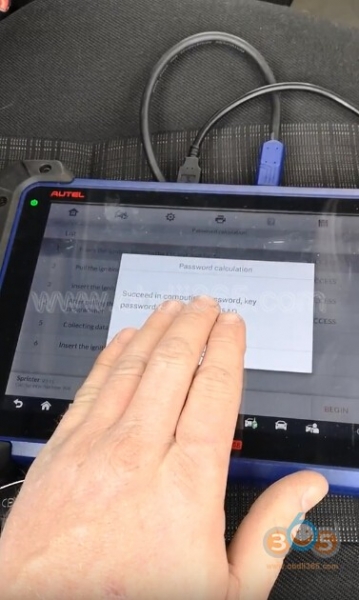
Calculate password success
6. Insert the ignition key into the EIS and wait for 30s Note:
After the key password is calculated, it may be required to insert and remove the ignition key for multiple times before it can start the vehicle. Password calculation completed.
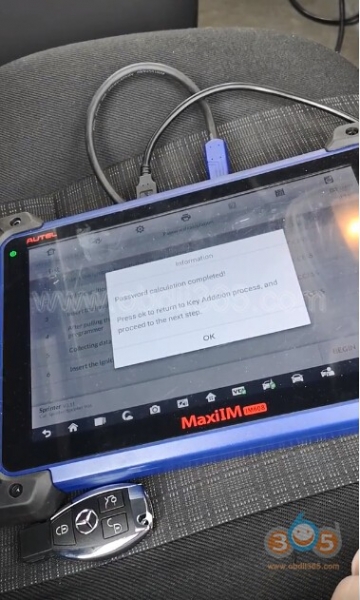
Press OK to return to Key Addition process and proceed to the next step
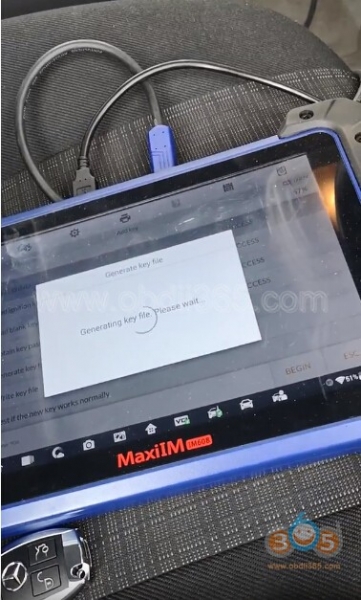
Generating key file
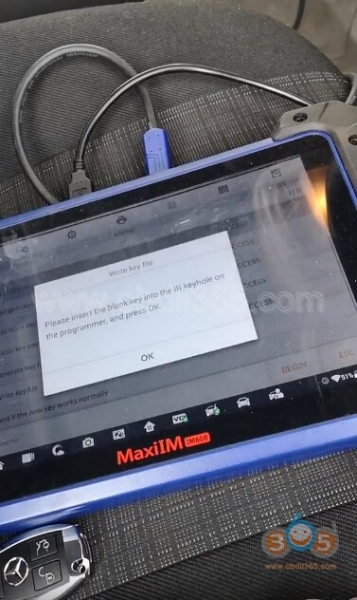
Insert the blank key into the IR keyhole on the XP400, press OK
Detecting key
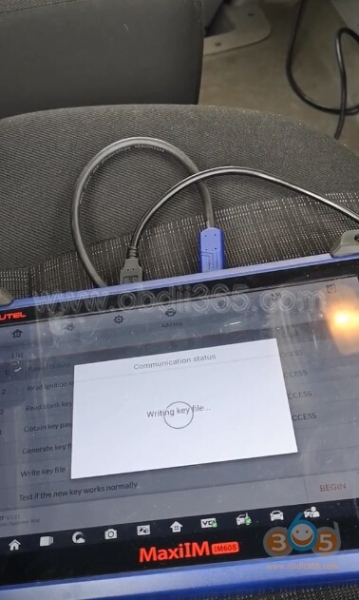
Writing key file
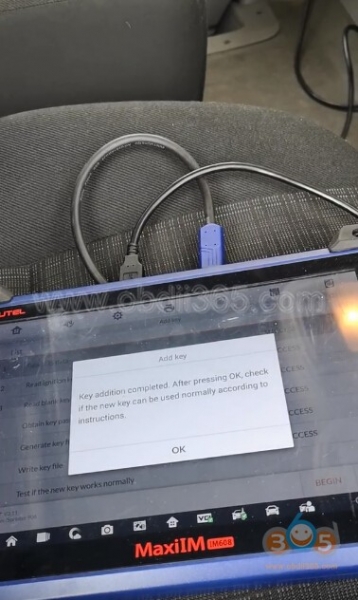
Add key completed. Press OK, check if the new key can be used normally Insert the new key into EIS. If the red indicator on the key turns on and goes off, the key learning is successful
If the red indicator stays on, try inserting and removing the key for several times, if still not working, add key failed.
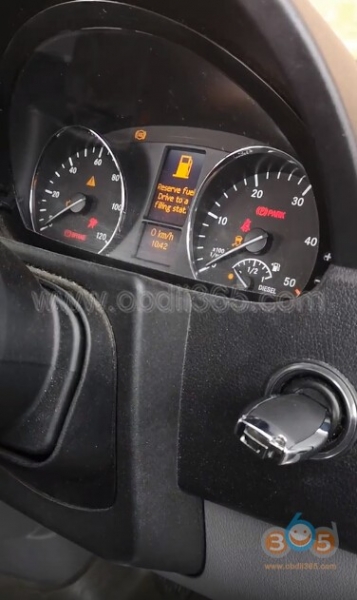
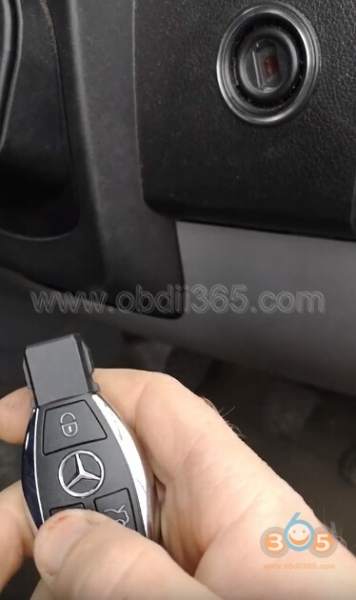
Autel MaxiIM added Sprinter W906 key success. Done. www.obdii365.com http://blog.obdii365.com/2019/06/14/autel-maxiim-im608-program-sprinter-w906-2006-key-via-obd/