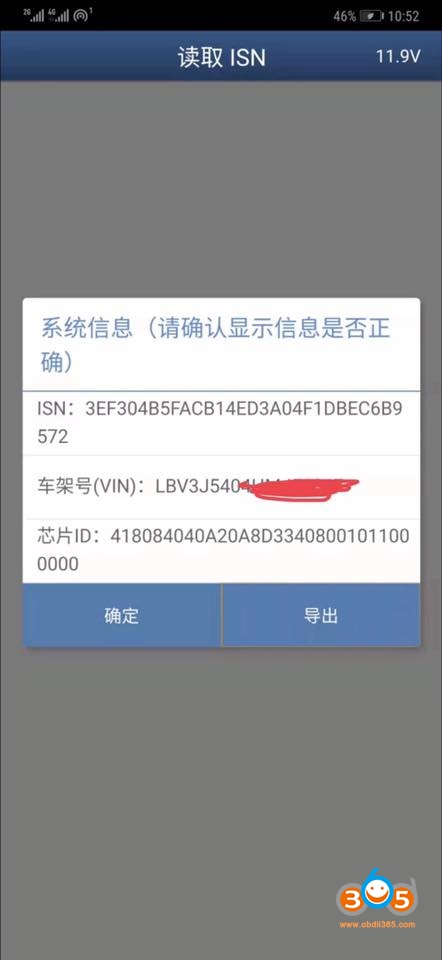
How to Read BMW B38 ISN Code with Yanhua Mini ACDP?
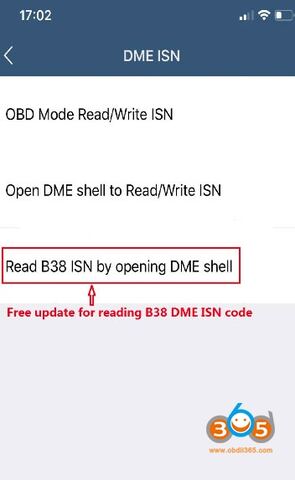
Yanhua has updated BMW B38 ISN reading for BMW all keys lost situation to ACDP Mini for free.
Requirement:
Yanhua Mini ACDP host
BMW DME ISN license and adapters
ACDP BMW Key Programming license (if need to program new keys)
How to Read B38 ISN code for BMW All keys lost?
Follow guides below
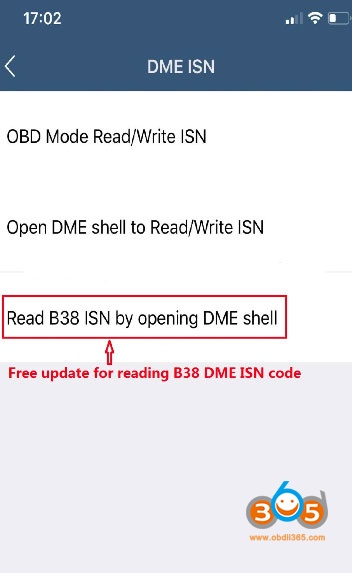
Activate DME ISN license, go to DME ISN menu, select Read B38 ISN by opening DME Shell
ACDP Mini will show you correct wiring connection
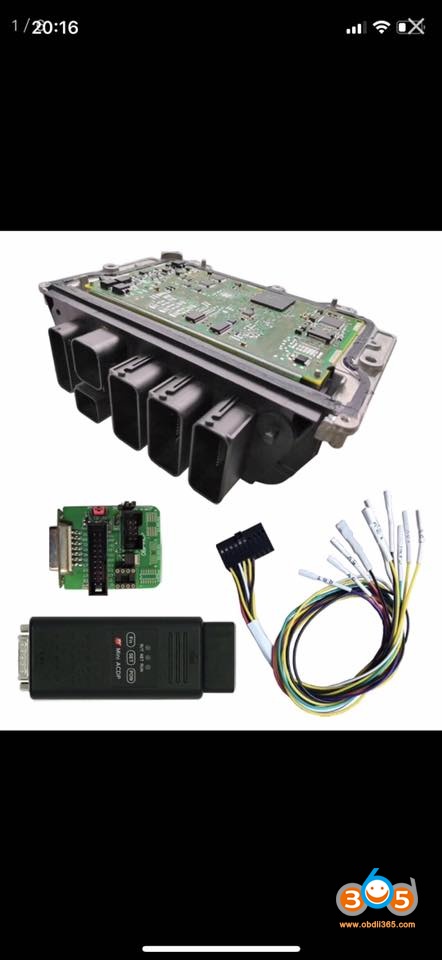
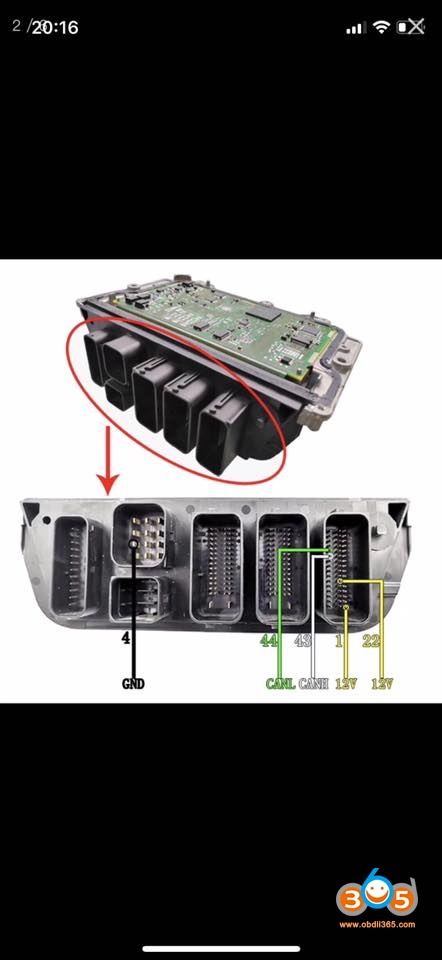

Follow B38 DME wiring diagram to connect acdp icp with DME
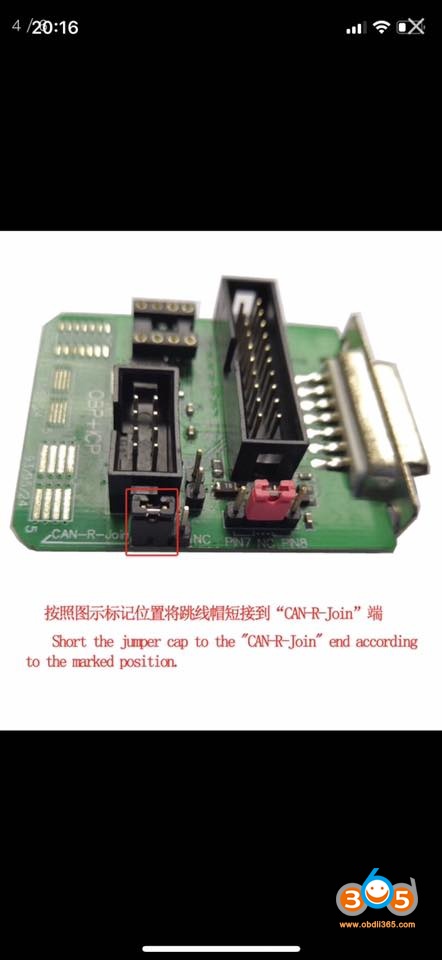
Short the jumper cap to the “CAN-R-Join” end according to the marked position
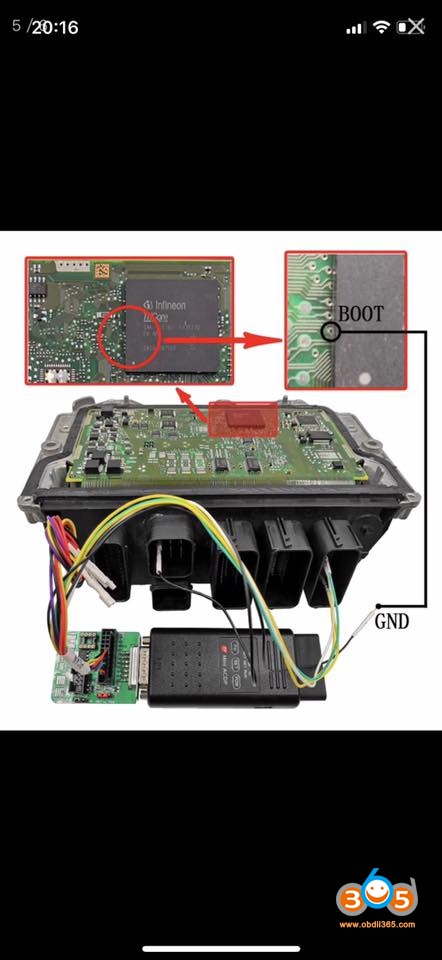

Read B38 ISN from DME success.