How to install OBDSTAR Key RT Renewing Software on Windows 7?
Here’s the step-by-step guide on installing OBDSTAR (OBDProg) Key RT key renewing software. Windows 7 32-bit operating system is recommended. You are free to try other systems.
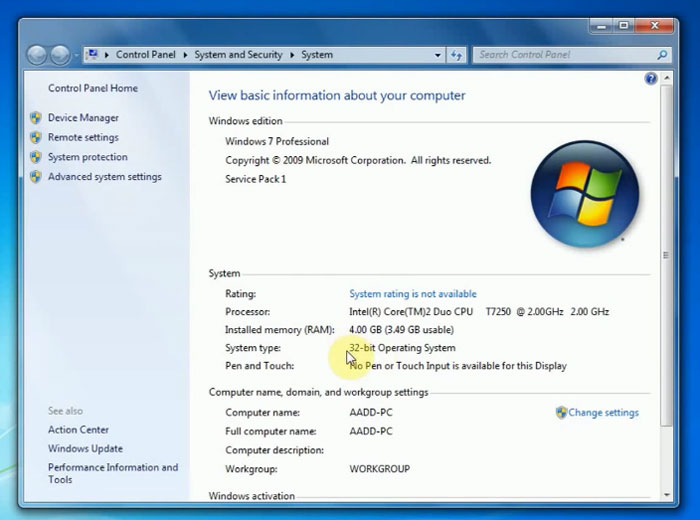
Procedure:
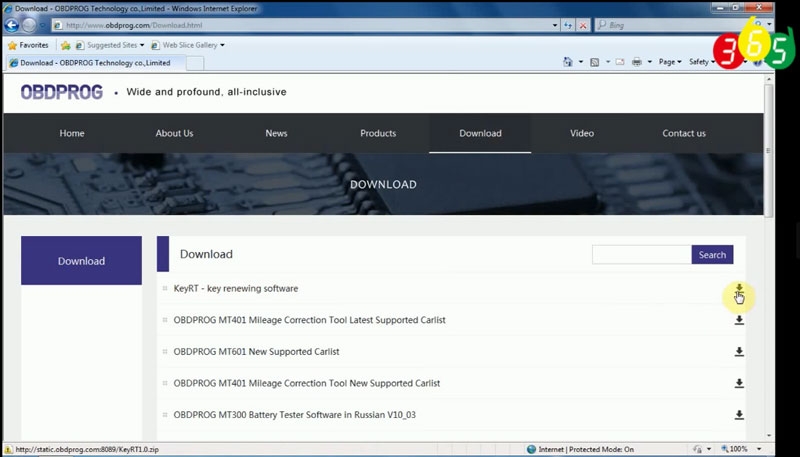
Visit official website www.obdprog.com and download KeyRT renew software
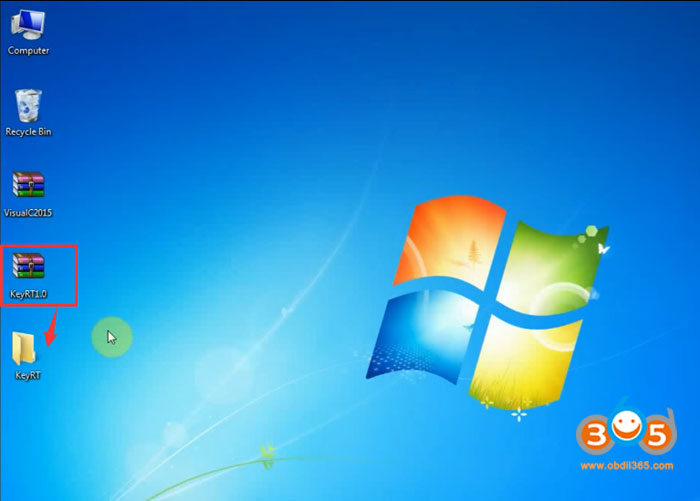
Extract KeyRT renew software zip file on desktop
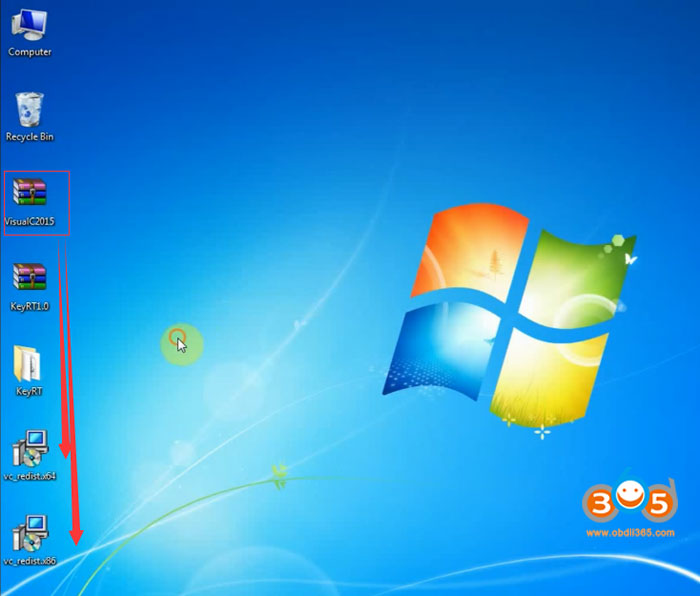
Extract VisualC2015 on desktop as well
Remove KetRT.zip to trash bin
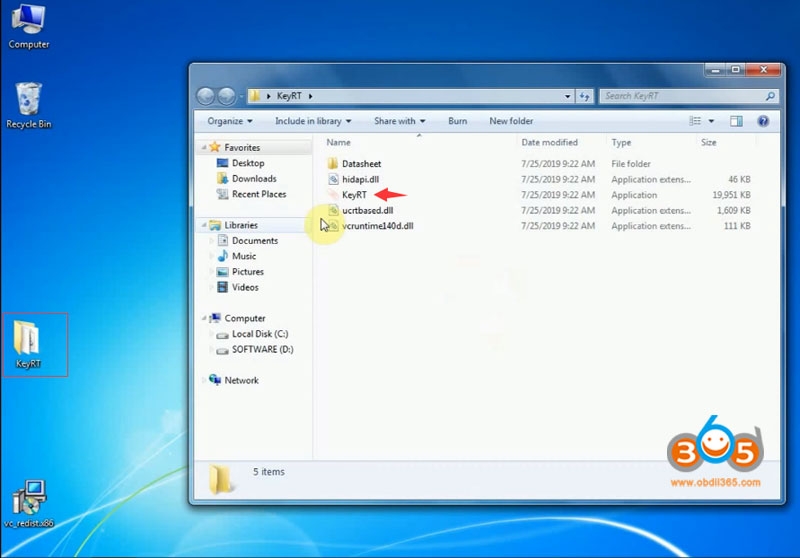
Run KeyRT.exe as administrator
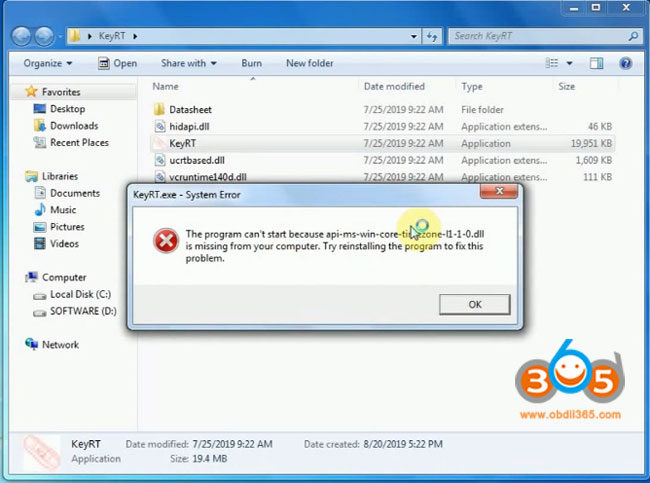
If it gives you a System error. You are required to install Microsoft Visual ++ 2015
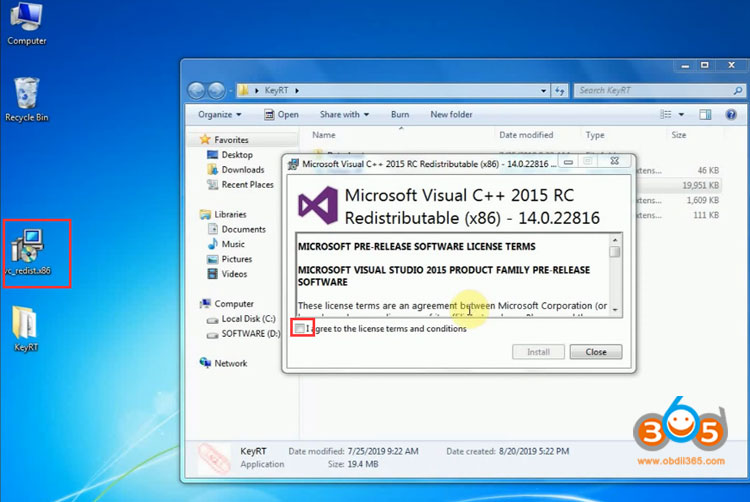
Install Microsoft Visual ++ 2015 RC
Accept license agreement
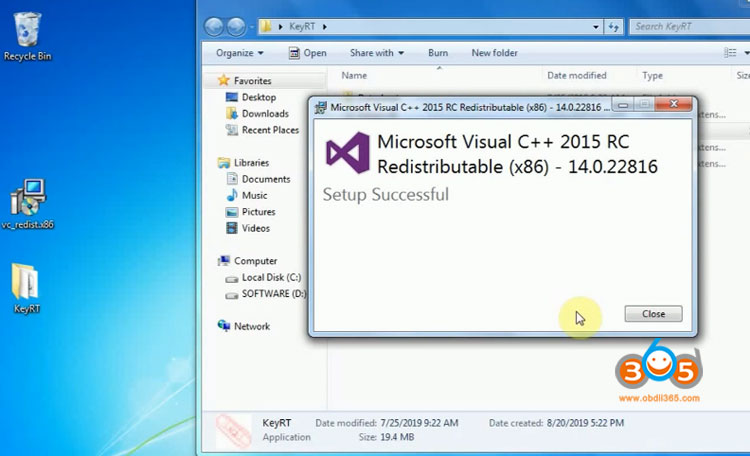
Press Install and wait until complete
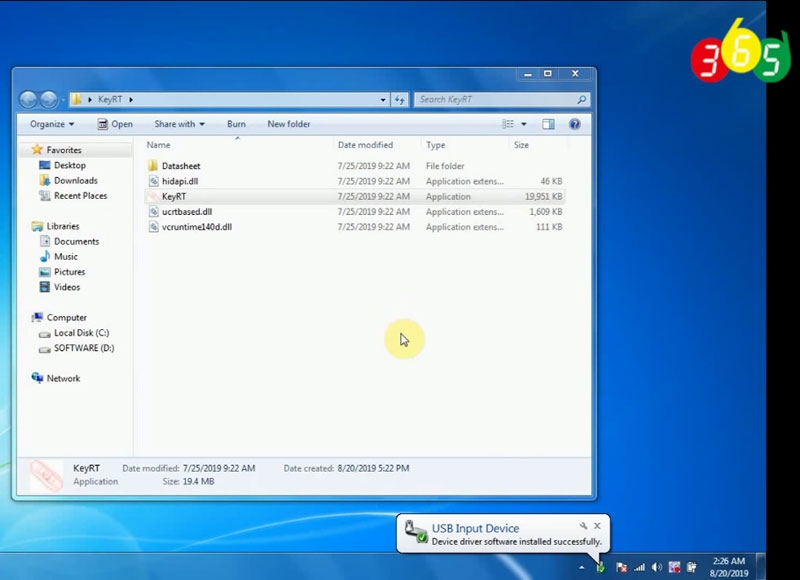
Connect OBDSTAR Key RT renew tool with laptop via USB cable and install device driver
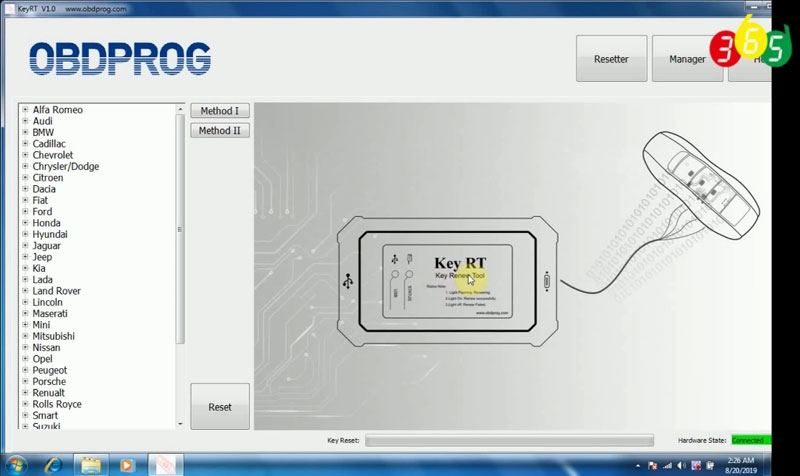
Run KeyRT.exe software again
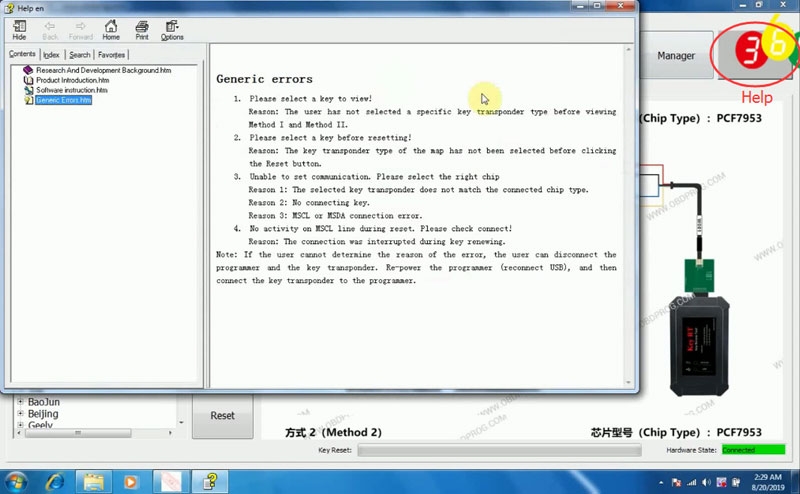
Now you can check the function menu, key renewing vehicle list, wiring diagram and Help center
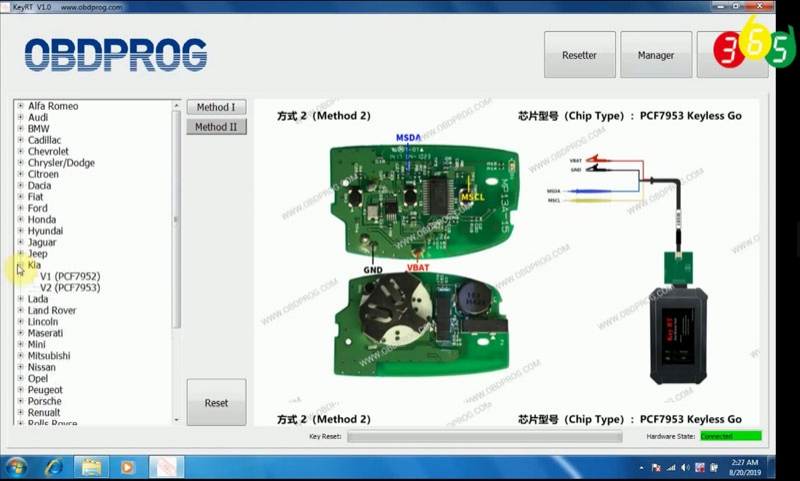
Here’s a video demo on renewing Kia PCF7953 remote using OBDProg KeyRT:
www.obdii365.com