Program VW Polo Remote with VVDI Mini Key Tool and Xtool X100 Pad
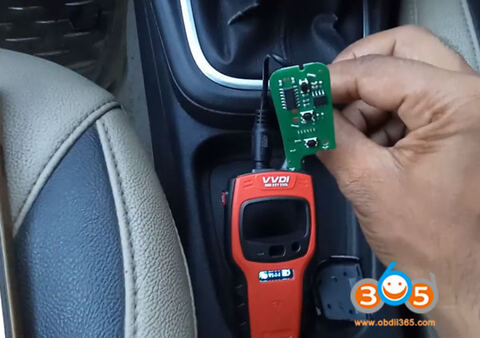
How-to: Volkswagen Polo remote programming with xtool X100 Pad and VVDI mini key tool. These both tools are very easy to use and cheaper.
Remote generate by VVDI Mini key tool
Remote programming by xtool x100 pad
Step 1: Generate remote
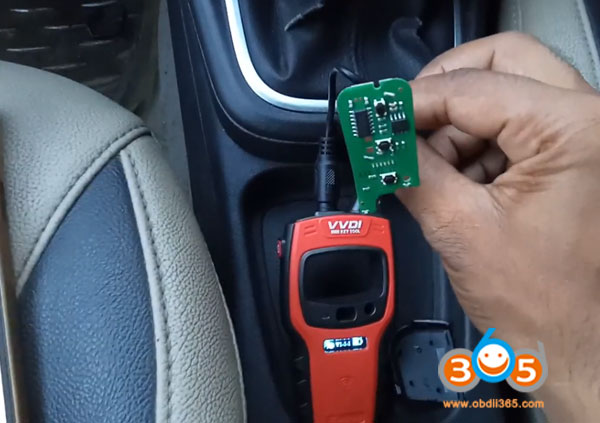
Remove remote PCB and connect it with vvdi key tool via USB cable
In VVDI mini key tool App, select Vehicle Remote->VW->Polo and remote type
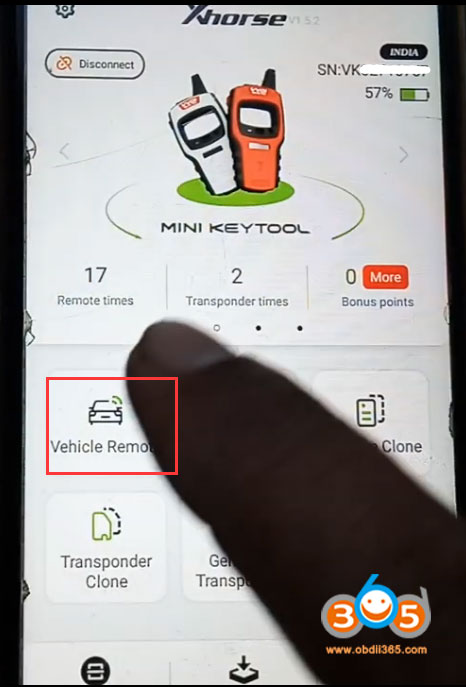
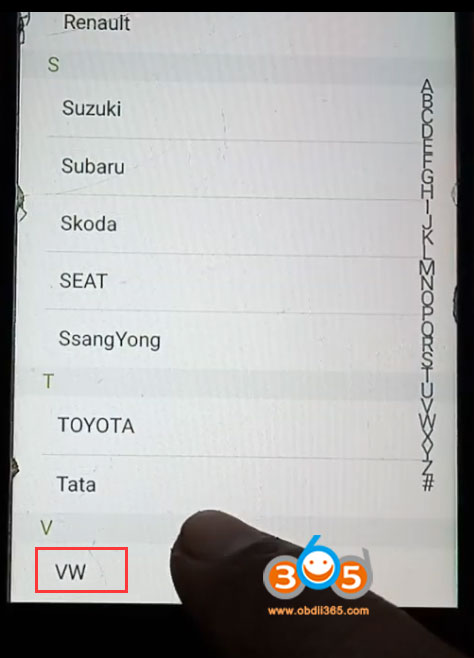
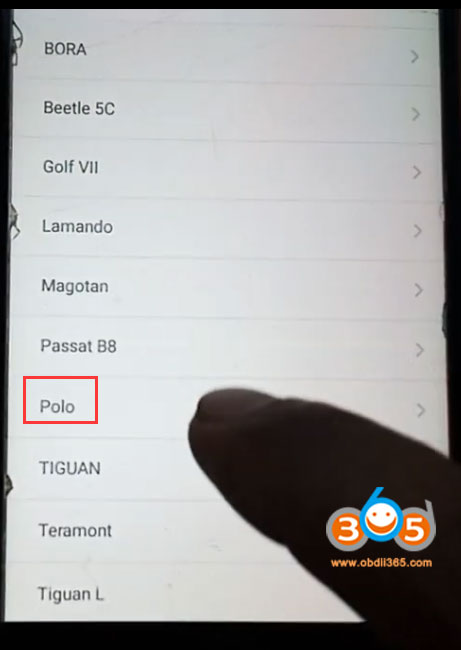
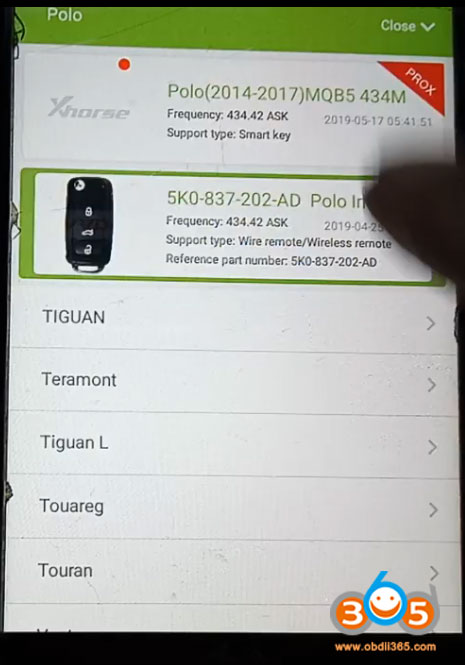
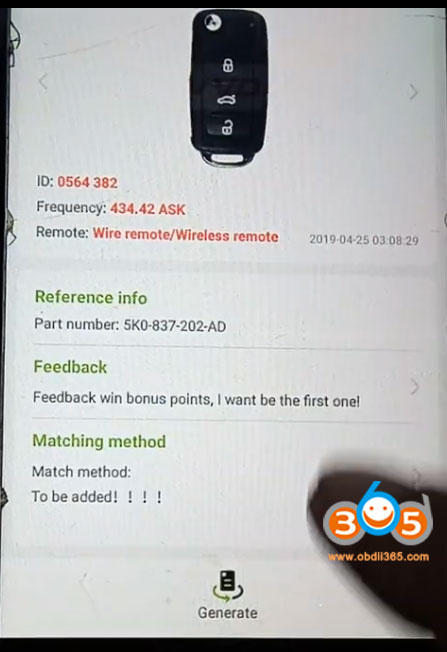
Press Generate
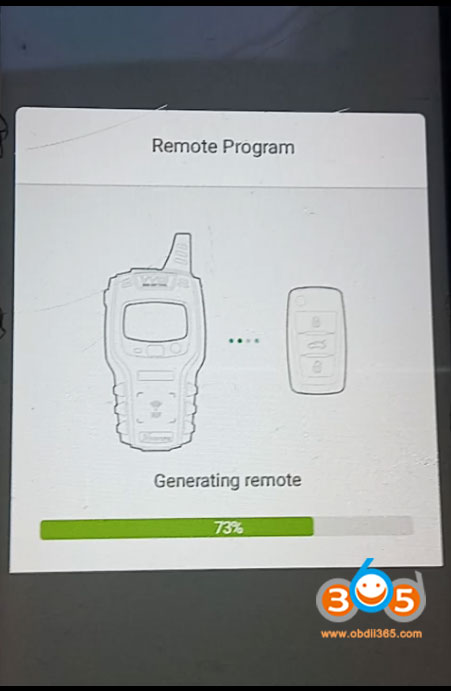
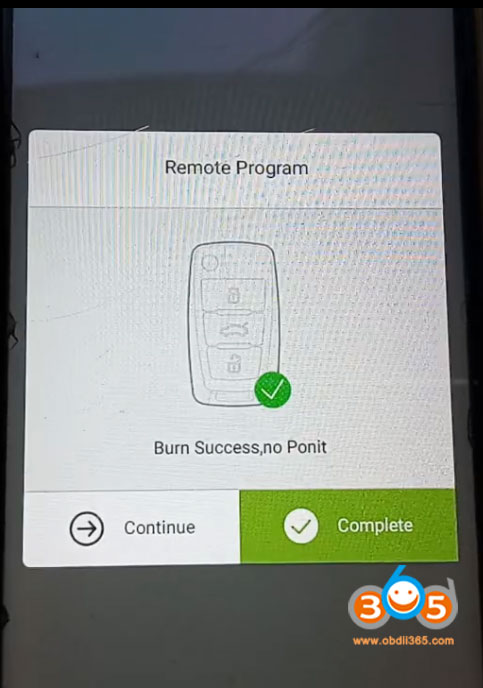
Generate remote success.
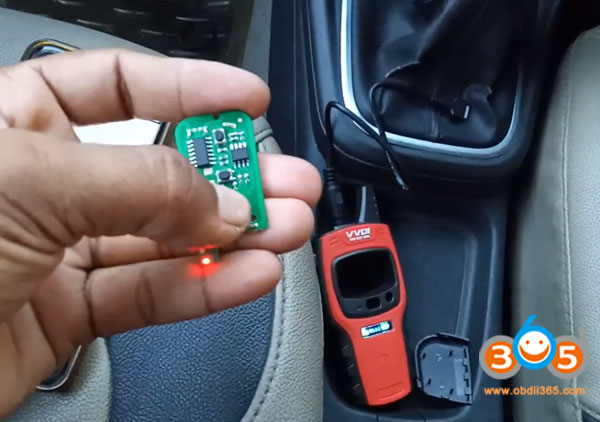
Install battery to the remote and install key shell.
Step 2: Program remote
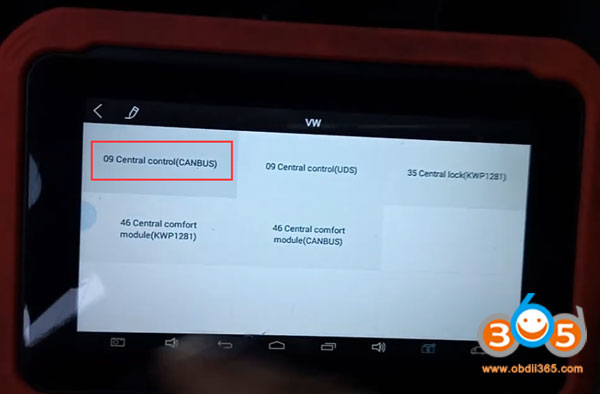
In X100 pad, select Immobilizer->VW/Audi/Skoda/Seat V27.59->Program remote->Turn on ignition switch->VW->09 Central Control (CANBUS)->Type 1
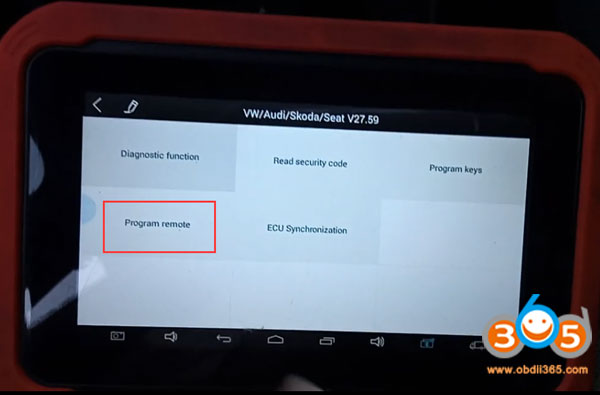
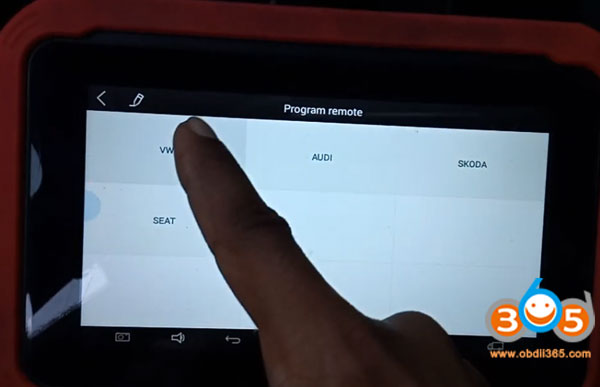
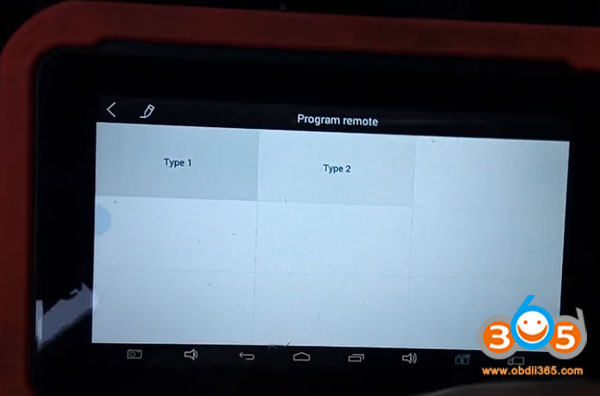
Press any button of the remote key
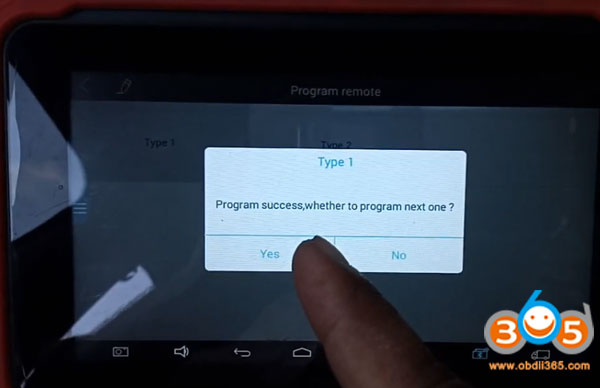
Program remote success.
Done.