Program Acura 04-14 All Keys Lost with Autel MaxiCOM MK808
How-to: program Acura TL 2004-2014 all keys lost using Autel MaxiCOM MK808 diagnostic system.
Device required:
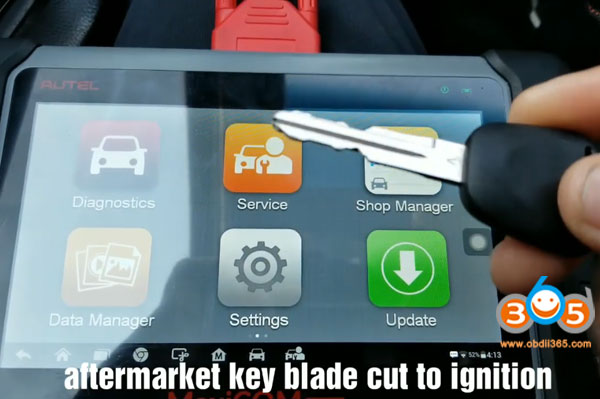
an aftermarket key
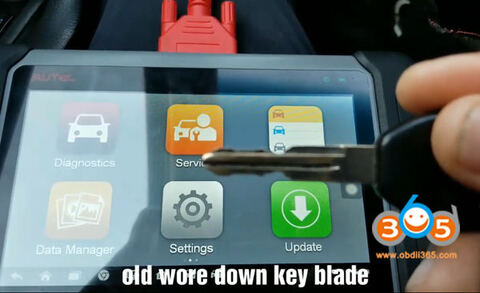
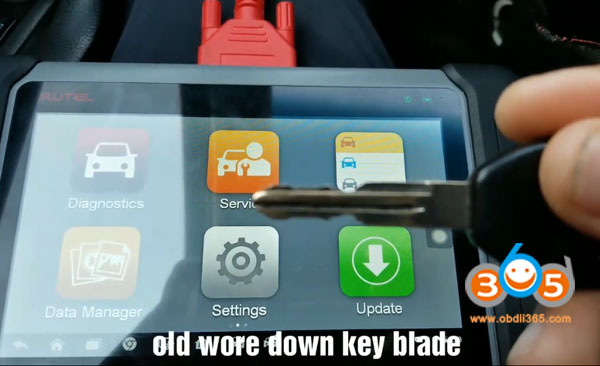
a used key with old wore down key blade
Autel MK808
Main procedure:
1.Make new master key
2. add a new key
Step 1: make new master key
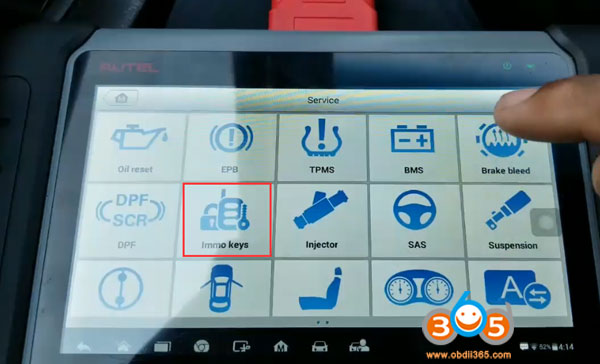
Select Service Function->IMMO Keys->Acura
Turn ignition to 2nd position with the aftermarket key
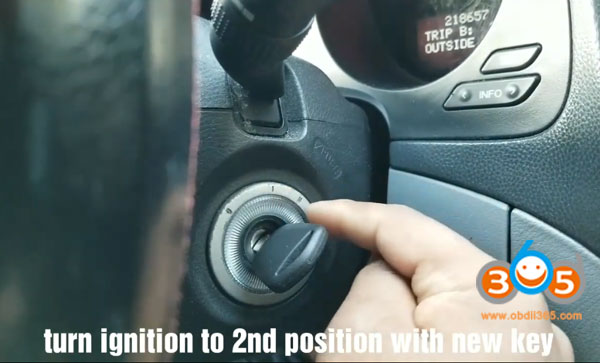
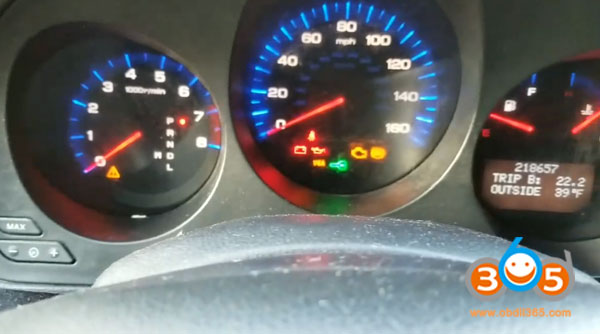
flashing green key light means car won’t start
Select System selection->USA->Hot Function
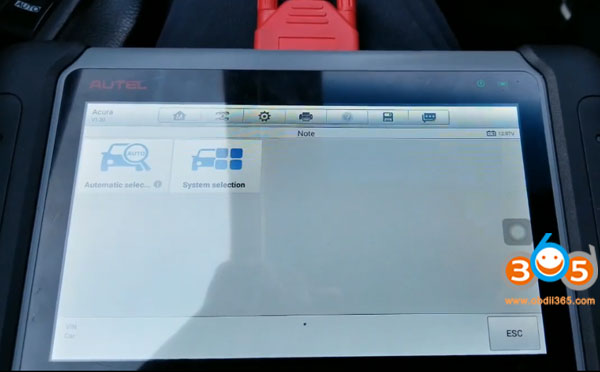
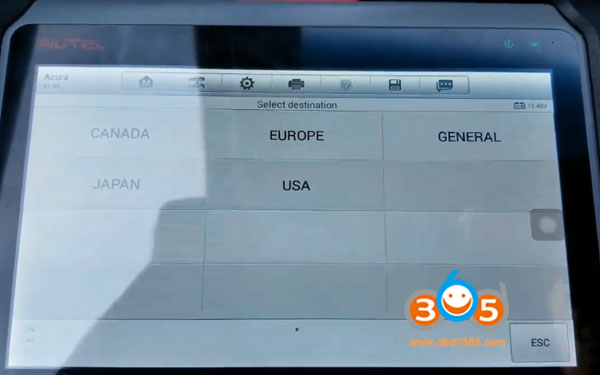
Keep ignition ON until the tester directs you to turn the ignition off
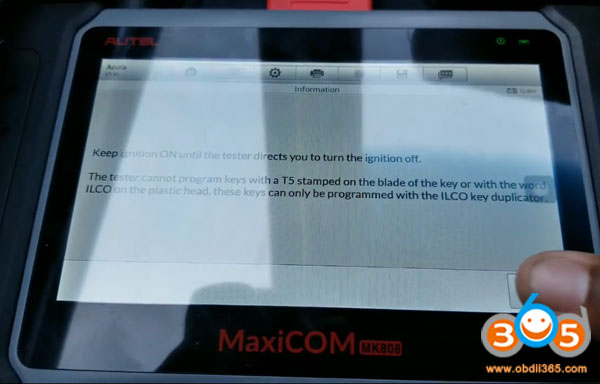
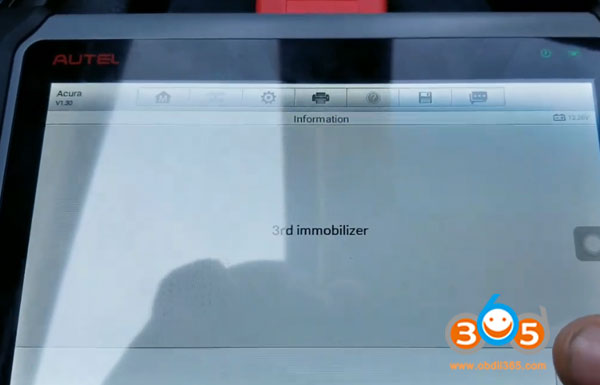
Autel MK808 detects immo type: 3rd generation immobilizer (will also work with 4th generation base models)
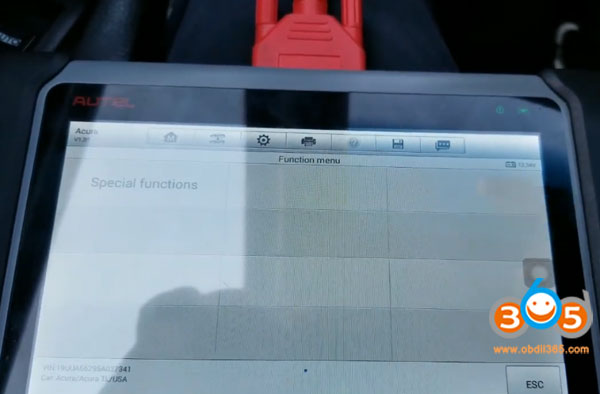
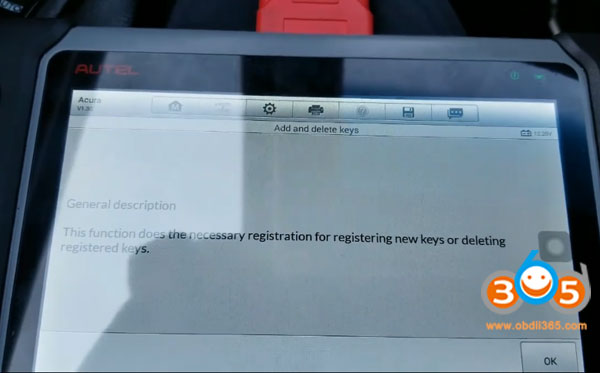
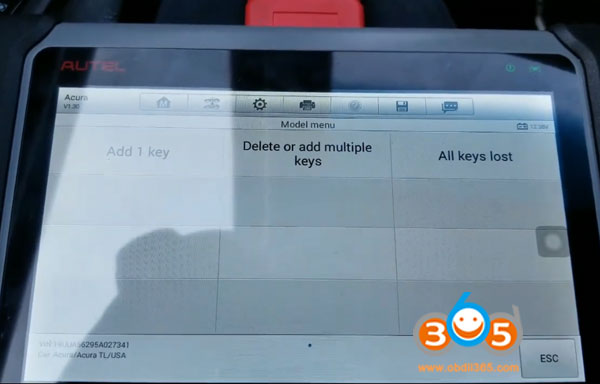
Select Special functions->Add and delete keys
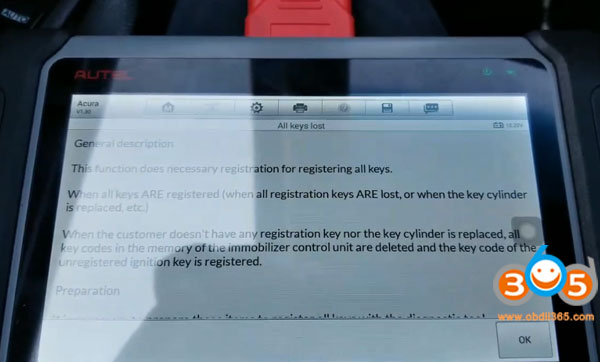
This function does the necessary registration for registering new keys or deleting registered keys.
Select All keys lost
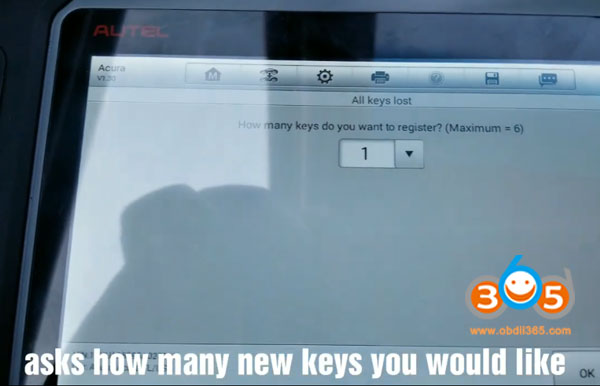
Select how many keys you want to register (maximum 6 keys)
Turn ignition off
programming in process
Turn ignition on
Turn the ignition switch off within 17s
Turn ignition to ON within 14s without changing the key
Turn ignition off
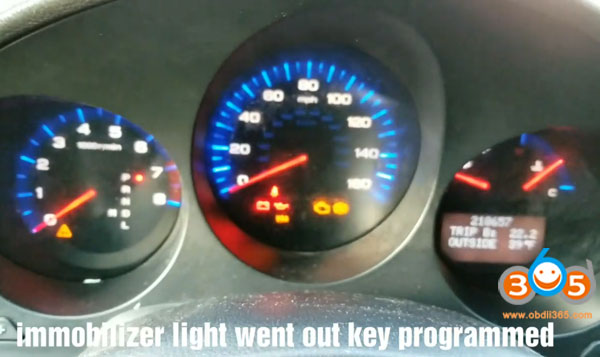
Check if the immobilizer indicator goes off
Immo light went out key programmed
Turn ignition switch off
Turn ignition on
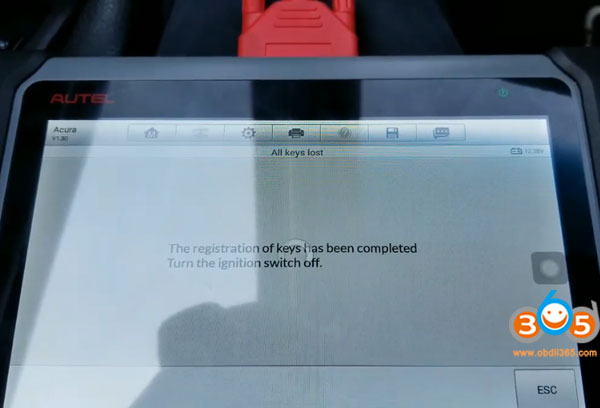
Key registration completed
Turn ignition switch off
All all keyless access remotes to ensure each will start the engine
Turn ignition on
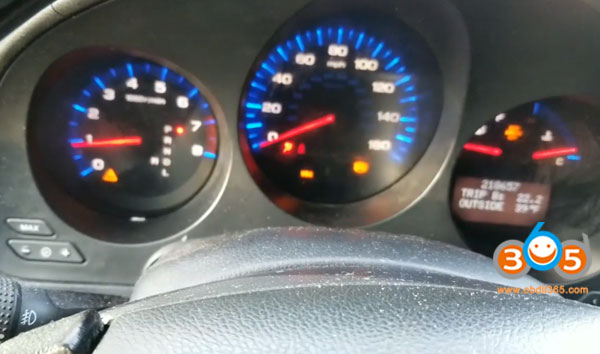
Master key works.
Step 2: Add a key with MK808
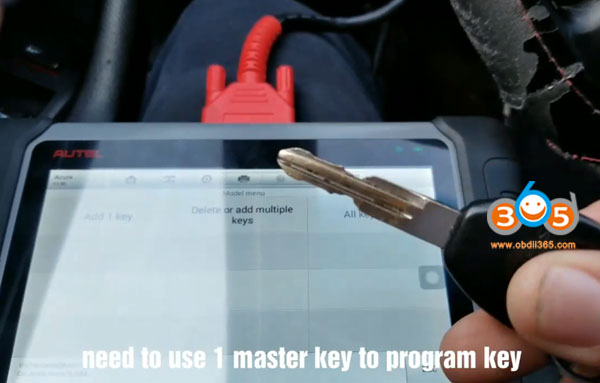
this is the old key that was deleted
need to use 1 master key to program key
Select Add 1 key
Use a registered key to start the registration of keys
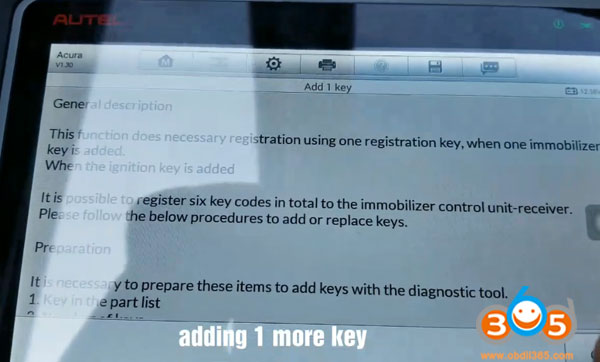
Turn the ignition to on with an original key or master key
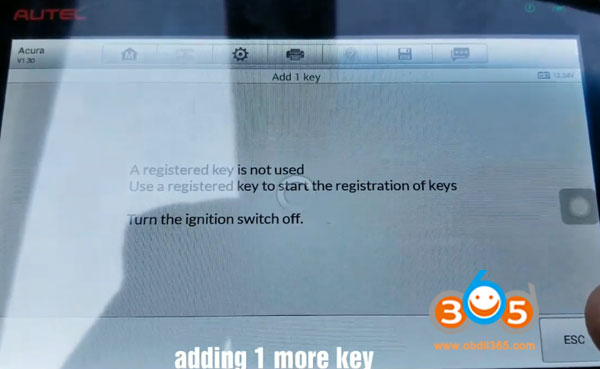
Turn ignition off
Turn ignition on
add 1 extra key in process
Turn the ignition switch off within 15s
Turn ignition to ON with a new key within 14s
Turn the ignition switch off within 17s
Turn ignition switch to ON within 11s without changing the key
Turn ignition off
Turn ignition on
Immo indicator goes off
2nds key programmed successfully
Turn ignition off
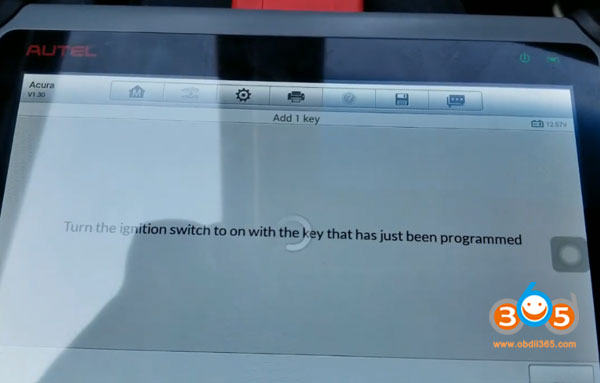
Turn ignition on with the key just programmed
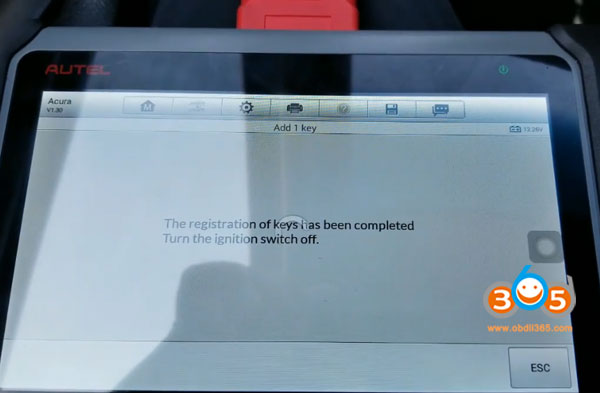
The registration of keys has been completed
Turn ignition switch off
Test the keys to make sure they both work.
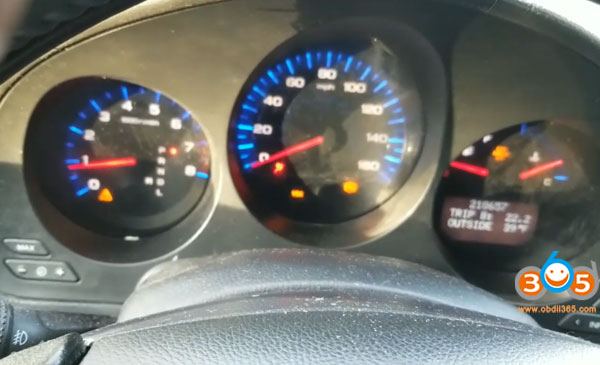
Done.
www.obdii365.com