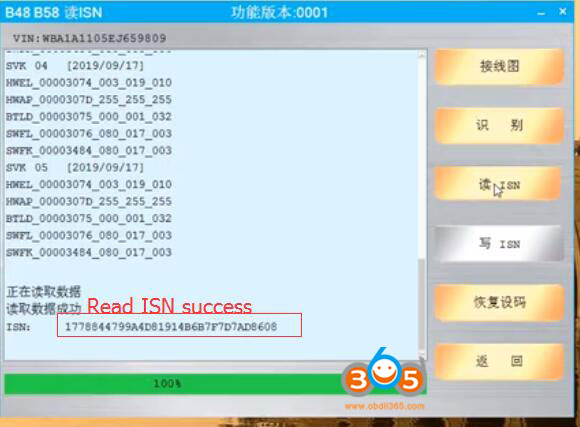
CGDI BMW read B58 ISN code without Opening DME
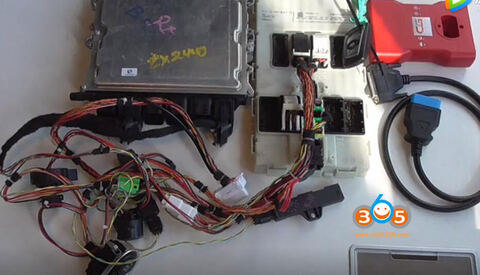
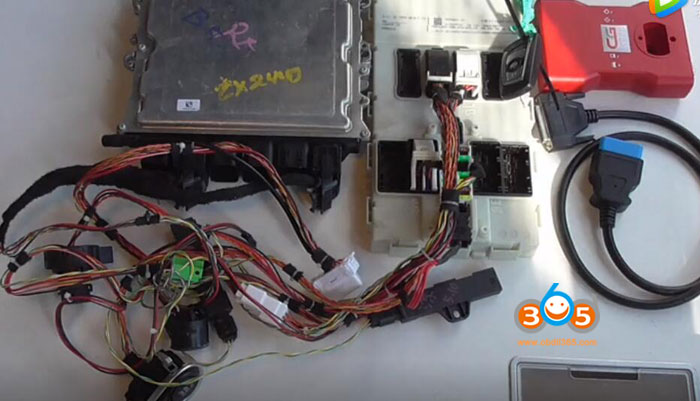
To read ISN from B48 B58 with opening DME shell, you need to purchase DME license for CGDI Prog BMW key programmer.
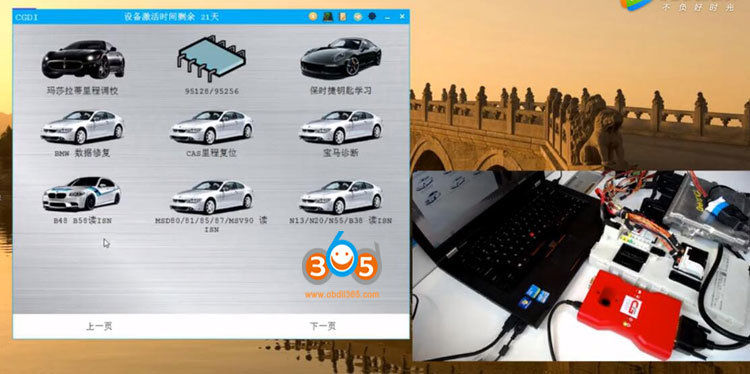
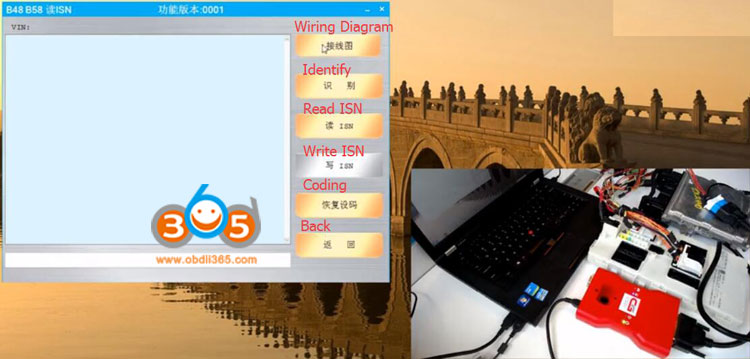
After activate DME license, go to B48 B58 Read ISN function
Check wiring connection
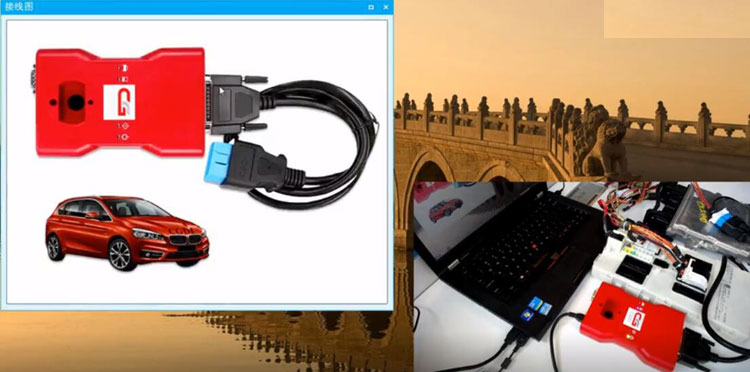
Connect device and DME follow the wiring diagram
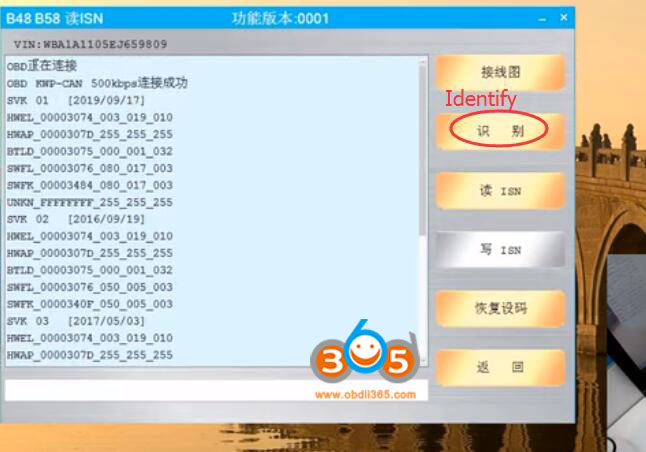
Then Identify DME type
Press Read ISN
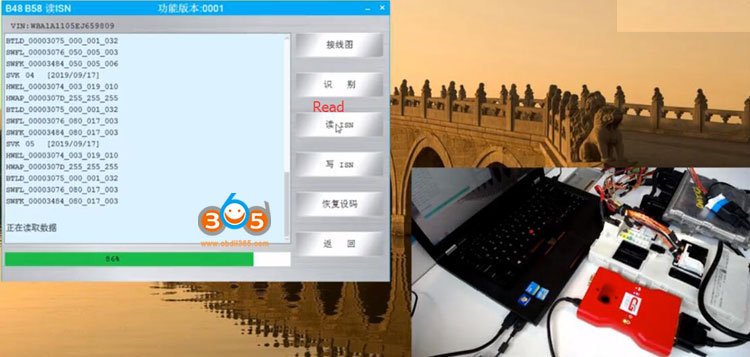
Reading ISN code in process
CGDI BMW read ISN code form B58 DME success.