How to use Autel APB112 Simulator to Generate Toyota Smart key?
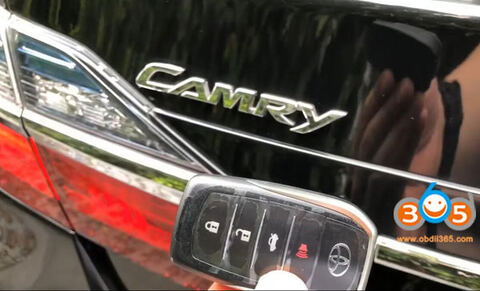
How-to: program Toyota Camry all smart keys lost, generate simulator and add new smart key with Autel MaxiIM IM508and APB112 simulator.
Vehicle Model: Toyota Camry 2016 hybrid
Key chip: 8A
Lost all keys, new smart key cannot turn on
key not detected and remote do not function
key not detected and remote do not function
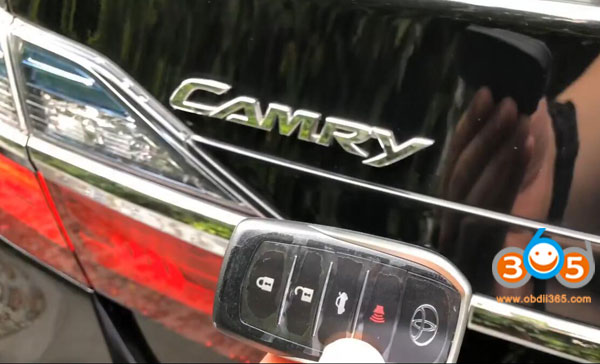

Device required:
XP400 Adapter
A new smart key

Main Step:
1. Read IMMO data
2.Generate Simulator Key
3. Add Smart Key
Step-by-step procedure:
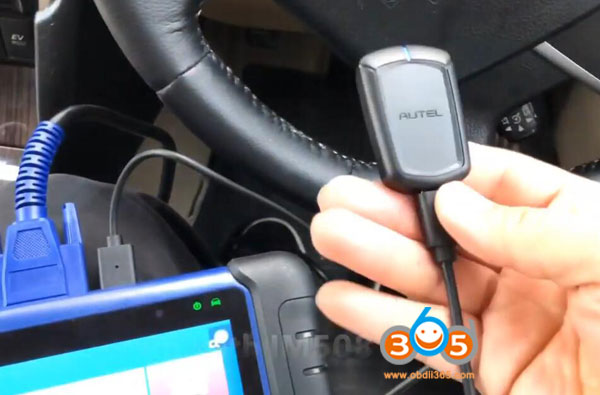
Connect APB112 with IM508 via USB cable
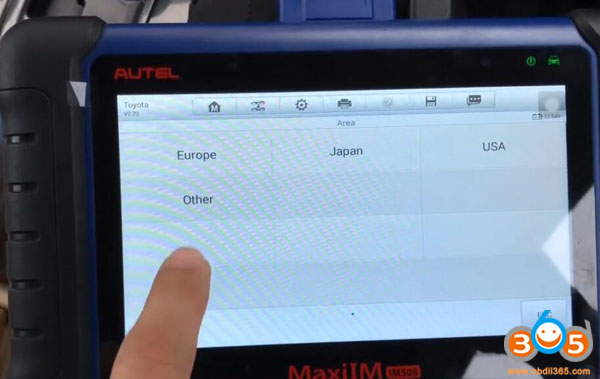
Select IMMO->Toyota->Manual Selection->Other->Camry->Smart key->Keyless System (CAN)
Select IMMO->Toyota->Manual Selection->Other->Camry->Smart key->Keyless System (CAN)

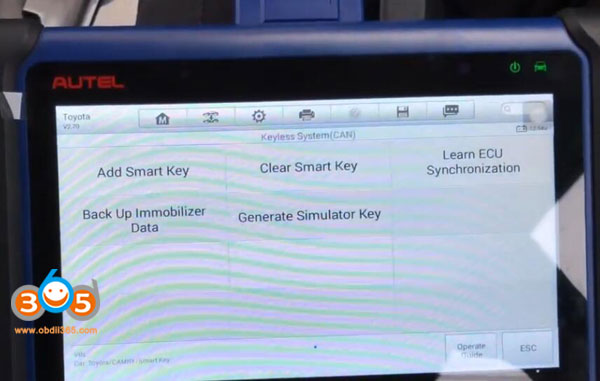
1. Back up Immobilizer Data
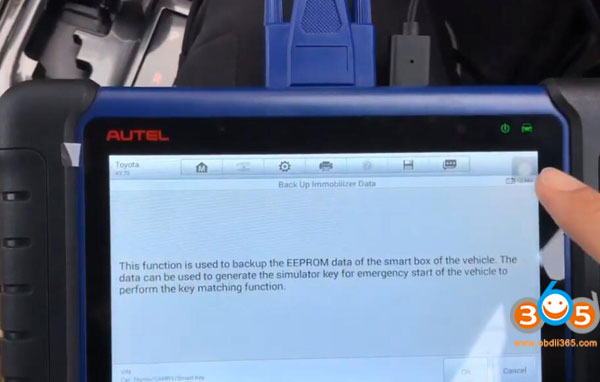
This function is use to back up the EEPROM data of the smart box.
The data can be used to generate the simulator key for emergency start of the vehicle to perform the key programming function.
This function is use to back up the EEPROM data of the smart box.
The data can be used to generate the simulator key for emergency start of the vehicle to perform the key programming function.
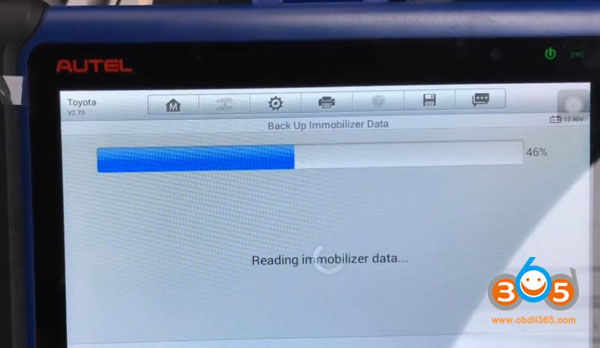
Reading immobilizer data
Connecting network. Need stable WiFi network
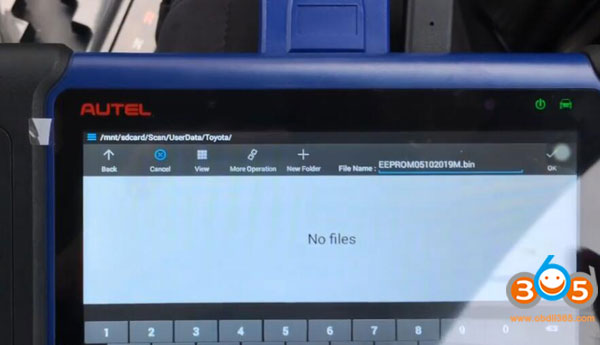
Write name file and press OK to save dump
Write name file and press OK to save dump
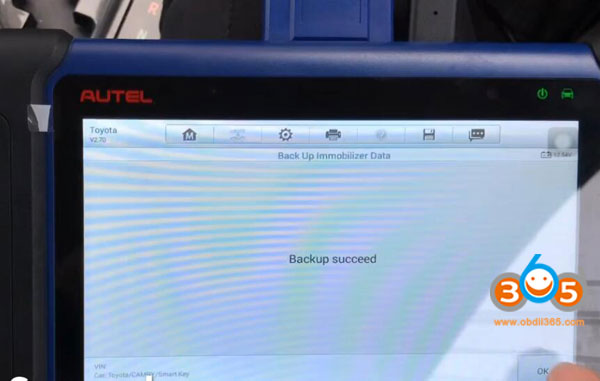
Backup succeed
2.Generate Simulator Key
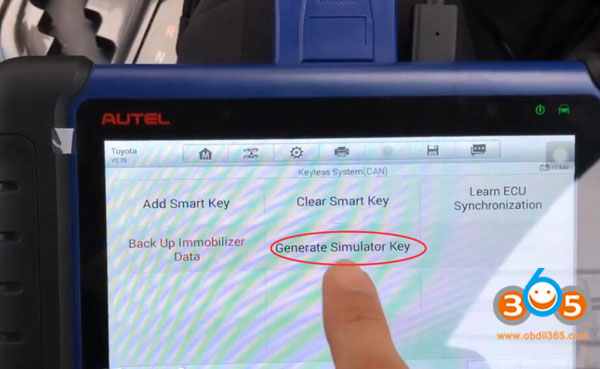
Select Generate Simulator Key
Select the EEPROM data
Choose backup file
Select the EEPROM data
Choose backup file

Retrieving critical data
Generate simulator key in process
Generate simulator key in process
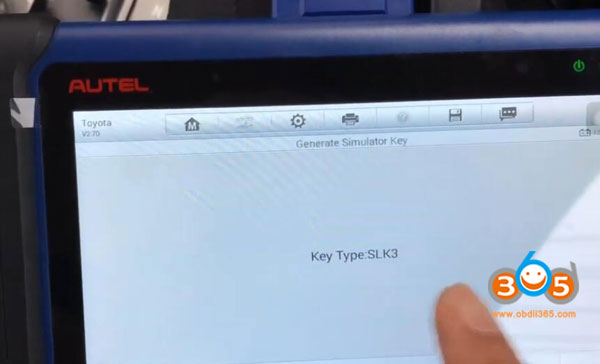
Show key type SLK03
Connect APB112 key simulator
Connect APB112 key simulator
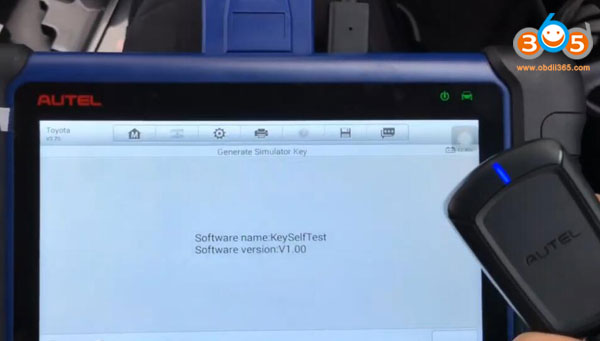
Obtain software name and version
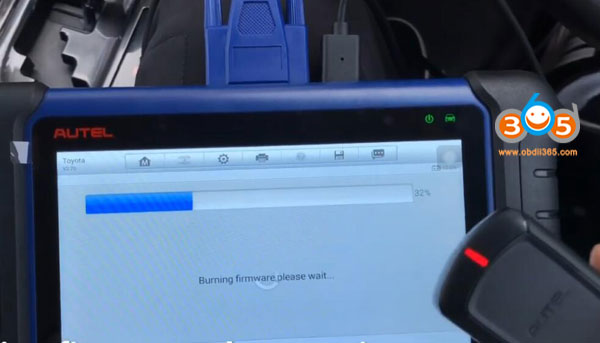
Burning firmware until succeed
The simulator key is generated successfully
The simulator key can be used to turn the ignition on in case of emergency to learn the key
The simulator key is generated successfully
The simulator key can be used to turn the ignition on in case of emergency to learn the key
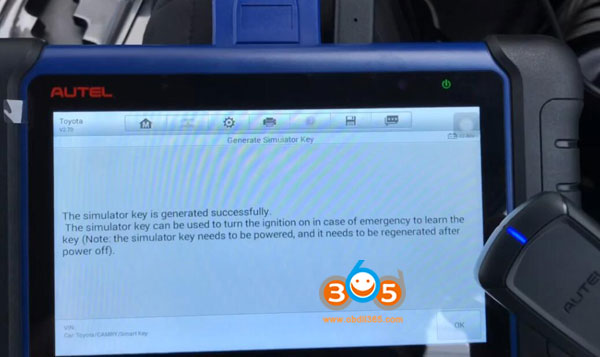
Put the simulator key on Start/Stop button and press

The key can start engine now.
Don’t disconnect USB cable
3. Add smart key
Use the simulator key to turn on ignition
Use the simulator key to turn on ignition
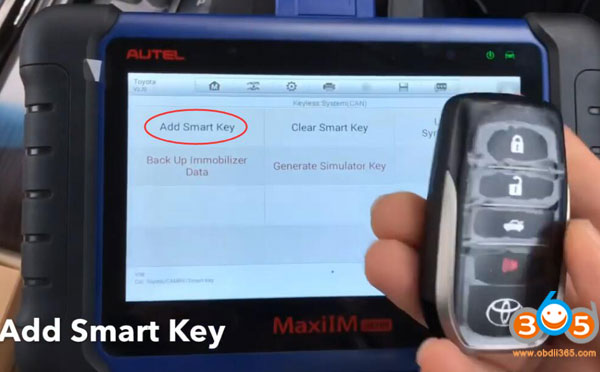
Select Add Smart Key
Confirm to use the simulator key APB112
Each step must be completed within the specified time.
The position for learning: 5
Confirm to use the simulator key APB112
Each step must be completed within the specified time.
The position for learning: 5

Put the simulator key APB112 close to Start button

You will hear a beep sound
Put the new smart key to learned close to the Start button
Put the new smart key to learned close to the Start button
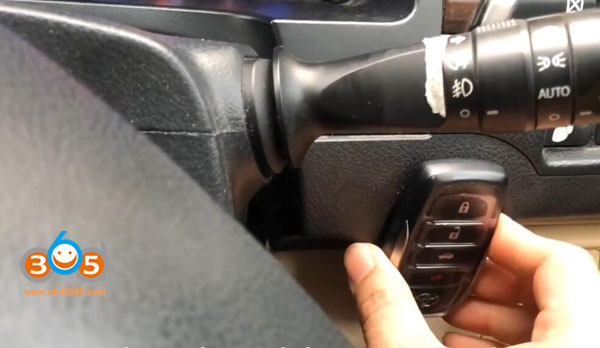
beep beep
Registering key in process
Registering key in process
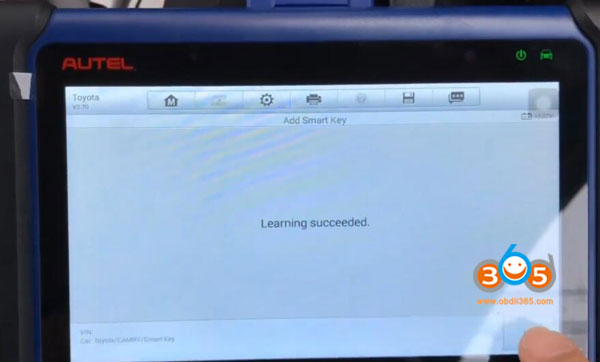
Learning key succeed
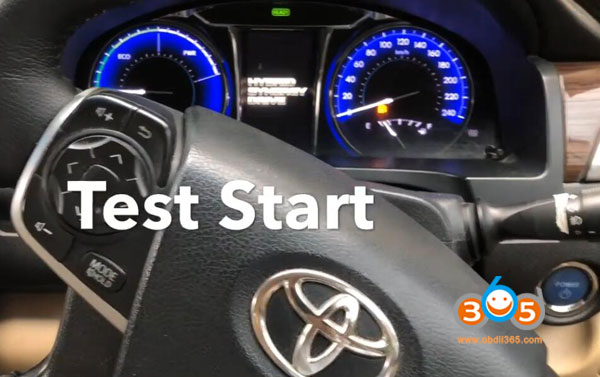
Test remote and star vehicle
Test remote and star vehicle

Done.