How to use CGDI MB EIS ELV Test Platform Cluster Emulator?
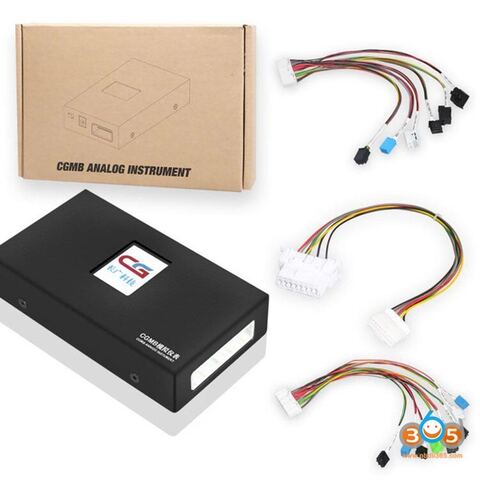
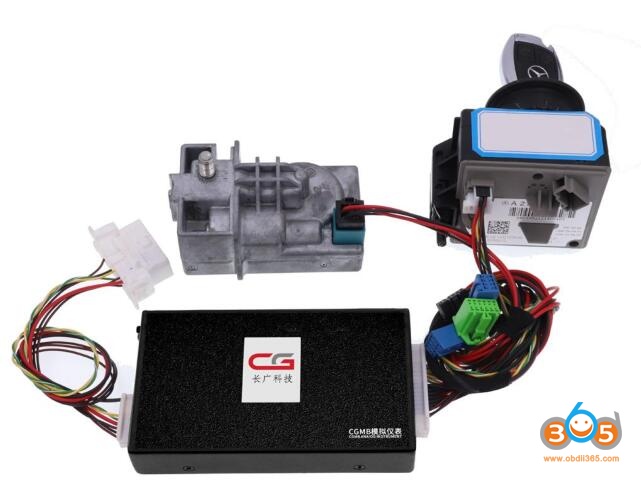
The CGDI MB EIS ELV Testing Platform Instrument Emulator is used to work with CGDI Prog MB to test EIS without ELV, emulate elv function, read write and collect EIS data.
Function List:
- Supports EIS testing without ELV
- Supports emulating ELV function (except for 204, 217, 212 old)
- Supports different Benz Programming Device
- Supports CAN line EIS Monitor
- Supports EIS reading,writing, data Collection
EIS Supporting Models:
204 207
212old 212new
166 246
209 211 169
203 463
639K line 639CAN line
202 208 210
215 220 230
216old 216new
221old 221new
164old 164new
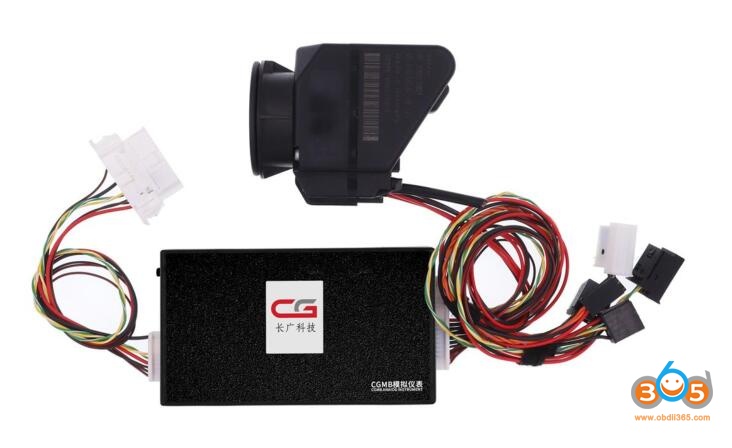
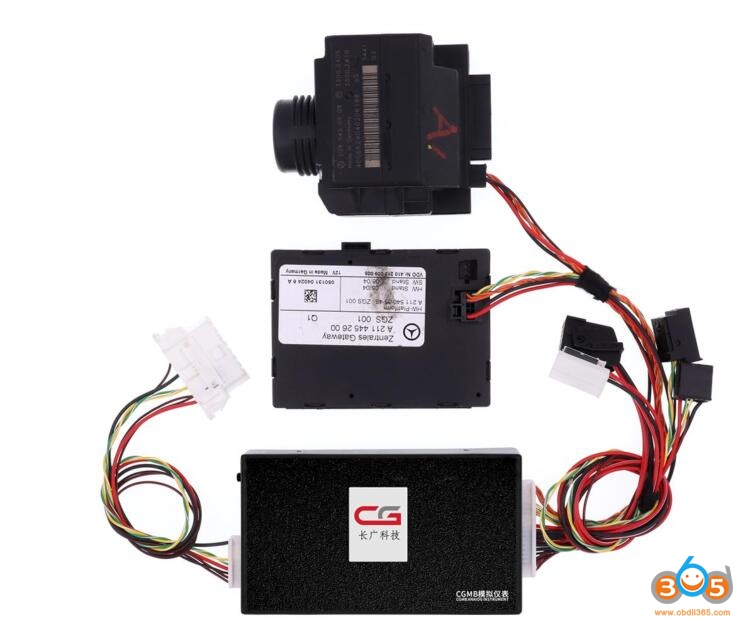
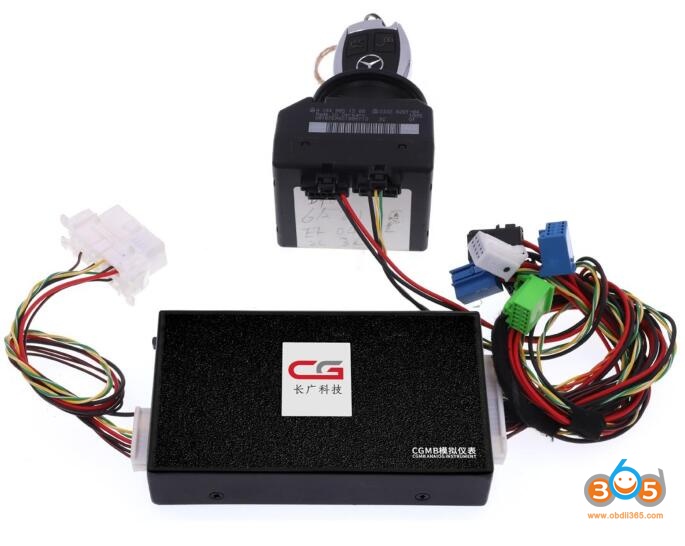
The test platform comes with emulator unit, a OBD Adapter Cable and EIS Adapter Cable
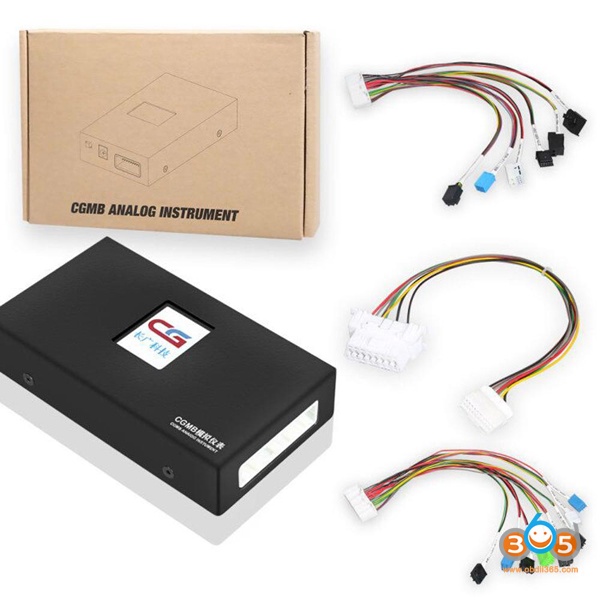
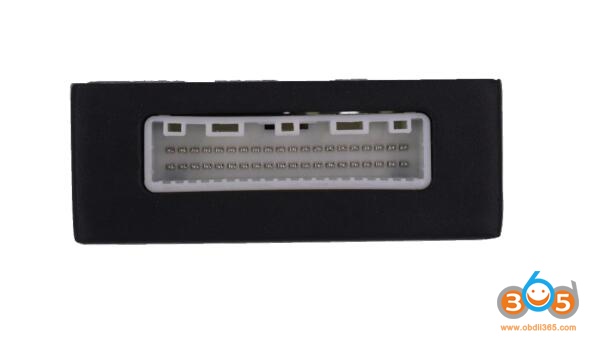
Interface Description
EIS to interface
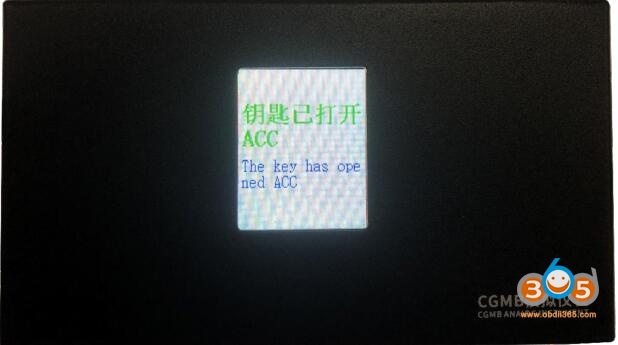
EIS status display area
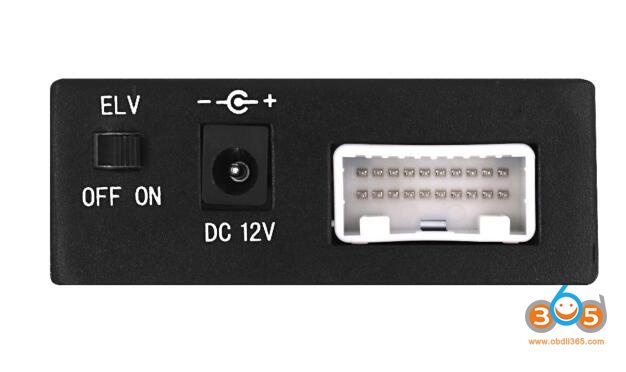
ELV function selection, 12V power interface, OBD to interface
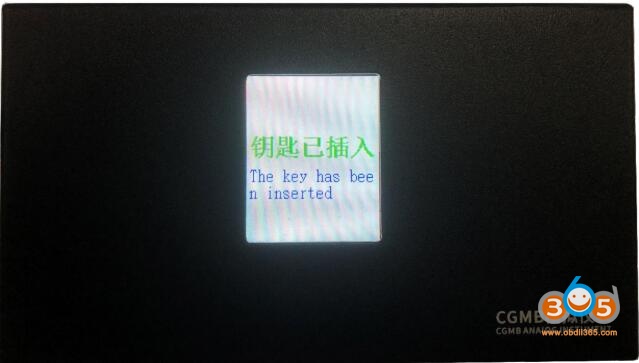
ELV status display
Key inserted
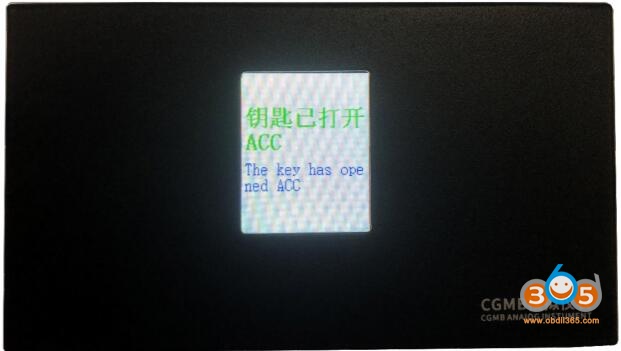
Key is open ACC
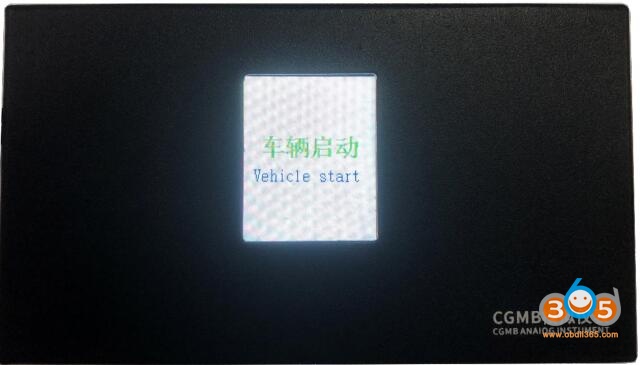
Vehicle start
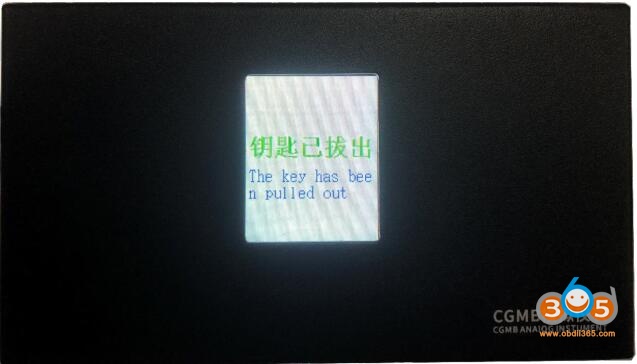
Key is pulled out
CGDI MB EIS ELV Test Platform Physical connection
CGDI MB Benz EIS ELV Testing Platform User Manual.pdf
Operation video demo:
Program Benz W210 All Keys Lost (Fast Mode) with CGDI MB and EIS ELV Emulator
www.obdii365.com