SVCI (FVDI) 2020 Missing DTC Database Working Solution
Problem 1:
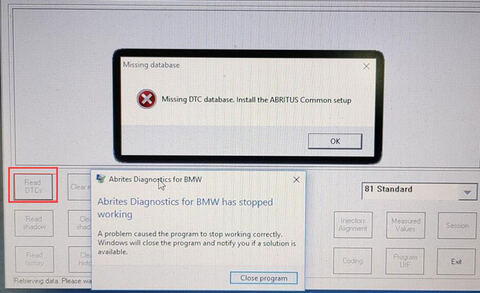
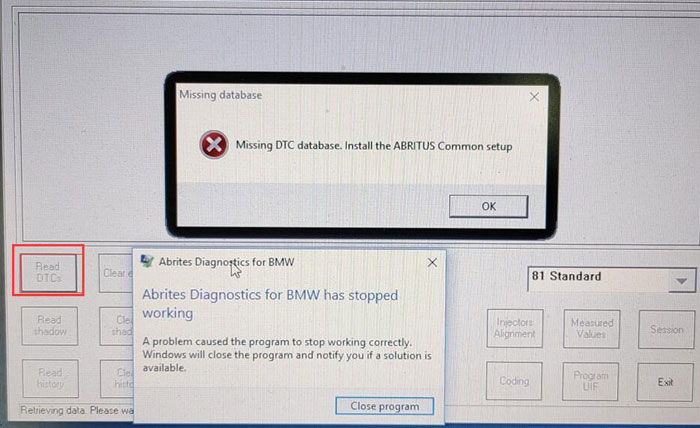
When you open the Abrites commander BMW v10.4, v10.5 software with SVCI 2020/SVCI 2019 device, the following error will be reported when reading the DTC functions.
“Missing DTC database. Install the ABRITUS Common setup”
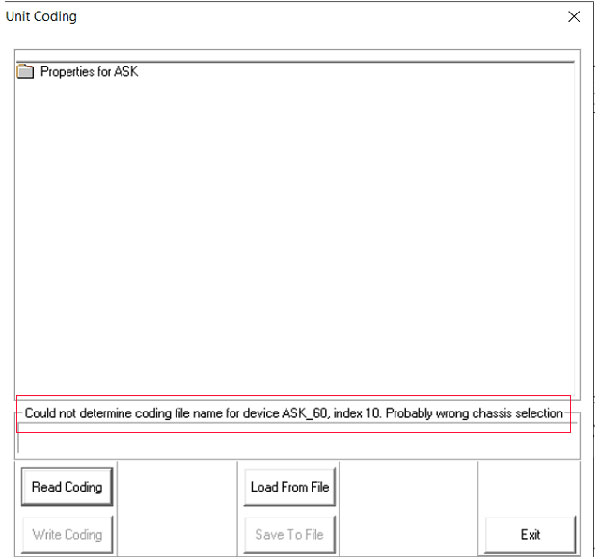
Problem 2: when you want to program the radio eg function with BMW software, it will appear the error information like below figures.
“Could not determine coding file name for device ASK_60”
Solution:
step 1: Open the SVCI2020 installation directory
step 2: Enter “C: Program Files (x86)\Abrites Commander Software List\Common2\ ” directory and copy BMW folder to “C: Program Files (x86)\Abrites Commander Software List\Common\” directory.