How to Install CGDI MB FBS3 KeylessGo Key PCB into Benz Key Shell?
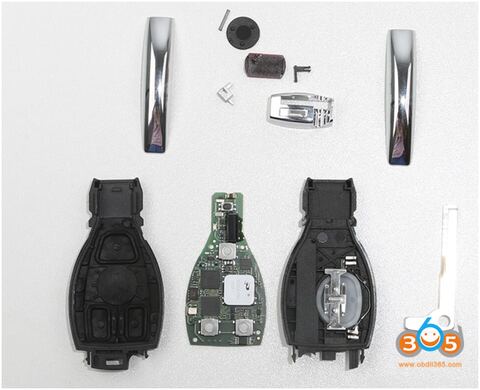
How to install CGDI MB FBS3 KeylessGo Key PCB into a 3-button Benz Key Shell.
Frequency: 315MHz
Reusable
Tested and working on: Benz 2008.12 up W164, W164+ W166 W216 W221 W251 etc Models
W221-S series
W216-S series
W164-ML series
W251-R series
W166-ML series
W164-GL series
207 C Series
204 C Series
212 E series
Compatible with multi Benz key programmers, VVDI MB, CGDI MB, AVDI etc
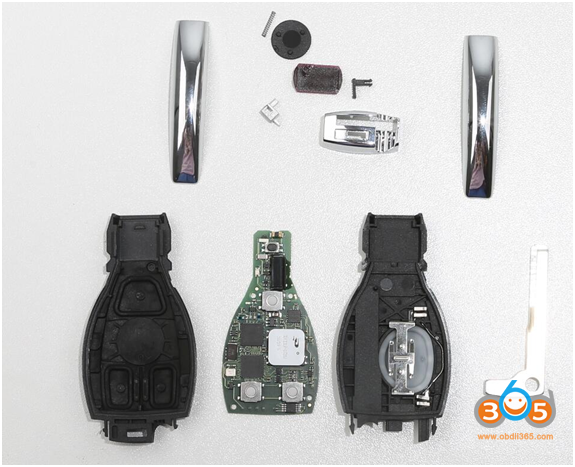
Procedure:
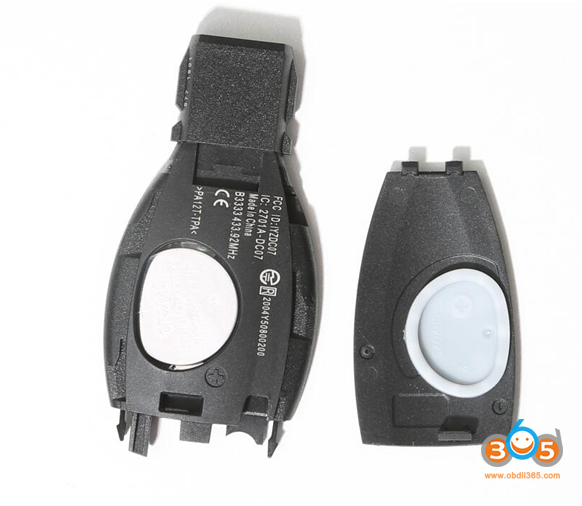
1.Open battery case and install a battery
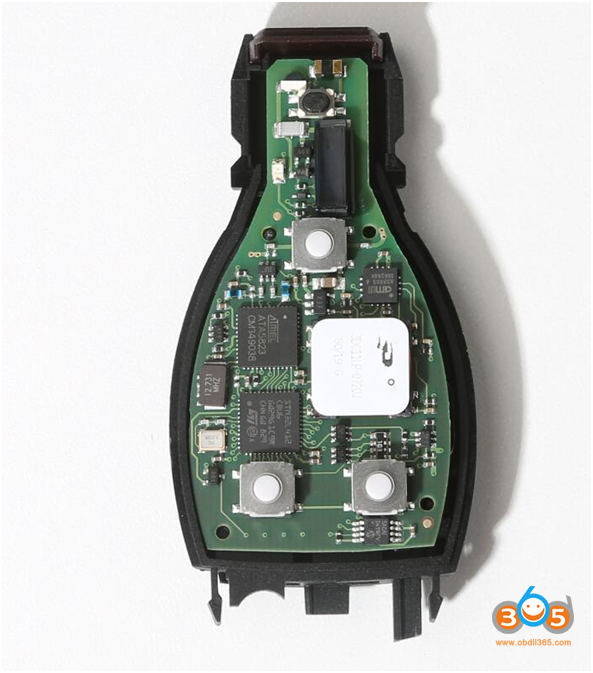
2. Install CGDI MB FBS3 keylessgo key board into key shell
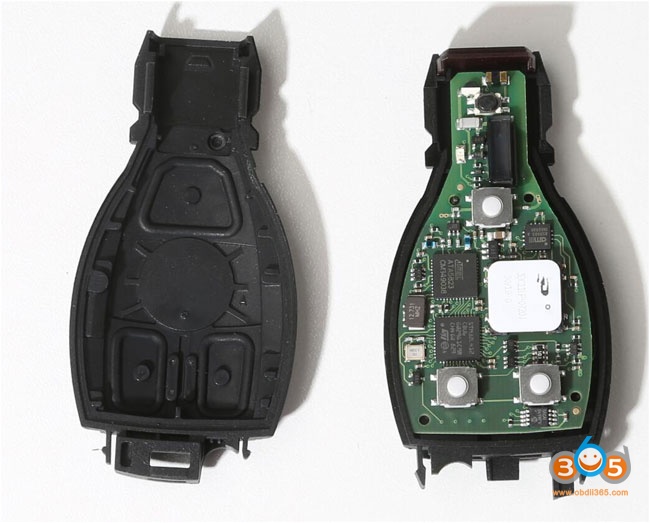
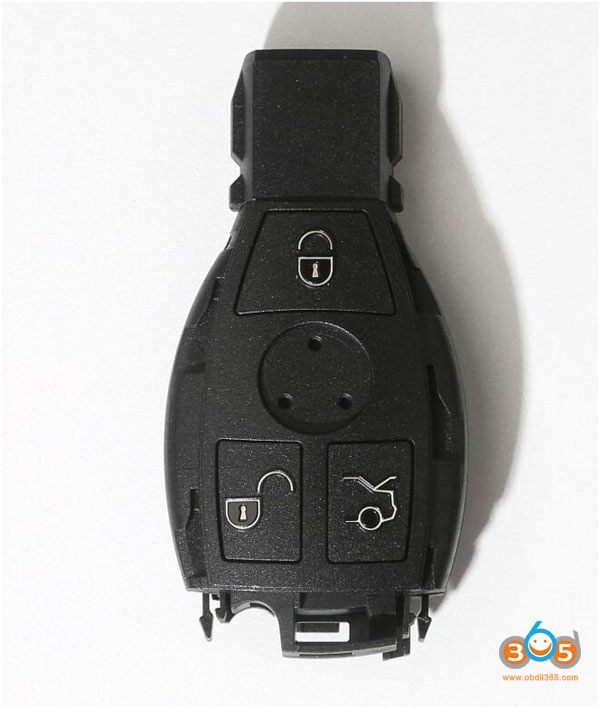
3.Install back case
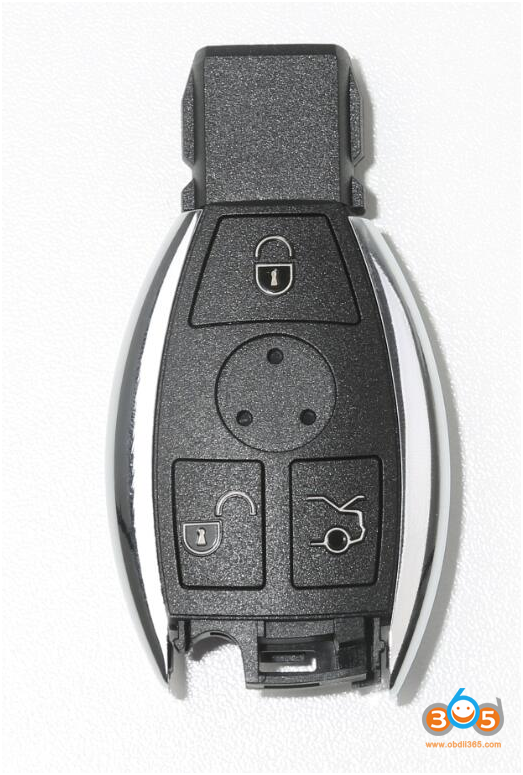
4. Install Metal Edging
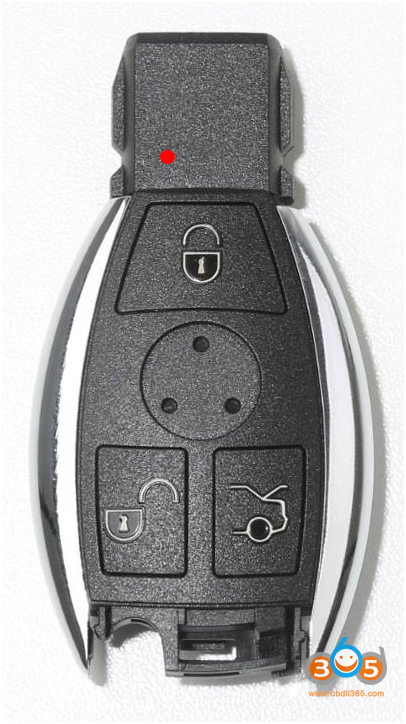
5. Program key with Benz key programmer to see if the key works normally.
Press the remote control button to see if the indicator turns on.
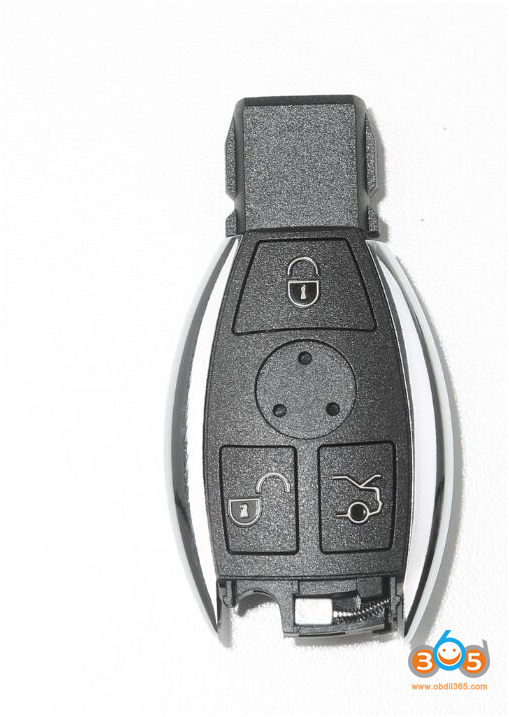
6. Install the small key bayonet and the spring
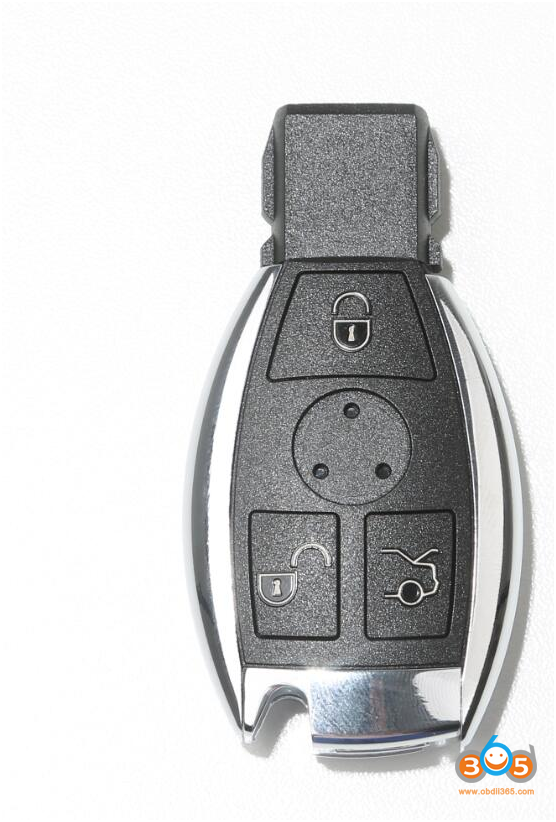
7. Install the tail pin
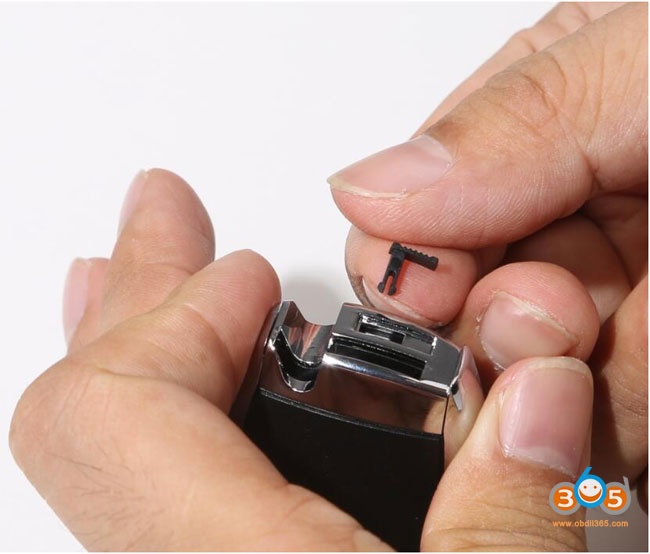
8 Install plastic card
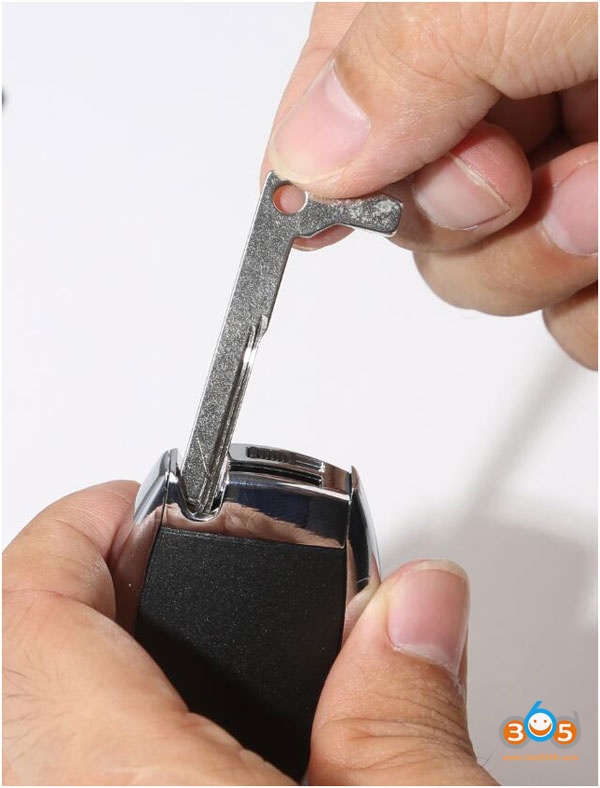
9. Install small key blade
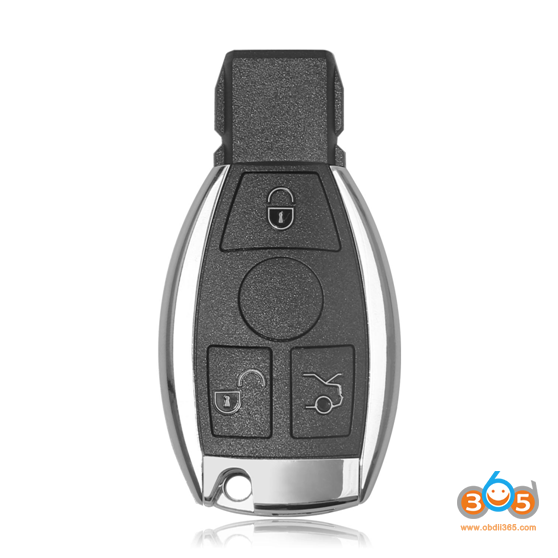
10. Installation completed. The Benz FBS3 keylessgo key can be used normally.