OBD add Mercedes Benz Infrared Key by Xtool KC501 + X100 Pad3
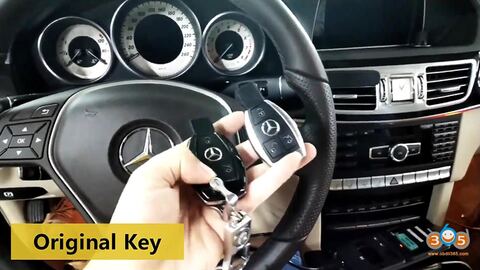
Purpose: add a Mercedes infrared key via OBD without having to disassemble anything.
Tools use: Xtool X100 PAD3 + KC501 Chip and Key Programmer
I have two keys in my hand, the right one is the new key and the left one is the original key.
To test the two keys before an operation, the original key can start the car and the new key can’t.
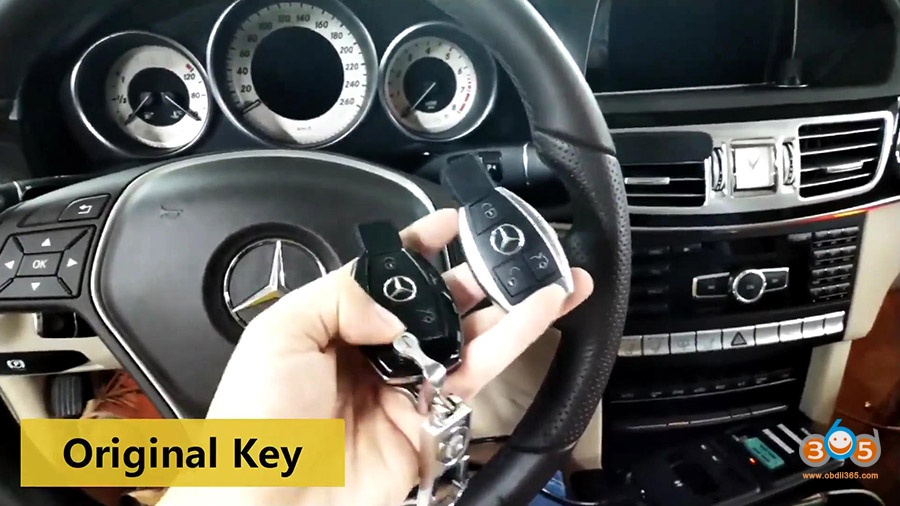
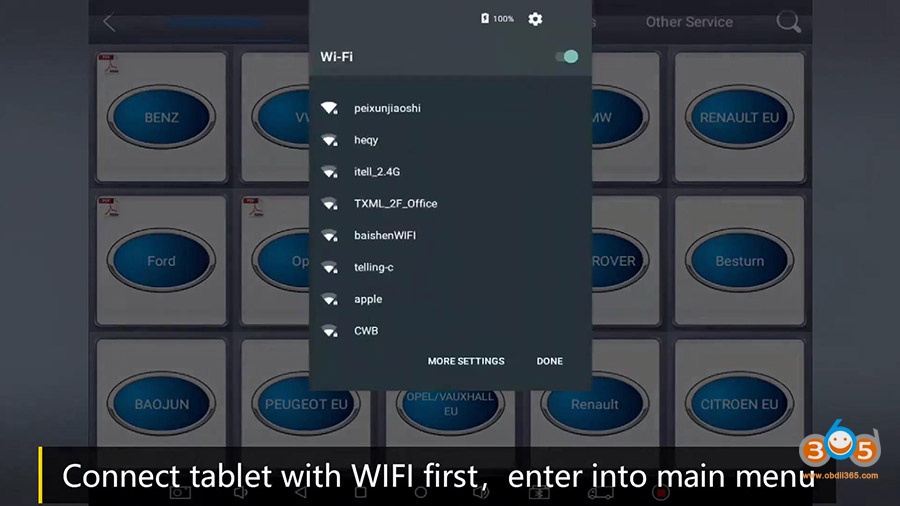
Connect the tablet Wifi first, enter into the main menu.
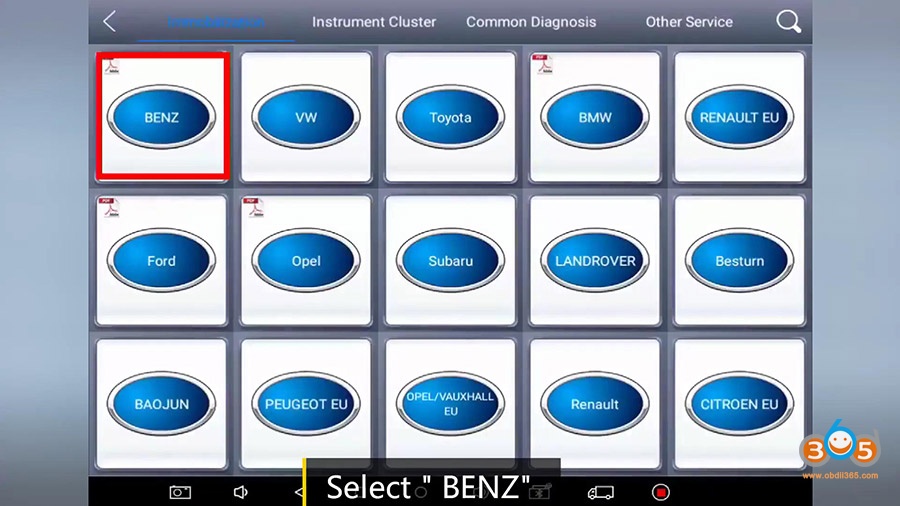
Select Immobilization then “Benz”.
Agree the disclaimer.
Click on “Infrared key system”.
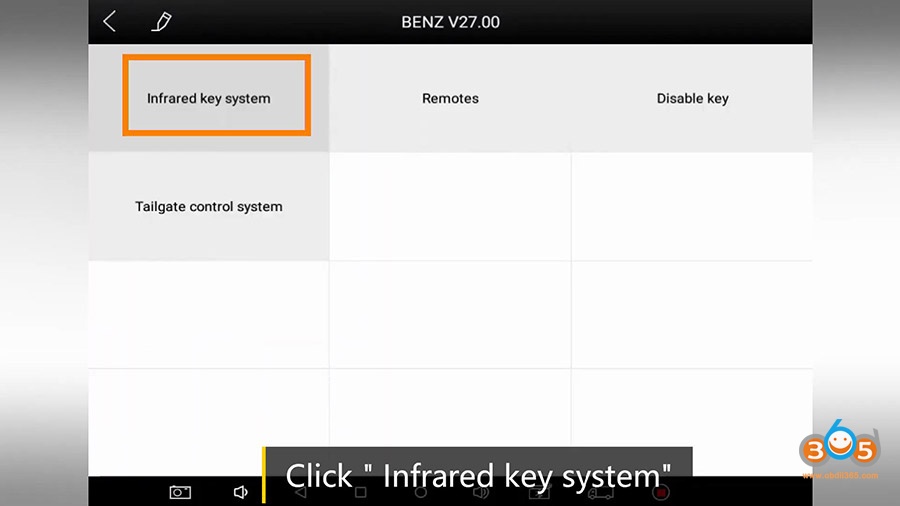
Click on “Add key”.
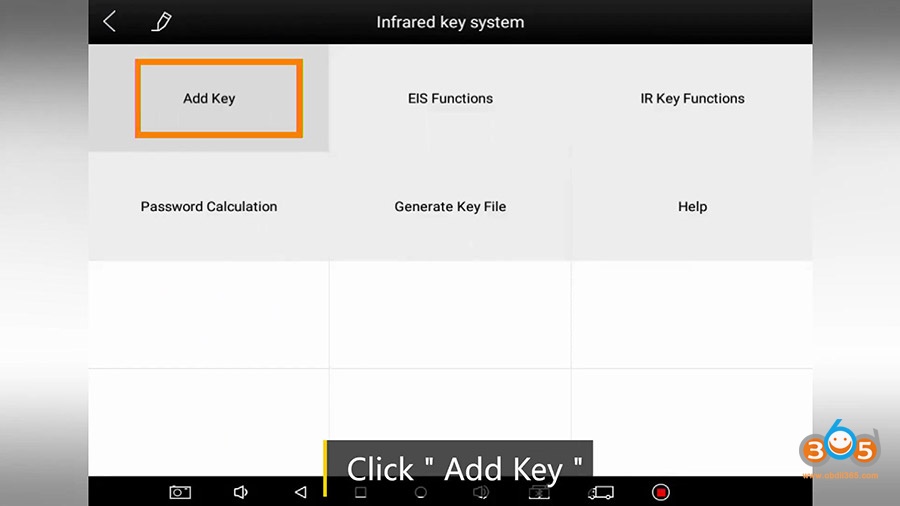
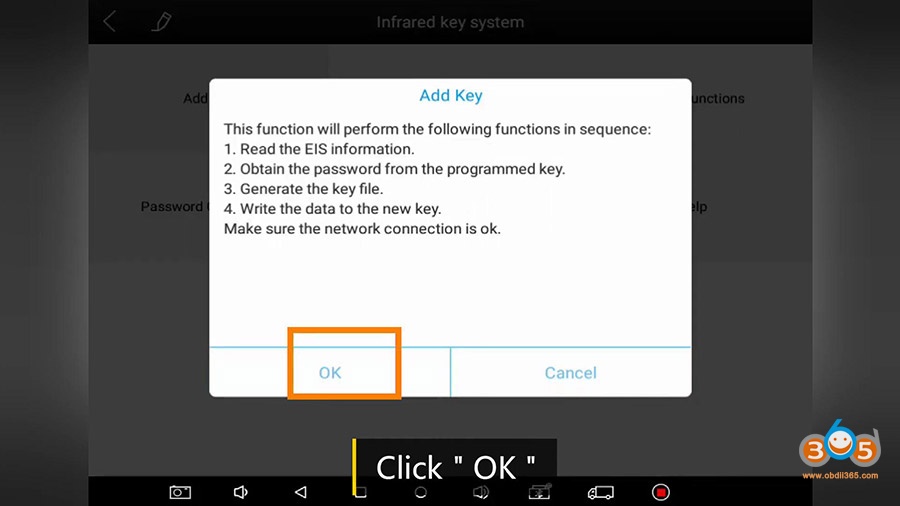
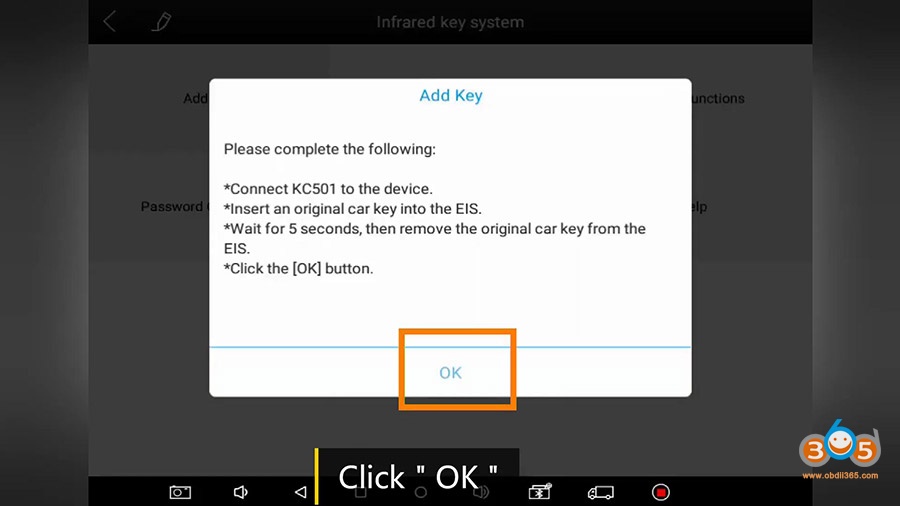
Click on “OK” after reading the instruction. Please follow to do.
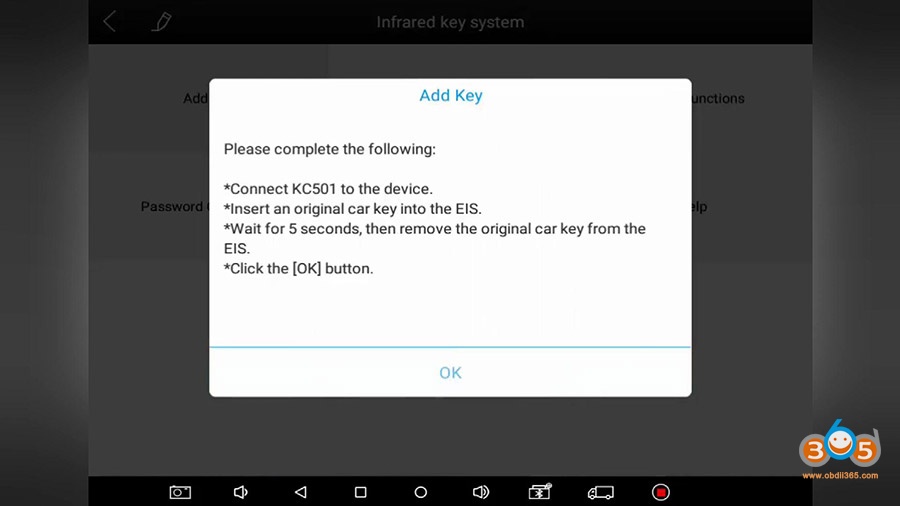
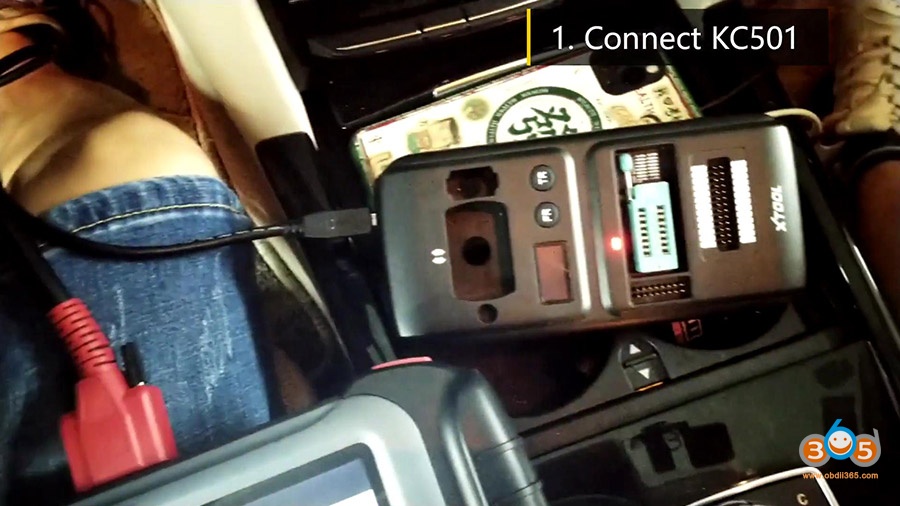
Connect KC501 to the Xtool pad.
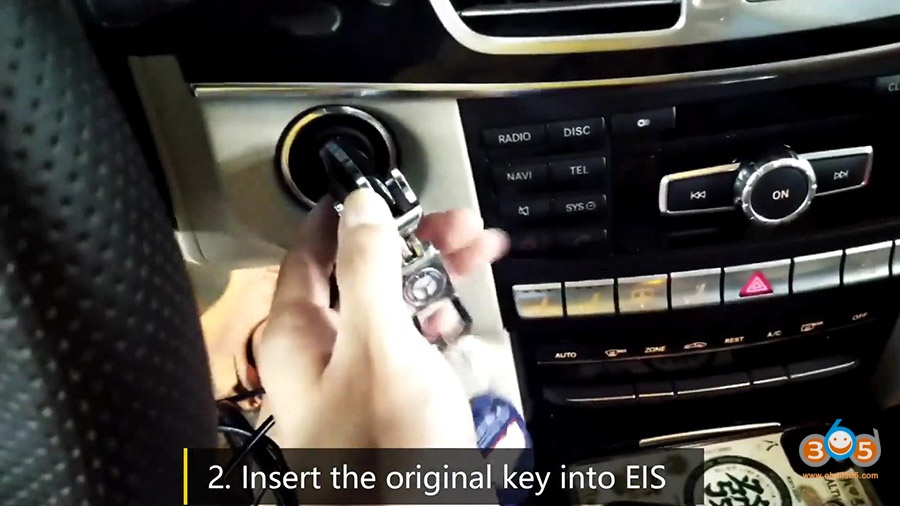
Insert the original key into EIS.
Wait for 5 seconds and then remove the key from EIS.
Click on “Ok” after finishing the above steps.
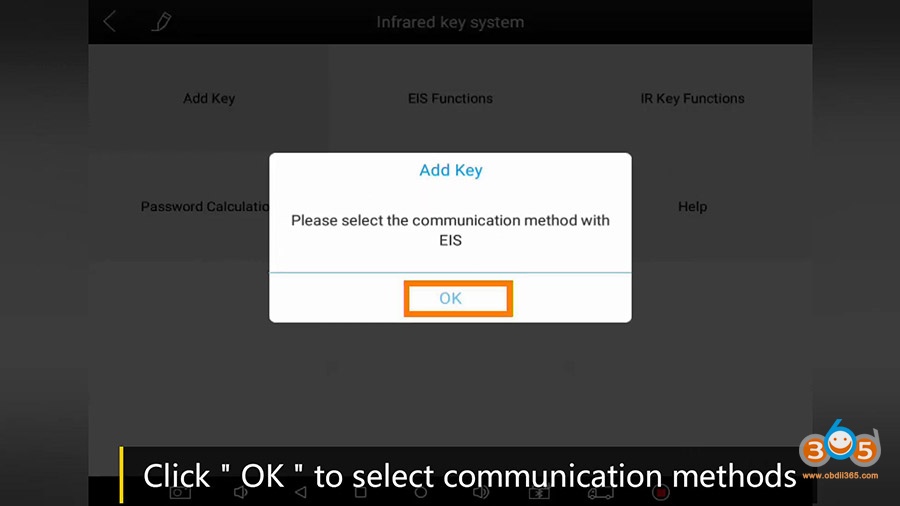
Click on “Ok” to select the communication method with EIS.
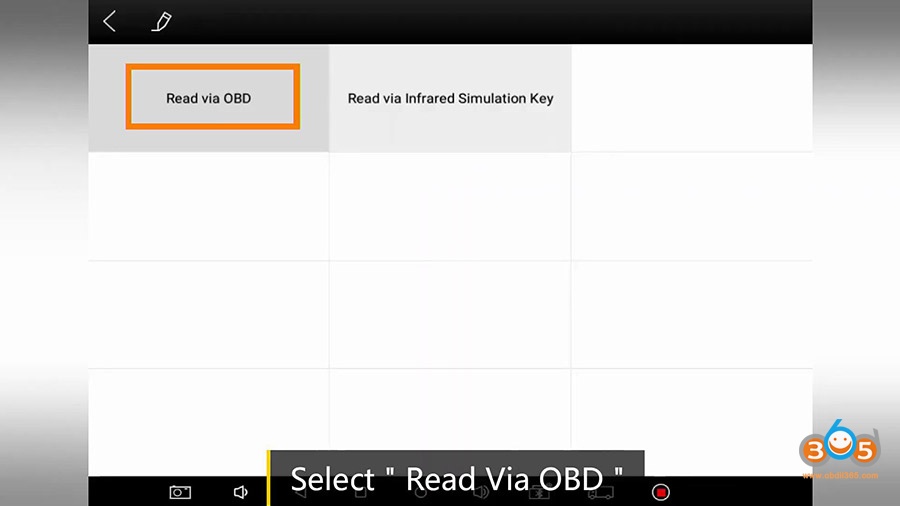
Click on “Read via OBD”.
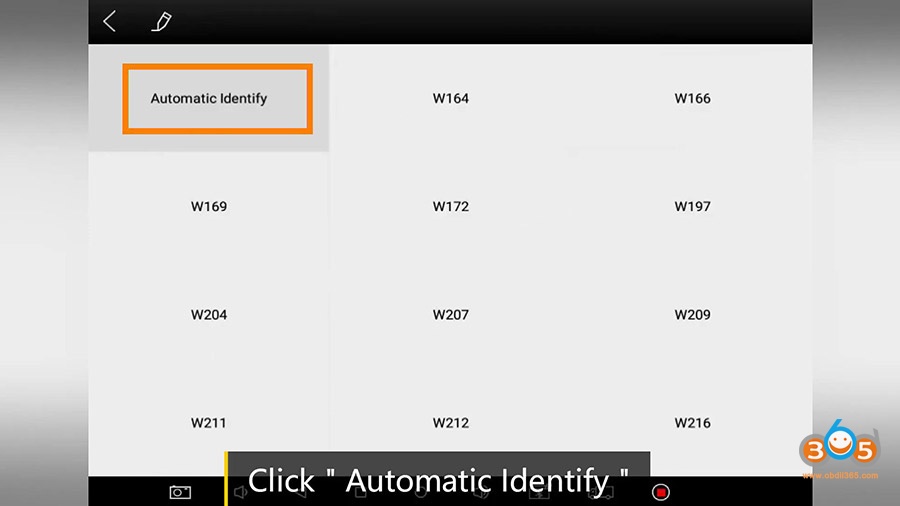
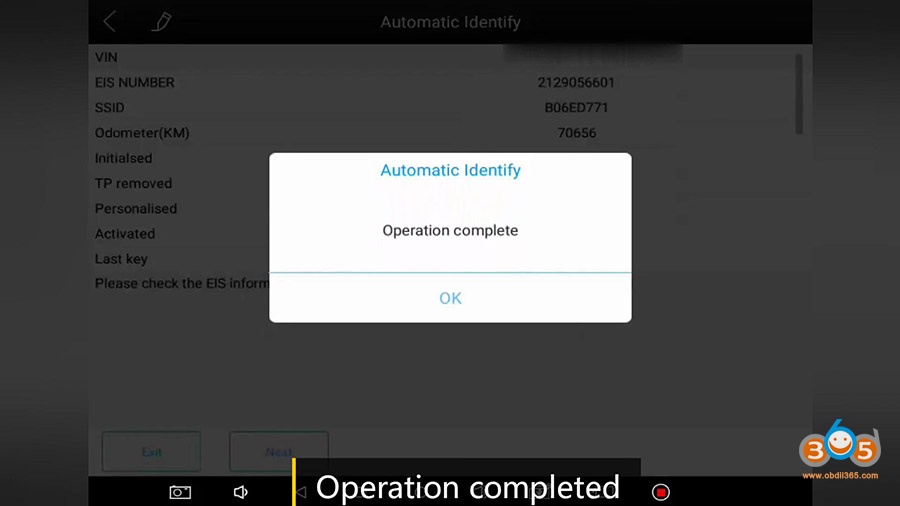
Click on “Automatic Identify”.
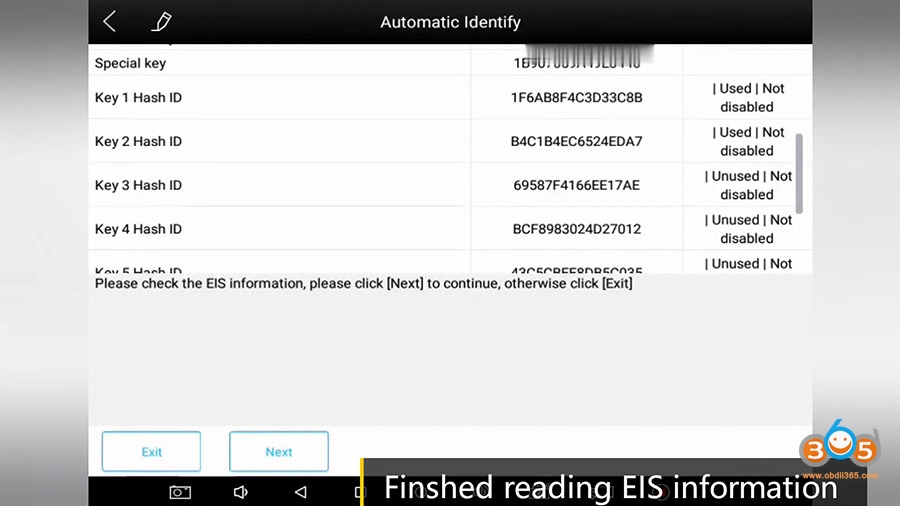
Finished reading EIS information, click on “Next”.
Repeat the above steps.
Then click on “OK”.
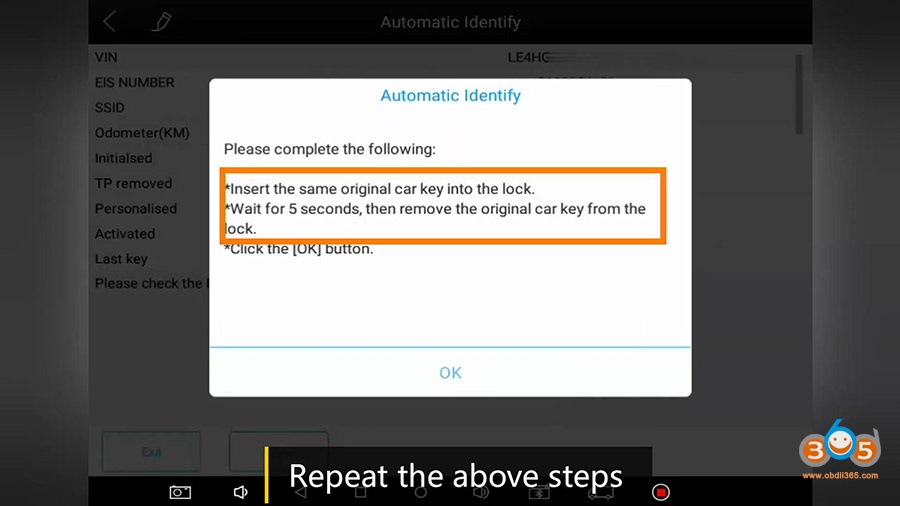
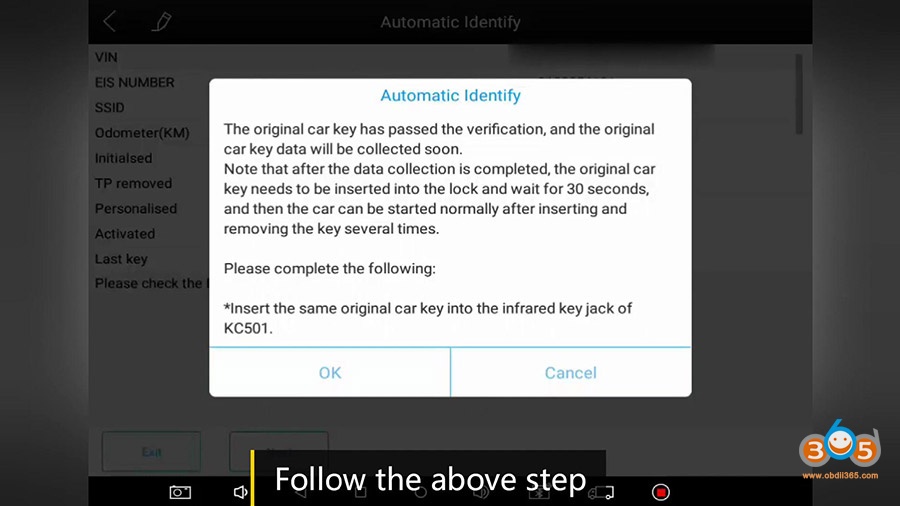
Follow the steps to do.
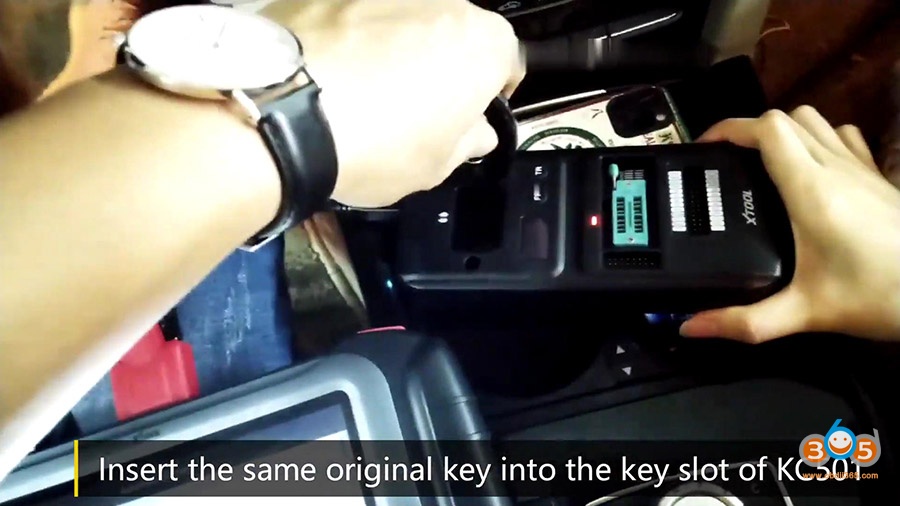
Insert the same original key into the key slot of KC501.
Click on “OK”.
Collecting data, it will take about 5- 15 minutes.
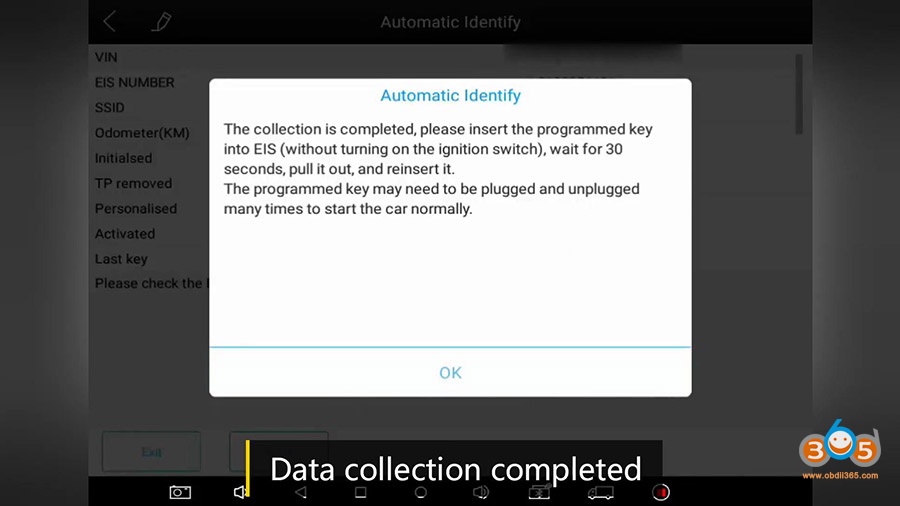
Data collection completed.
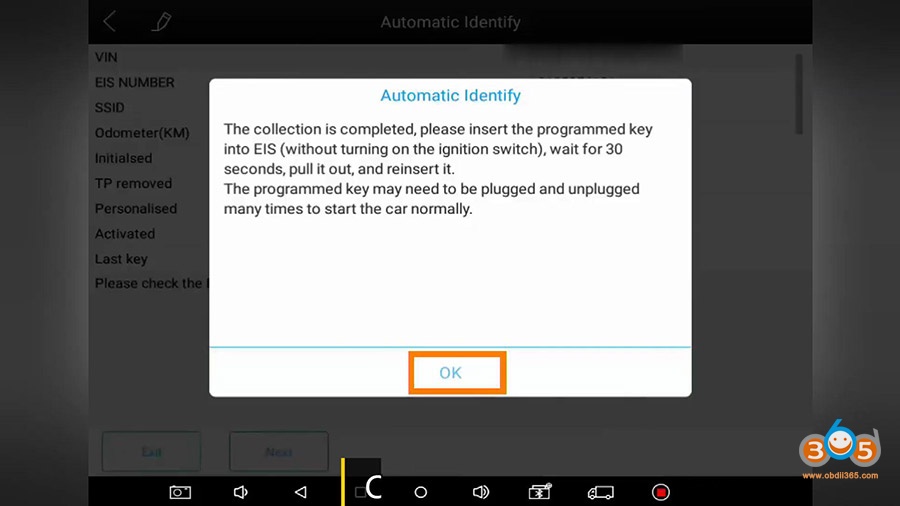
Insert the original key into EIS and wait for 30 minutes (Maybe you need to pull it out and reinsert it for several times).
Click “Ok”.
Obtained the password successfully from the programmed key.
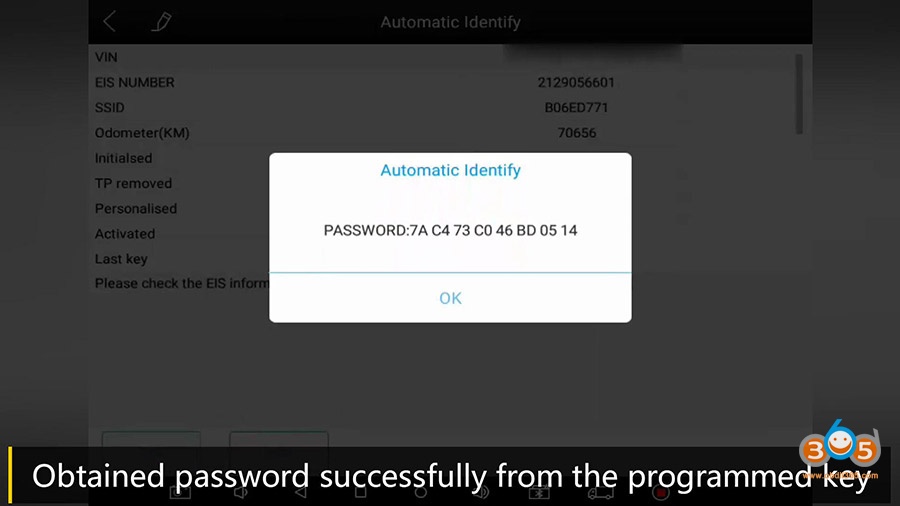
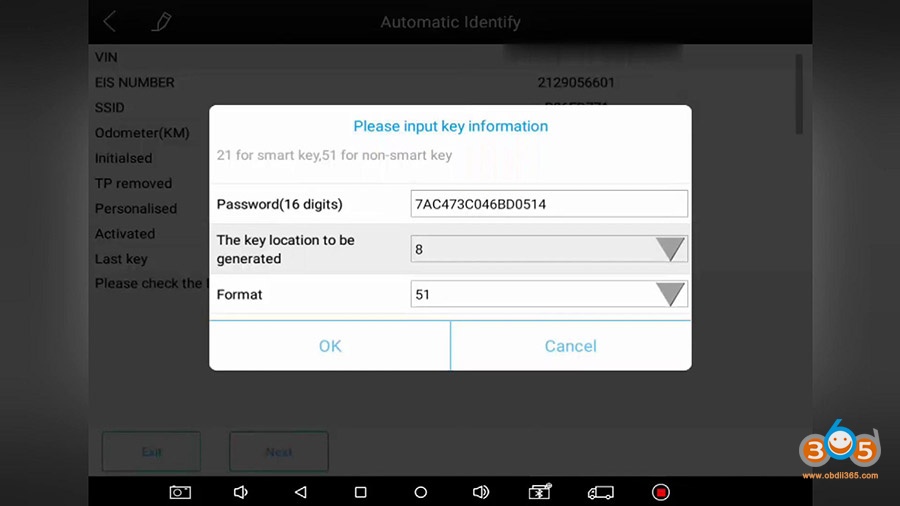
Choose and input a key location to be generated.
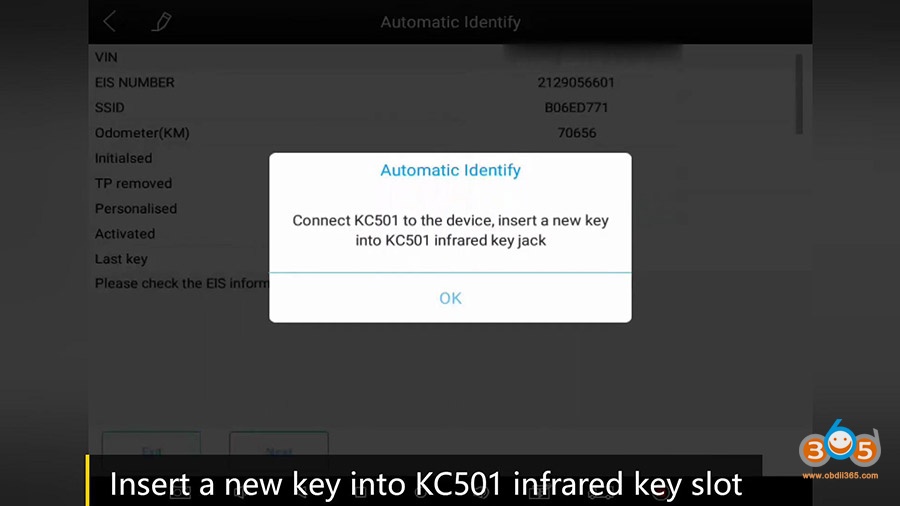
Connect KC501 to the device, insert a new key into KC501 infrared jack.
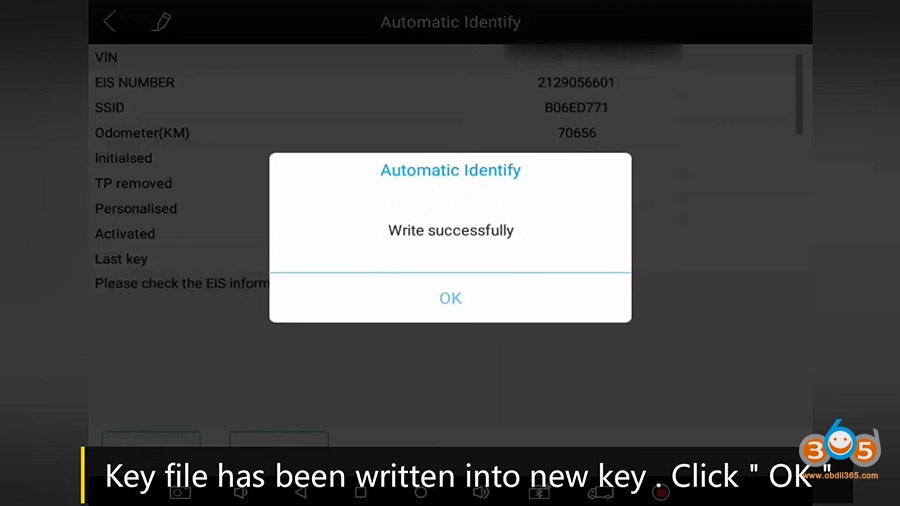
Key file has been written into new key, click on “OK”.
Operation complete.
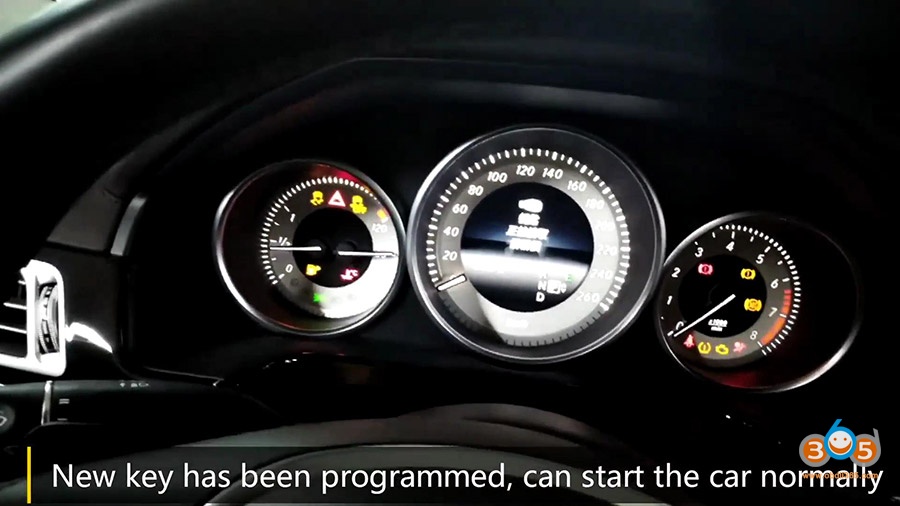
New key has been programmed, can start the car normally.
(Maybe you need to insert and remove the key for several times).
Test if the remotes of new key works. Both keys work.
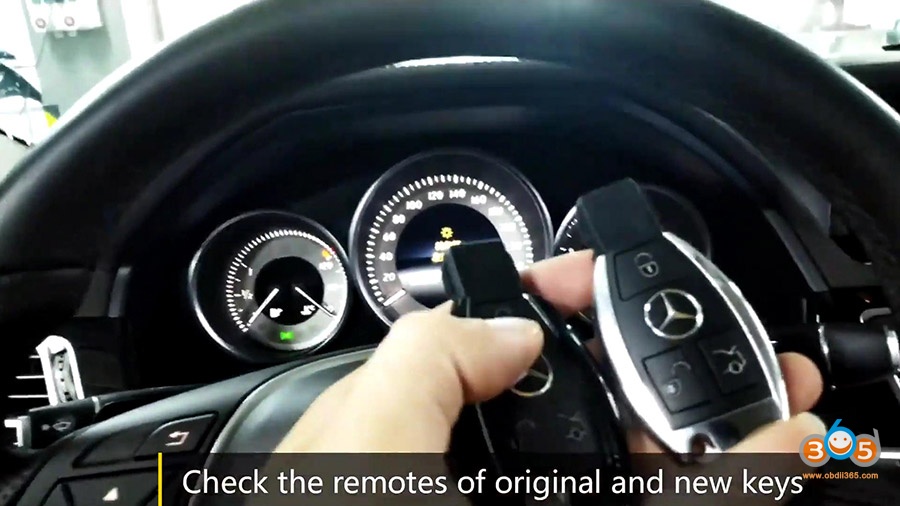
Job is done.
Xtool KC501 is too amazing when working together with Xtool X100 Pad Elite (PAD3).