How to solve ACDP "Don't support this FEM/BDC version currently"
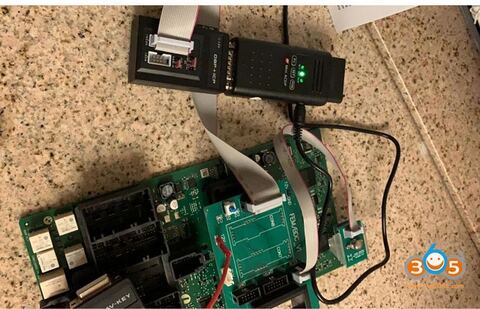
Connected Yanhua Mini ACDP to FEM/BDC module 2 in the correct wiring method:
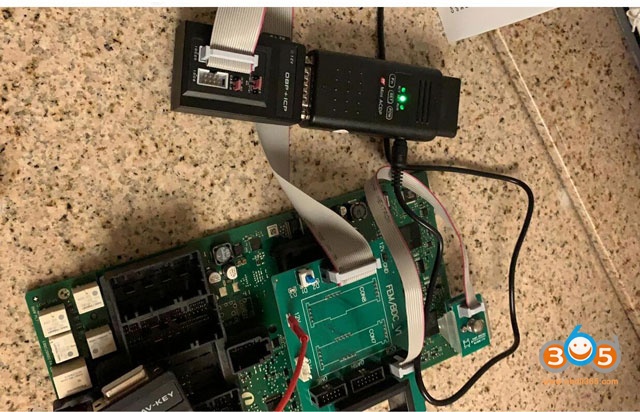
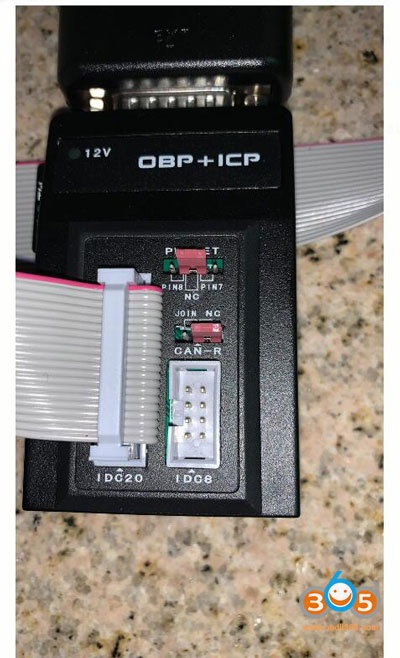
However, I got error message on my phone ” Don’t support this FEM/BDC version currently”
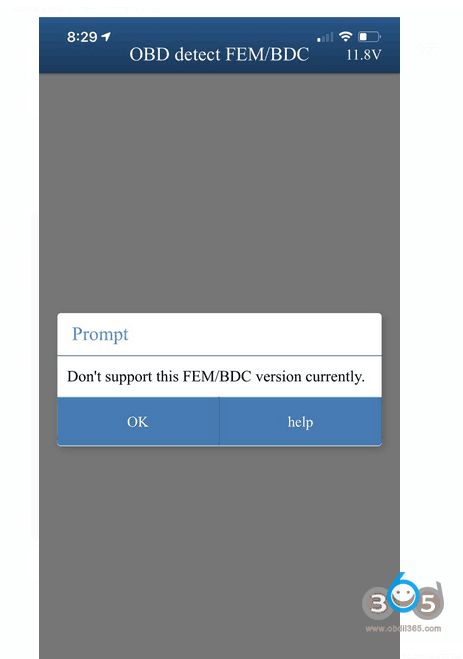
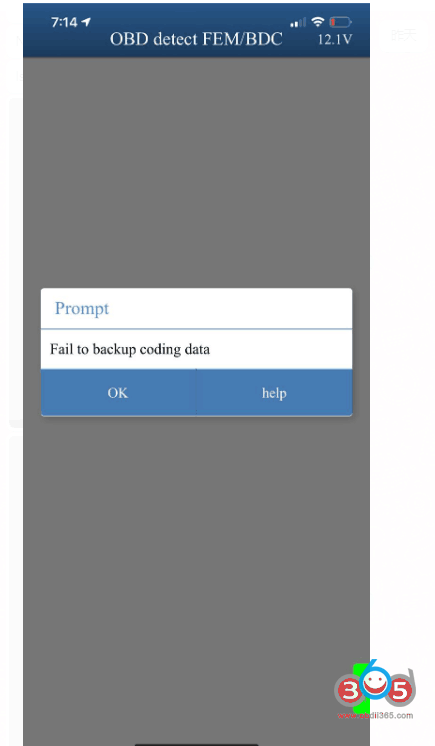
I entered “OBD detect FEM/BDC” to get the device info and prompt “fail to backup coding data”.
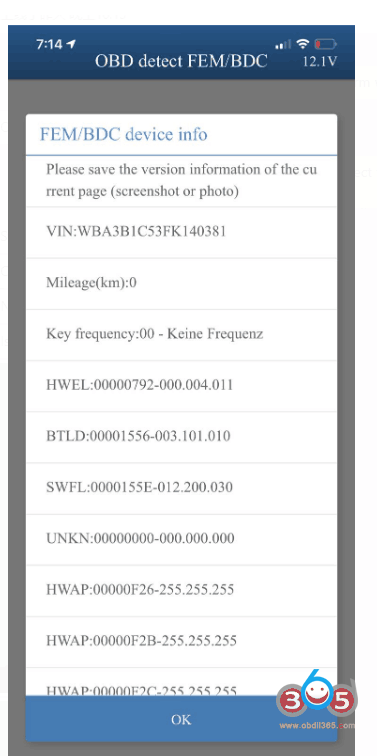
Yanhua chief engineer replied:
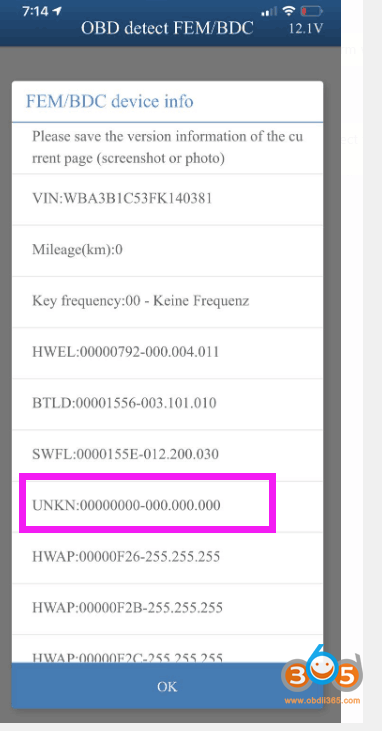
Look at the UNKN:00000000-000.000.000, it means the version is lost.
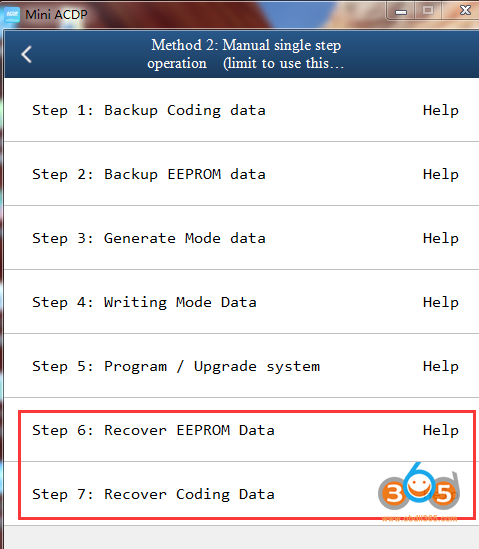
The method to recover: if you only operate ACDP during the whole process, please operate both “Step 6: Recover EEPROM Data” and “Step 7: Recover Coding Data”.
Read me:
If Yanhua Mini ACDP got error “Don’t support this FEM/BDC version currently”, there are possible two reasons:
- The version and coding data is lost because of incorrect operation.
- ACDP don’t support this FEM /BDC version because the version is too new or too old (in this case, please use BMW engineering software / BMW professional diagnostic / Autel Maxisys 908 to refresh the version).