Program Hyundai i40 remote Key with OBDSTAR X300 PRO 4

Just done a 2013 Hyundai i40 with OBDSTAR X300 PRO 4 key programmer, very fast in 3 minutes.

Model: 2013 Hyundai i40

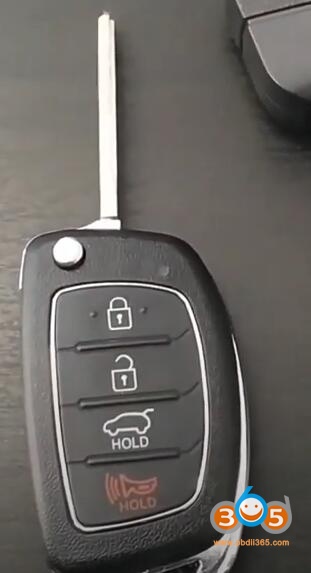
Purpose: Program remote Key to making it work

			Program Hyundai i40 remote Key with OBDSTAR X300 PRO 4

Device to use: OBDSTAR X300 PRO4 

Procedures

1.Connect vehicle and OBDSTAR X300 PRO4 device by OBD-port
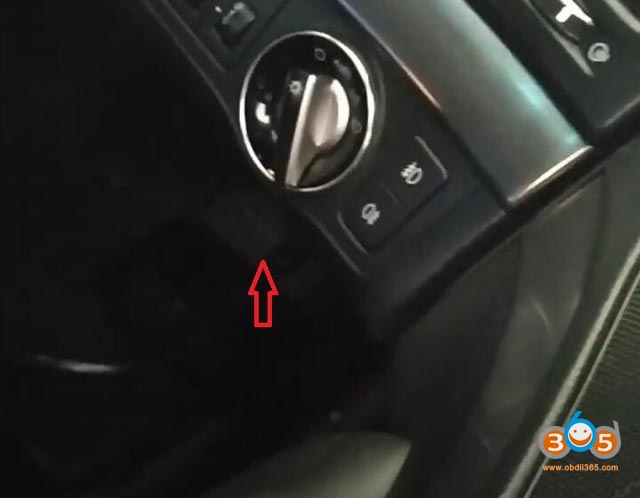

			Program Hyundai i40 remote Key with OBDSTAR X300 PRO 4

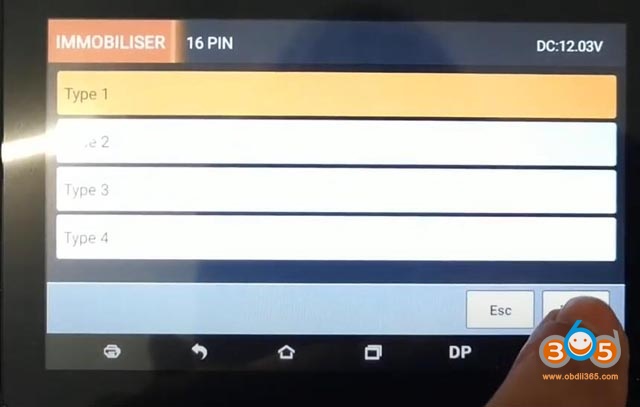
2.After into IMMOBILISER menu and select your car HYNUDAY from European cars ,then select the key type.-> Select From Type -> Remote->16PIN->Type1
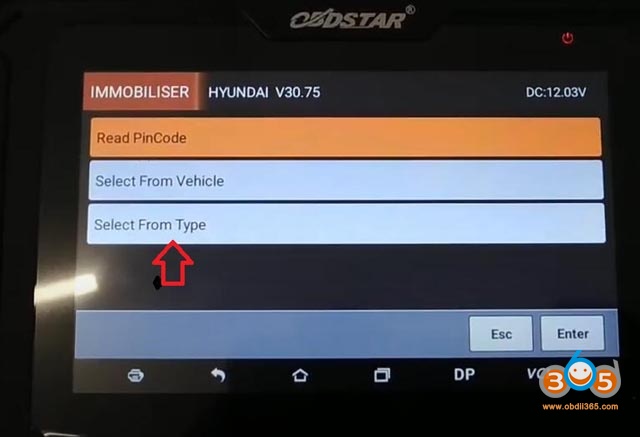
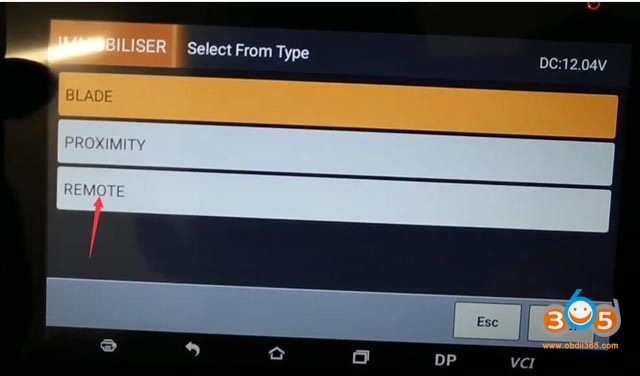
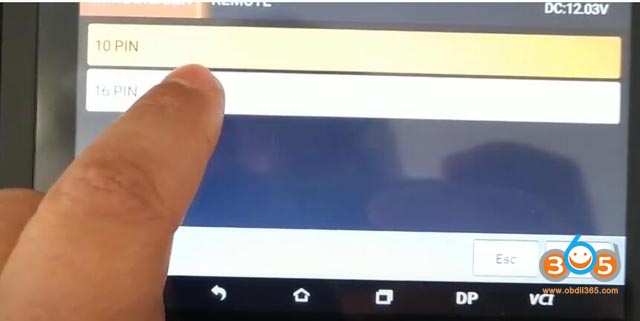
			Program Hyundai i40 remote Key with OBDSTAR X300 PRO 4


			Program Hyundai i40 remote Key with OBDSTAR X300 PRO 4


			Program Hyundai i40 remote Key with OBDSTAR X300 PRO 4


			Program Hyundai i40 remote Key with OBDSTAR X300 PRO 4

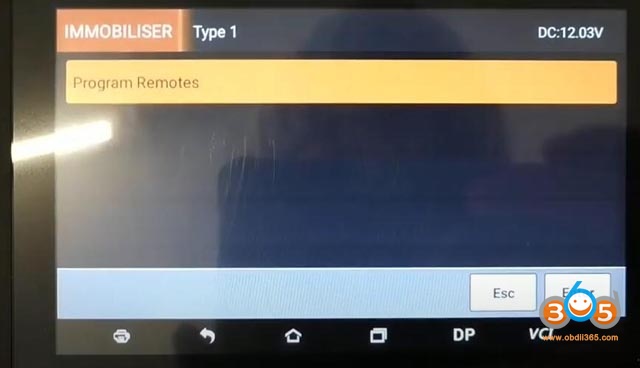
3.Program Remotes, press Enter


			Program Hyundai i40 remote Key with OBDSTAR X300 PRO 4

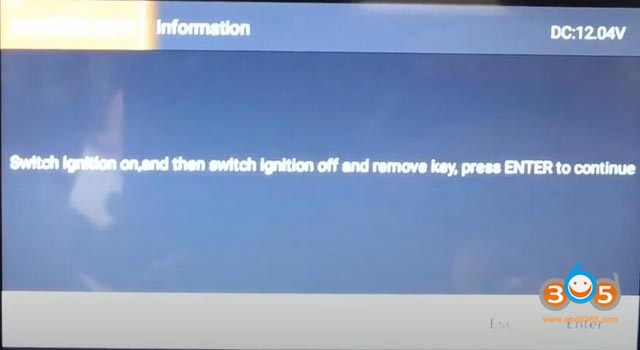
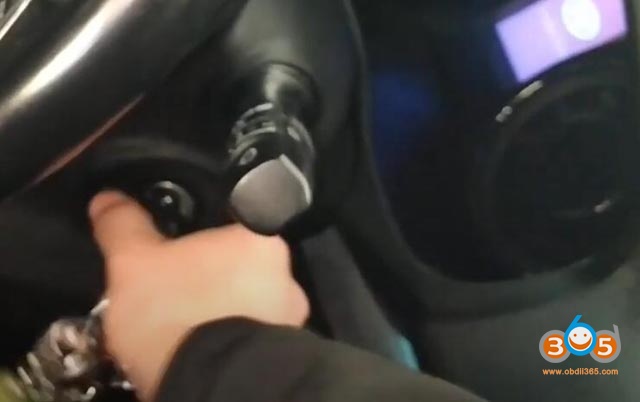
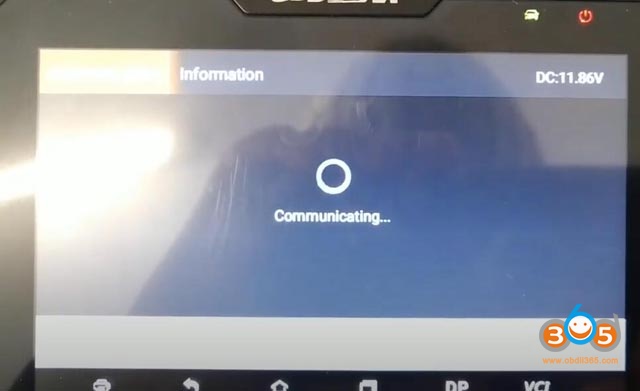
4.Switch ignition turn on, nd then switch ignition turn off and remove the key, press ENTER to continue.
			Program Hyundai i40 remote Key with OBDSTAR X300 PRO 4


			Program Hyundai i40 remote Key with OBDSTAR X300 PRO 4


			Program Hyundai i40 remote Key with OBDSTAR X300 PRO 4

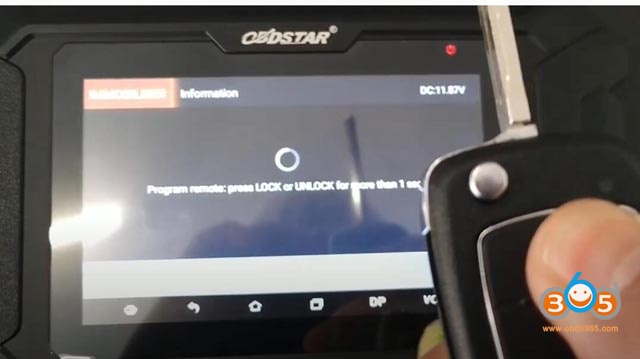
5.Program remote: press LUCK or Unlock for more than 1 sec

			Program Hyundai i40 remote Key with OBDSTAR X300 PRO 4

6. Then it will show us “program success, whether to program next one, press ENTER to continue”
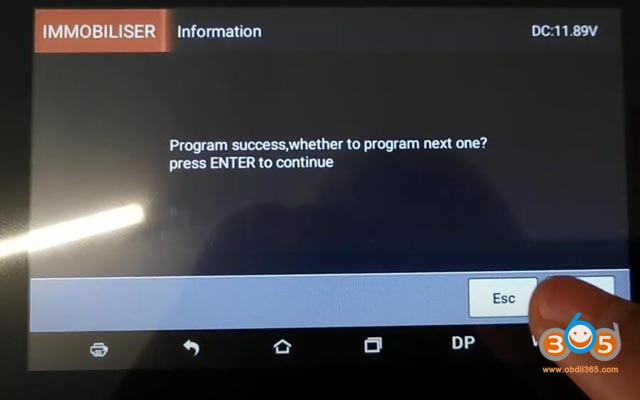

			Program Hyundai i40 remote Key with OBDSTAR X300 PRO 4

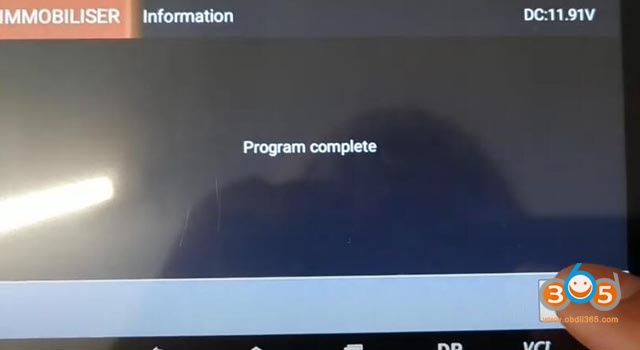
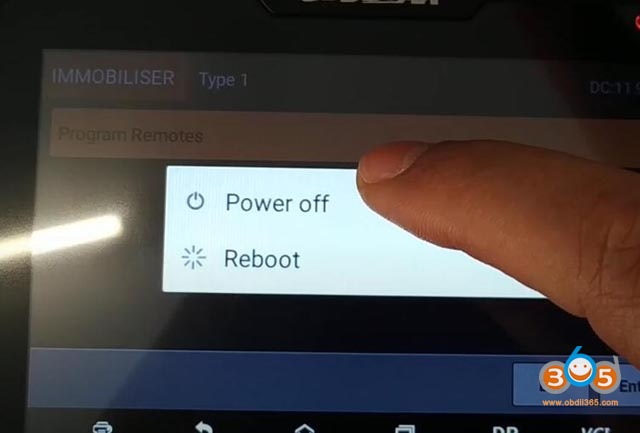
7.Programming complete and that’s it switch of it there switches off the OBDSTAR X300 PRO 4, Unplug the OBD, and then try the remote key now.
See also
FMPC001 Ford/Mazda Incode Calculator update to V1.7


			Program Hyundai i40 remote Key with OBDSTAR X300 PRO 4


			Program Hyundai i40 remote Key with OBDSTAR X300 PRO 4

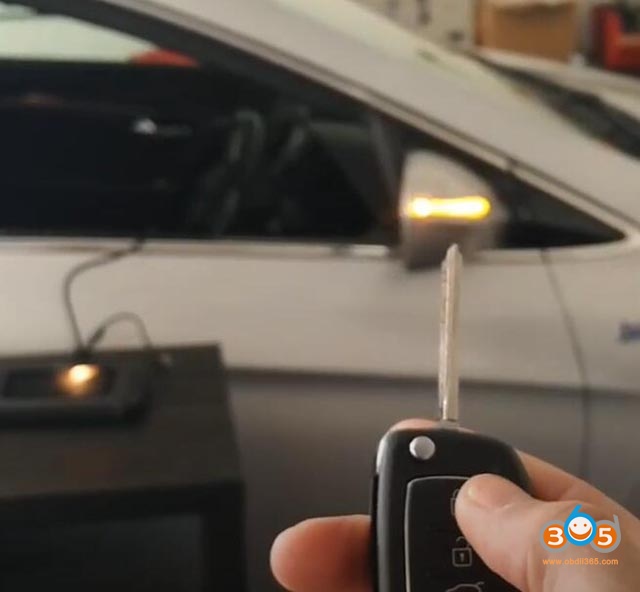
Yeah it’s all working.


			Program Hyundai i40 remote Key with OBDSTAR X300 PRO 4

Done!

https://www.obdii365.com/

Rating
( No ratings yet )
Like this post? Please share to your friends: