How to Read BMW MEV9N46 DME ISN with Yanhua Mini ACDP
Question:
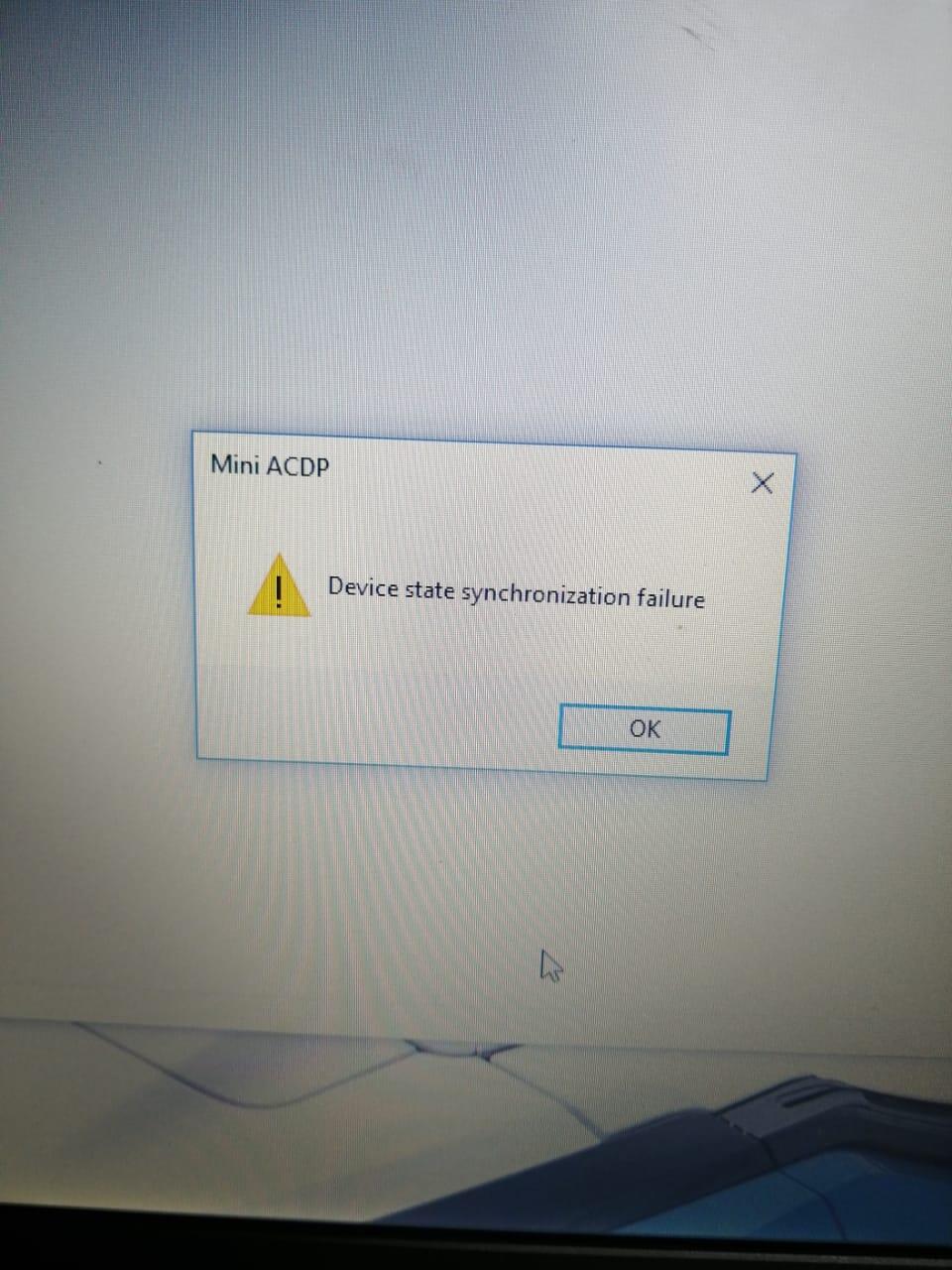
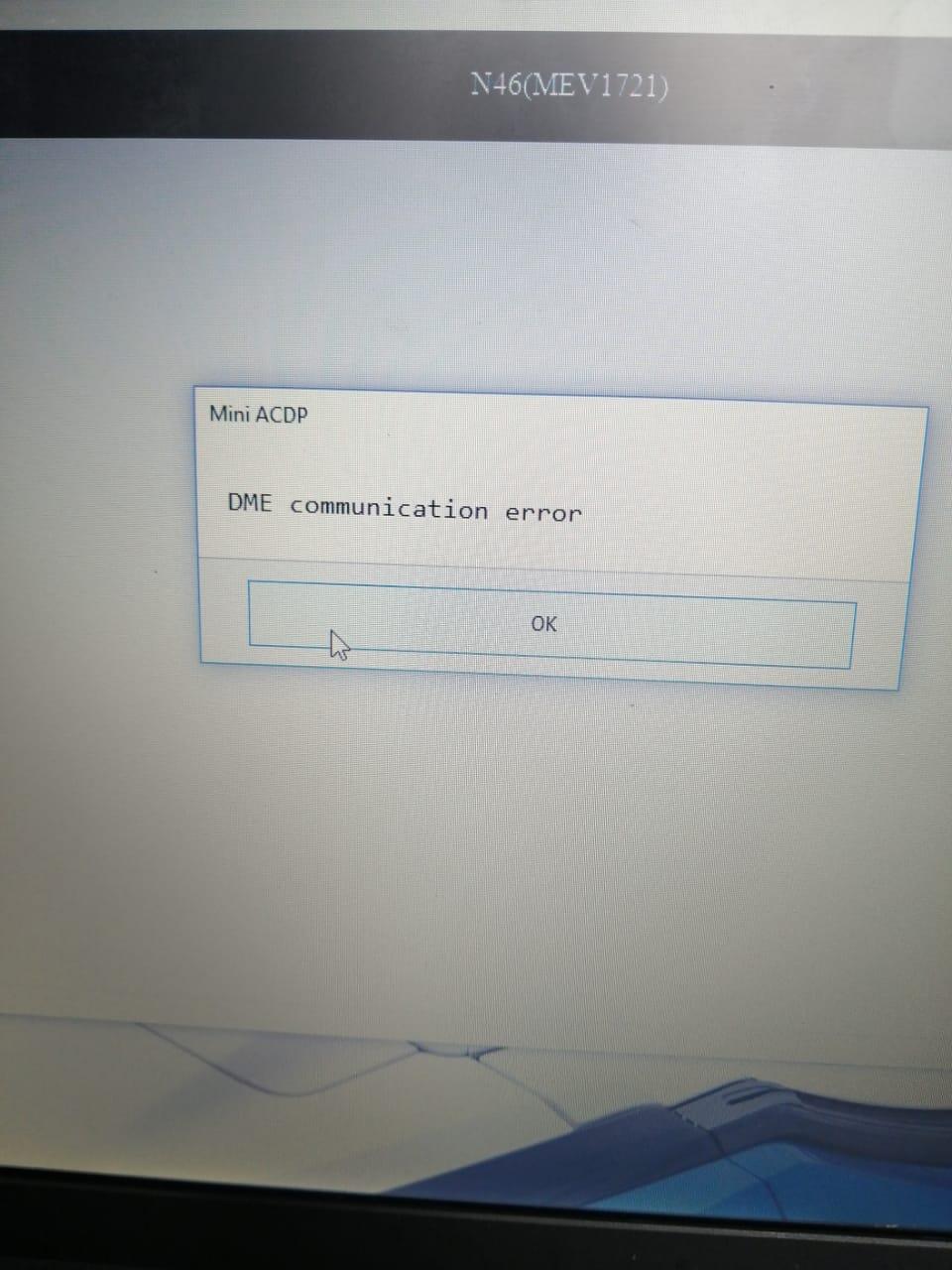
I had this two errors when trying to read MEV9N46 DME ISN using Yanhua Mini ACDP… and now it does not wanna connect through Bluetooth after I reinstalled the app.
Reading isn through bench mode using X8 bench interface
Any idea what’s going on?
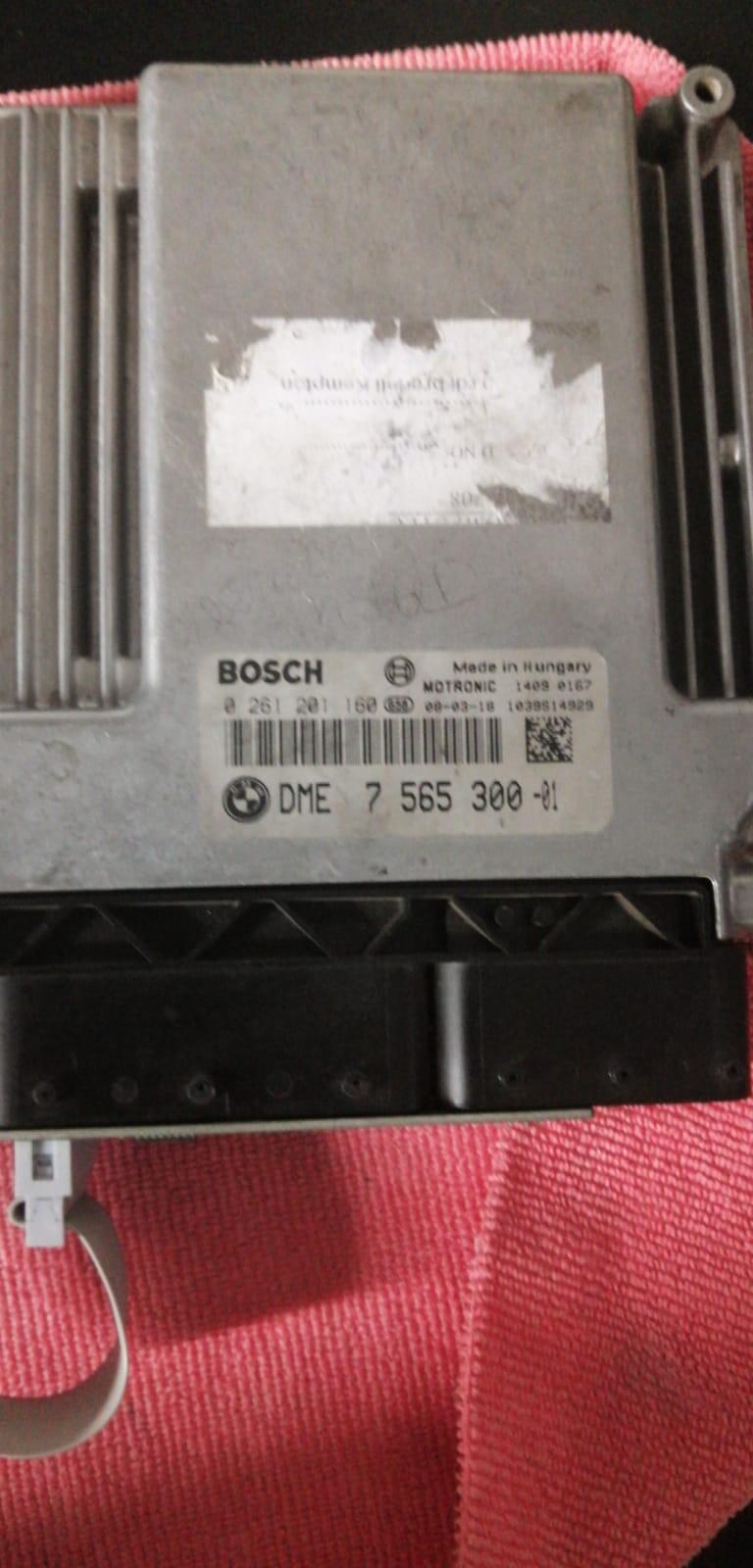
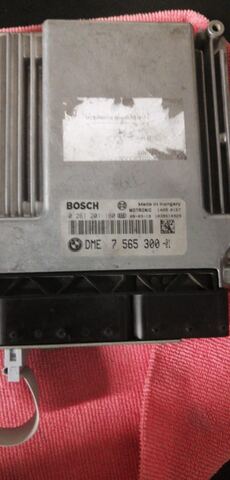
This is the image of the N46 DME
2 errors
DME communication error
Obdii365.com solution:
This DME has 4 digit ISN code. It can be done via OBP + ICP adpater connection (cable is included in the default package), does not require the N46 X8 interface board.
Connect DME N46 and Yanhua ACDP as pictures below:
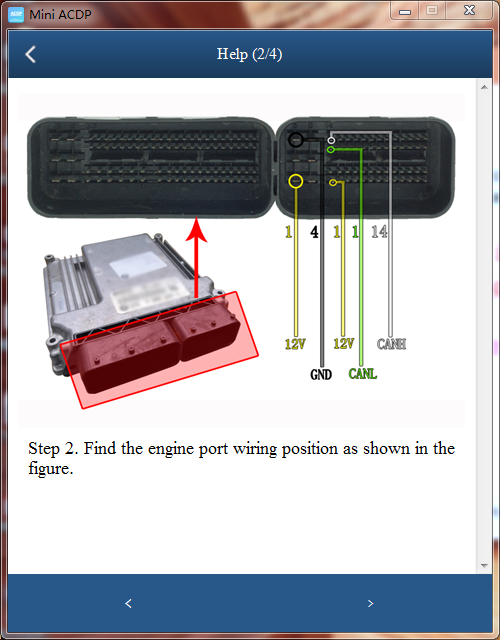
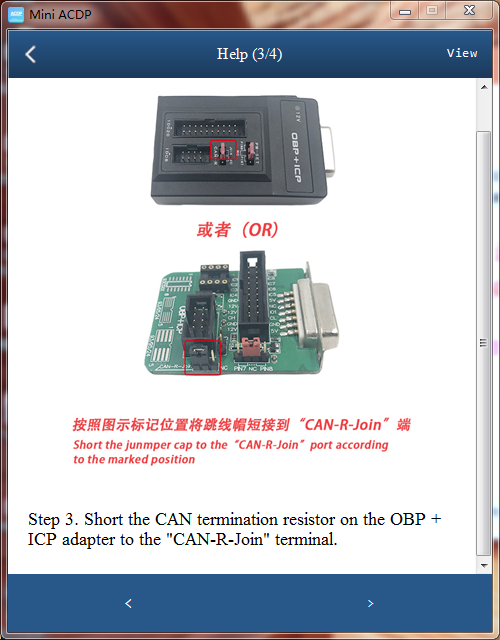
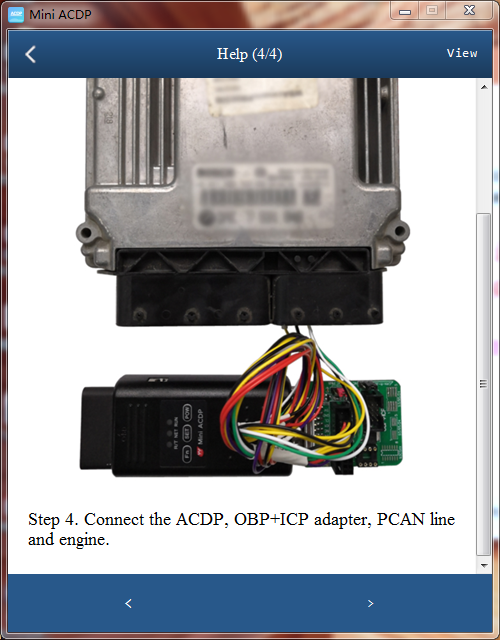
Select OBD/CAN Mode Read ISN->Read MEV9N46 DME ISN or MEV9N46L DME ISN
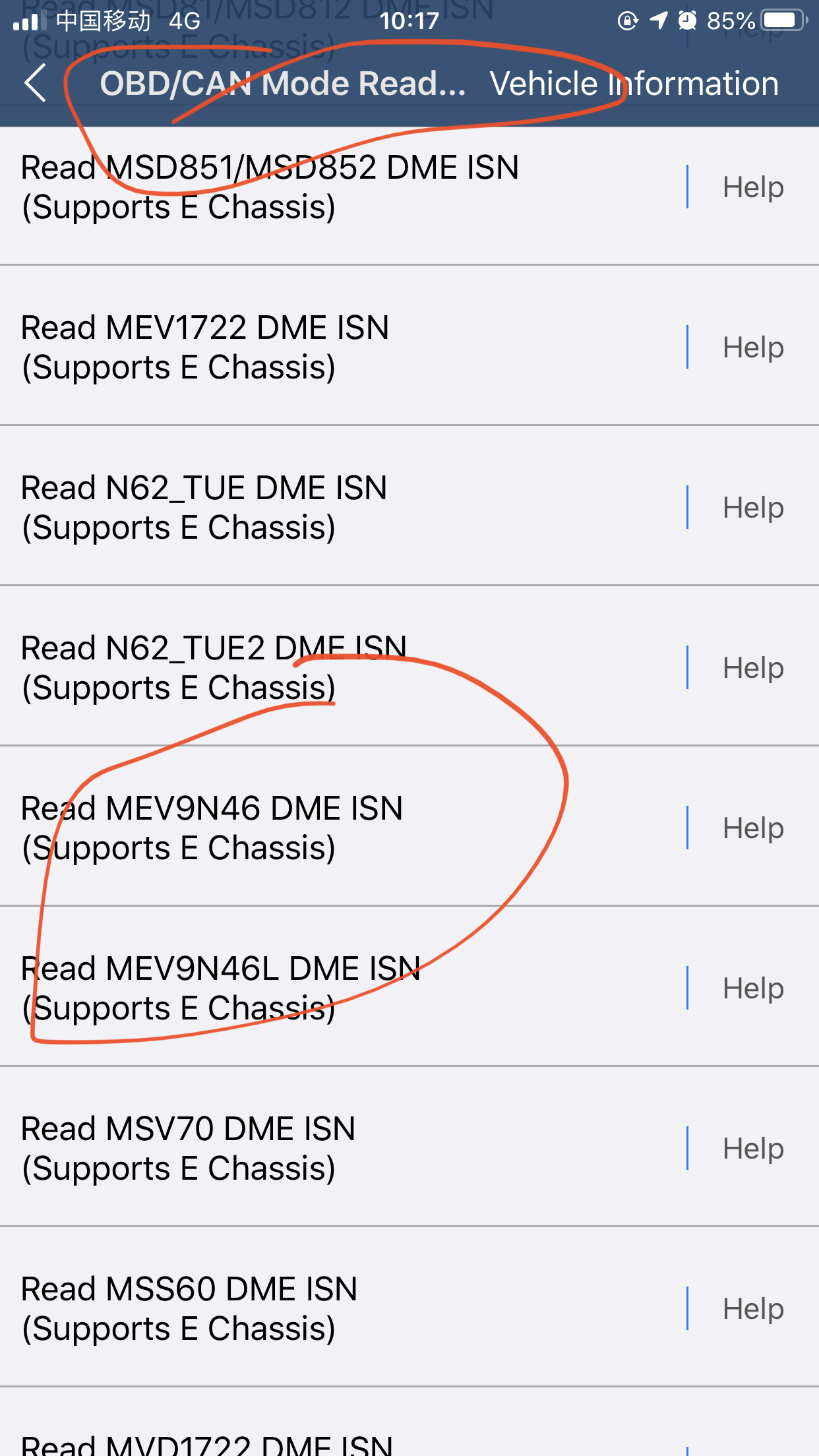
Then follow ACDP Mini prompts until success.