GODIAG GD801 Key Programmer Registration and Update
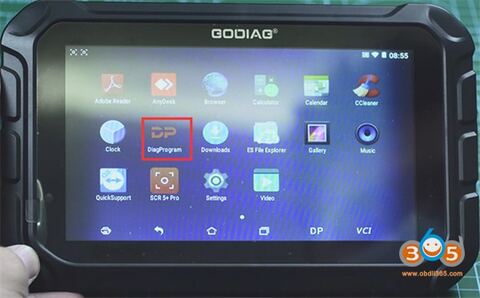
GODIAG GD801 is a newly launched 7.1 inch universal immo and mileage programmer. GD801 shares the same as obdstar x300 dp key master and software with multi-language options.
Multi-language: English, Italian, Spanish, French, German, Portuguese, Polish, Russian
Function List:
IMMO key programming
Odometer correction
ABS
Battery match
CVT learning
EPB
Gear learning
Immobilizer
TPMS reset
steering angle reset
How to Register GODIAG GD801?
For the first time to use GODIAG GD801 all-in-one key programmer, please register an account firstly.
1.Turn on GODIAG GD801 tablet
2.Select [DiagProgram] and agree with the disclaimer
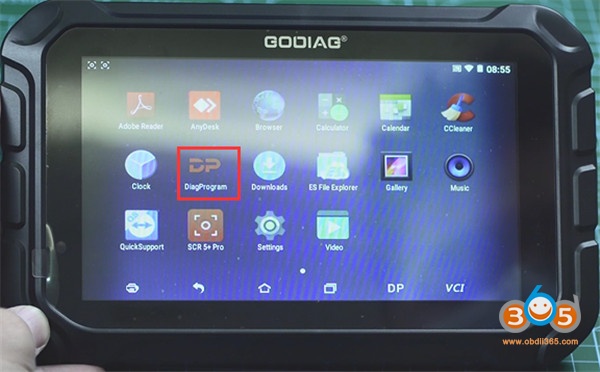
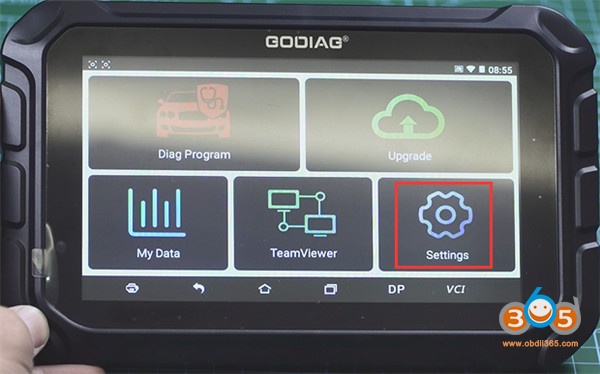
3.Enter GD801 main menu and select [Settings]
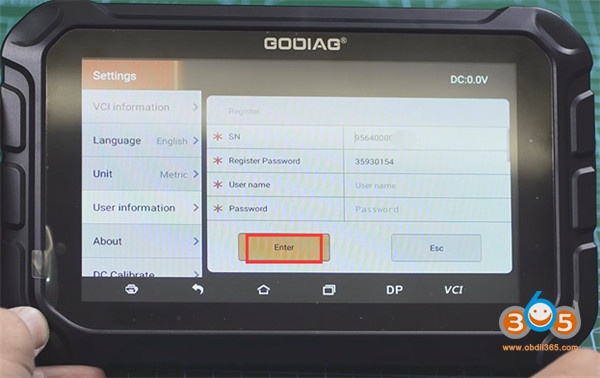
4.Select [User information]-> [Register]
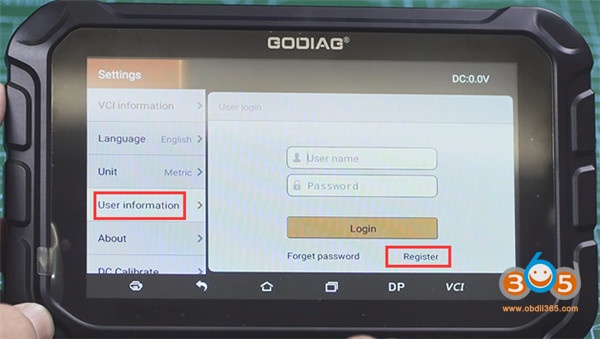
5.The SN and register password will appear on the screen automatically
Fill in user name, password, confirm password, email, and press [Enter]
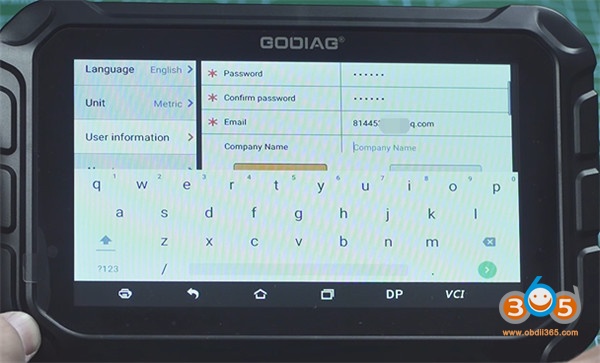
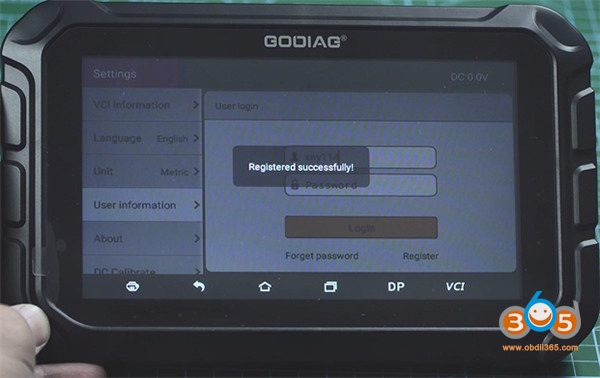
6.Register successfully
How to Update GODIAG GD801 software?
Built-in WIFI mode can realize application downloading and diagnostic function by one key upgrade.
It’s free to update software in the first year. After one year, you need to pay for the update cost.
Guide to update:
1.Input the available user name and password, press [Login]
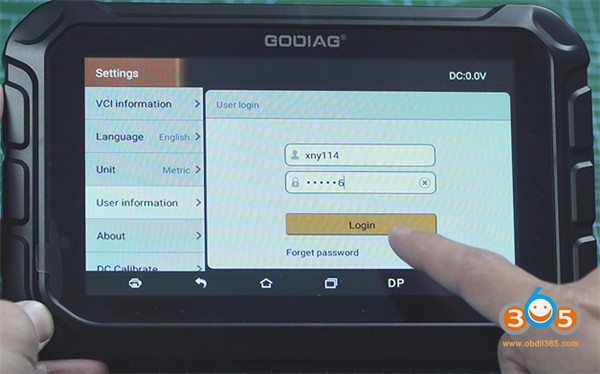
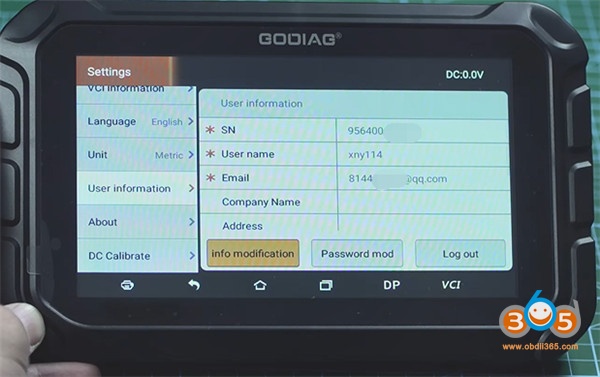
2.The related user info incl. SN, user name, Email can be seen in [User information] option
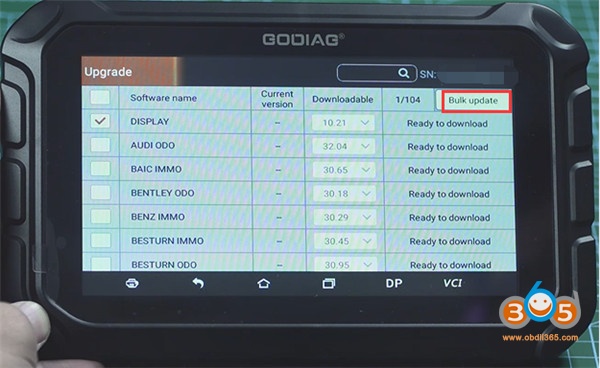
3.Enter [Upgrade] function, select all car software need to update, and press [Bulk update] to update fast
Video reference: