How to Fix OBDSTAR "Unfortunately, DiagProgam has stopped."?
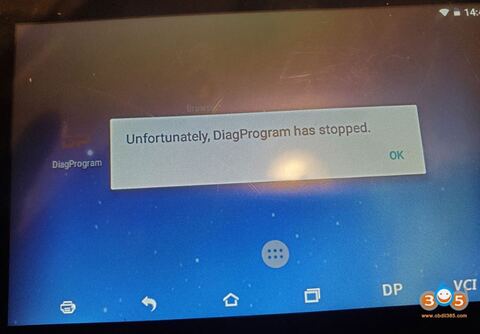
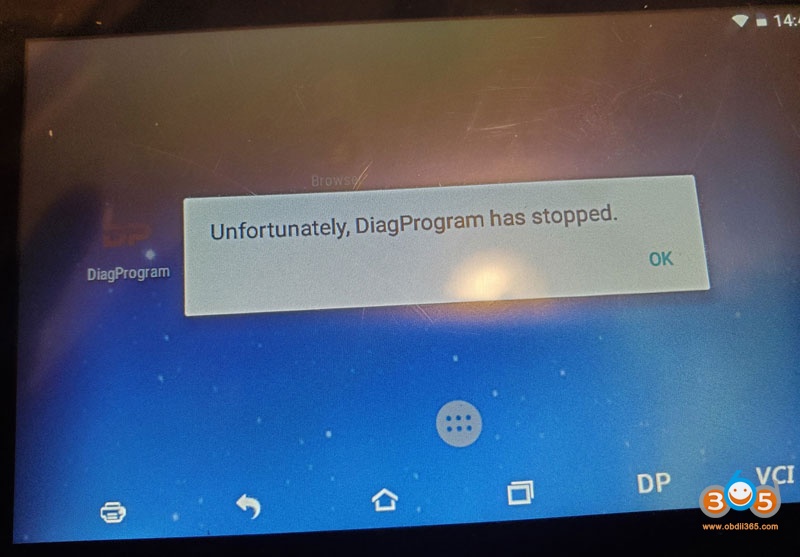
To obdstar users: regarding the problem “Unfortunately, DiagProgam has stopped.” that frequently appears recently, it is caused by compatibility issues.
A new apk version v3.8.1 has been released this week to solve this problem. (Note: The solution is applied to any of x300dp, x300 dp plus, odomaster, x300pro4.)
- For the obdstar machine which update service is valid, you can directly upgrade the apk to solve this problem.
- For the obdstar machine which update service expired, please clear the cache to solve the problem, the drawback is that this problem may occur repeatedly, because there is no way to upgrade the new apk v3.8.1 after the expiration, you have to clear the cache repeatedly.
Please look at the last paragraph on how to clear the cache.
And view obdstar DP Plus One Year Software Subscription
Attention Please:
Never restore factory settings, otherwise the software will be lost and there is no way to restore it.
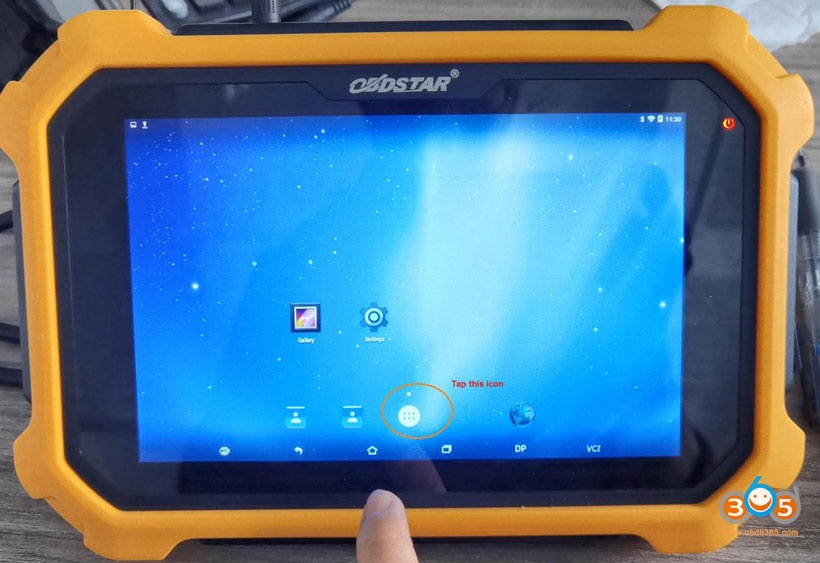
Guide on how to clear the cache:
Enter ” DiagProgam”, long press it and drag it into “App Info”
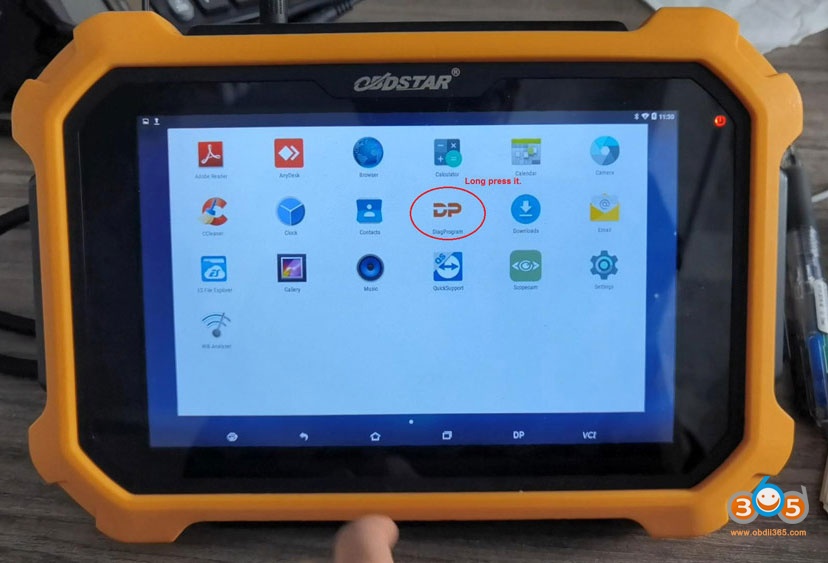
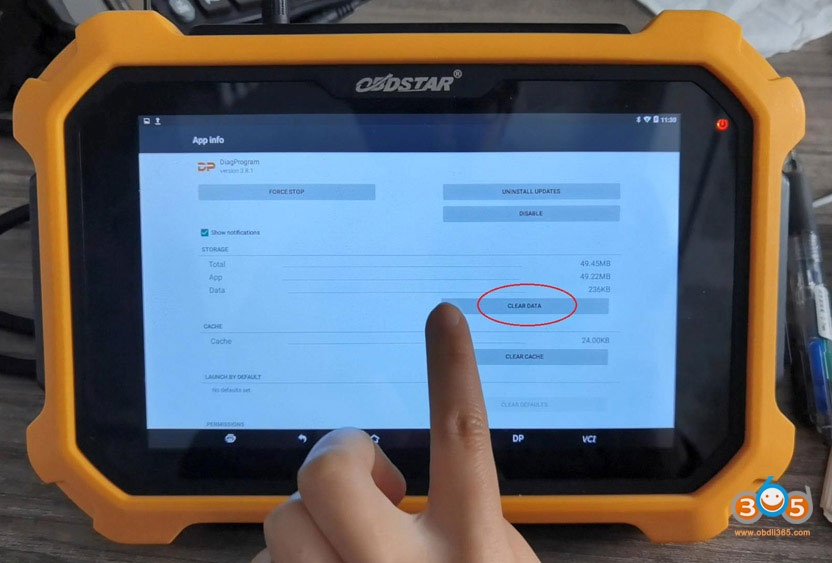
In the APP info, tap “Clear data” and “Yes” to confirm.
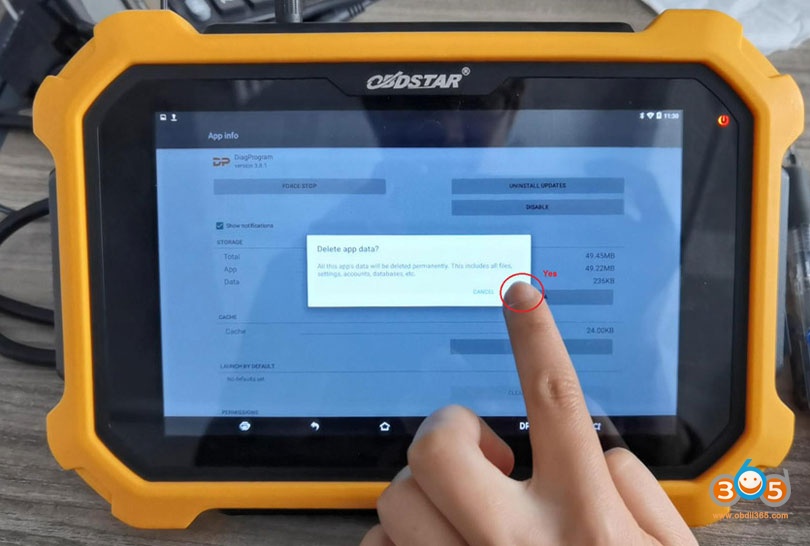
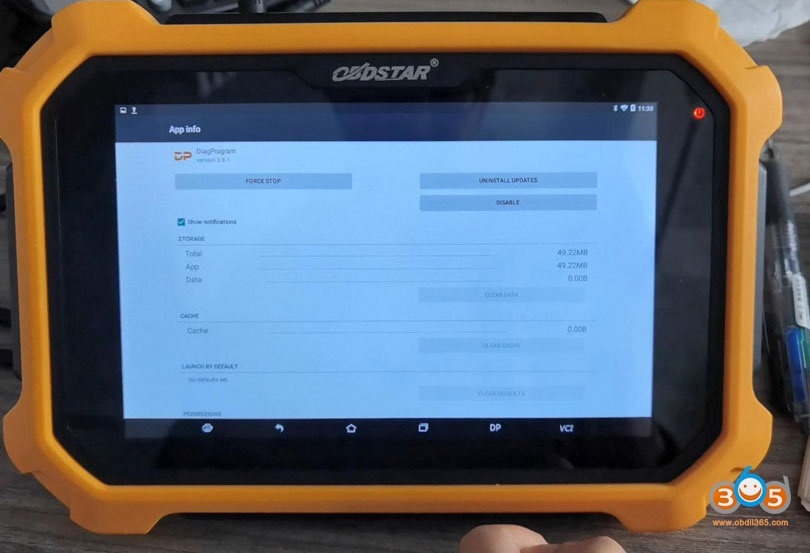
Okay, the catche is cleared, and the problem is solved. However, please keep in mind, better continue subscribing the update service and update the newest APK.
obdstar tech from https://www.obdii365.com/