How to Register Nissan Pathfinder 2012 Key with Launch X431 V+?
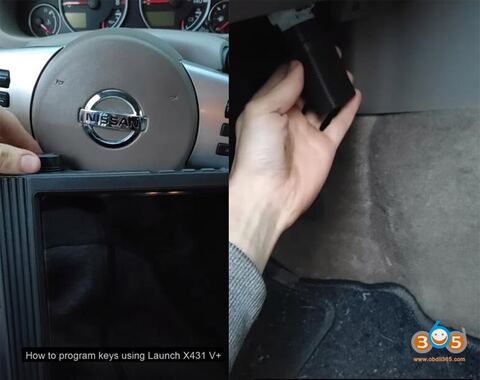
Here is an easy and simple tutorial on registering a new spare key to a Nissan Pathfinder year 2012 using Launch X431 V+ diagnostic scanner.
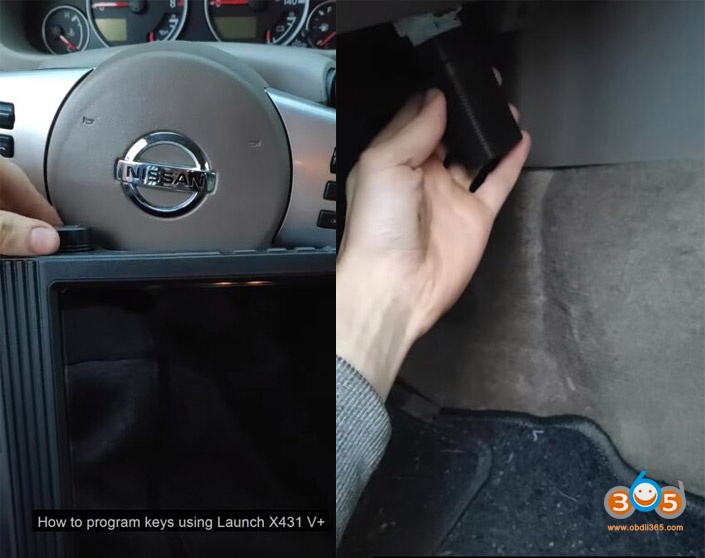
Take out DBscar Bluetooth adapter
Connect DBscar adapter with vehicle via OBD socket
Power on X431 V+
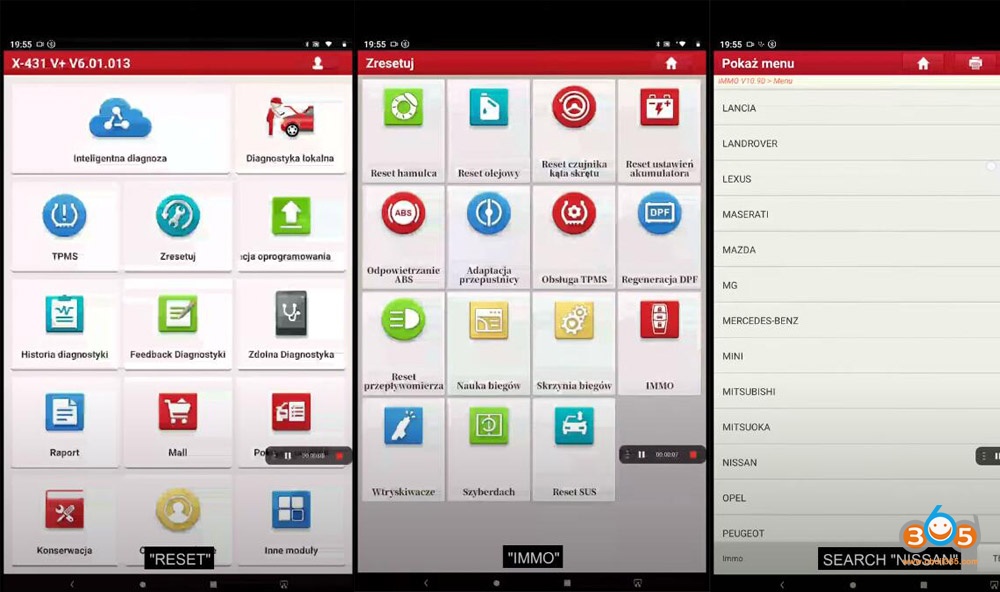
Select Reset Function->IMMO->Nissan
Reading vehicle information
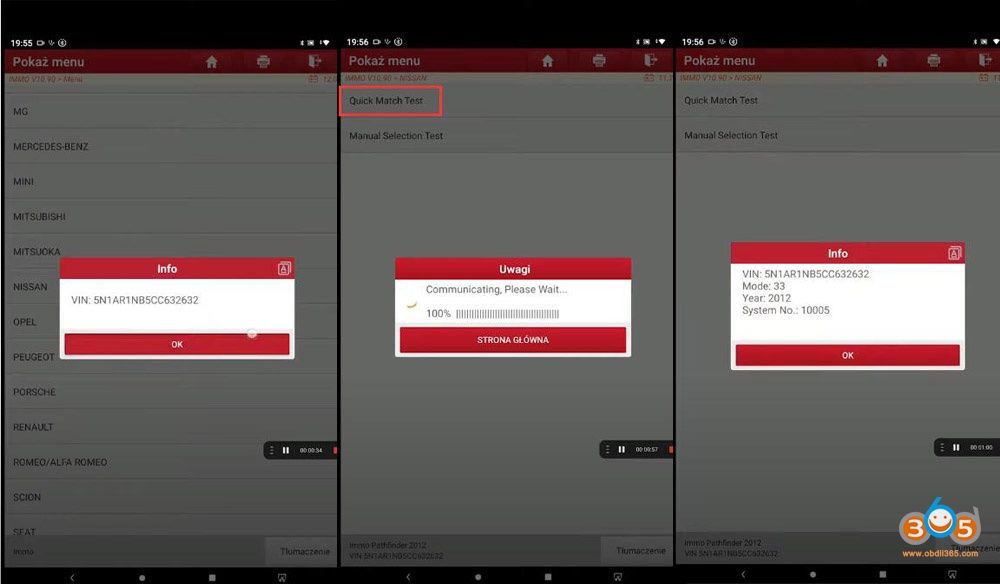
Read VIN success
Choose Quick Match Test
Read vehicle information (Model, year, system)
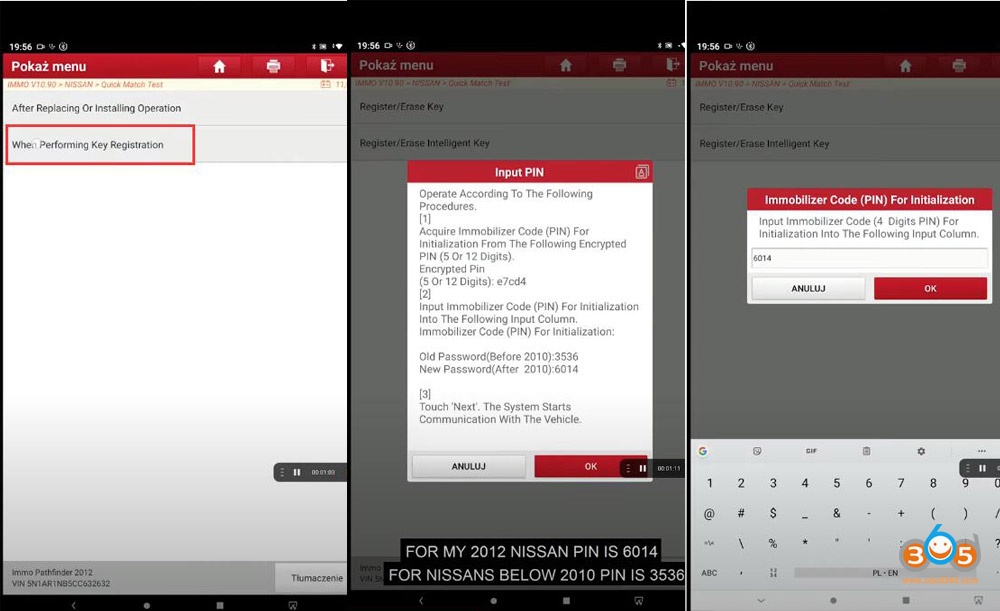
Choose When performing key registration
This procedure erases all registered key IDs.
X431 V+ requires an Immobilizer code (PIN) to access.
For MY 2012 PIN is 6014,
For Nissan below 2010 PIN is 3536
Enter pin code to access
Turn ignition on using a mechanical key
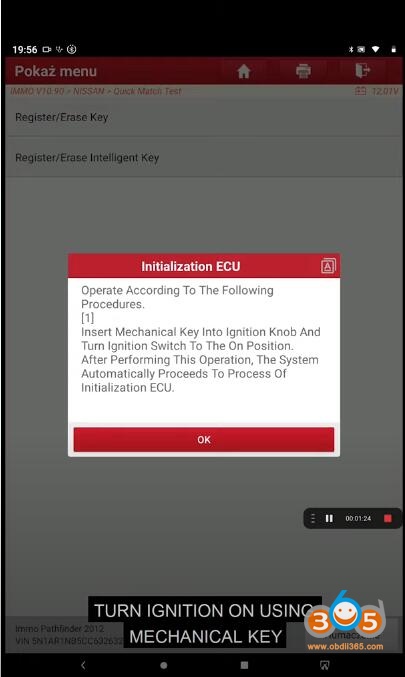
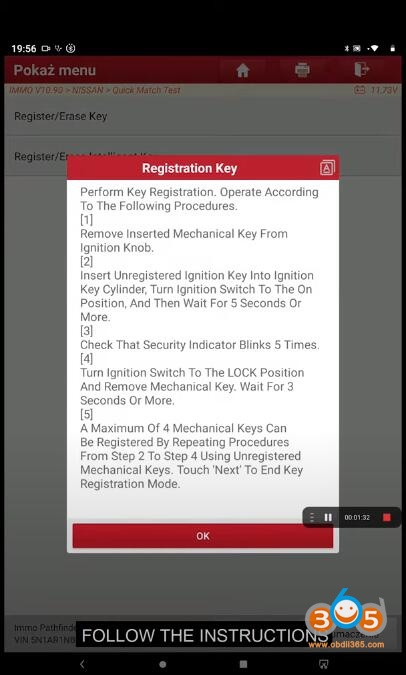
Follow instructions
1.Remove the inserted mechanical key from ignition knob
2. Insert the unregistered ignition key into ignition key cylinder, Turn ignition switch to ON Position, and wait for 5 seconds or more
3. Check that the security indicator blinks 5 times
4. Turn ignition switch to LOCK position and remove mechanical key, wait for 3s or mow
5.A Maximum of 4 keys can be registered by repeating the procedure.
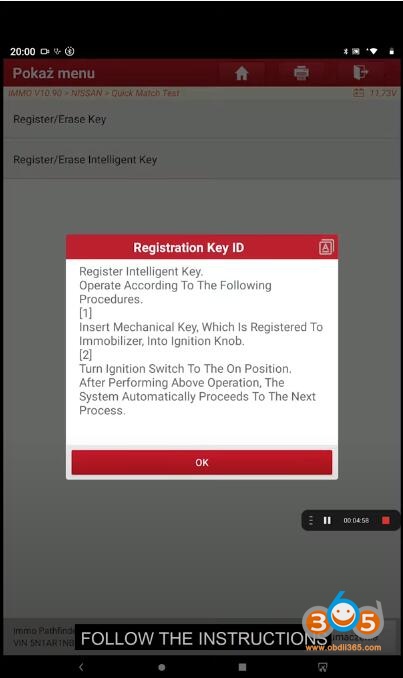
Register key id
1.Insert mechanical key which is registered to immobilizer into ignition knob
2, Turn ignition switch to ON position
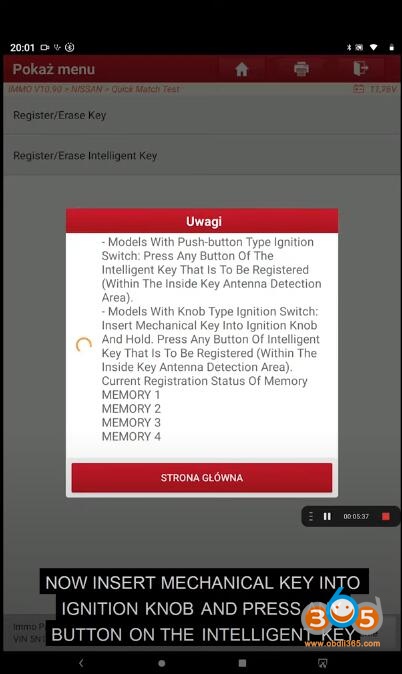
Insert mechanical key into ignition and press Aby button on the smart key
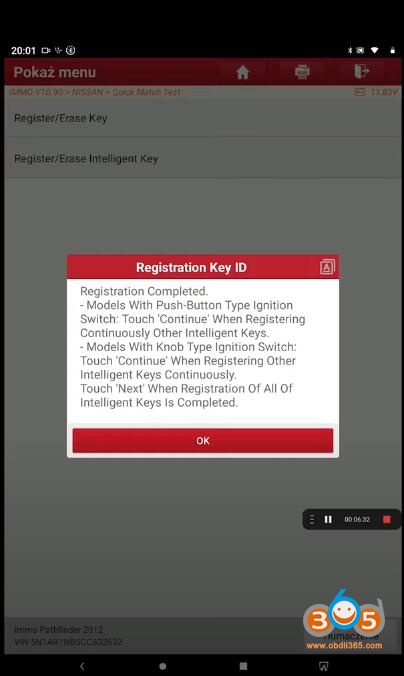
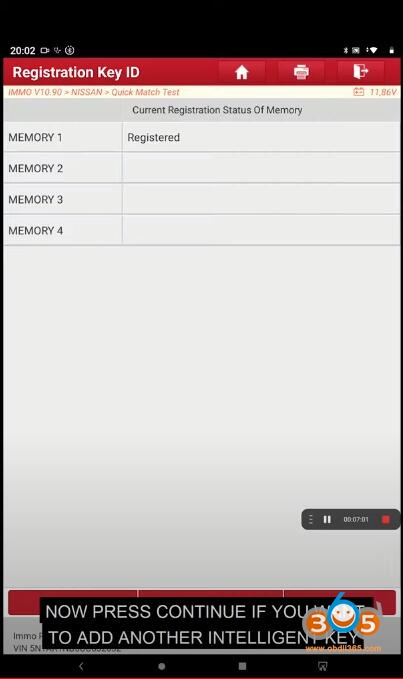
Registration completed
Press continue if you need to program next key
Insert mechanically into ignition knob and press any button of the key
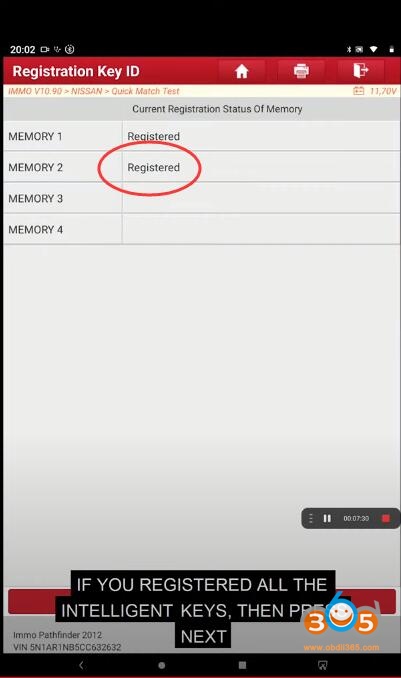
Register 2nd key success
If you register all the keys, then press next
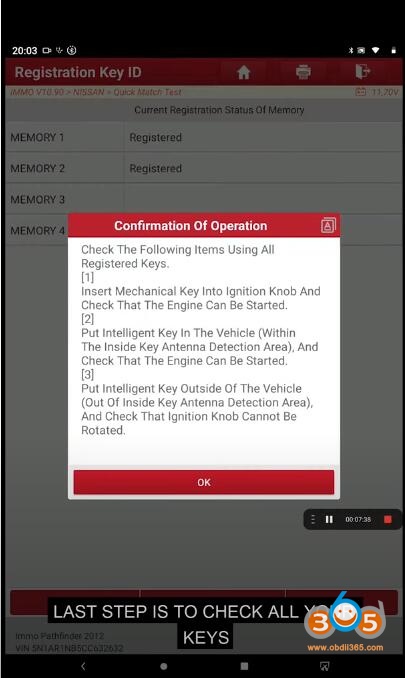
The last step is to check your keys.
Done.