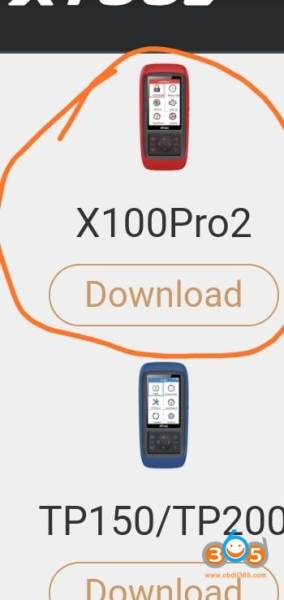
How to Solve Xtool X100 Pro2 Blank Screen Problem?
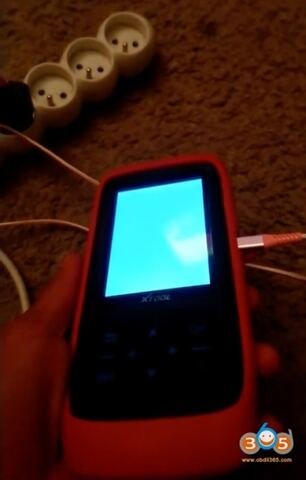
Problem:
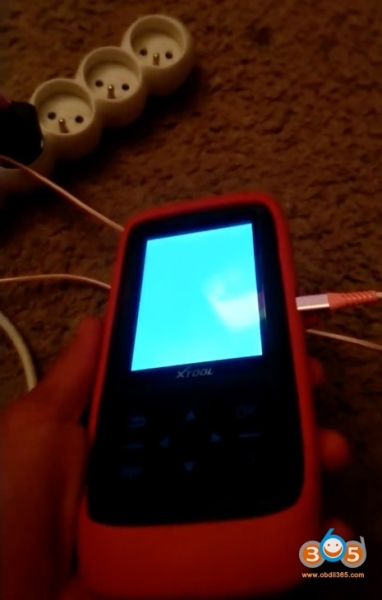
Can anyone help me please? My xtool x100 pro2 was working good so I wanted to update it but it didn’t work so I format it and now is not working at all.
Solution:
It is working now. Hold down this button, then connect the USB to update again.
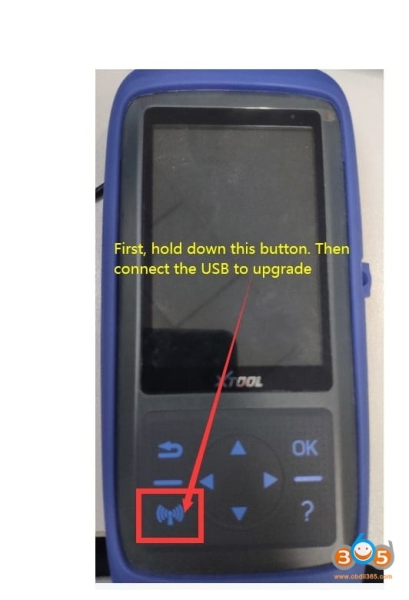
follow the guide here to update Xtool Xtool Pro2 via PC
https://www.obdii365.com/service/update-xtool-x100-pro2-tp200-x300p.html