How to Add Toyota Alphard 2015 Smart Key with Launch X431?

How-to: add a spare smart key to a Toyota Alphard 2015 with Launch X431 comprehensive diagnostic tools, X431 V, X431 V+, X431 Pro3, X431 PAD V, X431 PAD VII etc.

Operation Steps:
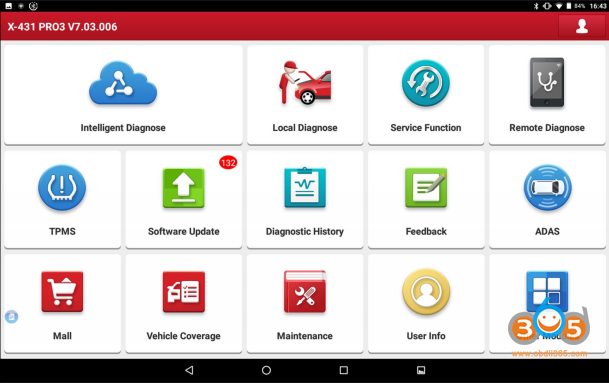
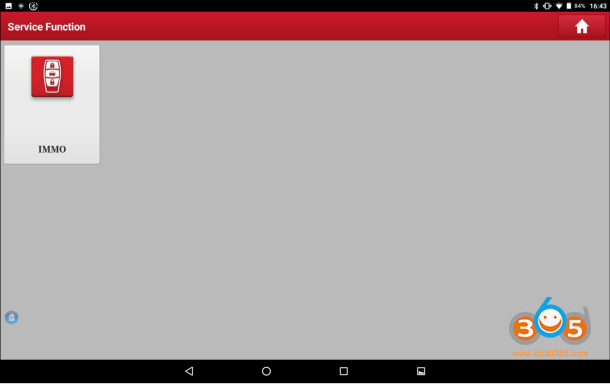
1. Select [Service Function] – [IMMO]
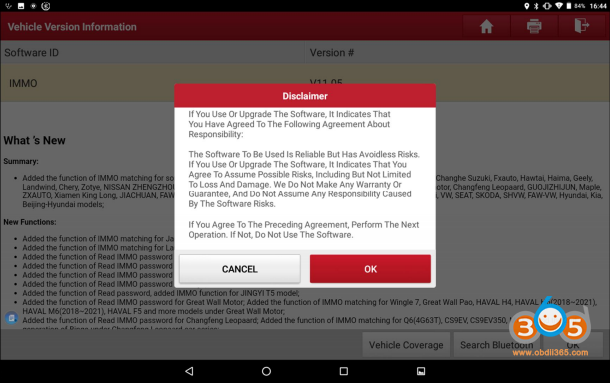
Click [OK] and enter IMMO software
Select [Toyota].
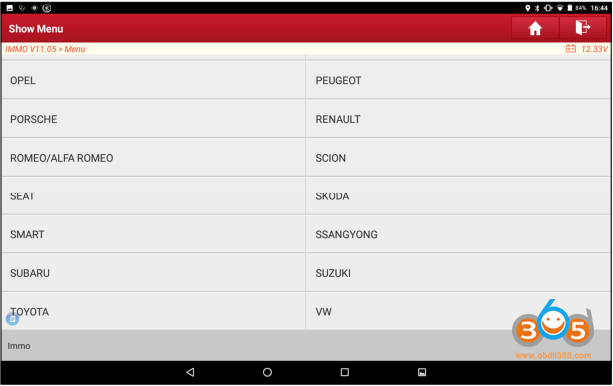
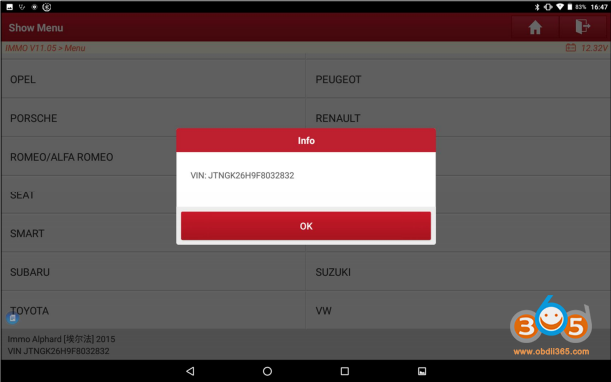
Confirm VIN
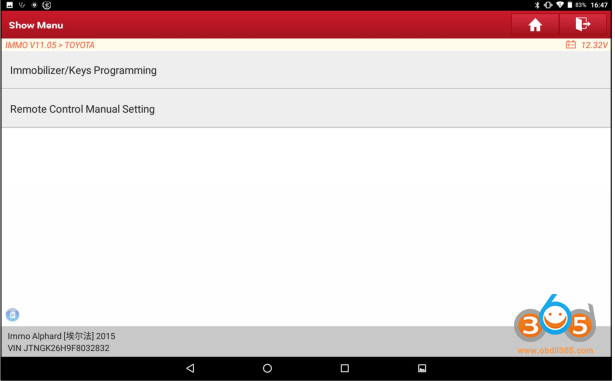
Select [Immobilizer/Keys Programming].
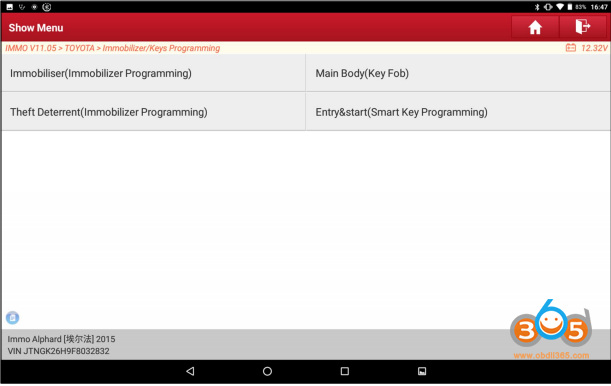
This car equipped smart key, so we select [Entry & Start (Smart Key Programming)]
Select [Automatic Scan].
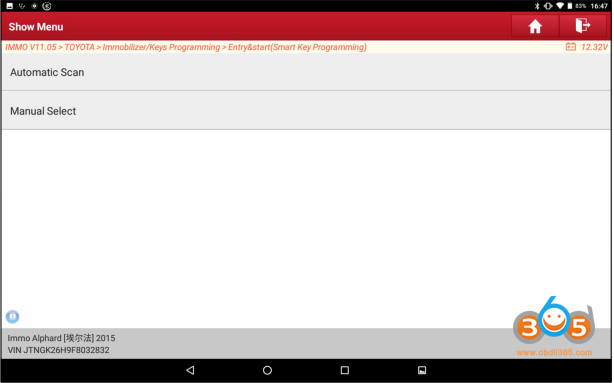
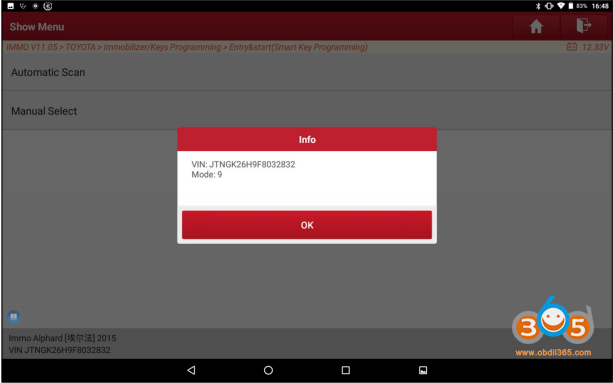
Confirm info
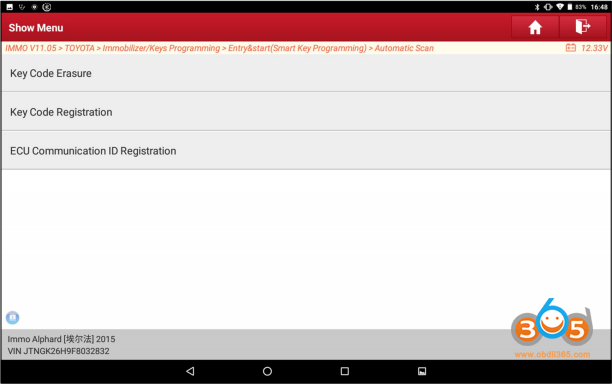
Select [Key Code Registration]
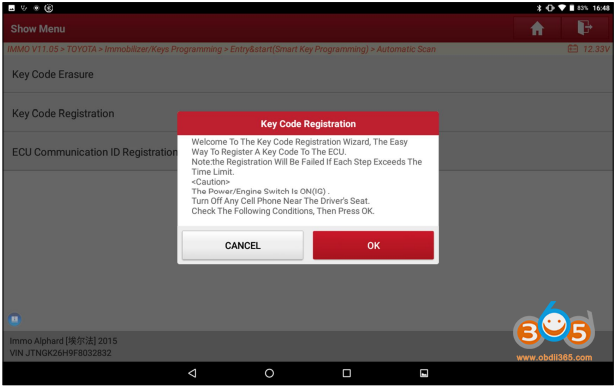
Read the key code registration reminder info carefully and meet the requirement:
Ignition on, Engine off,
Turn off any cell phone near the driver’s seat,
Then click [OK].
It shows the available rooms for new codes; click [OK] to continue.
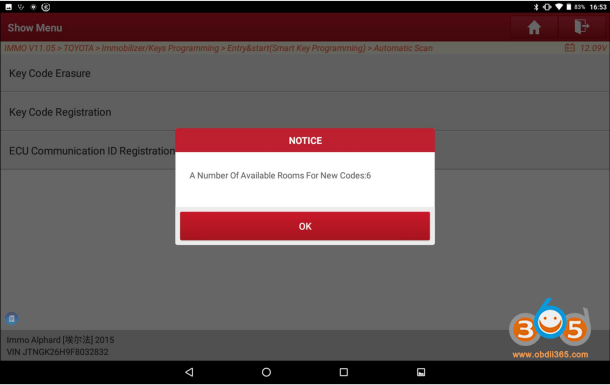
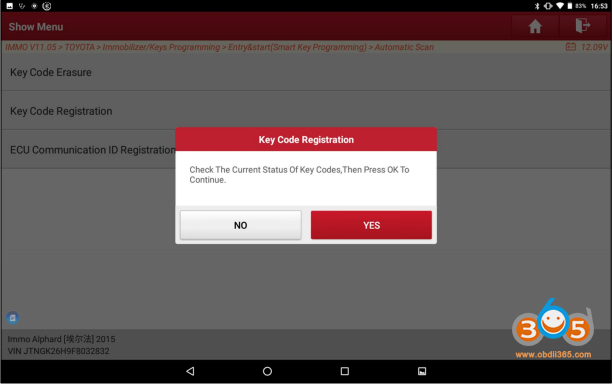
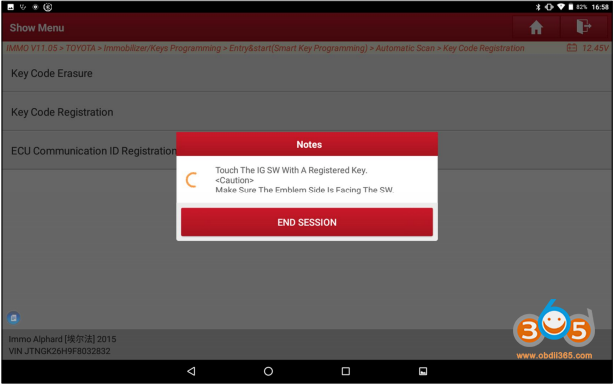
Operate as prompted, “Touch a registered key to the ignition switch, and the side with the car logo faces the ignition switch”, and then keep the key on the ignition switch
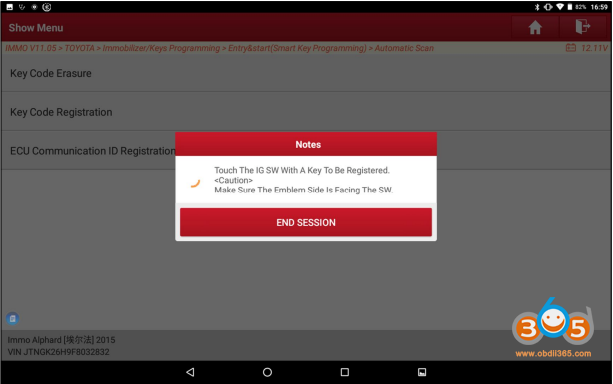
After waiting for a while, it prompts “touch a key to be registered to the ignition switch, and the side with the car logo faces the ignition switch”, do as it says and also keep the ignition
switch”.
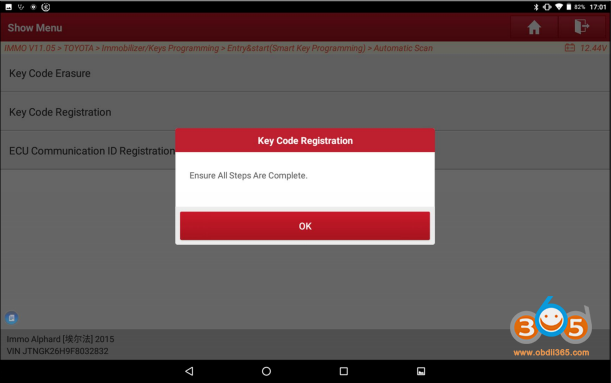
After step 15 finished, it prompts “Ensure all steps are completed”, remove the key and click [OK], turn off the ignition switch, and verify whether the old and new keys can normally unlock the door and start the vehicle. If all keys are normal, done.