How to Add Honda ADV Motorcycle Key with OBDSTAR X300 DP Plus/MS80?
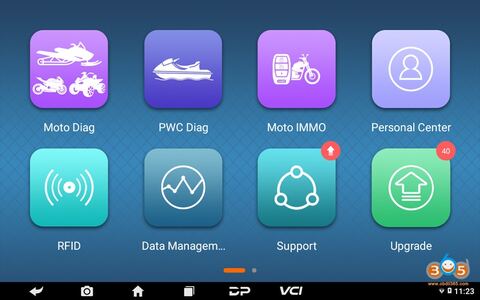
Here is the instruction on adding a new Honda ADV Motorcycle Key with OBDSTAR tools.
Tool required
OBDSTAR MS80 motorcycle diagnostic tool
or OBDSTAR X300 DP Plus/X300 Pro4 with Motor IMMO license and adapter
Procedure:
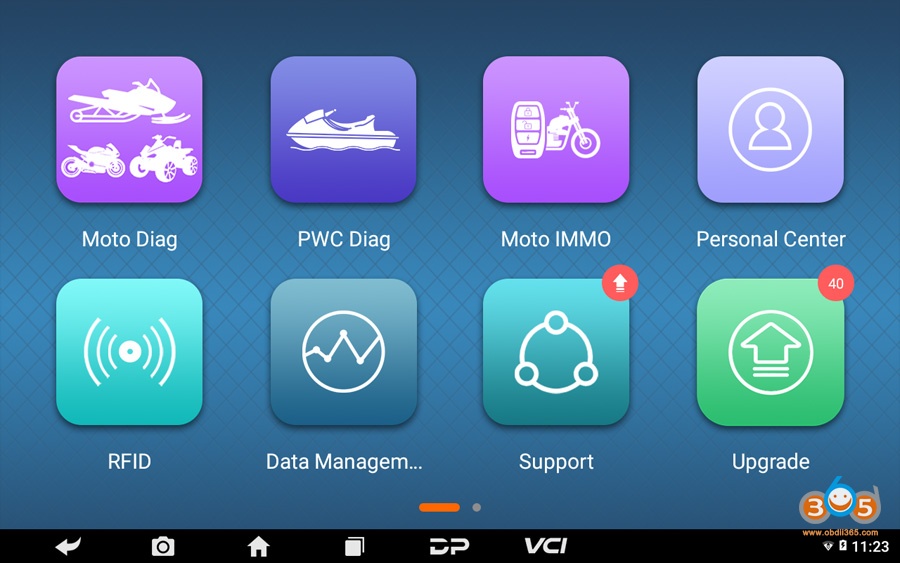
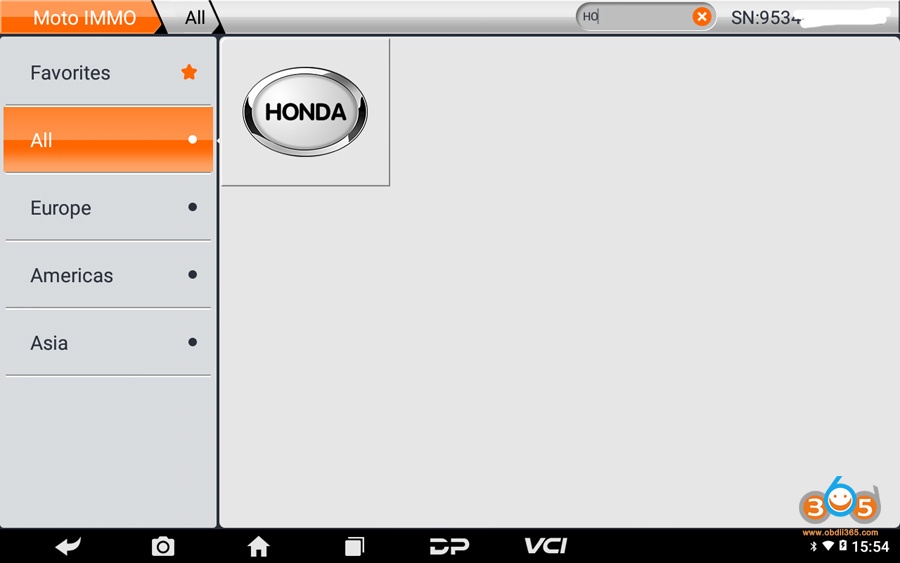
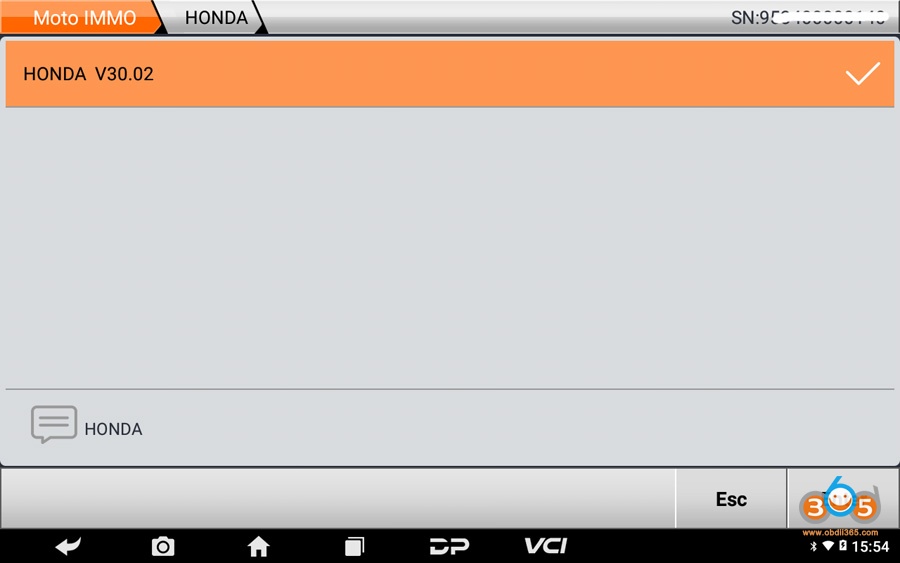
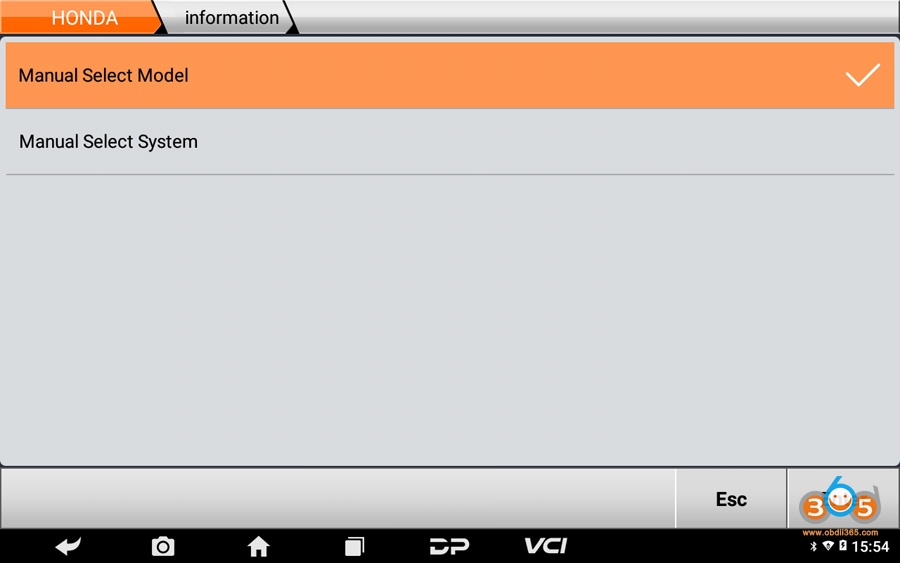
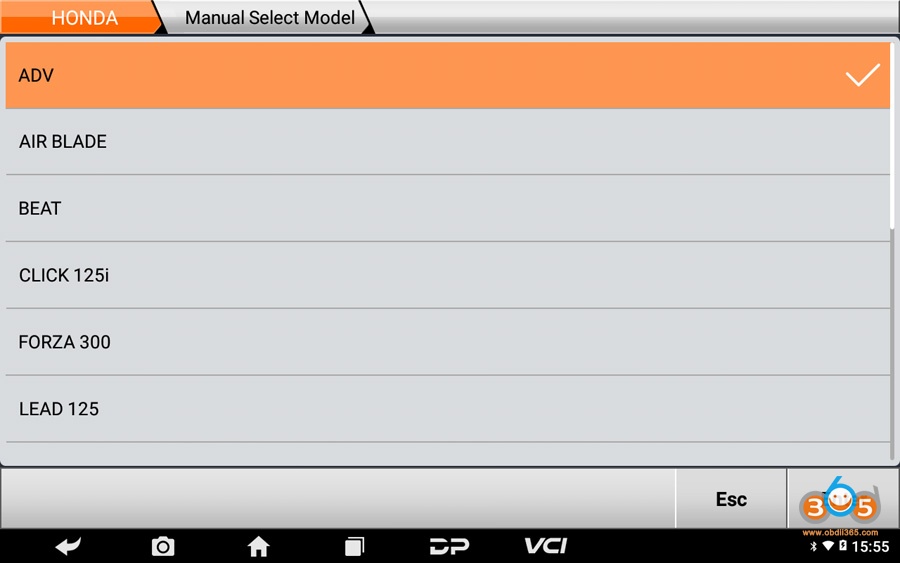
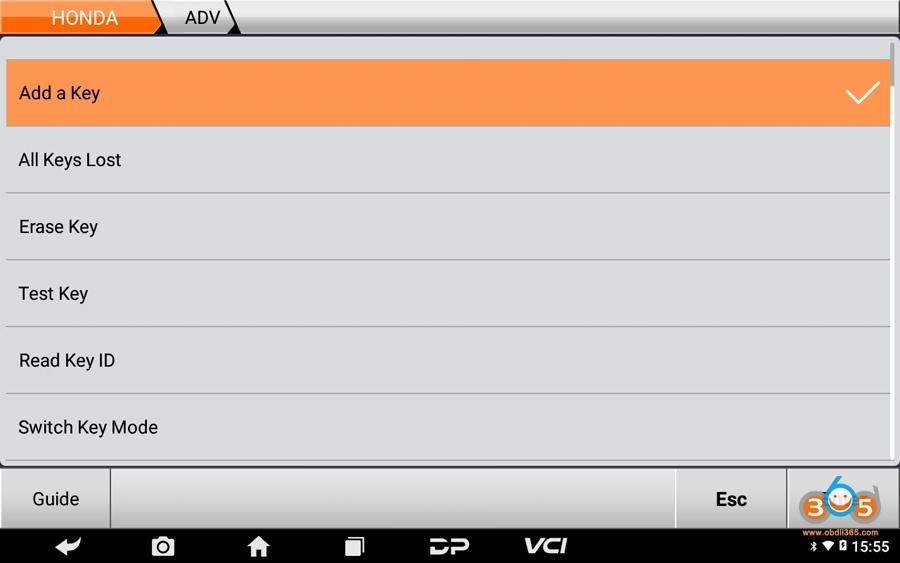
1.Connect MS80/X300 Pad to Motorcycle, go to Moto IMMO function – ALL – Honda – select latest Honda software version – Manual Select Model- ADV- Add a key
Tips: by searching keywords, find out related models quickly.
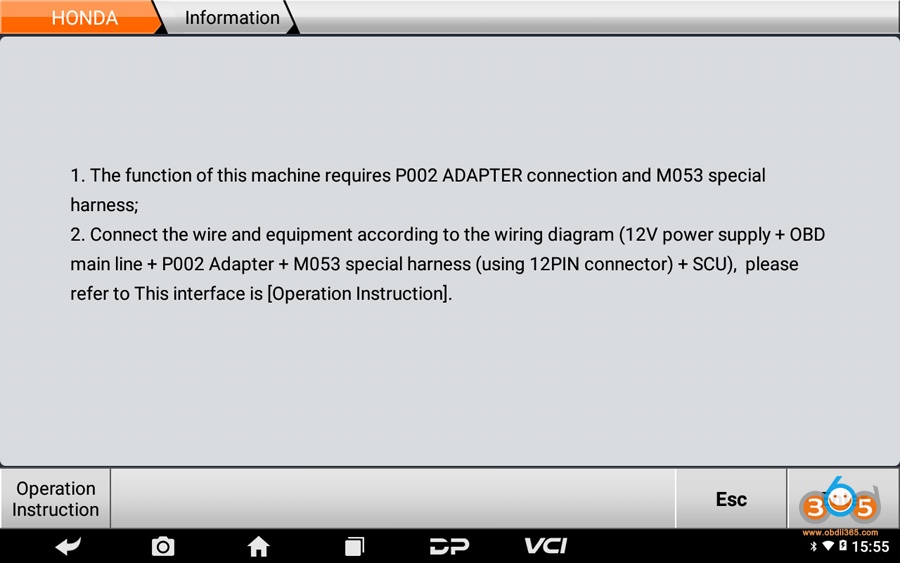
Connect OBDSTAR pad with motorcycle via P002 adapter and MM053 special harness
Press Enter
Tips: press Operation Instruction to check operation steps;
Switch all keys to the disable mode, click Enter;
Tips: within help data files of Switch Key Mode in ADV menu.
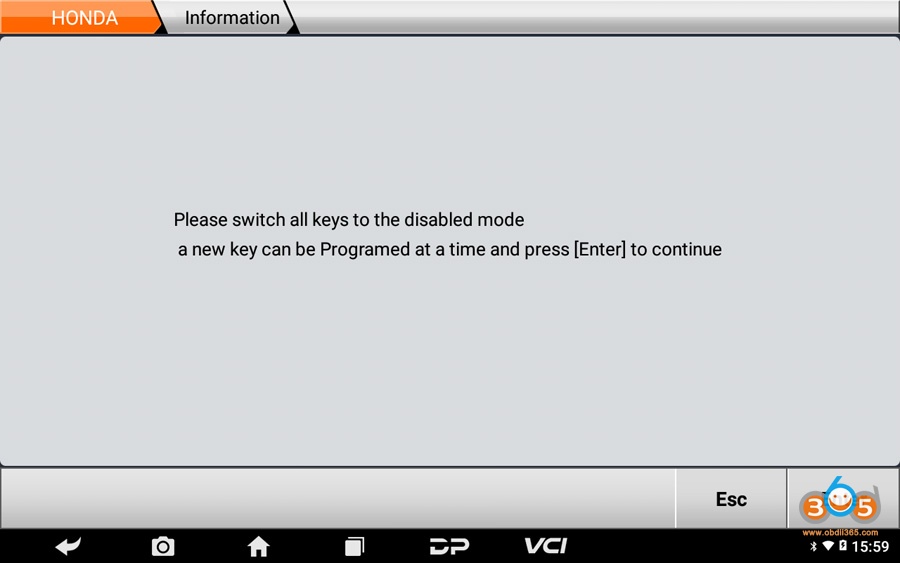
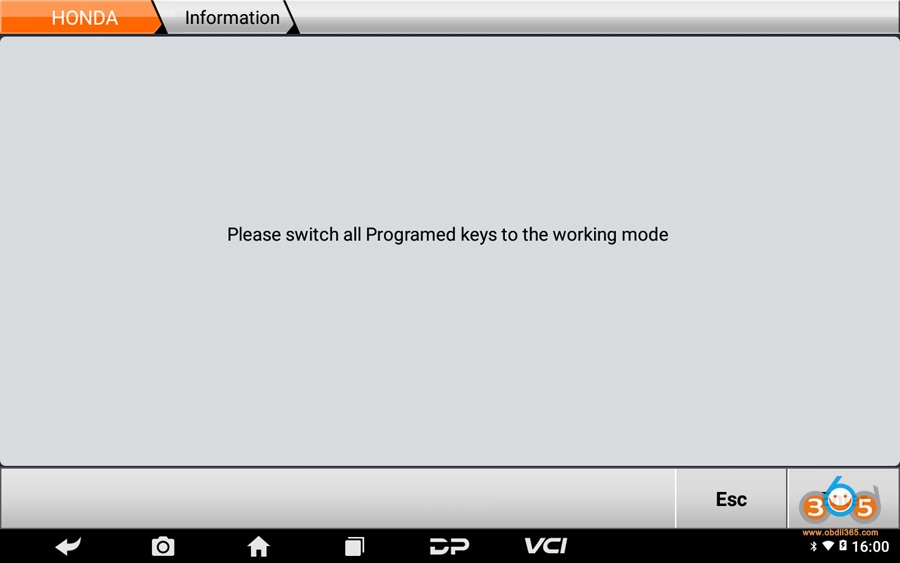
Switch all programed keys to the working mode, click Enter;
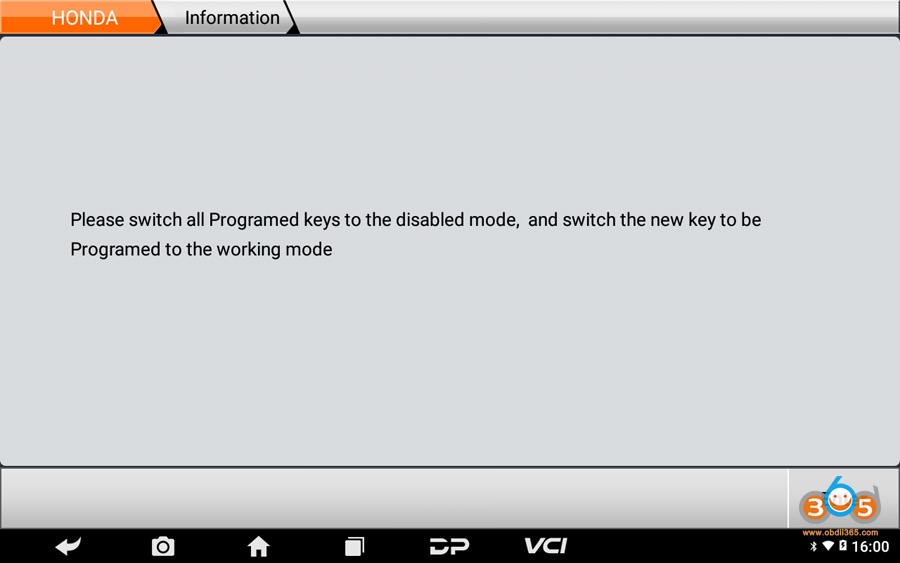
Switch all programed keys to the disabled mode, and switch the new key to be programmed to the working mode, click Enter;
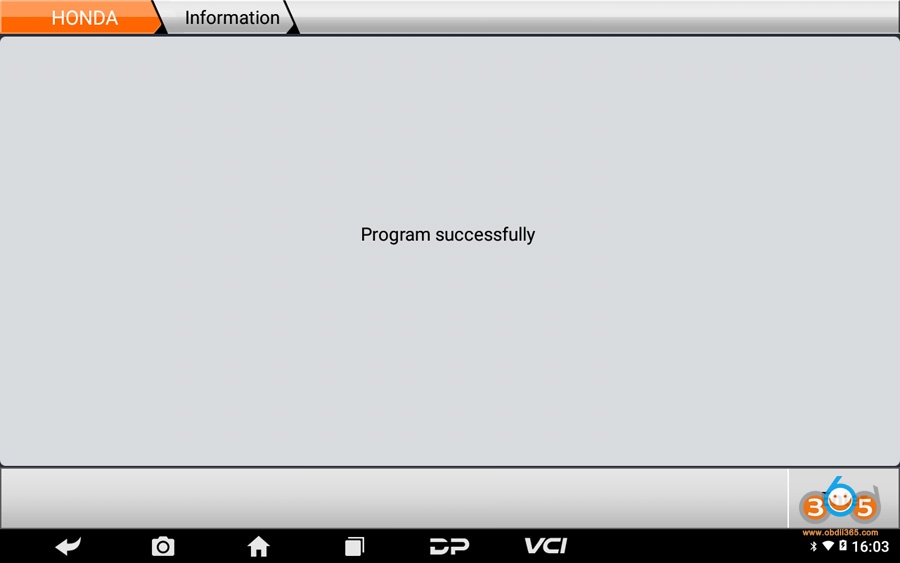
Program successfully;
Test new key.