How to Program PEUGEOT ACI50X Motorcycle Key with OBDSTAR?
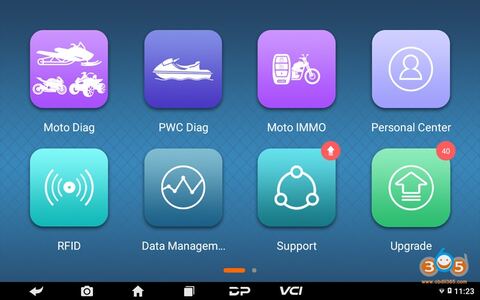
OBDSTAR can program PEUGEOT ACI50X motorcycle in both OBD mode and Bench mode. Check instructions below:
Tools required:
OBDSTAR MS80 motorcycle diagnostic tool
or OBDSTAR X300 DP Plus/X300 Pro4 with Motor IMMO license and adapter
Instruction:
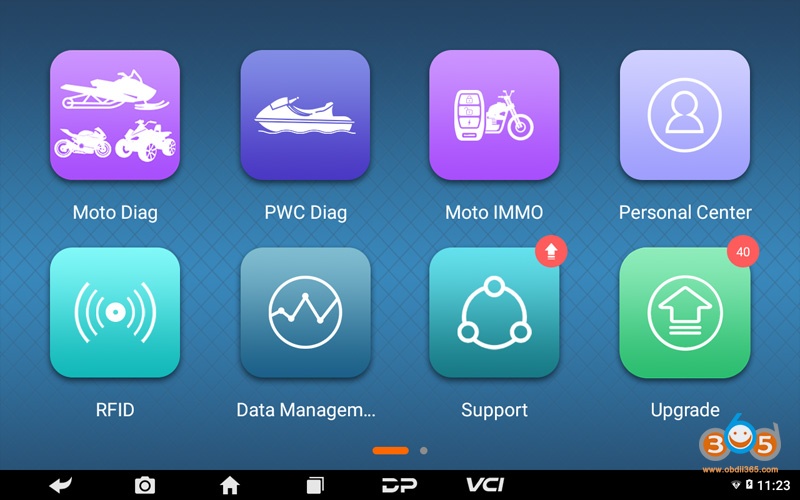
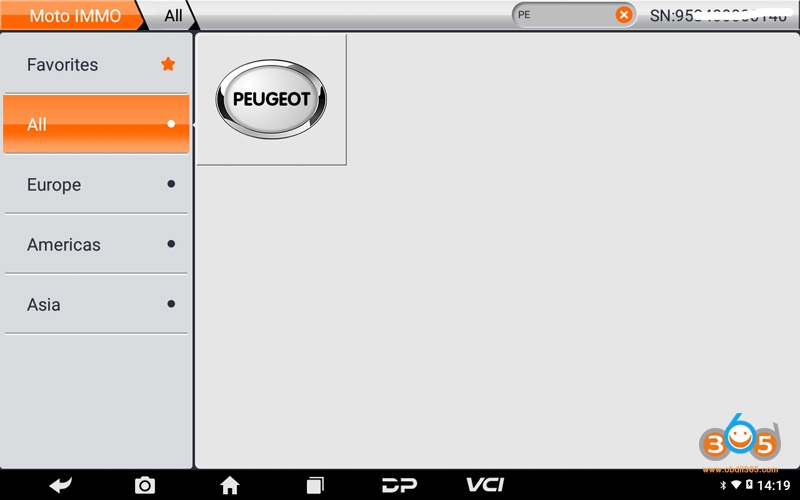
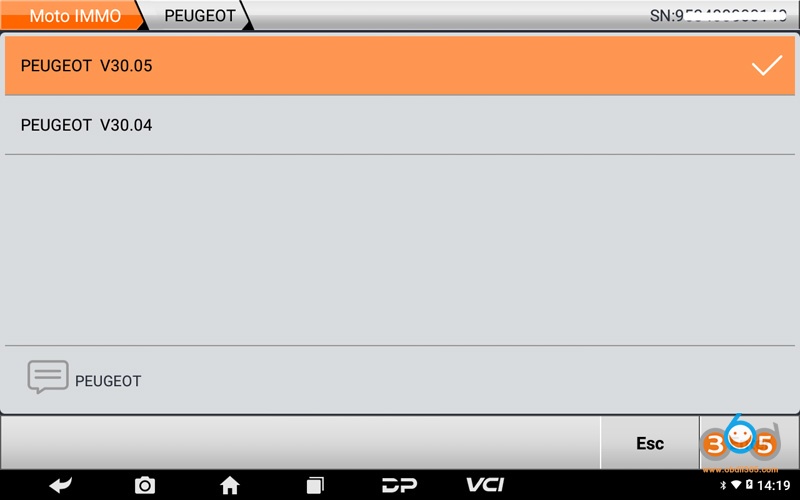
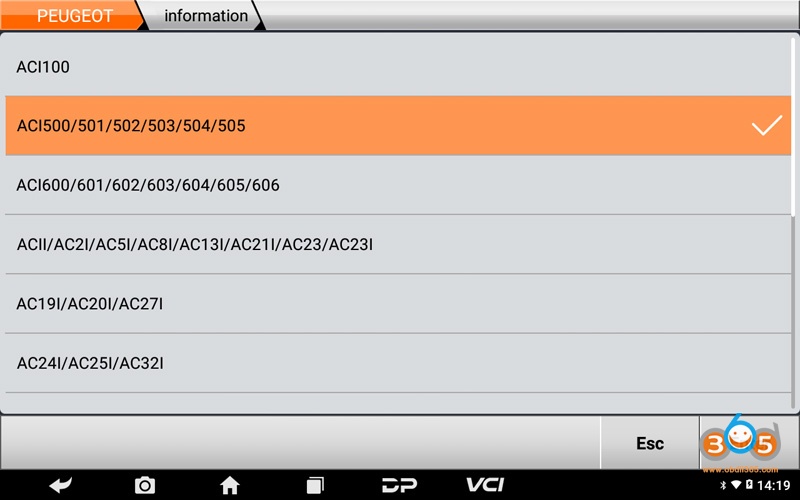
Connect OBDSTAR device to Motorcycle, enter into Moto IMMO function – All- Peugeot- select latest Peugeot software – Select the corresponding ECU type, such as ACI500 click ACI500/501/502/503/504/505
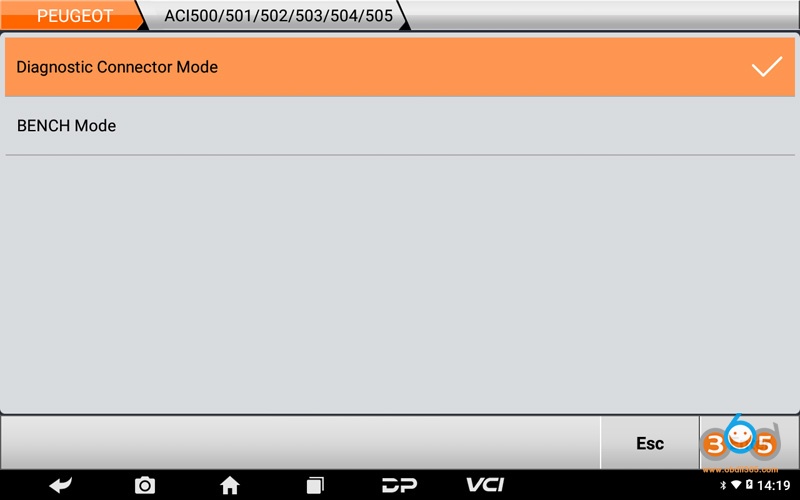
Diagnostic Connector Mode
Select Diagnostic Connector Mode
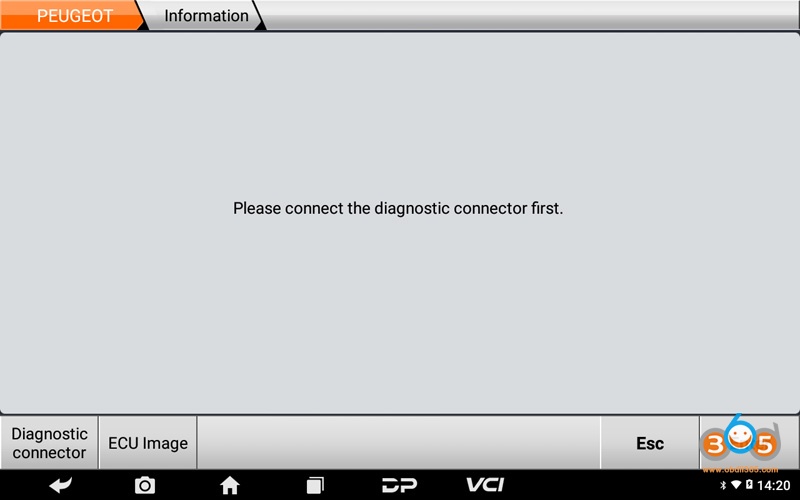
Connect the diagnostic connector, click Enter;
Tips: can click Diagnostic Connector to check connecting method; click ECU Image to check ECU type;
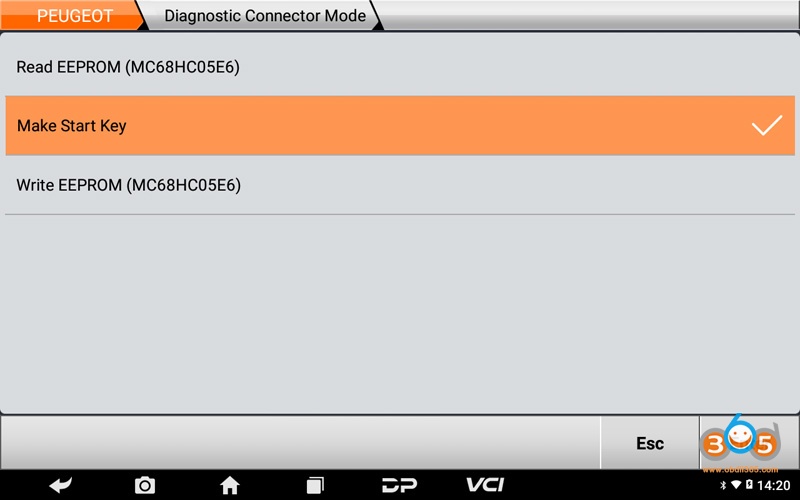
Click Make Start Key;
ensure the internet connection is normal, press Enter
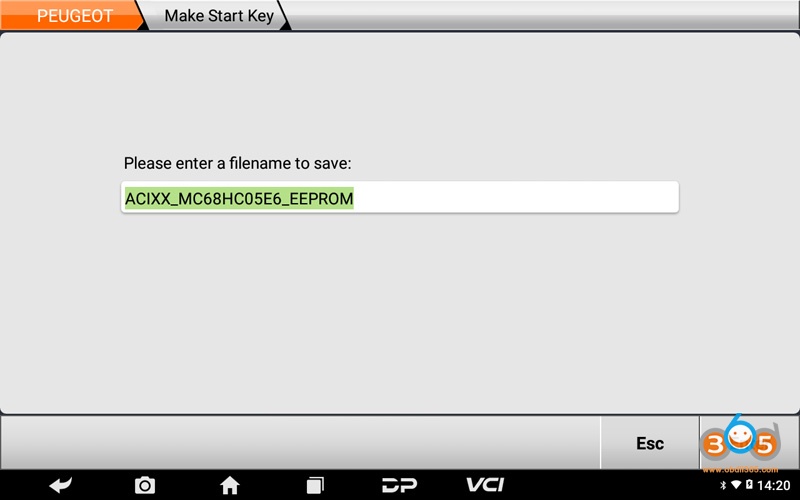
.Enter a file name to save, click Enter;
Tips: the file folder position saved: DP-device serial number-Data
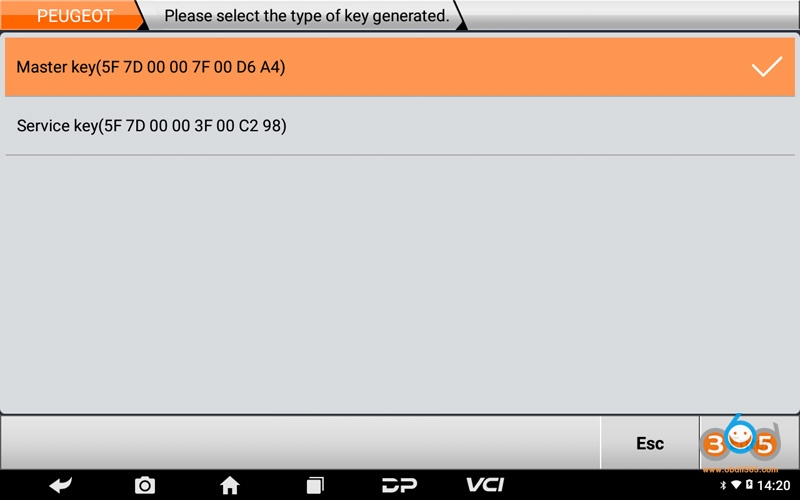
Select the type of key generate, such as click Master Key (5F 7D 00 00 7F 00 D6 A4);
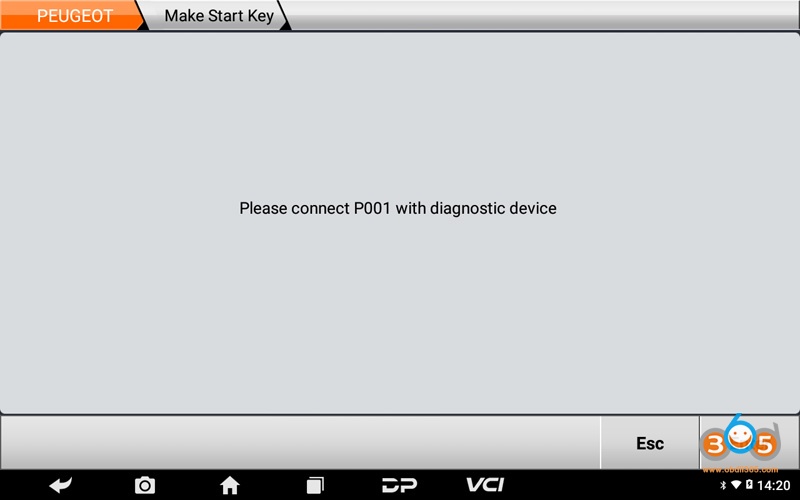
Connect P001 with diagnostic device, click Enter
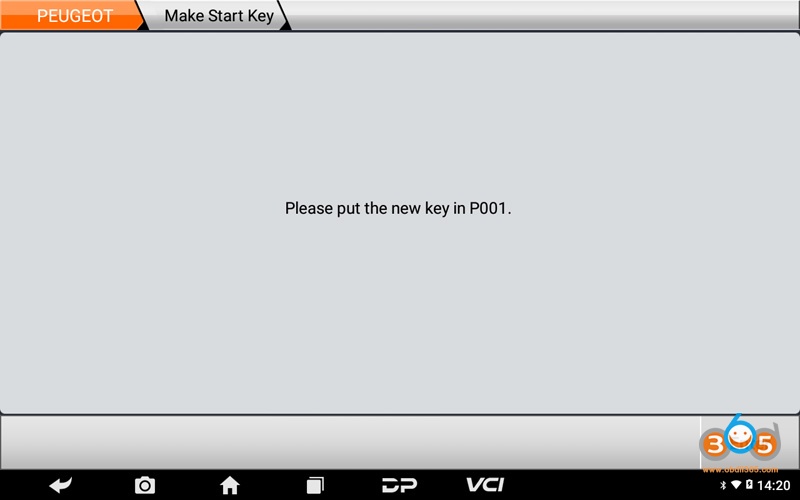
Put the new key in P001, click Enter
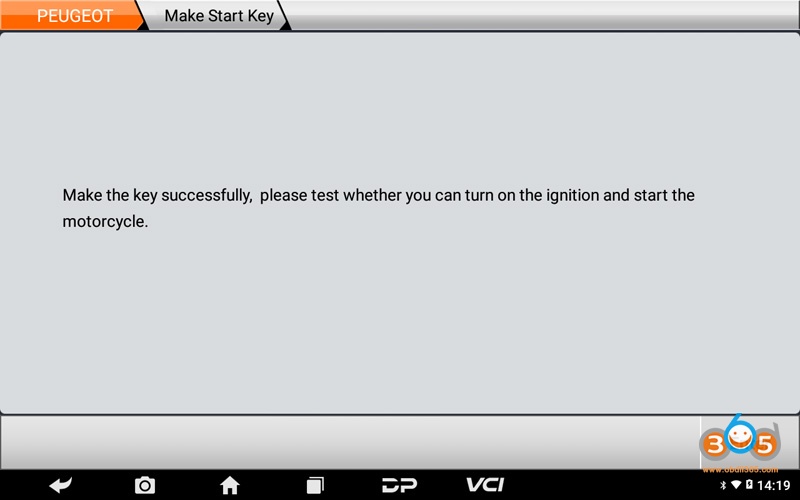
Make the key successfully.
Bench mode
ensure the wires connecting is correctly in BENCH mode, otherwise ECU will be broken. Network connection is also required in bench mode.
After select motor model, go to Bench Mode
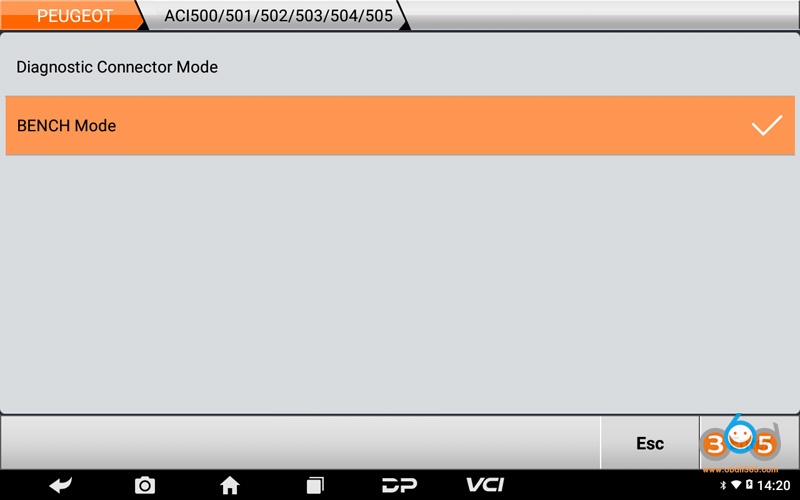
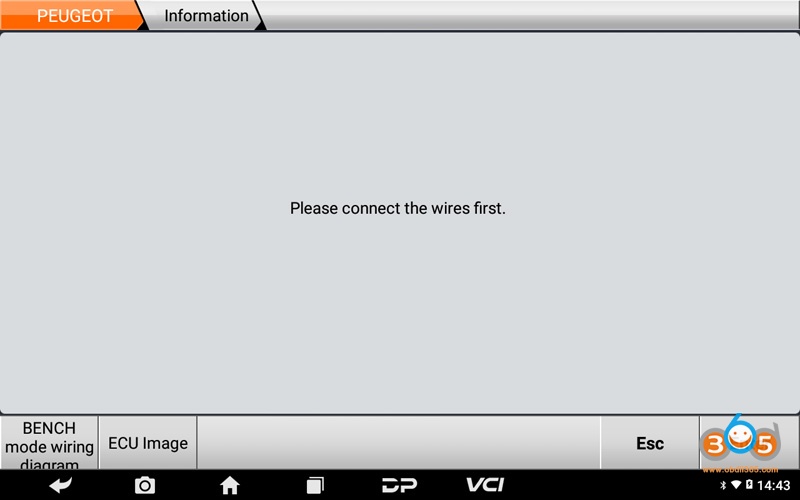
Connect the wires, click Enter ;
Tips: click BENCH mode wiring diagram to check wiring diagram, click ECU Image to check ECU type;
Select Make Start Key
Enter a file name to save, click Enter
Tips: the file folder position saved: DP-device serial number-Data
Select the type of key generate, such as click Master key (5F 7D 00 00 7F D6 00 A4)
Connect P001 with diagnostic device, click Enter
Put the new key in P001, click Enter
Make the key successfully.
Done.