How to Set up Autel KM100 and Pair VCI200?
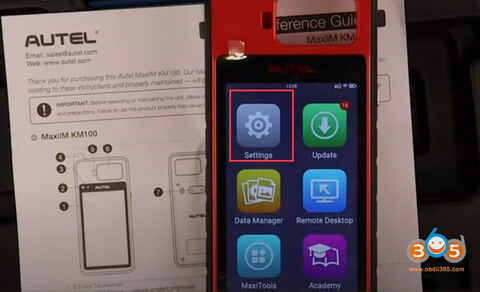
Autel MaxiIM KM100 it is a brand new device straight form Autel. KM100 is a new solution for universal keys. It combines wireless vci that comes in the package with it. The vci200 is rechargeable and easy to use plug into obd.
Here is the guide to set up Autel KM100 and pair WiFi.
First, navigate to the second page of the menu, select ‘Settings’- ‘System Setting’ and ‘WLan’ to connect WifI
Select an available wifi and pair vci200 via password
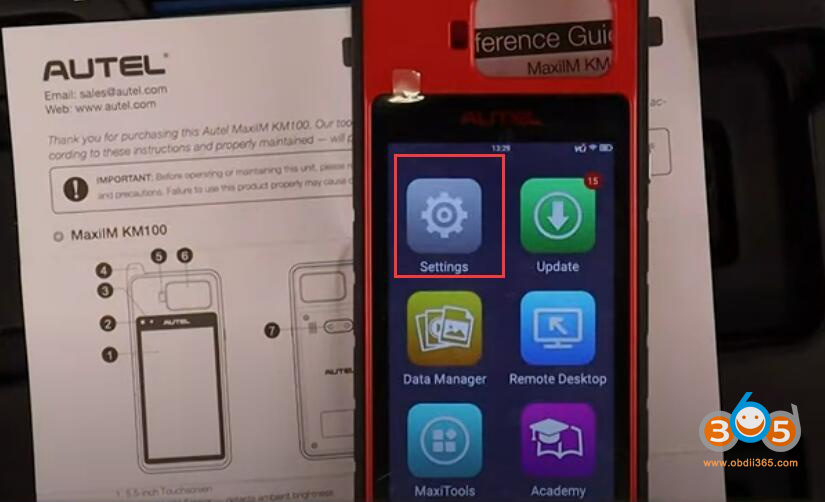
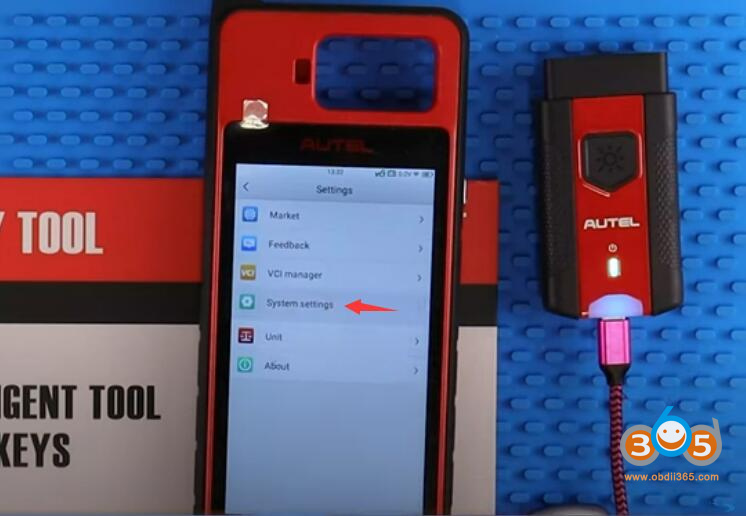
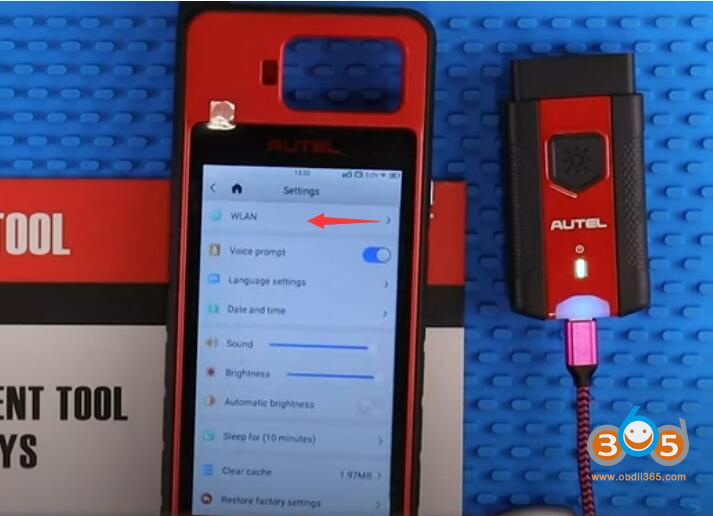
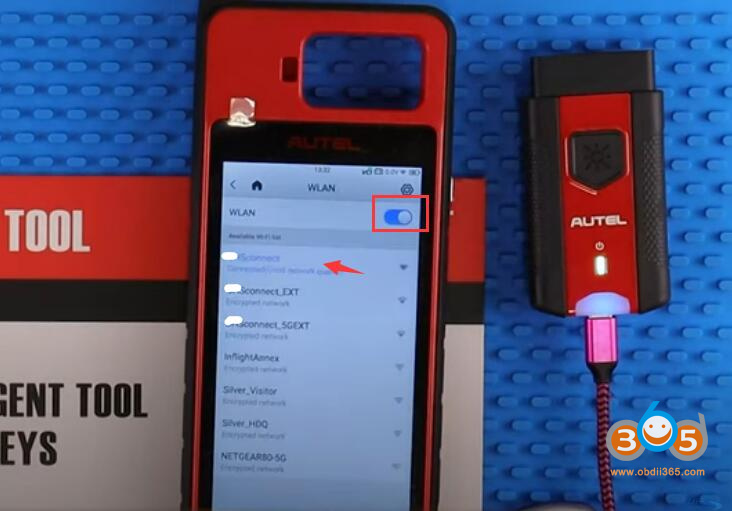
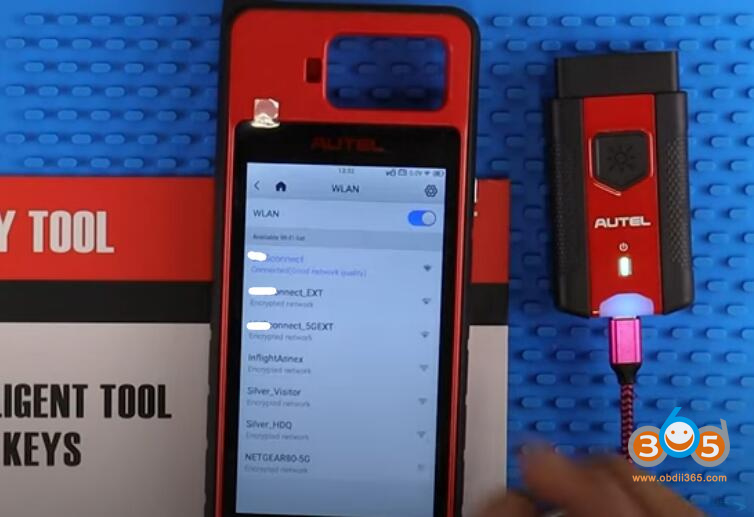
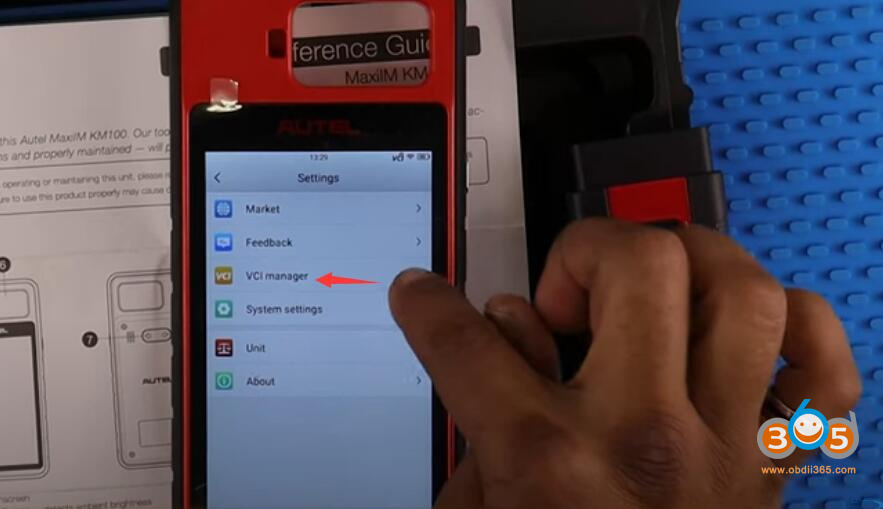
then go back to settings and select ‘VCI Manager’ and plug in the VCI to a USB-C charger to power it on
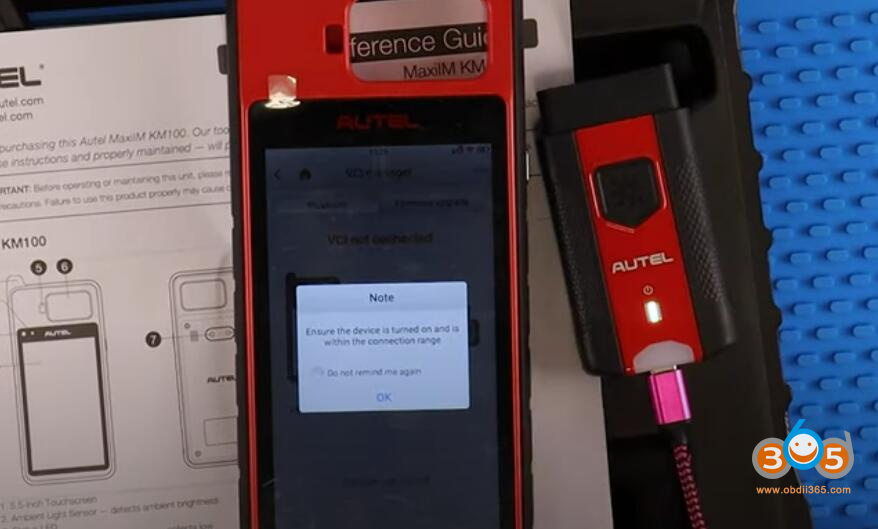
once it shows in the found signals, select your VCI to continue
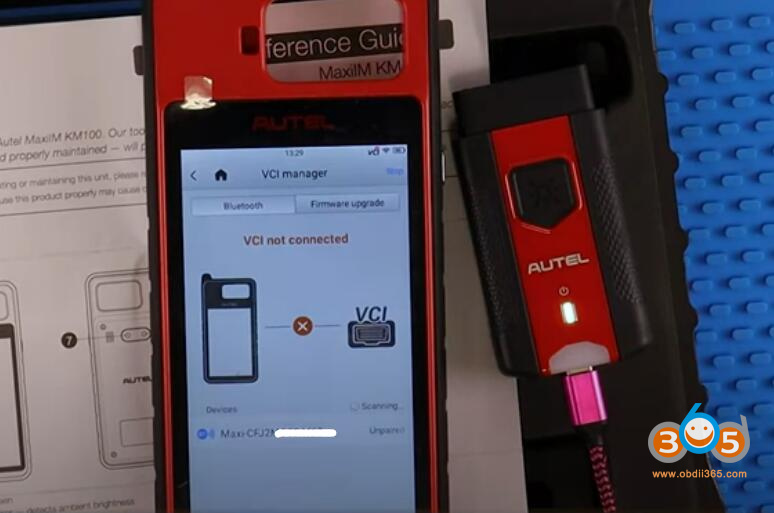
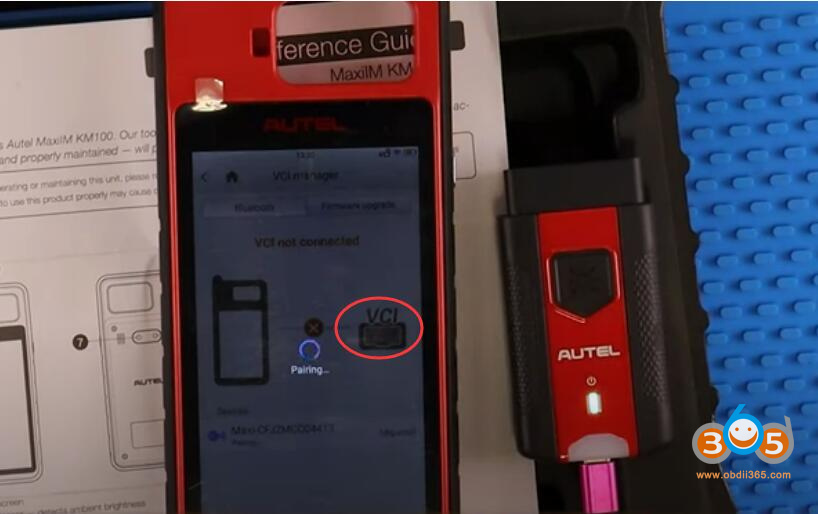
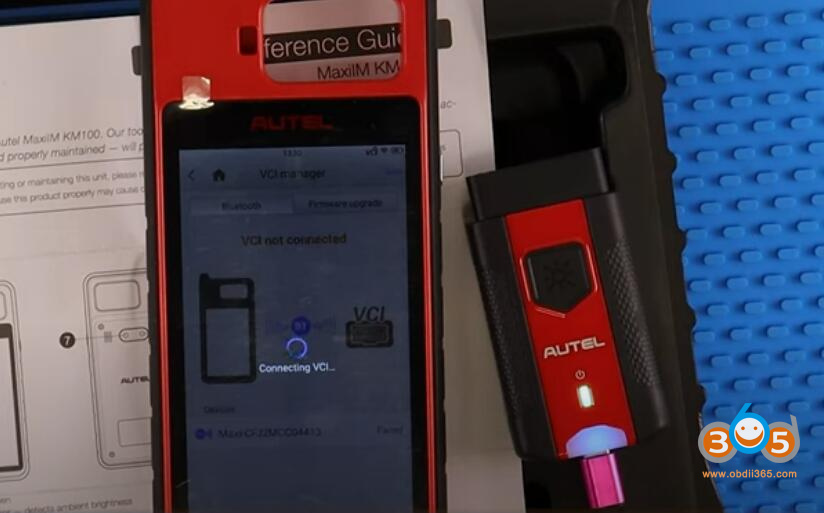
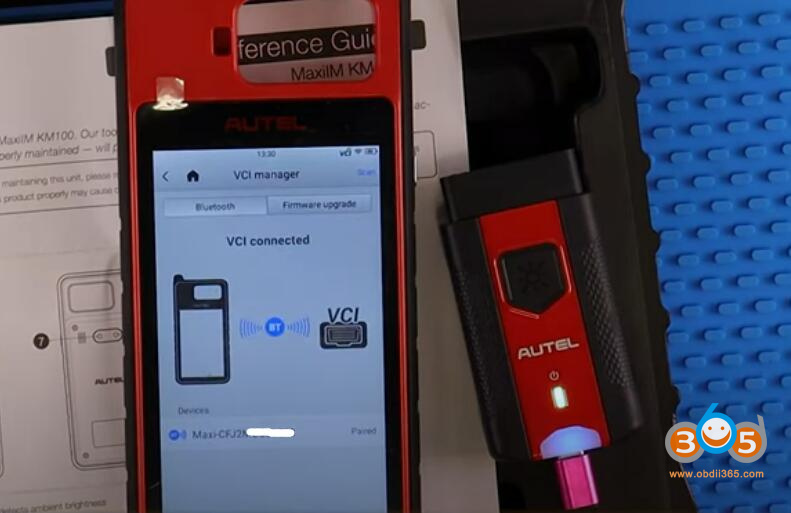
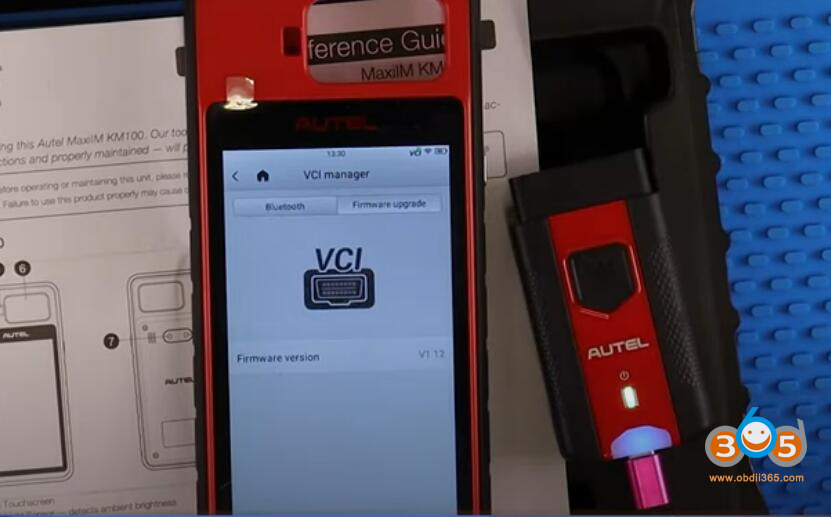
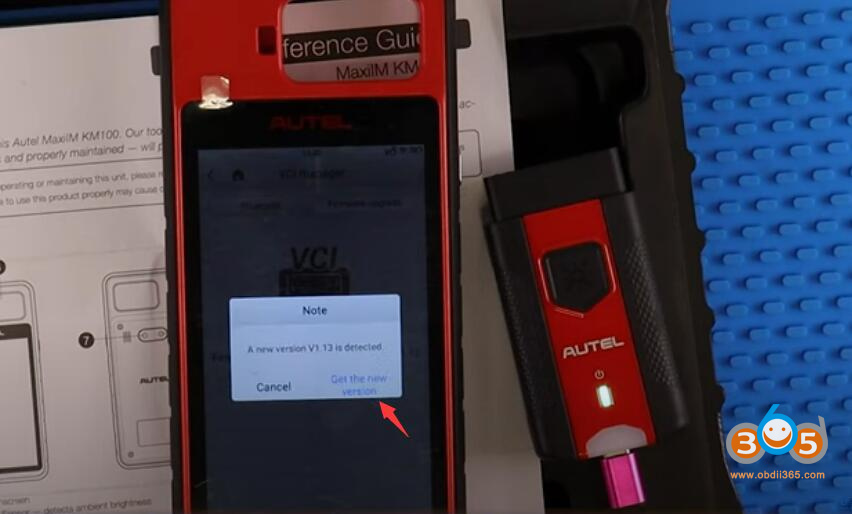
Update the autel km100 vci unit of one is available
checking for updates
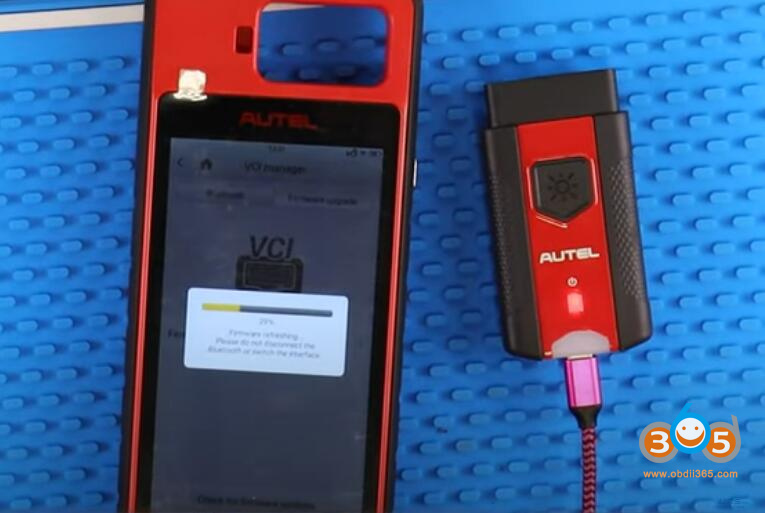
Update firmware VCI in process
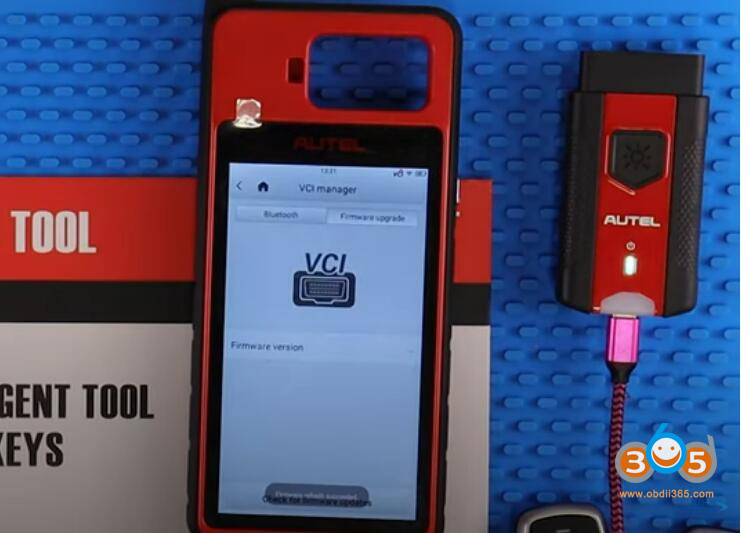
Wait until the upgrade is completed.