Autel KM100 Program Toyota Fortuner All Keys Lost via 8A AKL Adapter
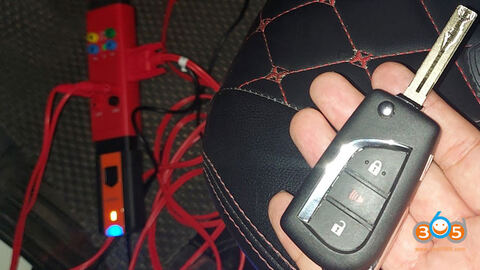
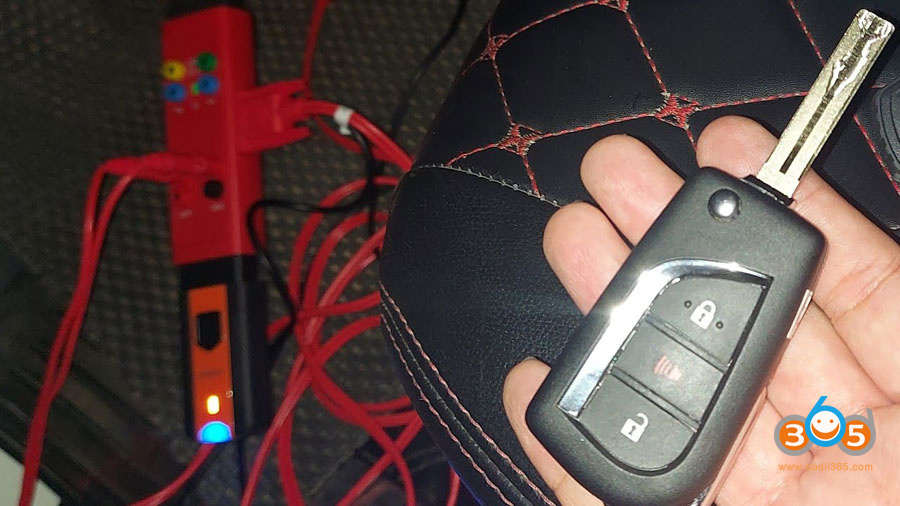
Toyota Fortuner 8A H chip blade key all keys lost is done Autel MaxiIM KM100 with Gbox and Toyota 8A AKL adapter.
Connect KM100 with Gbox and 8A adapter
Pair KM100 with PLC200 via Bluetooth
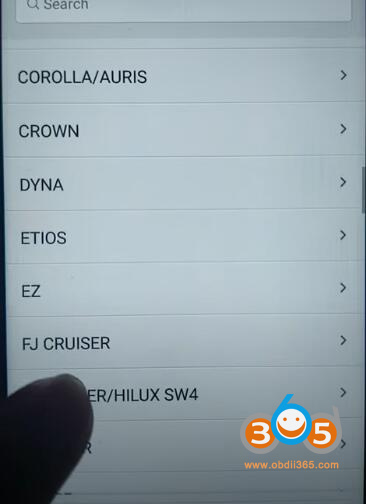
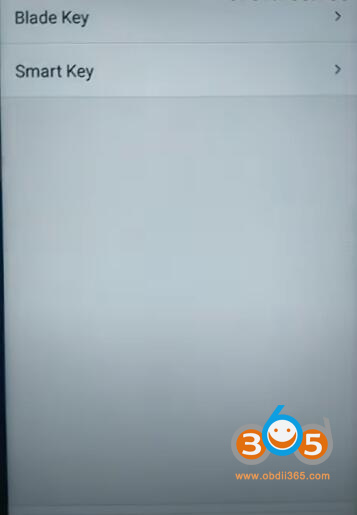
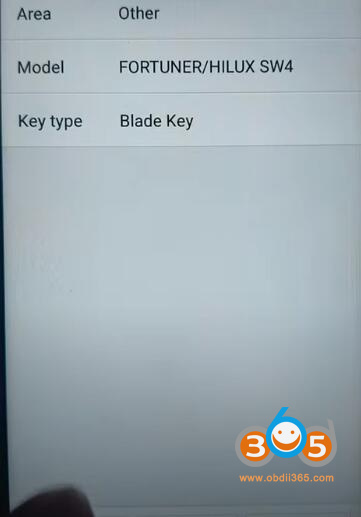
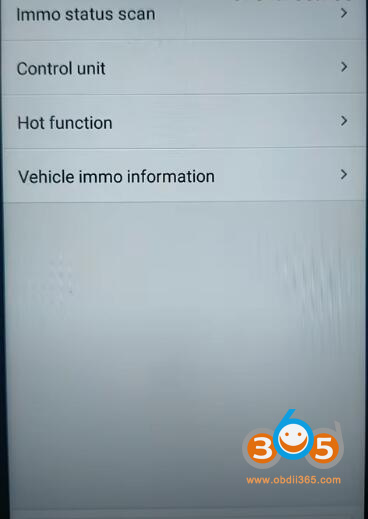
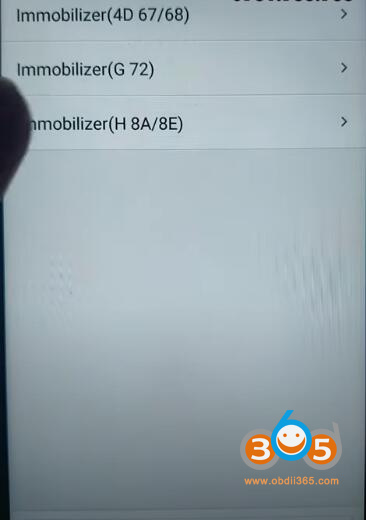
Go to Manual Selection- Other- Fortuner/Hilux SW4- Blade key- Control unit- Immobilizer (H 8A/8E)
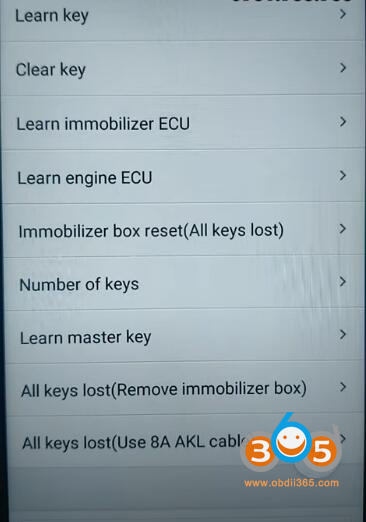
– All keys lost (Use 8A AKL Cable)
Follow instruction to connect Gbox, 8A AKL adapter with KM100
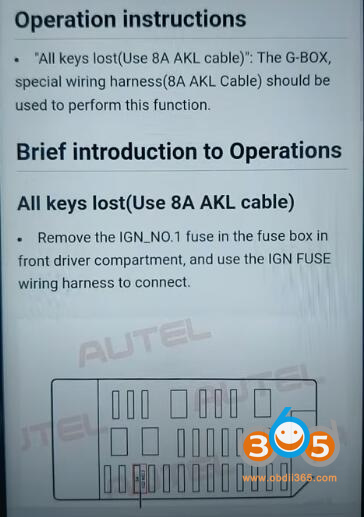
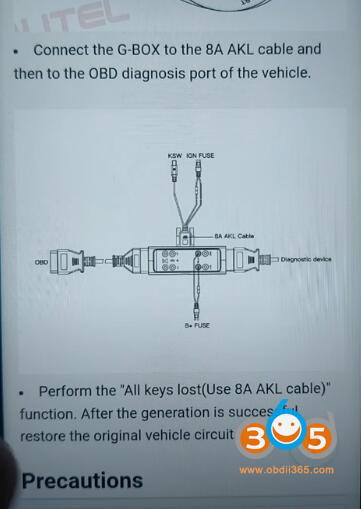
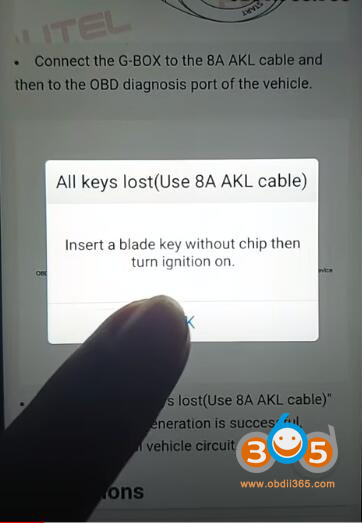
Then insert a blade key without chip, turn on ignition switch
Retrieve data and detect key type
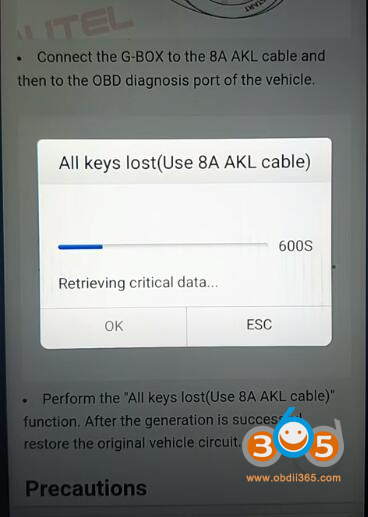
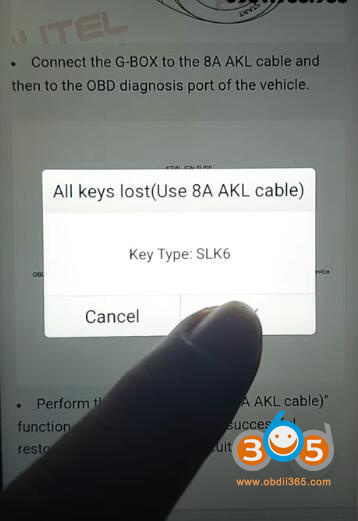
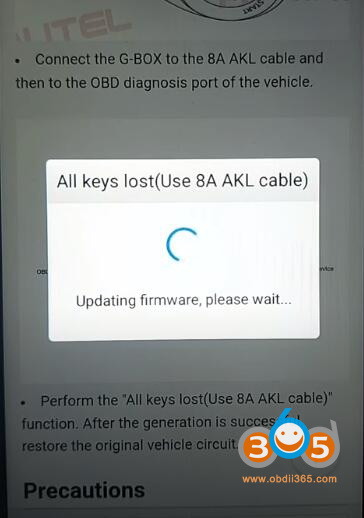
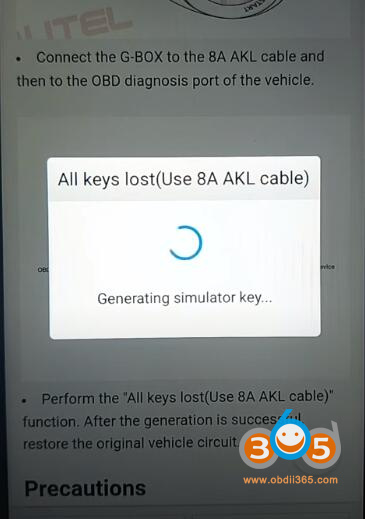
Generating simulator key.
Autel KM100 has a built-in simulator function so you don’t need APB112 emulator.
The simulator key is generated successfully. The simulator key can be used to turn on the ignition on and can be used as a registered key to perform ‘Add key’ function.
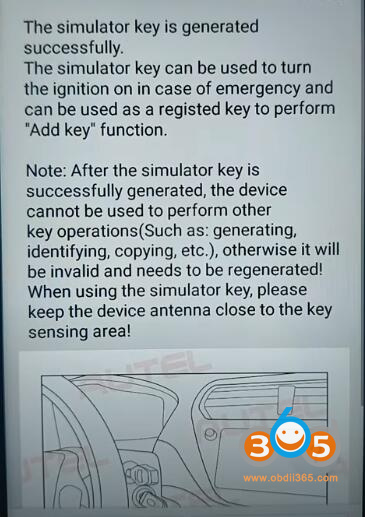
Then you go to Add key function and follow prompts to add a key.
Enjoy.