Program Toyota Corolla 2016 All Smart Key Lost with Autel KM100
How to program Toyota Corolla Altis 2016 all smart keys lost with by Autel MaxiIM KM100 via OBD2 without apb112 emulator.
Note:
For newer Toyota 2010-2022, rolling code is required, example: Autel KM100 2019-2022 Toyota Corolla Flip All Keys Lost
For Toyota 8A blade key all keys lost, gbox and 8A AKL adapter is required. example: Autel KM100 Program Toyota Fortuner All Keys Lost via 8A AKL Adapter
For this Corolla 2016, you don’t need code or adapter. Follow 3 steps to program all keys lost.
1. Backup Immo data
2. Generate simulator key
3. Add smart key
Step 1:
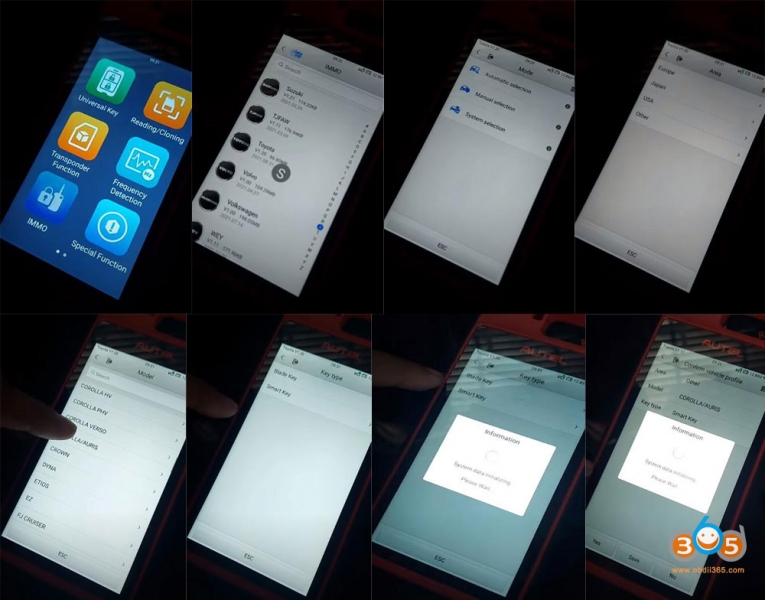
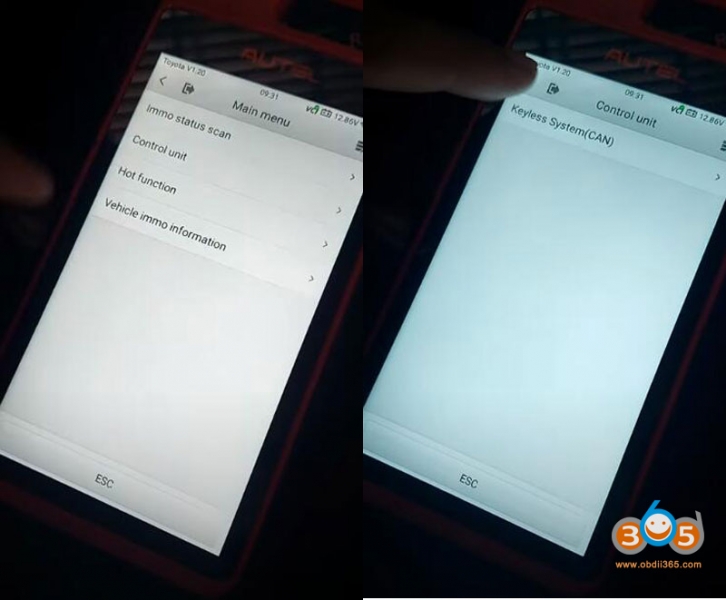
Go to IMMO- Toyota- Automatic Selection- Other- Corolla/Auris- Smart Key- Control Unit- Keyless System (CAN)
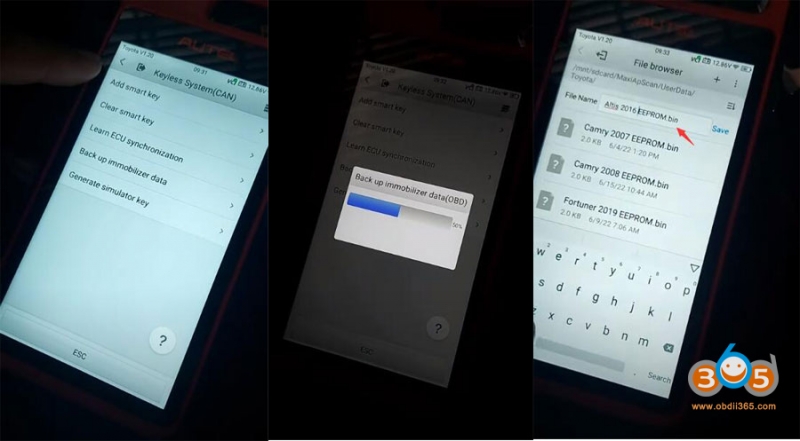
Select Backup immobilizer data
Save eeprom data
Backup succeed
Step 2:
Select Generate simulator key
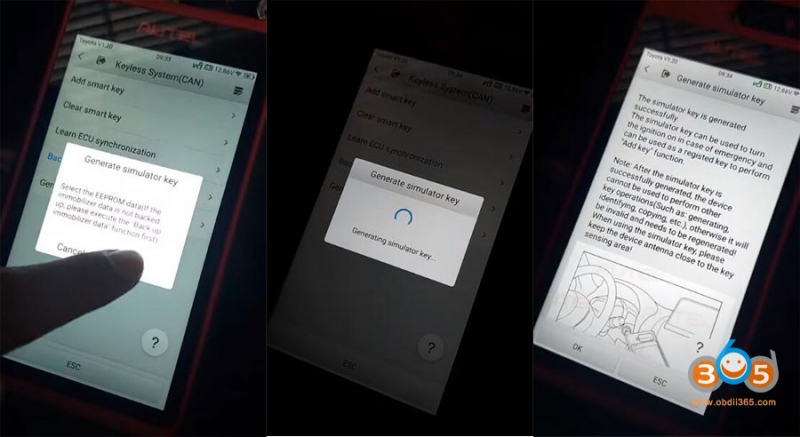
Generating simulator key
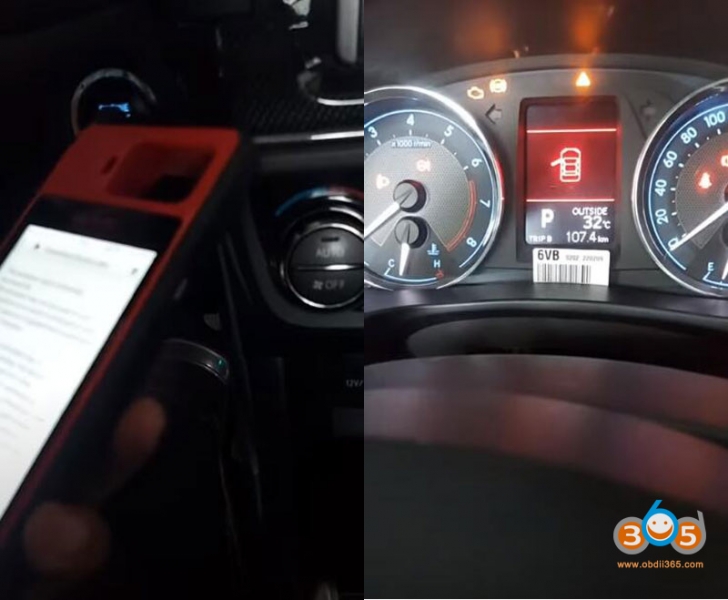
The simulator key is generated successfully. The simulator key can be used to turn on the ignition on and can be used as a registered key to perform ‘Add key’ function.
Keep the Autel KM100 antenna close to the key sensing area.
Press Start button to start ignition
Step 3:
Select Add smart key
Put a new smart key to be programmed close to the Start button.
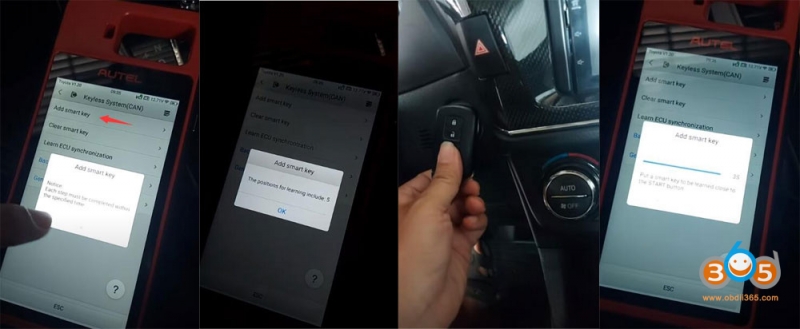
Wait until add key is completed.
Test the new key.
Done.