OBDSTAR X300 DP Plus Adds Audi Q5 2012 5th Immo Key
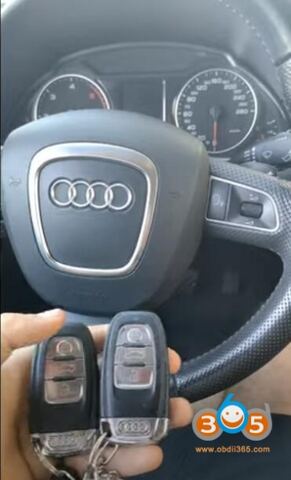
How-to: program Audi A5 2012 remote key by obdstar x300 dp plus via OBD successfully.
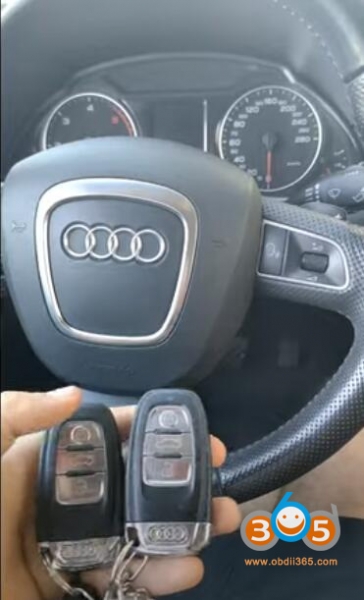
Procedure:
Step 1: Read Immo data
Step 2: Make dealer key
Step 3: Program keys/Learn Key
Go to Audi software V35.14 -Audi- Manual Select System- 5th generation IMMO- A4 A5 Q5- Read Immo Data
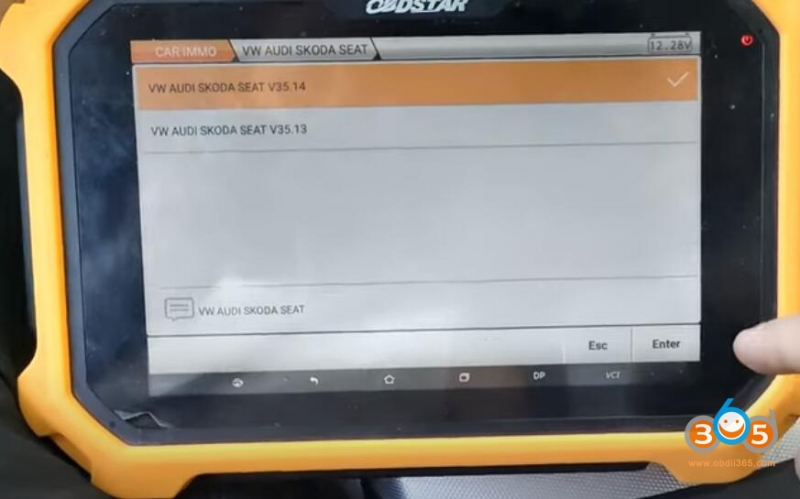
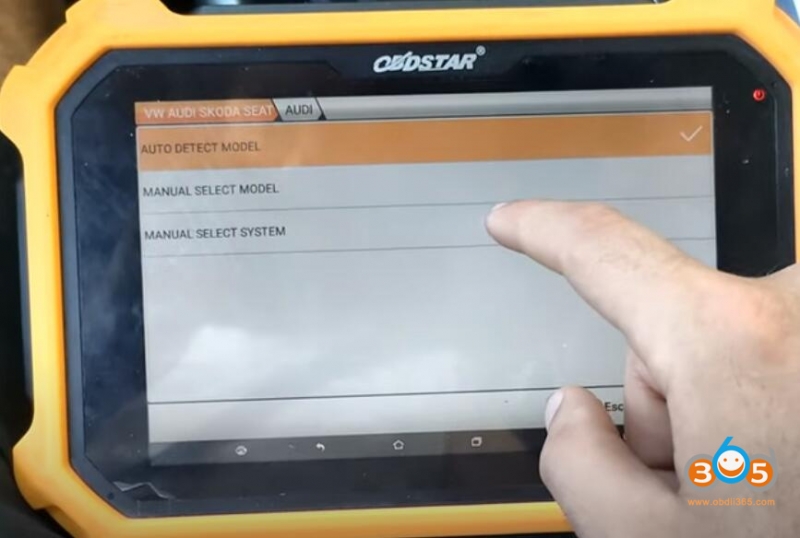
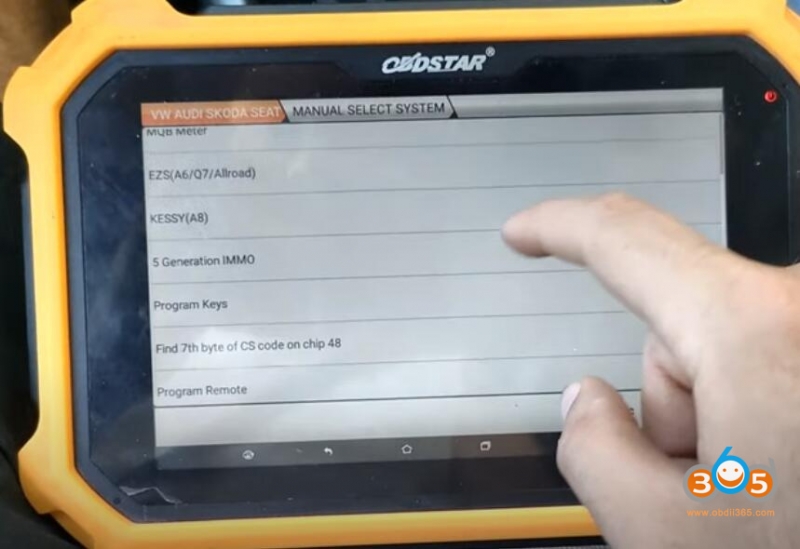
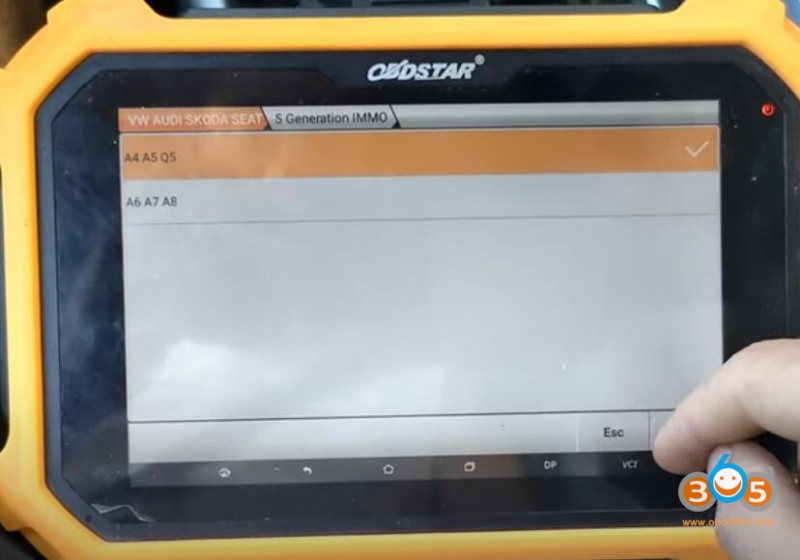
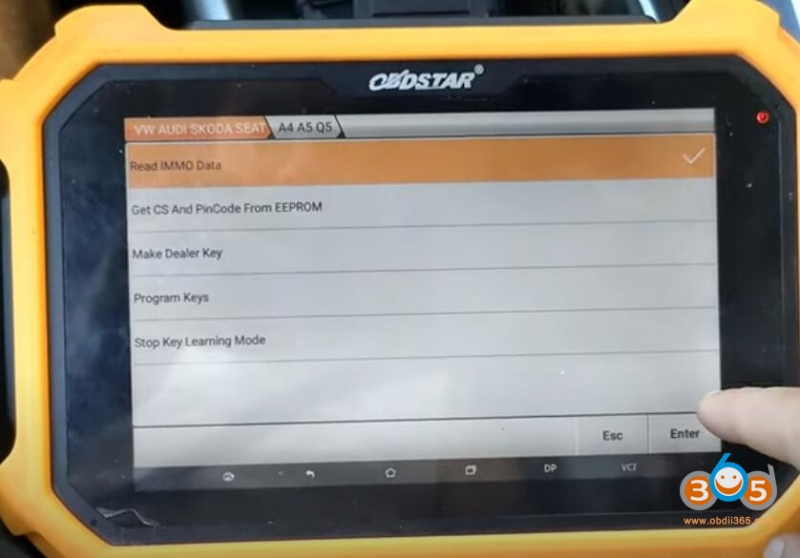
Turn on ignition switch
Read and save immo data
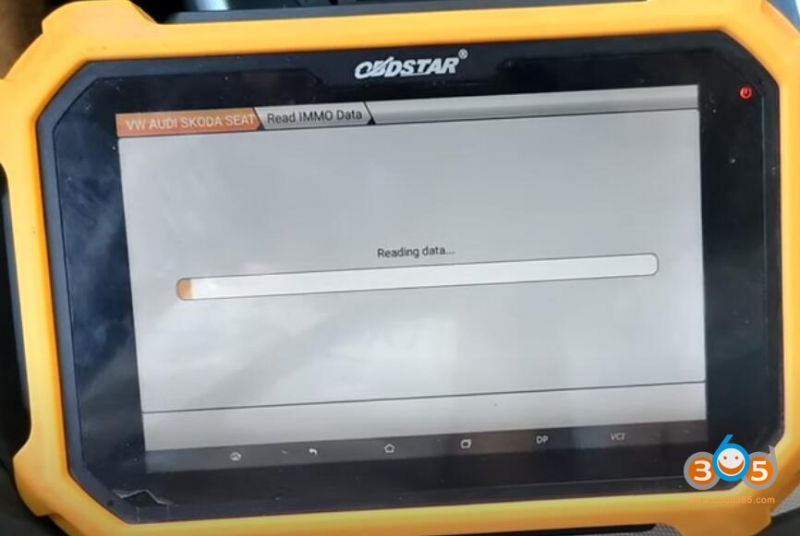
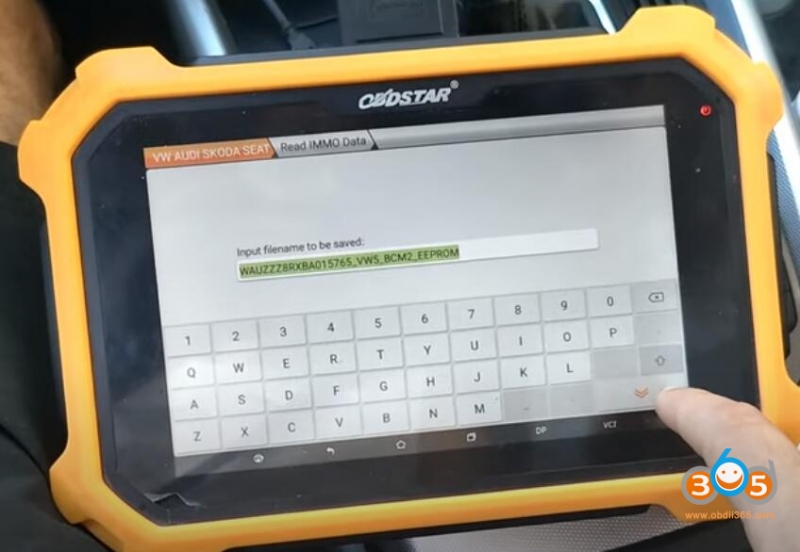
Select Make Dealer key
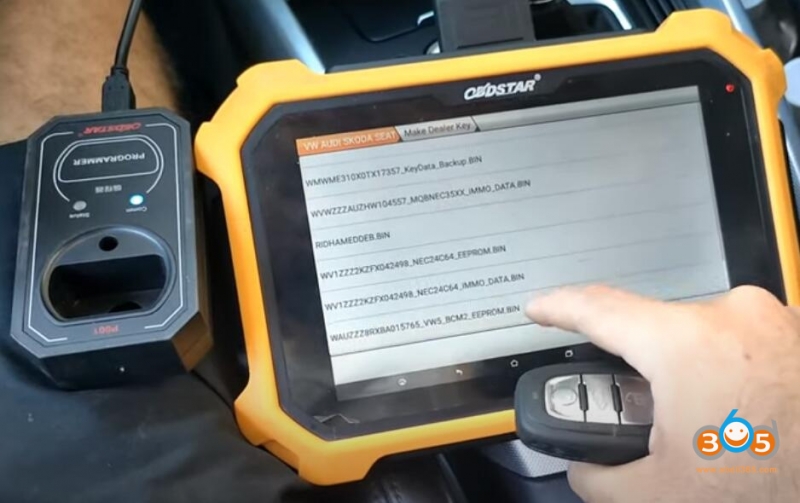
Select eeprom data just saved
make sure you have connected p001 with x300dp plus
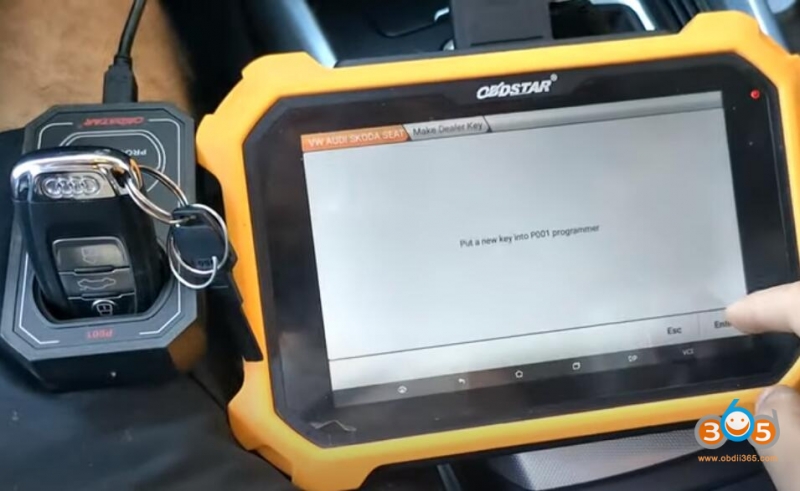
place a new key to p001 programmer
Select Program Keys
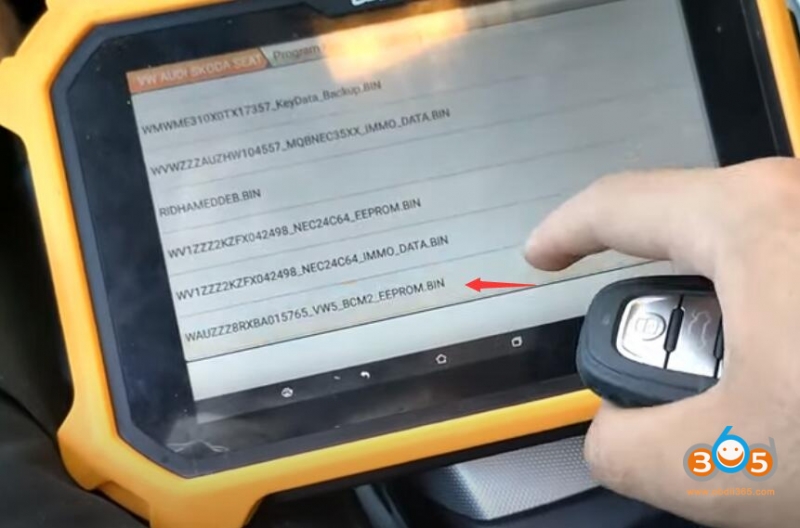
Select eeprom data just saved
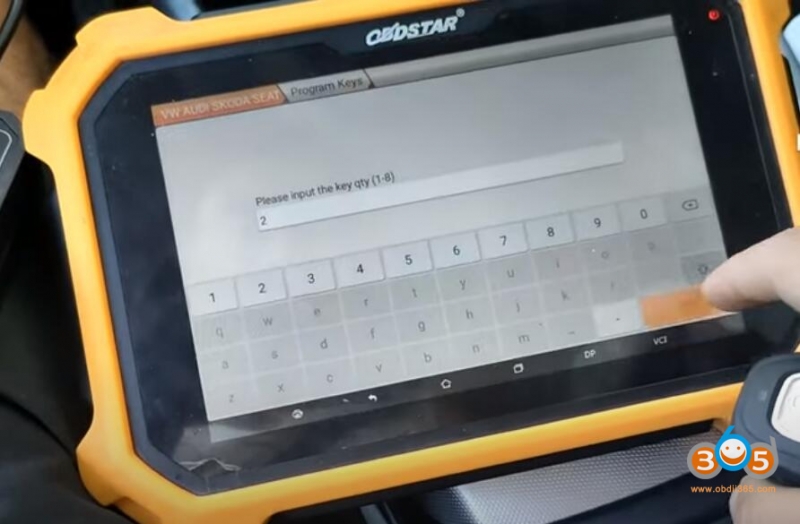
Input key number desired to read: 2
Turn on igniswion switch, press ENTER
insert new key and turn on ignition switch, if smart key, our the backside of the key to Start button and turn OFF-> ON key to recognize key
recognize key and learn key
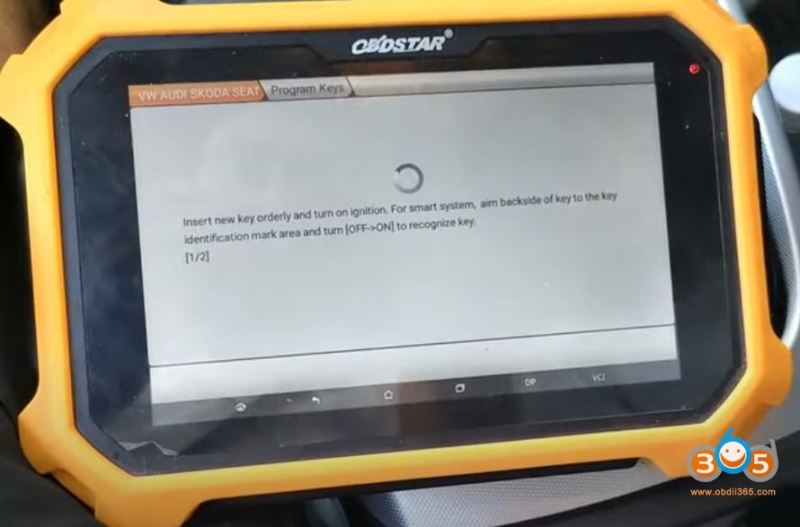
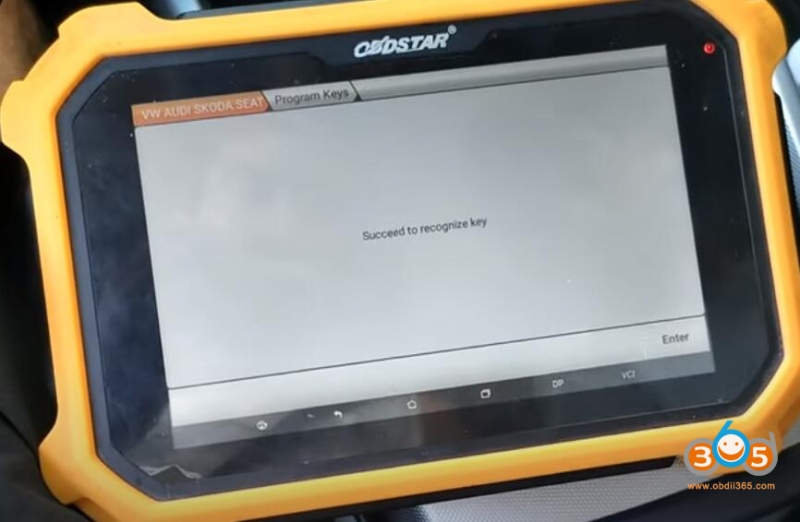
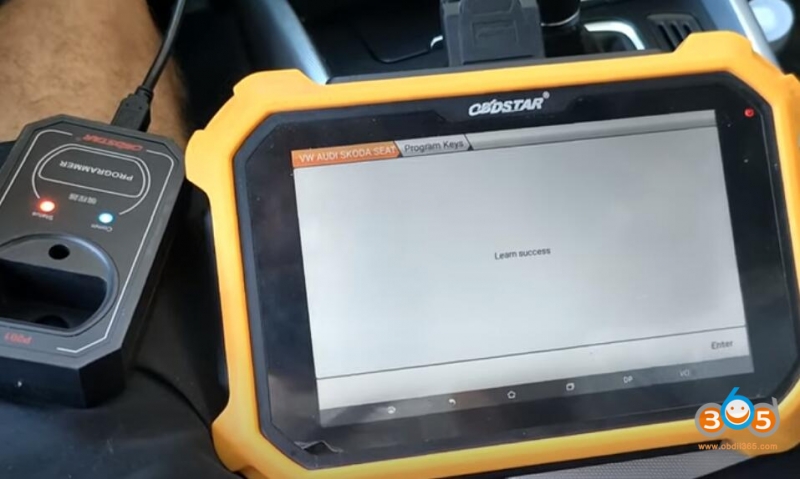
Test the new key
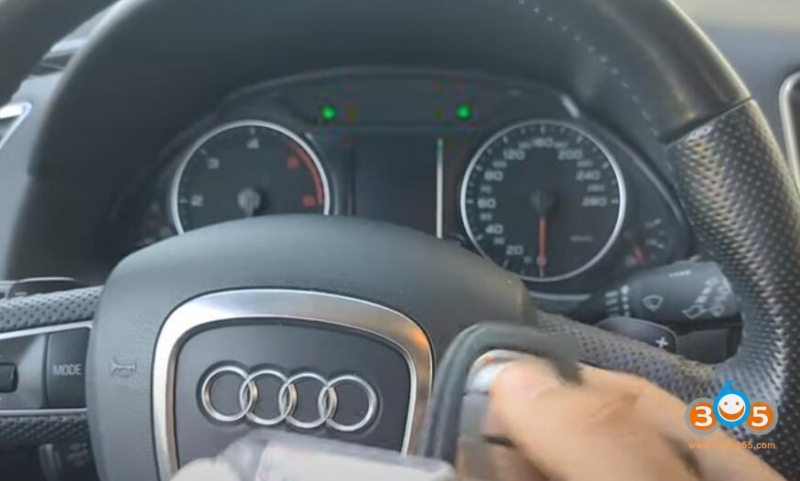
Done.