Skip to content
Key Programmer

    Autel KM100 Program Land Cruiser 4D All Smart Keys Lost via OBD
    info
    (0)

    Tutorial: How to program Toyota Land Cruiser 2017 Smart Key chip 4D (all keys lost) with Autel MaxiIM KM100 and Xhorse XM smart key.

    Step 1: Backup Immo Data

    Step 2: Generate Simulator Key (Don’t need APB112)

    Step 3:  Add Smart Key

    Step 1: Backup Immo Data

    Connect V200 dongle with vehicle, Pair V200 with KM100 via Bluetooth

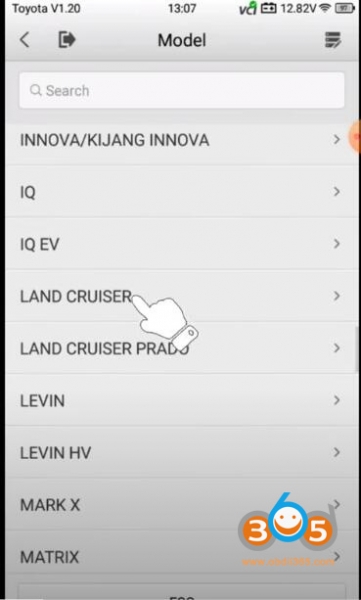
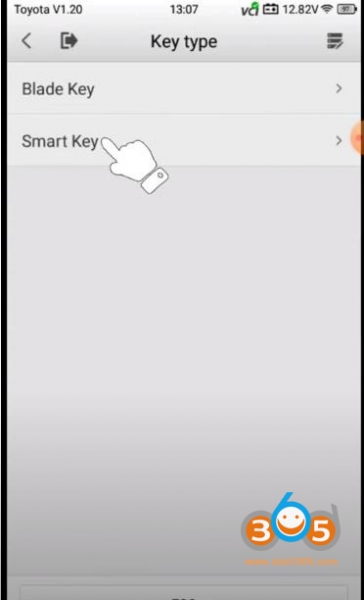
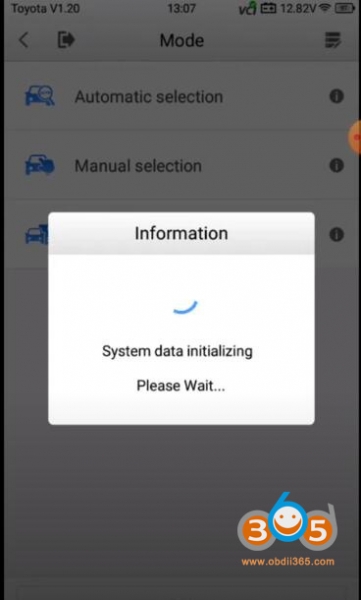
    Select Automatic selection- Toyota- Europe- Land cruiser- Smart Key
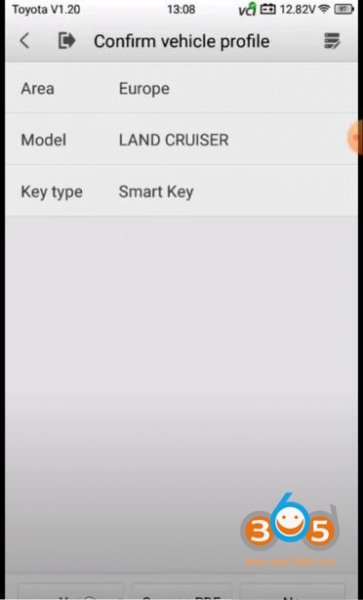
    Confirm vehicle information
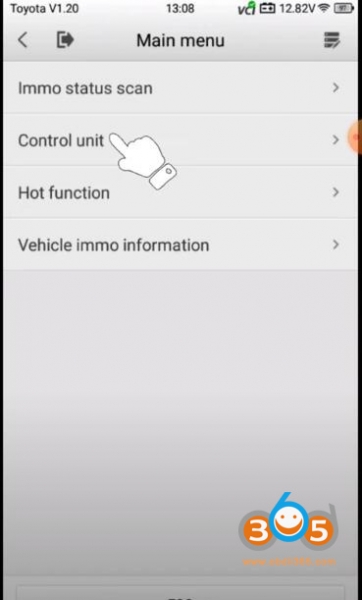
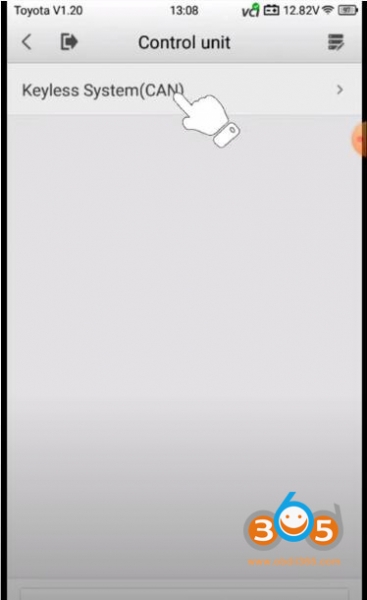
    Select Control Unit->Keyless System (CAN)
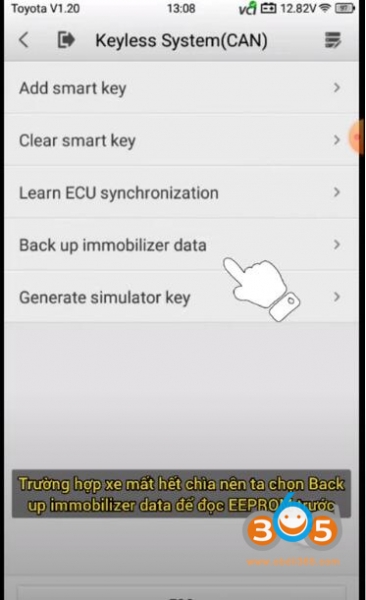
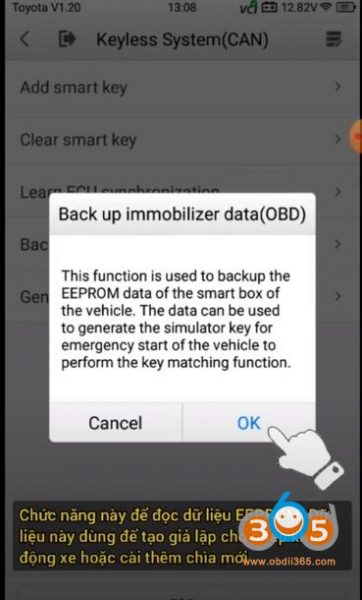
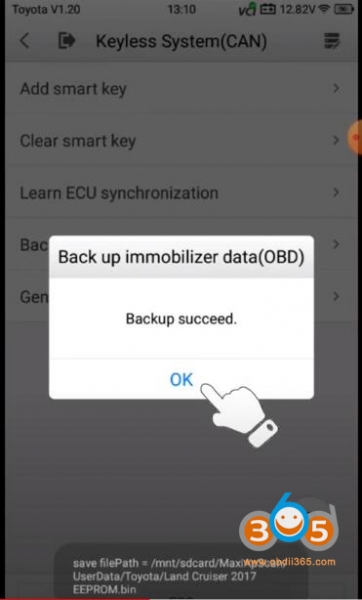
    Backup immobilizer data
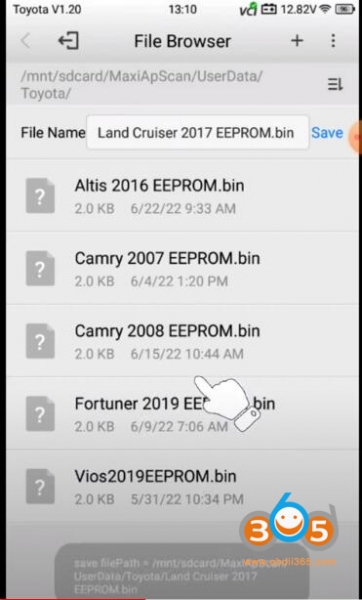
    Backup immo data successfully
    
			Autel KM100 Program Land Cruiser 4D All Smart Keys Lost via OBD

    
			Autel KM100 Program Land Cruiser 4D All Smart Keys Lost via OBD

    
			Autel KM100 Program Land Cruiser 4D All Smart Keys Lost via OBD

    
			Autel KM100 Program Land Cruiser 4D All Smart Keys Lost via OBD

    
			Autel KM100 Program Land Cruiser 4D All Smart Keys Lost via OBD

    
			Autel KM100 Program Land Cruiser 4D All Smart Keys Lost via OBD

    
			Autel KM100 Program Land Cruiser 4D All Smart Keys Lost via OBD

    
			Autel KM100 Program Land Cruiser 4D All Smart Keys Lost via OBD

    
			Autel KM100 Program Land Cruiser 4D All Smart Keys Lost via OBD

    
			Autel KM100 Program Land Cruiser 4D All Smart Keys Lost via OBD

    Step 2: Generate Simulator Key 

    KM100 has built-in simulator.  You don’t need apb112 emulator.
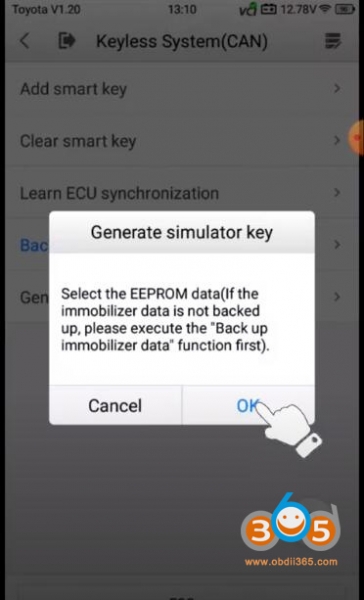
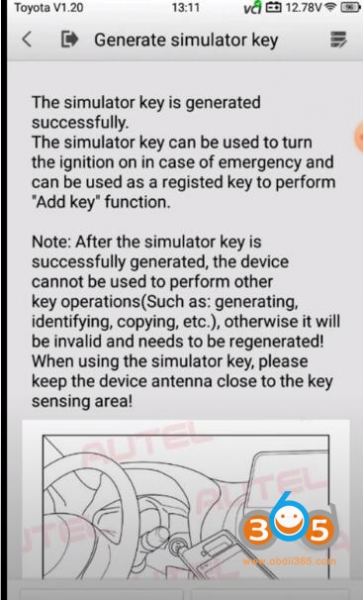
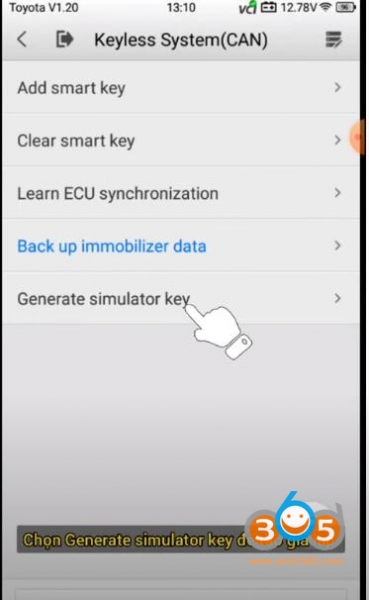
    Now select Generate simulator key
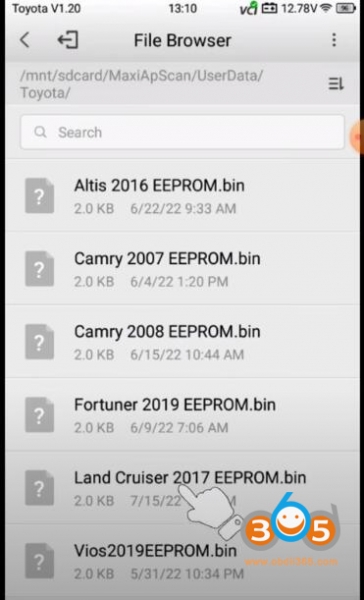
    Select eeprom data just backuped
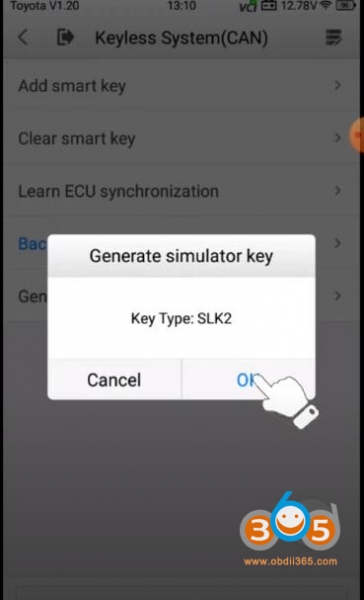
    Generate emulator key successfully
    
			Autel KM100 Program Land Cruiser 4D All Smart Keys Lost via OBD

    
			Autel KM100 Program Land Cruiser 4D All Smart Keys Lost via OBD

    
			Autel KM100 Program Land Cruiser 4D All Smart Keys Lost via OBD

    
			Autel KM100 Program Land Cruiser 4D All Smart Keys Lost via OBD

    
			Autel KM100 Program Land Cruiser 4D All Smart Keys Lost via OBD

    Step 3:  Add Smart Key
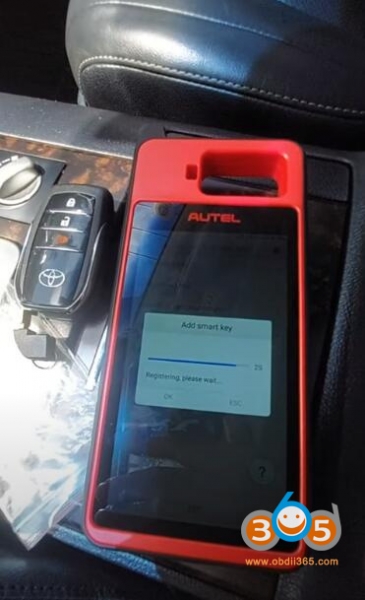
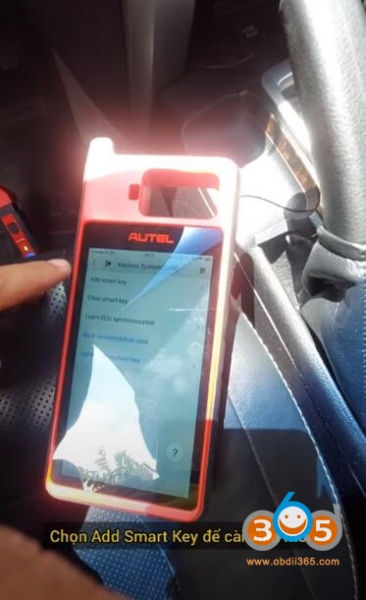
    Now Add smart key
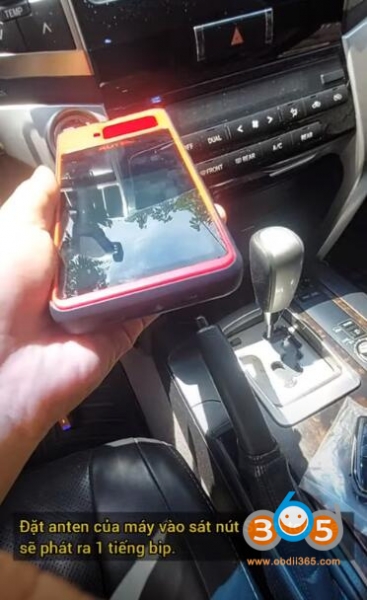
    Connect your device antenna to the Startstop button. The car will make 1 beep
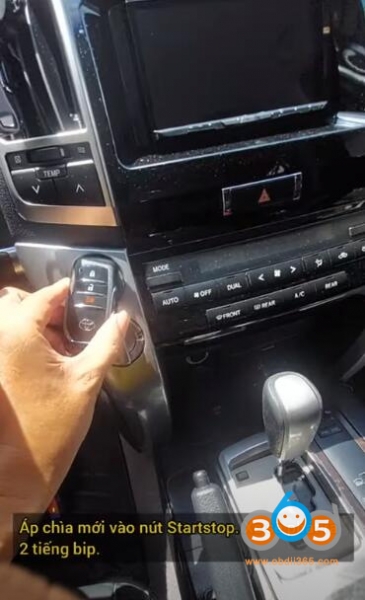
    Put new xhorse xm28 smart key to the Startstop button, the car will make 2 beeps

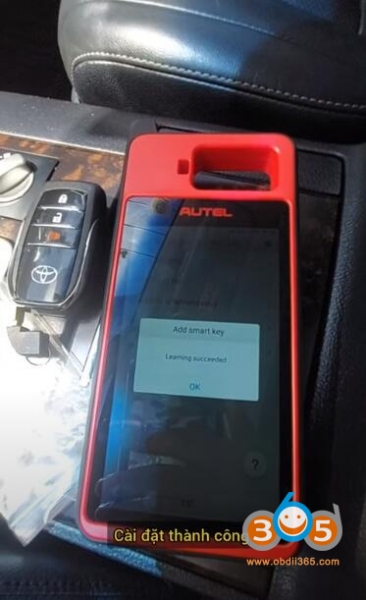
    Add smart key successfully

    Test the new smart key
    
			Autel KM100 Program Land Cruiser 4D All Smart Keys Lost via OBD

    
			Autel KM100 Program Land Cruiser 4D All Smart Keys Lost via OBD

    
			Autel KM100 Program Land Cruiser 4D All Smart Keys Lost via OBD

    
			Autel KM100 Program Land Cruiser 4D All Smart Keys Lost via OBD

    
			Autel KM100 Program Land Cruiser 4D All Smart Keys Lost via OBD

    Rate this article (0)