Autel IM508 IM608 Error Code 9 Solution
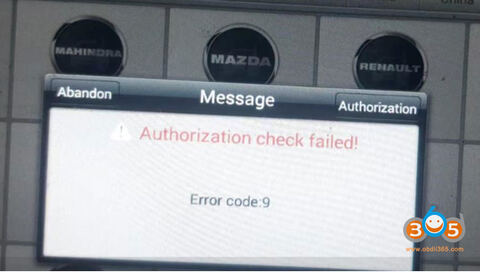
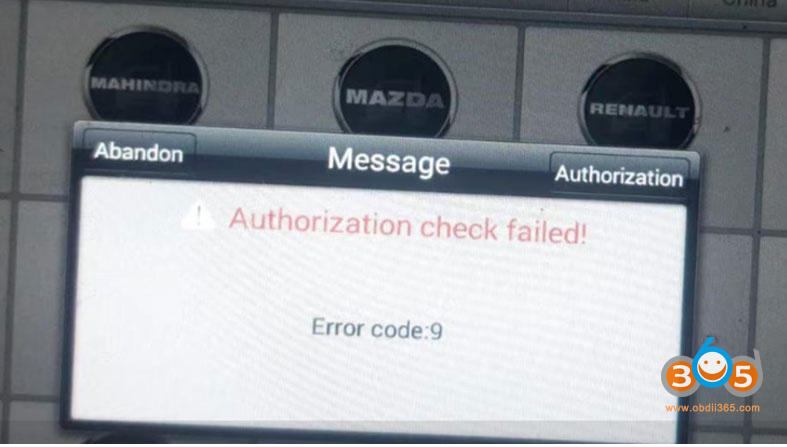
Here comes the solution to Autel IM508/IM608 “Authorization check failed Error Code 9” problem.
Common solution:
Delete specific car software and download again.
Path: data manager> uninstall app> delete, update
Error code 9: Asian cars, Delete sd>scan>vehicle immo>Asia>Talos, then update
Error code 9: Chinese cars, Delete sd>scan>vehicel immo>Domestic>Conqueror, then update
Error code 9; Programmer, data manager> uninstall app> delete, update