How to Save Sync Data for Autel IM508 IM608 VAG MQB?
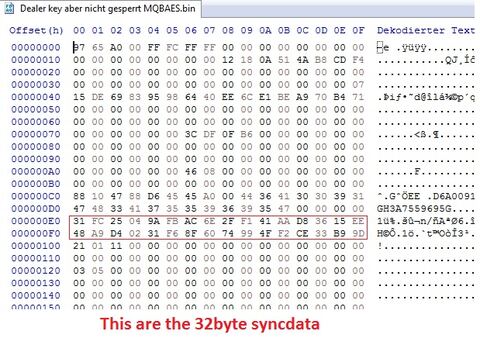
Autel and sync data for VAG MQB system:
If someone will save with Autel MaxiIM IM508/IM608/IM608 PRO/IM608 II the syncdata after preparing the dealer key, here are the instructions.
Works only if original key is available.
- read immo data and save the CS
- generate with CS and data from original key a dealer key
- do not learn the key
- go into key menu read the key and read the eeprom from the dealer key and save it
- now you can learn the dealer key to the car.
If sometime this car have an All keys lost situation you can program/learn the key (or aftermarket keys ) with CS and sync data which you have saved.
Here you find the sync data in the key eeprom which are readed after generated dealer key.
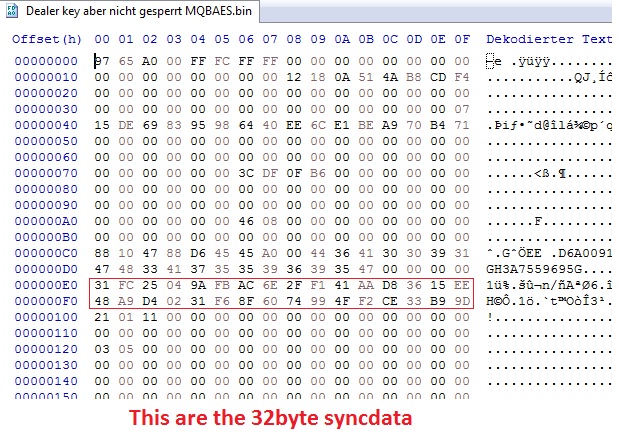
It’s for Autel users.
Xhorse VVDI key tool plus and Vvdi2 generate sync data automatically.
NOTE: Neither Autel nor Xhorse will retrieve sync data. You need to obtain from 3rd party.