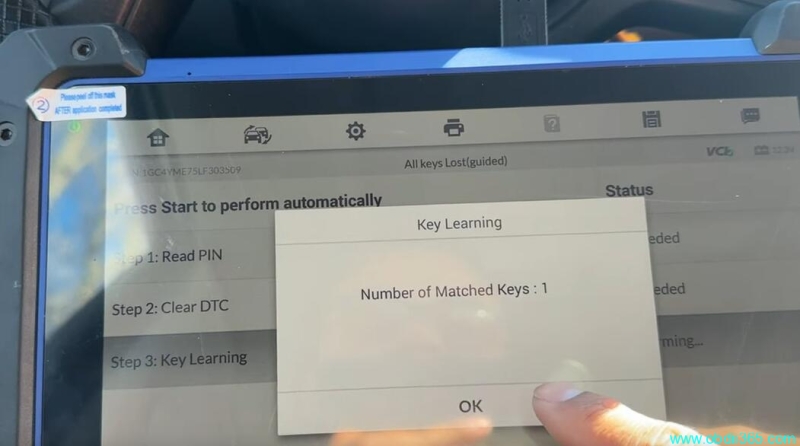
Autel IM608 Program 2020 Chevy Silverado All Keys Lost
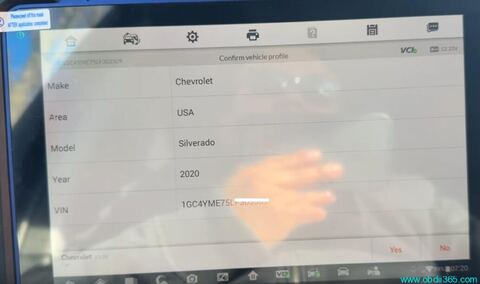
This is a 2020 Chevrolet Silverado with blade key. Here you can add key but the guy said that he wants to erase all the keys, so we are gonna go to all keys lost procedure.
You can add key even if you don’t have a working key on chevy, Adding a key doesn’t delete current keys programmed to the vehicle.
** NOTE:
1.Make sure battery fully charged, this is highly recommended, if battery isn’t fully charged there is a possibility that vehicle won’t start.
2.If it is smart proximity, IM608 won’t calculate security code directly. This is blade key, so it will calculate pin.
Connect Autel IM608 with USB and enable WiFi connection
Select GM->Automoatic selection
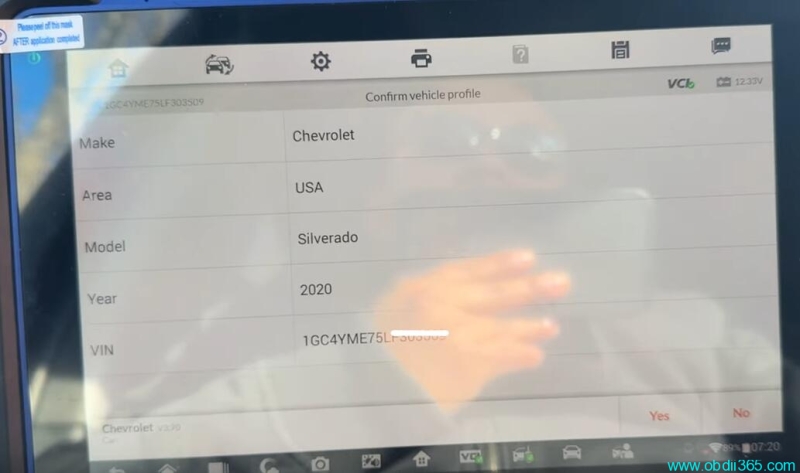
Confirm vehicle information
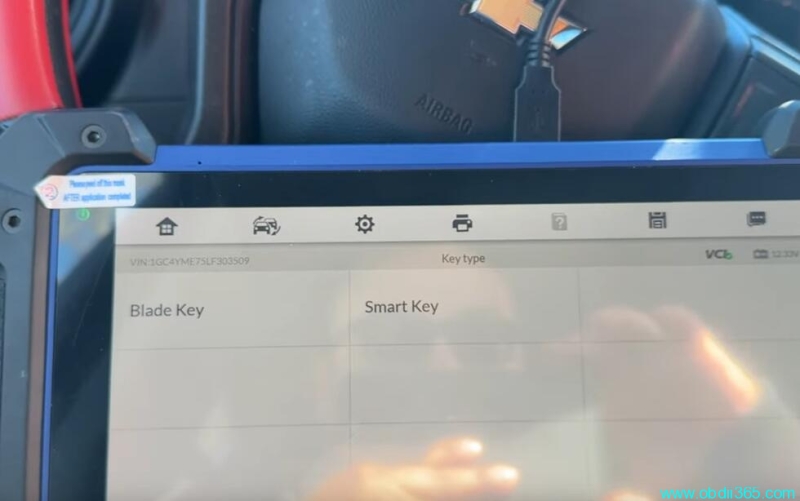
Select Blade key
Do a Immo status scan
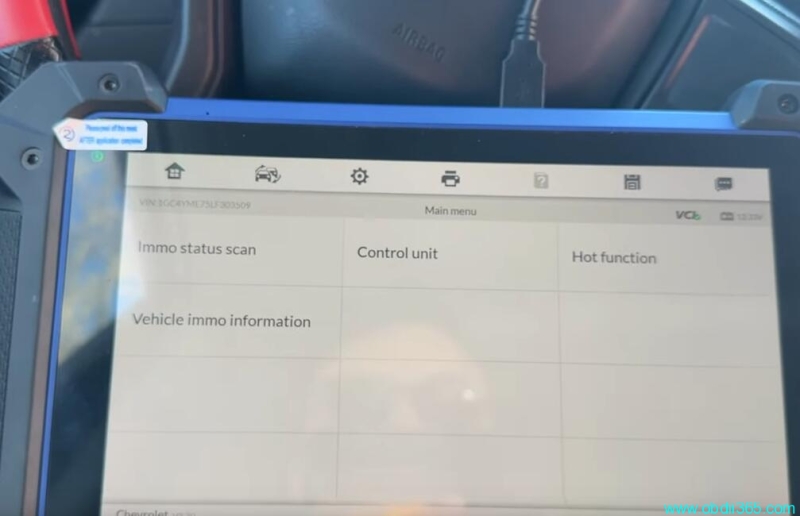
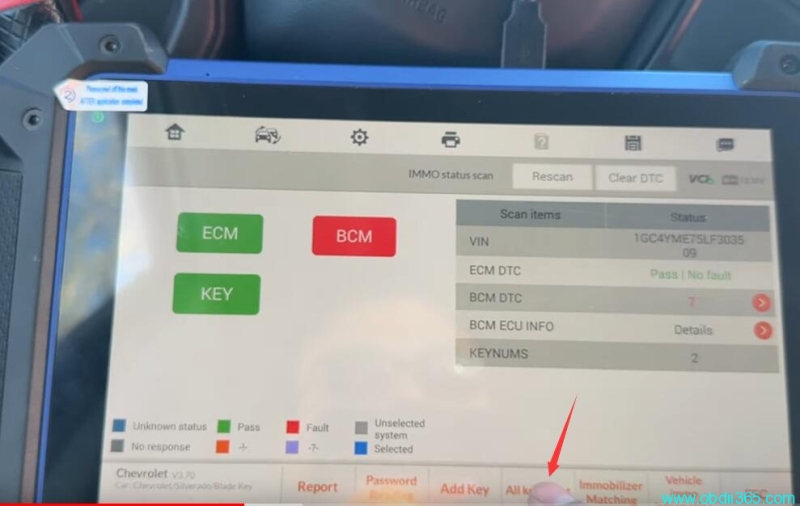
Turn on ignition switch
Select All keys lost
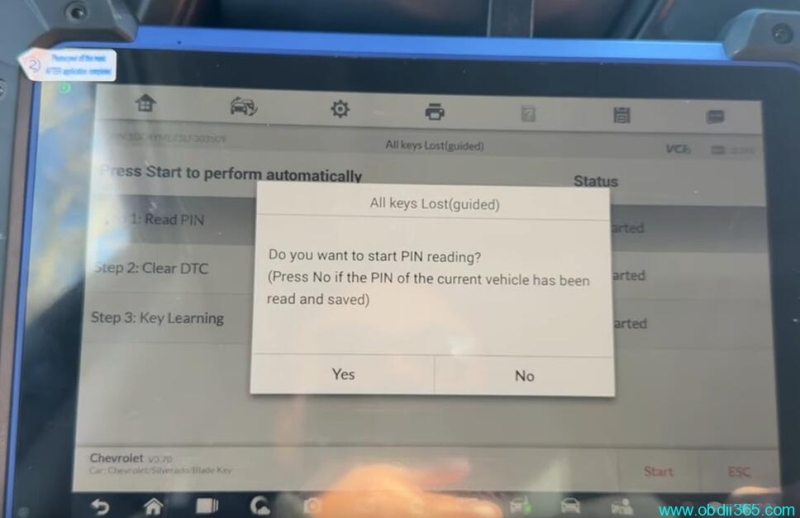
Follow 3 steps to program key
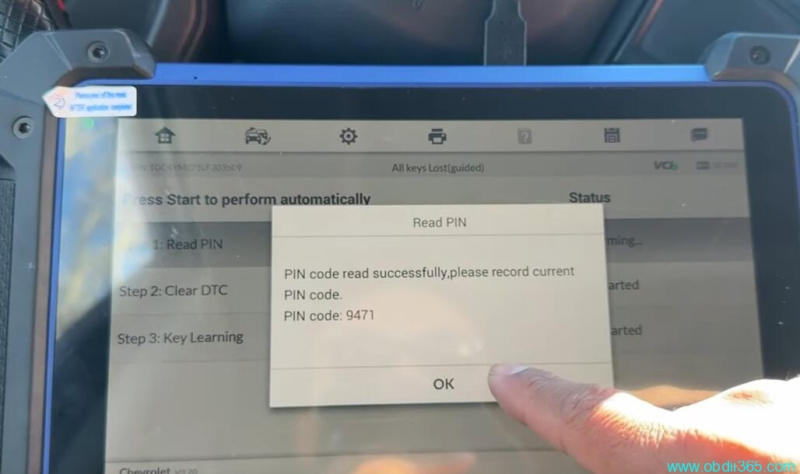
Step 1: Read PIN
This function requires network connection
Read 4-digit pin successfully.
Step 2: Clear DTC
Step 3: Learn key
Learn key requires 4-digit pin.
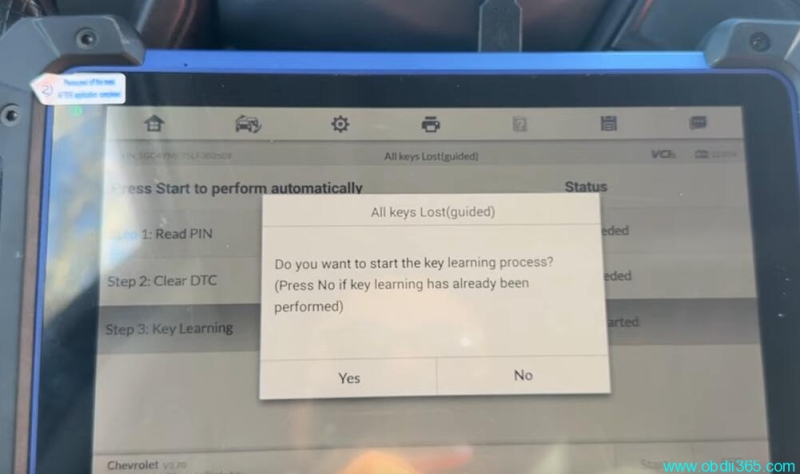
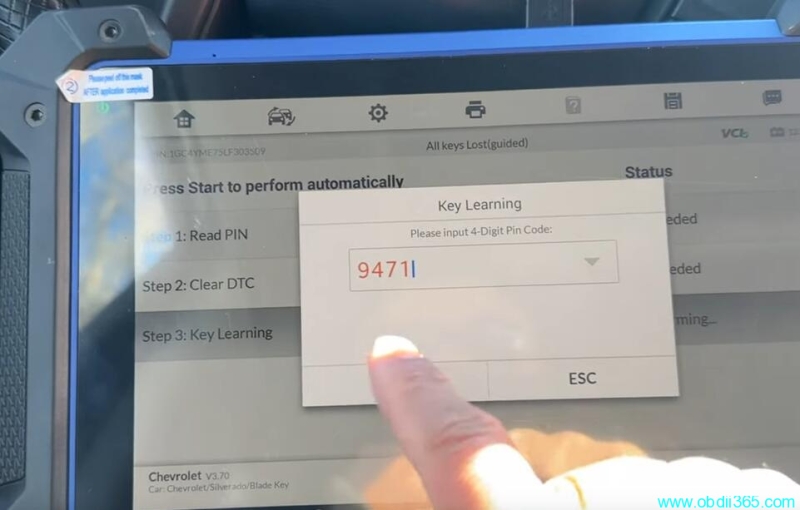
Follow IM608 promts to turn ignition on, open/close driver door until key learning completed.