How to Factory Reset Launch X431 IMMO Elite Tablet?
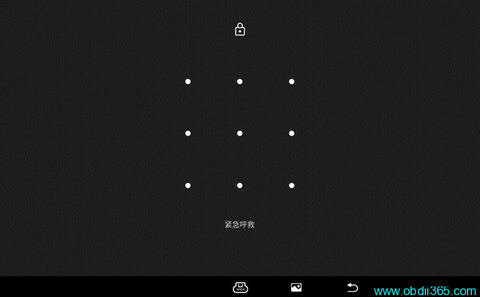
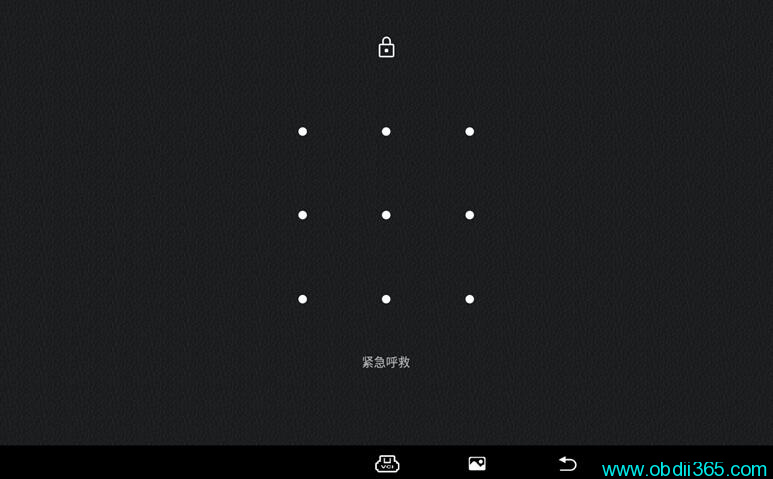
If forget the Launch X431 IMMO Elite pattern lock screen, you may need to reset the tablet to factory status.
Step 1: Reset IMMO Elite to factory setting
Turn off IMMO Elite tablet.
Long press power button for 3-5 seconds, release then press power button 5 times quickly.
NOTE:
Press power button 5 times quickly before LAUNCH logo comes out.
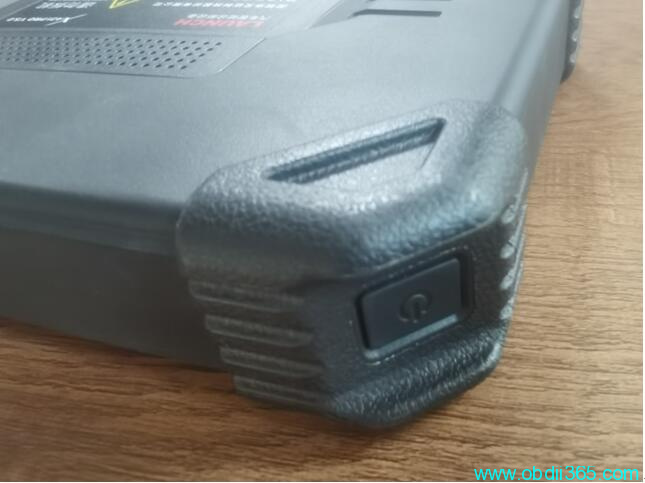
System enter into engineering mode.
Long press power button to enter image blow
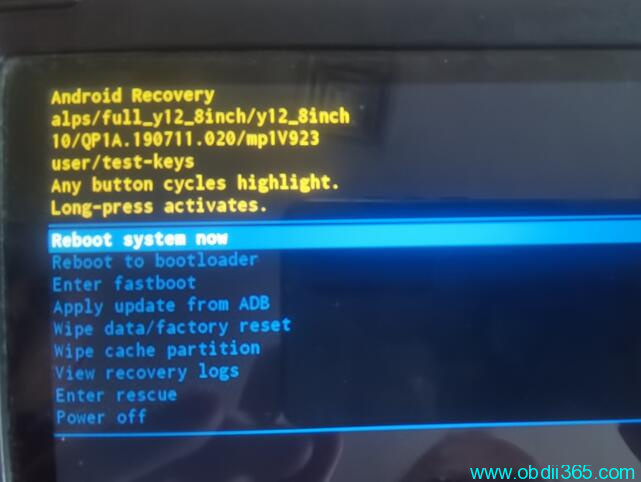
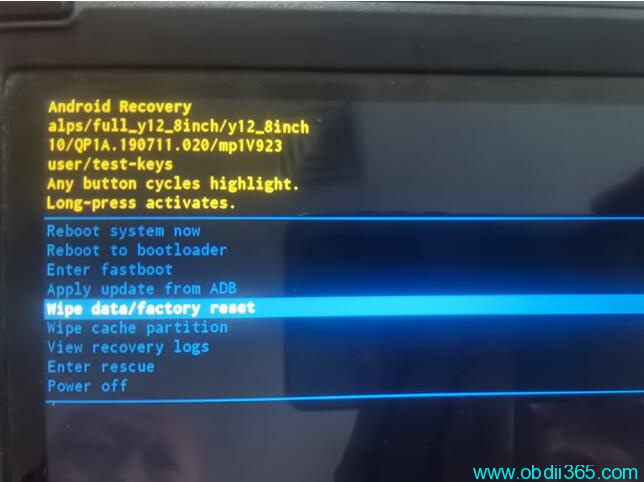
Short press power button to pull down the menu and select Wipe data/factory reset
Long press power button to enter this page
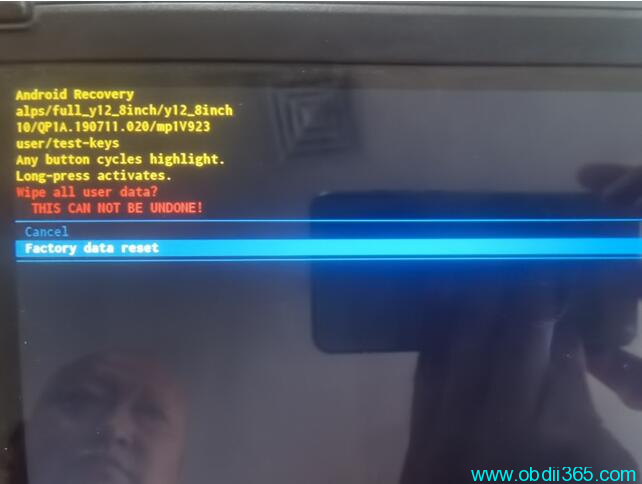
Short press power button to select Factory data reset. Then long press power button to enter this page
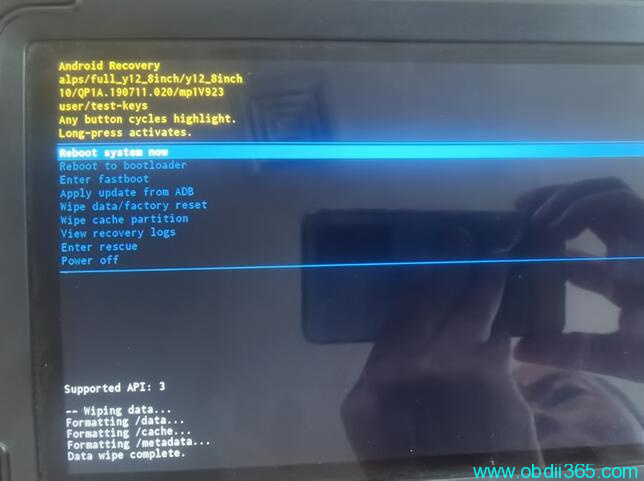
Long press power button to enter recovery mode
Step 2: download IMMO Elite app from browser
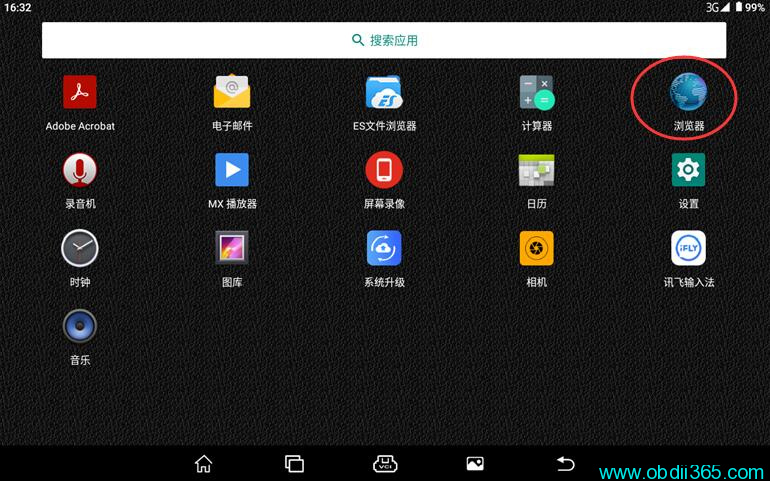
Run browser in home menu
Visit https://www.x431.com/
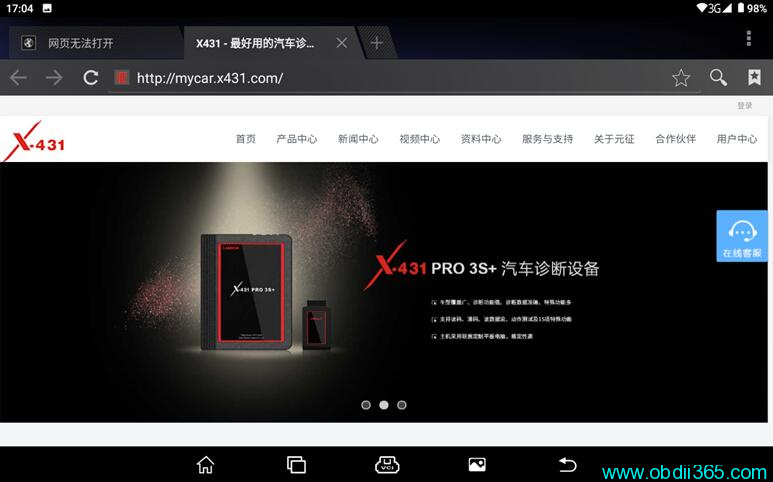
Go to Login in the up-right corner. Log in with your X431 CC number/ user name and password.
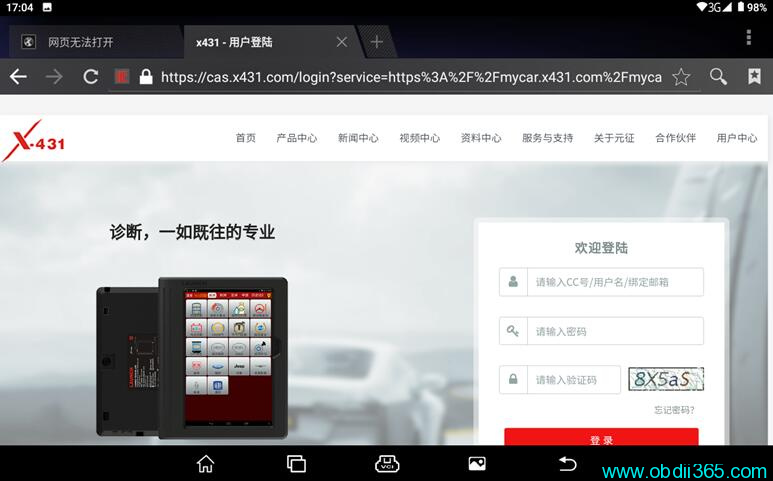
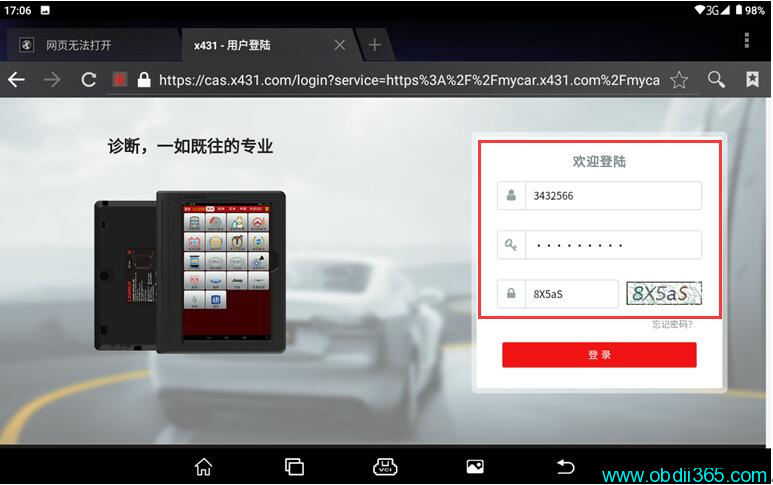
Download IMMO Elite app
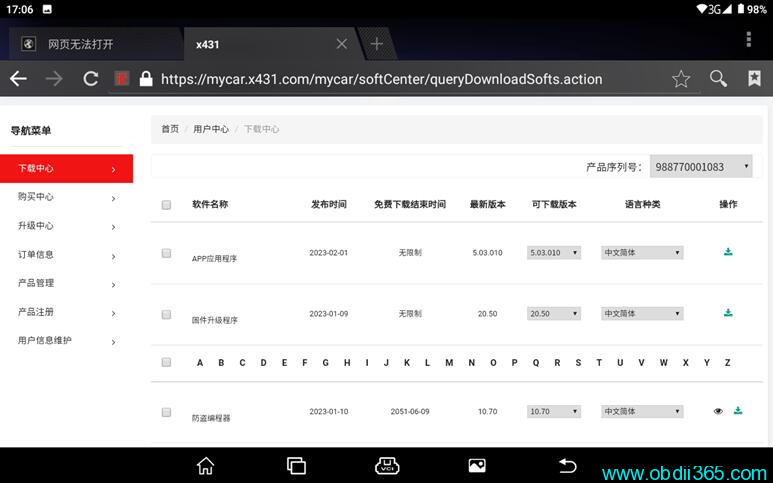
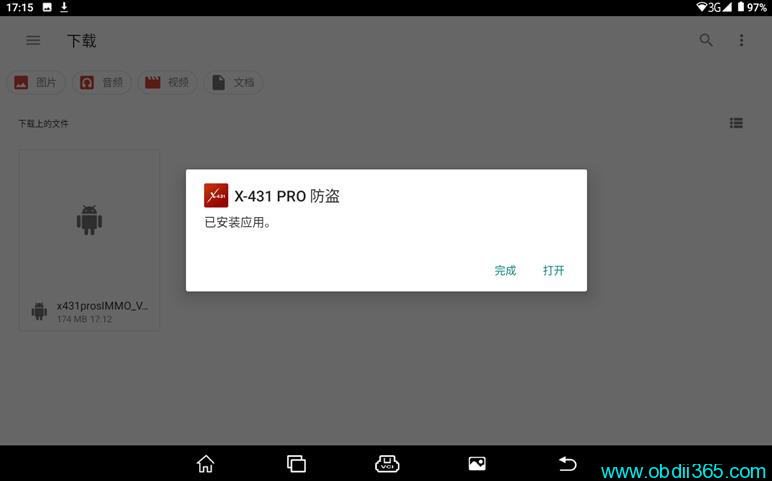
Install App
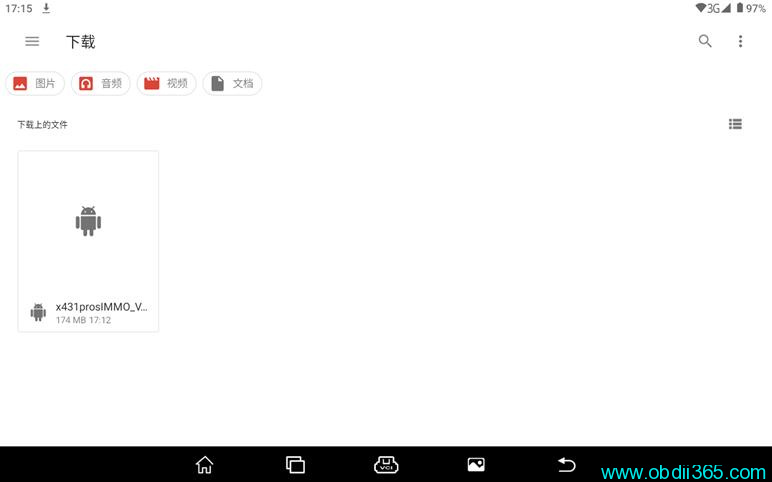
Run IMMO Elite App
Login X431 IMMO Elite with user name and password
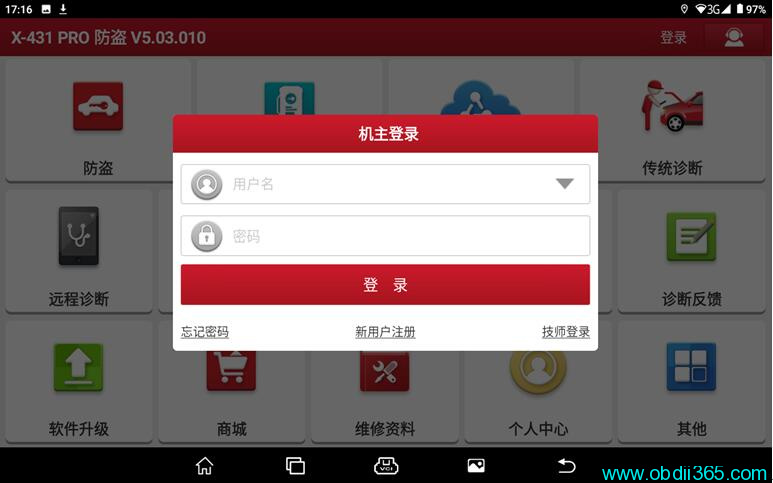
Then download software in Update.