How to Bind OBDSTAR Tools to OBDSTAR App?
—
(0)
OBDSTAR App provides car, motorcycle and marine maintenance and repair guides for OBDSTAR tools.
Here is the instruction on combining obdstar tools with OBDSTAR App.
First of all, download and install OBDSTAR App by scanning QR code here.
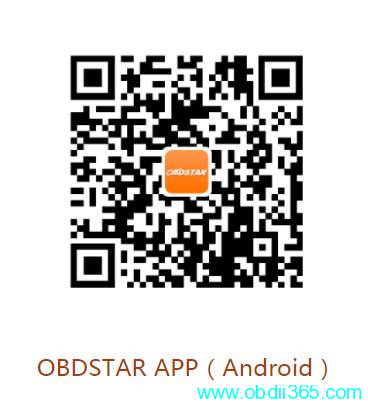
For Android system at present. iOS App is under development.
How to Combine OBDSTAR Tools with App?
Power on OBDSTAR tool
Connect device with WiFi
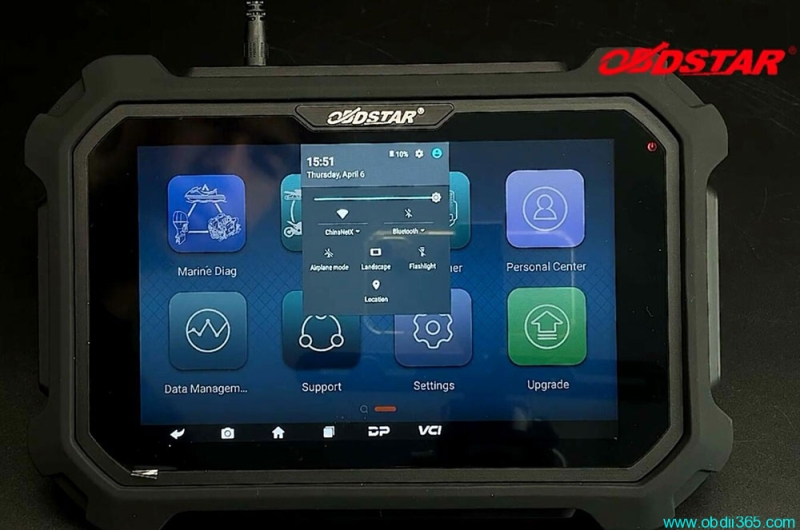
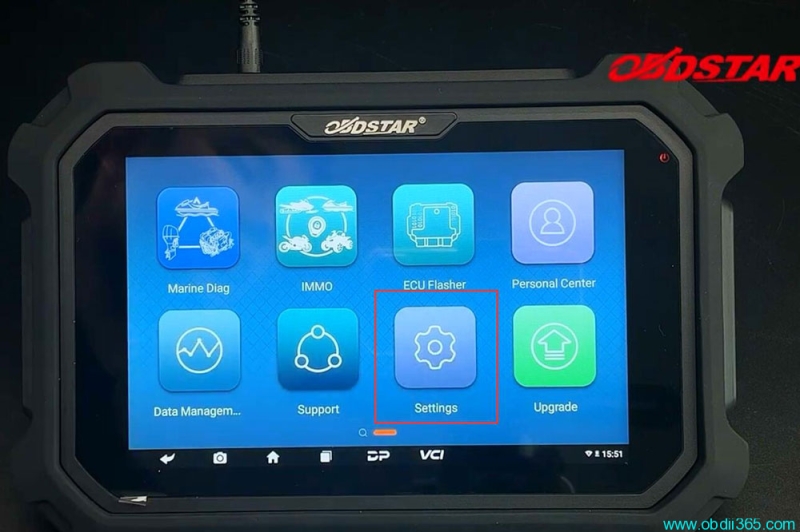
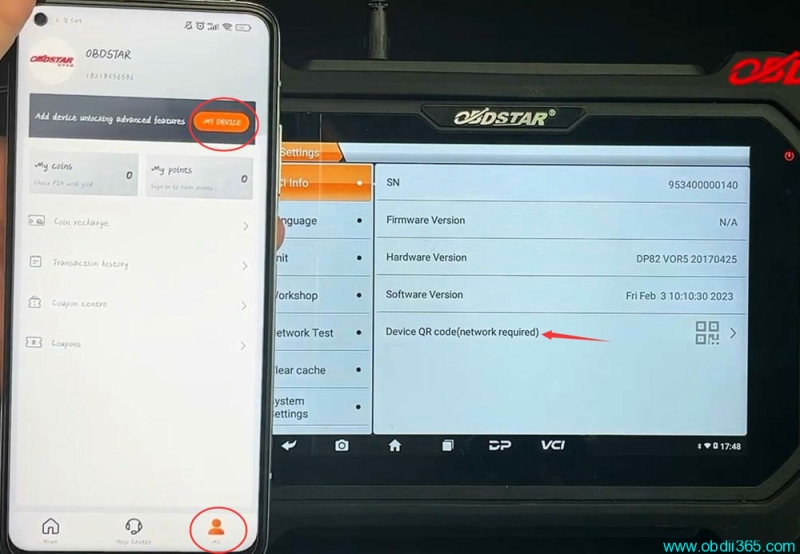
Go to Settings->Device QR code
Then run OBDSTAR App, click me icon->My device
Select Device Binding and scan the QR code on your OBDSTAR device
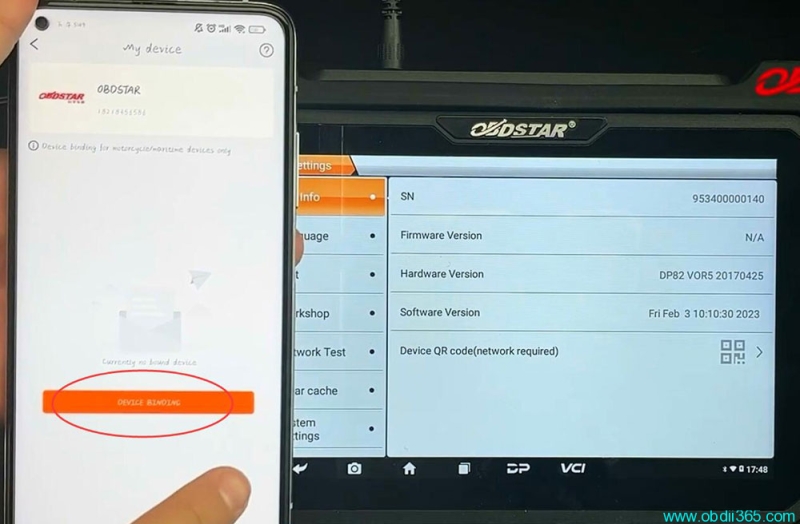
Scan QR code to confirm device information
Check if device serial number is the same

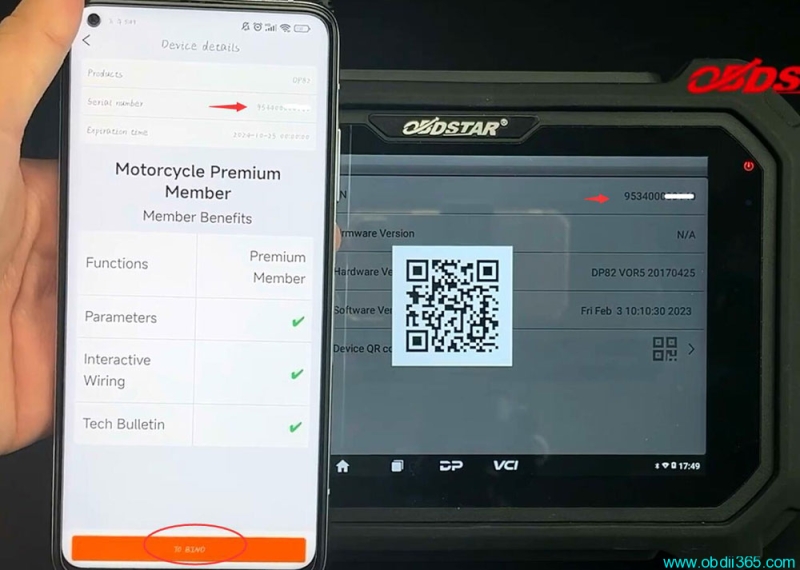
Then press “To Bind” to combine device with App
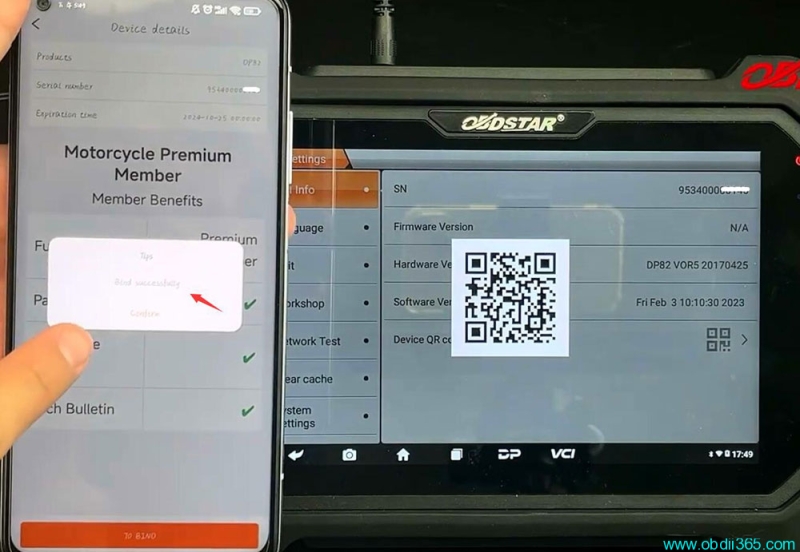
Combine device successfully
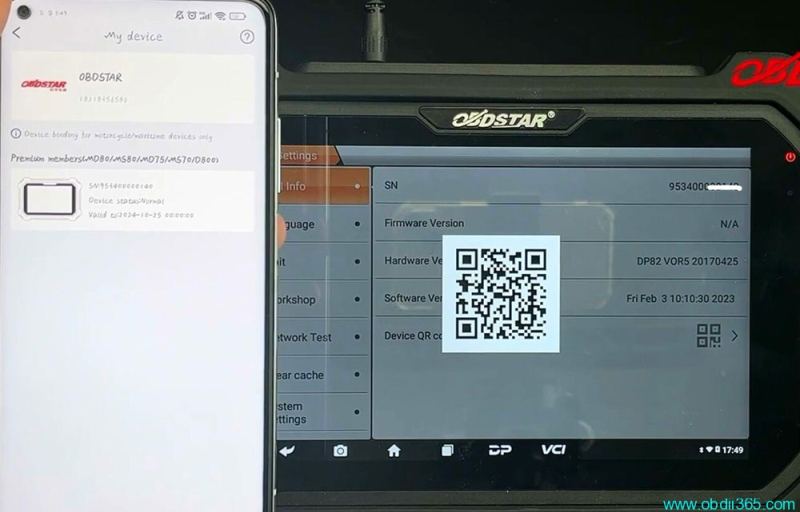
Now you will see your device in OBDSTAR App.
Rate this article
—
(0)